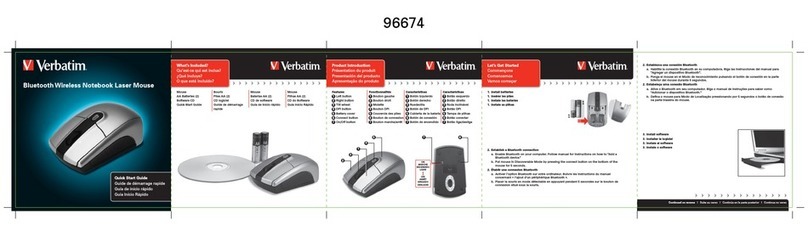
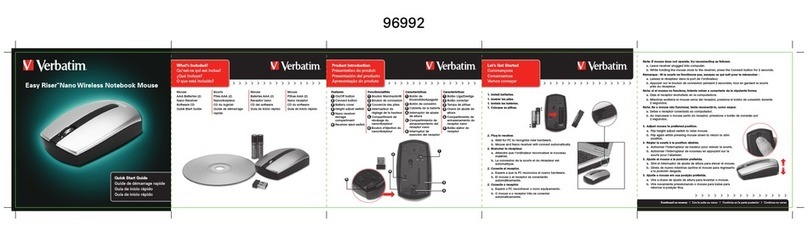
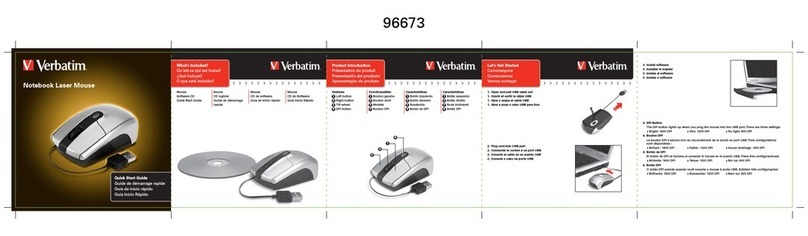
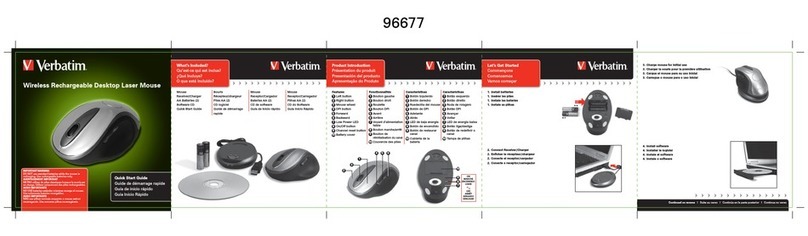
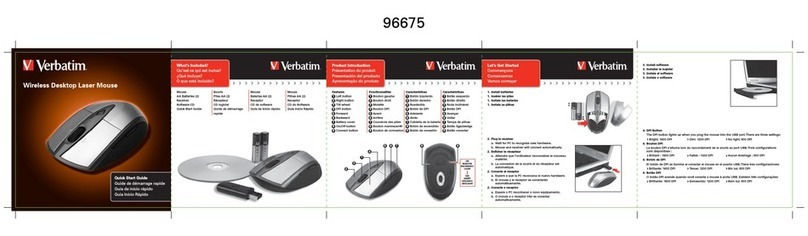
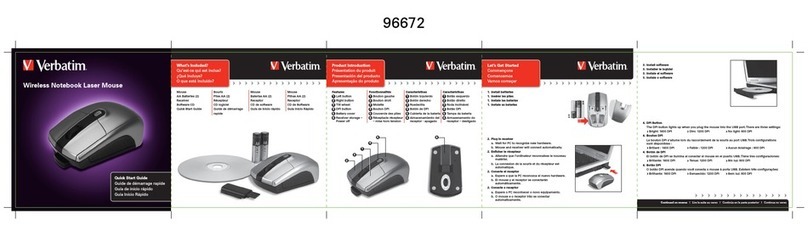
Software Introduction
The so
ollow the steps below to install
M drive; the installation menu will be executed
h the installation step b
step.2.
Note: Before running the program, make sure the mouse is connected with the computer.
Please consult the User Guide on the CD Rom for a
our Verbatim product, please
visit the main Verbatim Technical Support website at www.verbatim-europe.com.
of user documentation, read answers
to frequentl
asked questions, and download available software updates.
Althou
h most of our customers find this content sufficient to put them back on
the ri
ou can contact the Verbatim
Technical Support Team directl
.
Europe: For technical support in Europe e-mail drivesupport
om or call 00 800 3883 2222 in the followin
ium,
Denmark, Finland, France, German
, Monaco,
Netherlands, Norwa
al, Republic of Ireland, Spain, Sweden,
witzerland and the United Kin
dom. All other countries call +353 61 226586
erbatim Limited warrants this product to be free from defects in material and
workmanship for a period of 2
ears from date of purchase. This warrant
xcludes batteries. If this product is found to be defective within the warrant
period, it will be replaced at no cost to
ister receipt to the place of purchase or contact Verbatim
European countries, Austria, Bel
ium, Denmark, Finland, France,