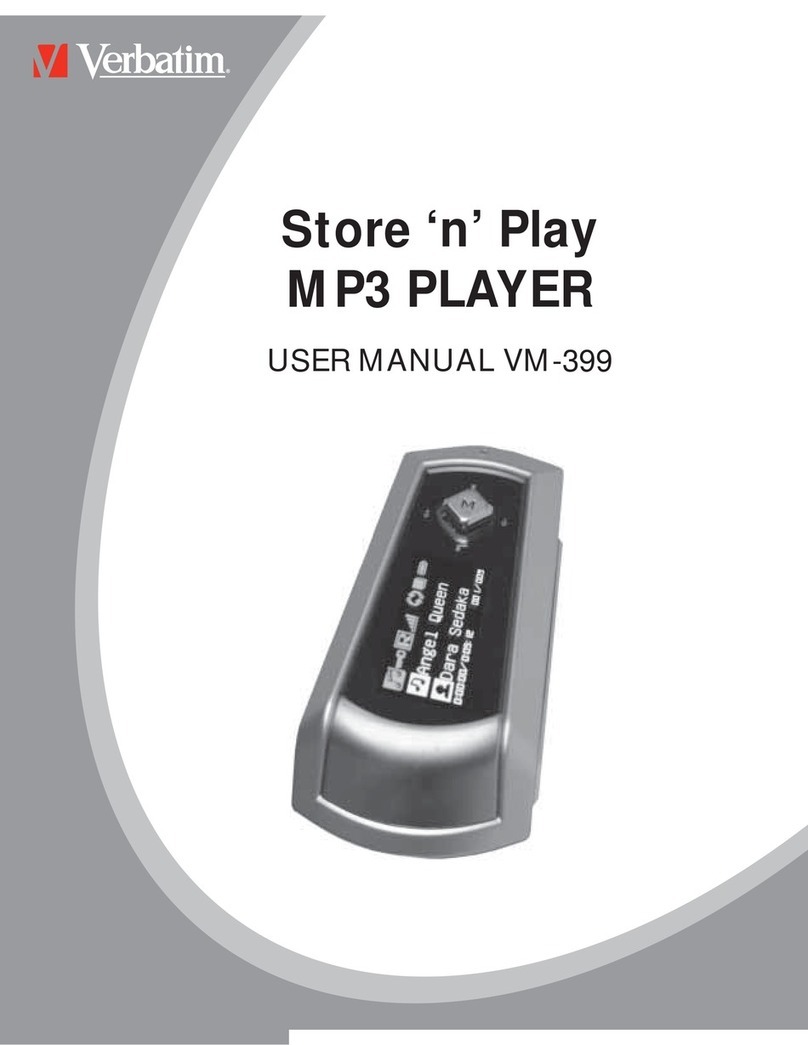
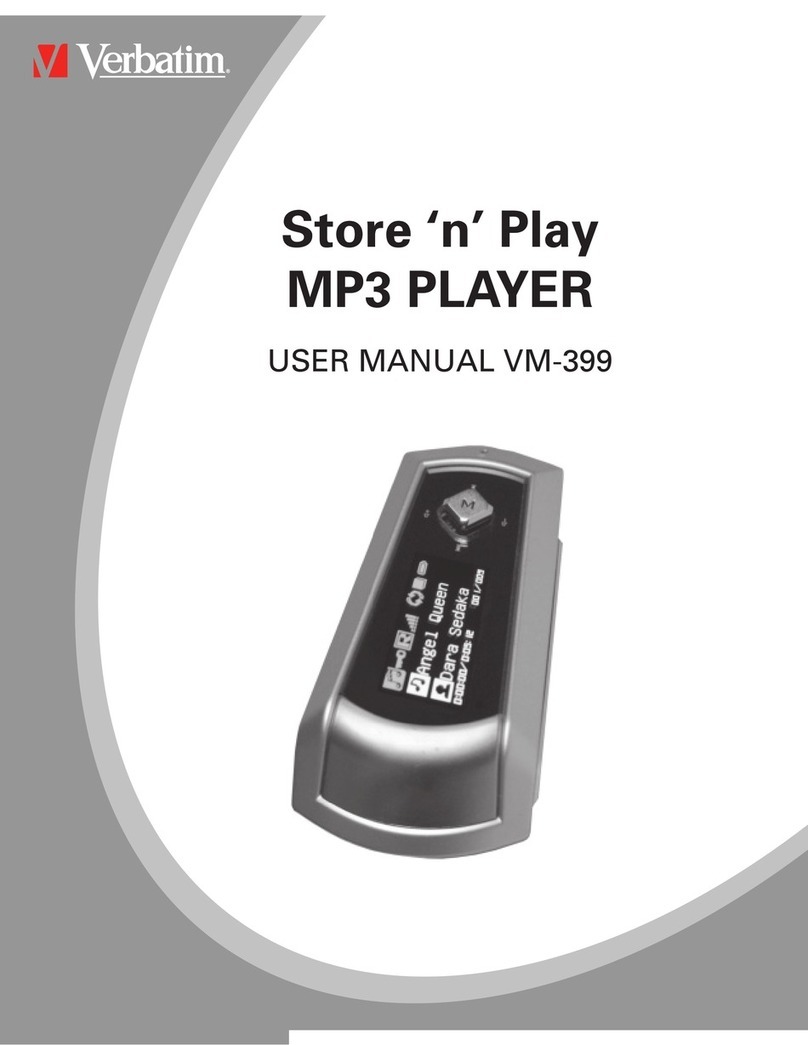
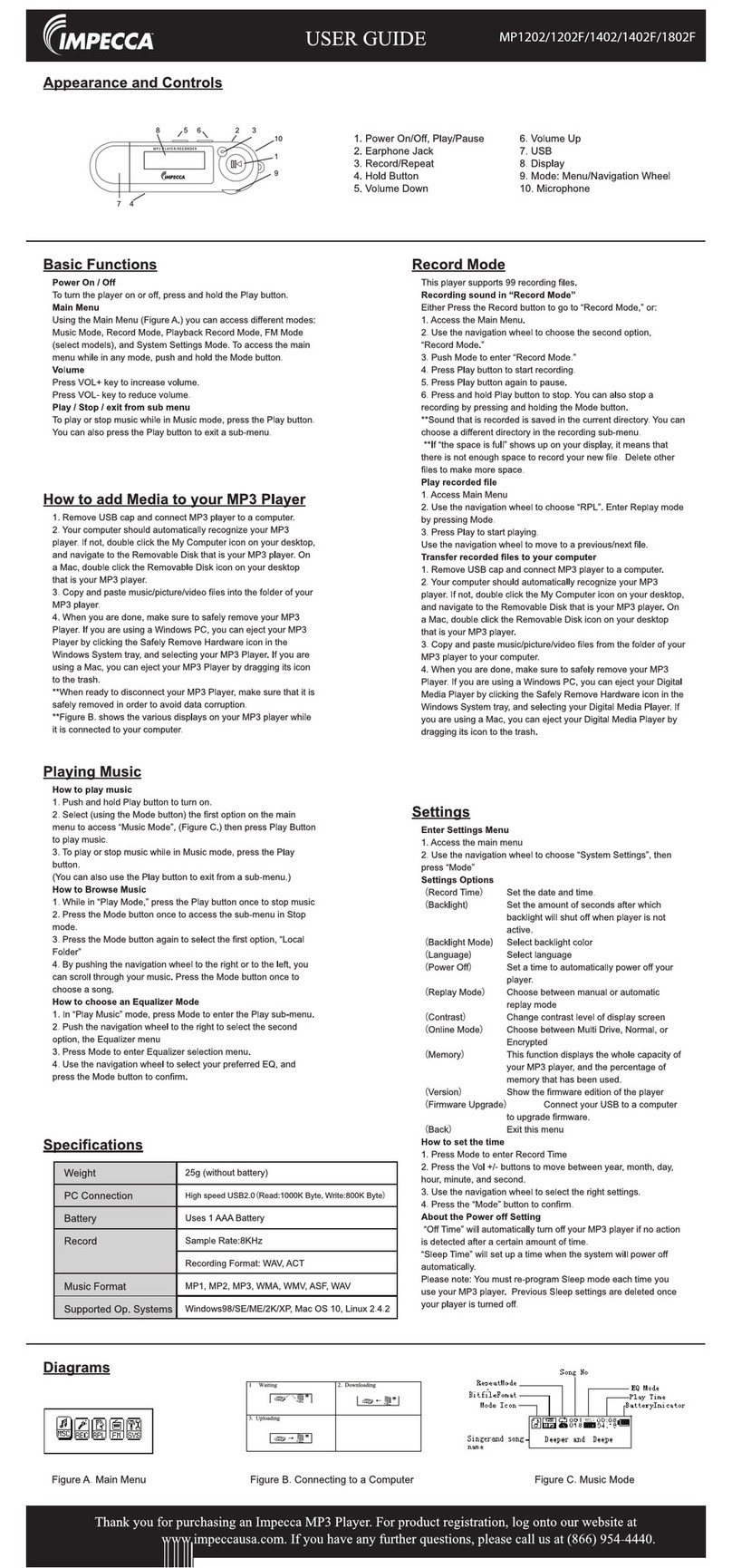
Getting started with your Store ‘n’ Play MP3 Player VM-399
ConnectingtothePCorLaptop
Connect the VM-399 to your laptop or PC using the USB cable as
supplied.
Do not remove the USB cable during file transfer.
Filetransfer
After the device is connected to the computer simply ‘drag ‘n’ drop’
the files you require onto the device.
1. Double Click ‘my computer’ on the Desktop. You will find a
new icon, ‘removable disk’ which represents your MP3
player.
2. Select the files from your PC that you want totransfer and
drag them to the ‘removable disk’
3. During the file transfer keep the MP3 player connected to
the computer
Once transfer is complete remove the device from your PC.
1. Double click the ‘Eject Hardware’ symbol in the windows
task bar
2. When the ‘Safely Remove Hardware’ window appears,
select the device you wish to remove and click stop
3. From the next window select the appropriate device and
click OK.
The device is now ready to disconnect
FunctionKeys
1. Mini USB Jack
2. Record Button
3. Play Button
4. Key Lock
5. 5-Way Key
a. Up, Down, Left, Right
b. Menu
6. Earphone 1
7. Earphone 2
8. MIC
DisplayDescription
1. Equalizer
2. Volume
3. Play Mode
4. Play Status
5. Power Indicator
6. Track Information
7. Total Song Time
8. Elapsed Time
9. Album Information
10. Song Name
11. Mode
12. Key Lock
UserManuals
A detailed manual in PDF format is located in the User Manual
folder on the CDROM which is included with your MP3 player.
FirmwareUpgrade
Firmware upgrade files will be made available online through
Verbatim's websites. It is recommended to periodically check for
firmware revisions in order to keep the device up to date.
TechnicalSupport:
US/Canada 800-538-8589
Mexico (55)55284642
Argentina (54-11) 4943-3336
Europe: For technical support in Europe e-mail
800 3883 2222 in the following countries:
Austria, Belgium, Denmark, Finland, France,
Germany, Hungary, Italy, Luxemburg, Monaco,
Netherlands, Norway, Poland, Portugal,
Republic of Ireland, Spain, Sweden and
Switzerland. All other countries call +353 61
226586.
US/Canada: www.verbatim.com
Mexico: www.verbatim.com.mx
Latin America: www.verbatim-latinoamerica.com
Brazil: www.verbatimbrasil.com.br
Pour démarrer avec votre lecteur MP3 Store ‘n’ Play VM-399
ConnexionàunordinateurPCouportable
Connectez le lecteur VM-399 à votre ordinateur portable ou PC à
l’aide du câble USB fourni.
Ne retirez pas le câble USB lors du transfert de fichiers.
Transfertdefichiers
Une fois le périphérique connecté à l’ordinateur, il vous suffit de
faire glisser les fichiers dont vous avez besoin vers le périphérique.
1. Double-cliquez sur « Poste de travail » sur le bureau. Une
nouvelle icône, appelée « Disque amovible » et
représentant le lecteur MP3, s’affiche.
2. Sélectionnez les fichiers de l’ordinateur PC que vous
souhaitez transférer et faites-les glisser vers le disque
amovible.
3. Au cours du transfert de fichiers, ne déconnectez pas le
lecteur MP3 de l’ordinateur.
Une fois le transfert terminé, déconnectez le périphérique de
l’ordinateur PC.
1. Double-cliquez sur l’icône d’éjection du périphérique de la
barre des tâches de Windows.
2. Lorsque la fenêtre « Retirer le périphérique en toute
sécurité » s’affiche, sélectionnez le périphérique que vous
souhaitez supprimer et cliquez sur « Arrêter ».
3. Dans la fenêtre suivante, sélectionnez le périphérique
adapté et cliquez sur « OK ».
4. Le périphérique peut désormais être déconnecté.
FunctionKeys
1. Prise mini-USB
2. Touche d’enregistrement
3. Touche de lecture
4. Verrouillage des touches
5. Touche de navigation
a. Haut, bas, gauche, droite
b. Menu
6. Ecouteur 1
7. Ecouteur 2
8. Microphone
DisplayDescription
1. Correcteur
2. Volume
3. Mode de lecture
4. Statut de la lecture
5. Témoin d’alimentation
6. Informations relatives à la piste
7. Durée totale de la chanson
8. Durée écoulée
9. Informations relatives à l’album
10. Nom de la chanson
11. Mode
12. Verrouillage des touches
Manuels de l’utilisateur
Un manuel détaillé au format PDF est disponible dans le dossier
Manuel de l’utilisateur du CD-ROM fourni avec le lecteur MP3.
Miseàniveaudumicrologiciel
Les fichiers de mise à niveau du micrologiciel sont disponibles en
ligne, via les sites de Verbatim : nous vous recommandons de
consulter régulièrement les révisions du micrologiciel pour
maintenir le périphérique à jour.
Supporttechnique:
Etats-Unis/Canada 800-538-8589
Mexique (55)55284642
Argentine (54-11) 4943-3336
Europe: Pour contacter le support technique
européen, envoyez un courrier électronique à
ou composez le 00 800 3883 2222 depuis
les pays suivants : Autriche, Belgique,
Danemark, Finlande, France, Allemagne,
Hongrie, Italie, Luxembourg, Monaco,
Pays-Bas, Norvège, Pologne, Portugal,
République
d’Irlande, Espagne, Suède et Suisse. Les
résidents des autres pays doivent composer
le +353 61 226586.
Etats-Unis/Canada : www.verbatim.com
Mexique : www.verbatim.com.mx
Amériquelatine : www.verbatim-latinoamerica.com
Brésil: www.verbatimbrasil.com.br