List of Figures
VF1807090083 EN revision 6
List of Figures
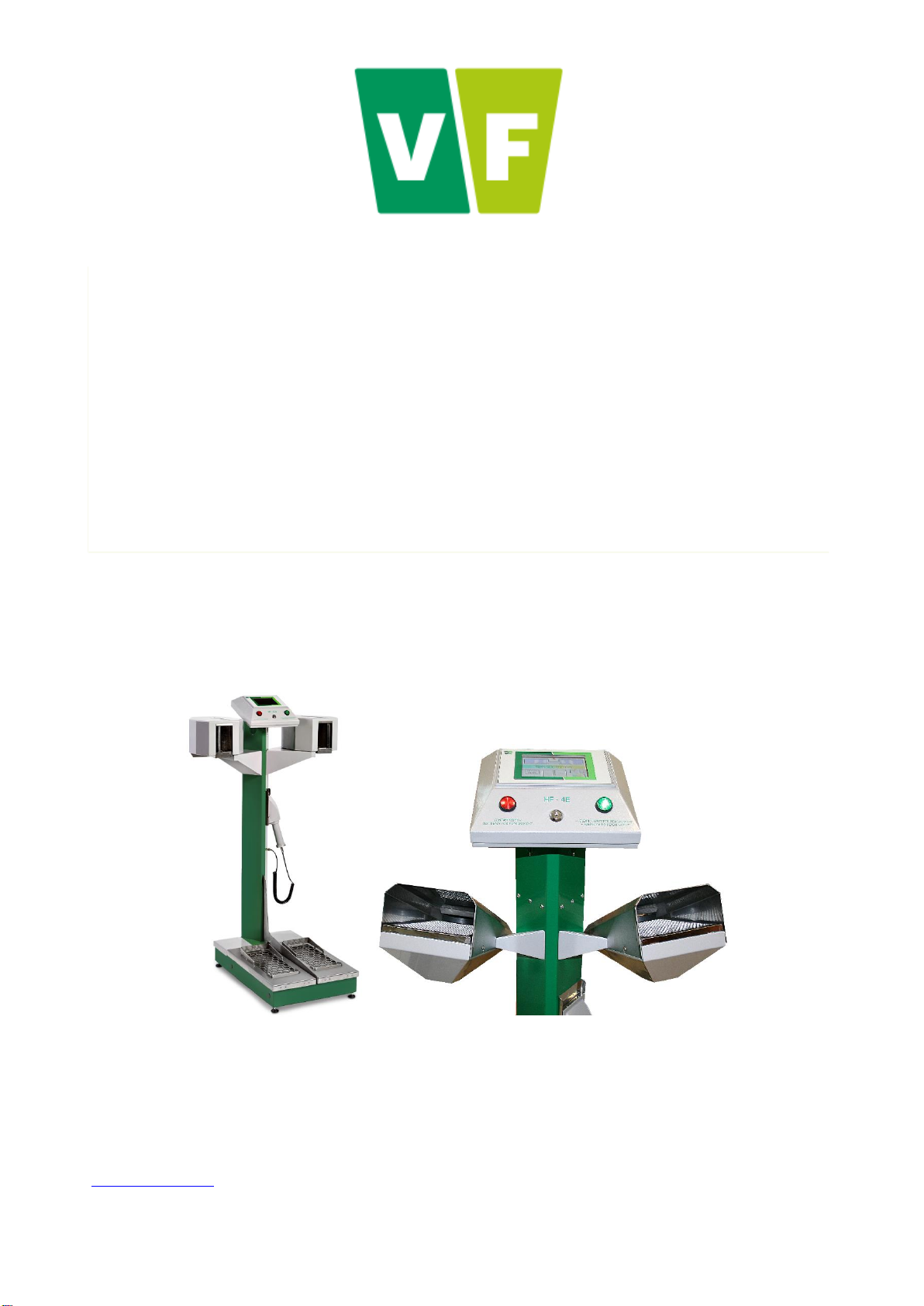
Fig. 1 Hand-Foot Contamination Monitor ........................................................................................................ 25
Fig. 2 Structural lay-out.................................................................................................................................... 27
Fig. 3 Supply, protective and communication elements at the back of the instrument base .......................... 27
Fig. 4 Upper box with electronics .................................................................................................................... 28
Fig. 5 Voice module......................................................................................................................................... 28
Fig. 6 Dimensions of the variant with vertical layout of hand detectors .......................................................... 29
Fig. 7 Terminal connectors on the rear side of the box with the PLC ............................................................. 30
Fig. 8 Terminal connectors on the back of the base ....................................................................................... 30
Fig. 9 Location of the main switch on the back of the base of the instrument and variant with grommet....... 32
Fig. 10 Removal of the cover at the back part of the base and actuation of the FZ1 breaker ........................ 34
Fig. 11 Adjustable legs for proper positioning of the instrument ..................................................................... 34
Fig. 12 Display –Basic screen ........................................................................................................................ 35
Fig. 13 Display - Identification of the measured person .................................................................................. 35
Fig. 14 Calibration screen................................................................................................................................ 36
Fig. 15 Visual signalization.............................................................................................................................. 37
Fig. 16 Basic screen –Ready for measurement ............................................................................................. 38
Fig. 17 Signal of readiness for measurement.................................................................................................. 38
Fig. 18 Display –Instructions for the correct measurement position .............................................................. 39
Fig. 19 Display –Measurement in progress.................................................................................................... 40
Fig. 20 No contamination detected.................................................................................................................. 40
Fig. 21 Visual signalling –No contamination detected.................................................................................... 40
Fig. 22 Contamination signalled ...................................................................................................................... 40
Fig. 23 Display –measurement not completed............................................................................................... 41
Fig. 24 Display –Monitor contamination test .................................................................................................. 41
Fig. 25 Frisker.................................................................................................................................................. 42
Fig. 26 Detection of contamination by frisker –NOT CONTAMINATED......................................................... 42
Fig. 27 Detection of contamination by frisker –CONTAMINATED ................................................................. 42
Fig. 28 Display –Access to the Measurement results .................................................................................... 43
Fig. 29 Display –Measurement results........................................................................................................... 43
Fig. 30 Display –Enter to the Service menu................................................................................................... 44
Fig. 31 Display –Access to the Service menu................................................................................................ 45
Fig. 32 Display –Service menu options.......................................................................................................... 45
Fig. 33 Display - Service menu........................................................................................................................ 46
Fig. 34 Display –Export archive in progress................................................................................................... 47
Fig. 35 Display –Clear archive........................................................................................................................ 49
Fig. 36 Display - Clear error archive................................................................................................................ 49
Fig. 37 Display –Configuration export ............................................................................................................ 50
Fig. 38 Display –Configuration import ............................................................................................................ 51
Fig. 39 Display –Date and time setup............................................................................................................. 51
Fig. 40 Display –Network connection setup ................................................................................................... 52
Fig. 41 Display –Detectors status................................................................................................................... 52
Fig. 42 Detector response ............................................................................................................................... 54
Fig. 43 VF-Setup: Setting the communication................................................................................................. 55
Fig. 44 Web interface login form...................................................................................................................... 56
Fig. 45 Web interface - menu .......................................................................................................................... 57
Fig. 46 Web interface –Device parameters (page 1)...................................................................................... 58