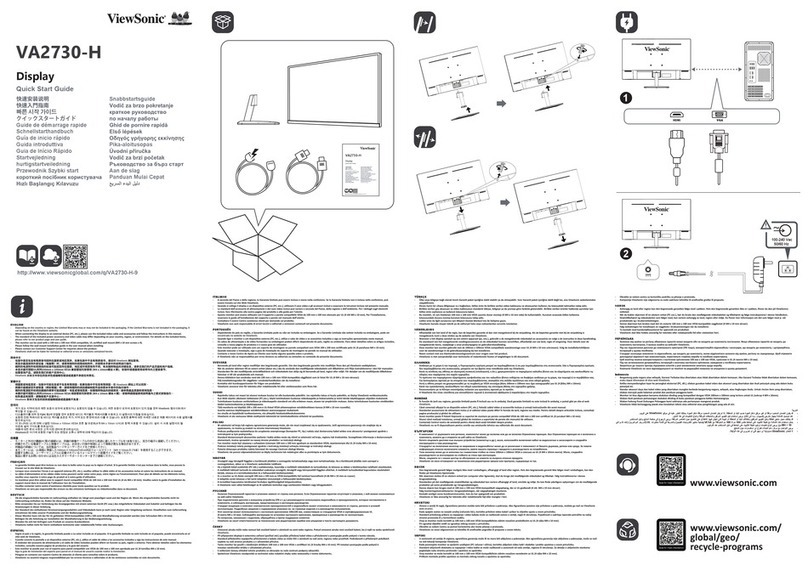
Quick Installation
Optional: For instructions on wall mounting,
see page 5 o this user guide.
1 Connect power cord and AC/DC
adapter
2 Connect video cable
• Make sure both the ViewPanel® display
and computer are turned OFF
• Remove rear panel covers i necessary
• Connect the video cable rom the View-
Panel to the computer
Macintosh users: Models older than G3
require a Macintosh adapter. Attach the
adapter to the computer and plug the video
cable into the adapter.
To order a ViewSonic® Macintosh adapter,
contact ViewSonic Customer Support.
3 Turn ON ViewPanel display and
computer
• Turn ON the ViewPanel display, then turn
ON the computer. This sequence (View-
Panel display be ore computer) is impor-
tant.
NOTE: Windows users may receive a
message asking them to install the INF ile.
This is on the CD.
4 Insert the View onic Wizard CD
into the computer’s CD drive
• Follow the on-screen instructions
I your computer does not have a CD-ROM
drive, see “Customer Support.”
(1) Wait or the CD-ROM to auto-start.
NOTE: I the CD-ROM does not auto-start:
double-click on the CD-ROM icon in the
Windows Explorer, then double-click on
viewsonic.exe.
(2) Follow the on-screen instructions.
5 Windows users: et the timing
mode (resolution and refresh
rate)
Example: 1024 x 768 @ 60 Hz.
For instructions on changing the resolution
and re resh rate, see the graphic card’s user
guide.
Ins alla ion is comple e. Enjoy your new
ViewSonic, ViewPanel display.
To be best prepared or any uture customer
service needs: print this user guide and write
the serial number in “For Your ecords” on
page 2. (See back o ViewPanel display.)
You can register your product online at the
website or your region. See the Customer
Support table in this guide.
The ViewSonic Wizard CD-ROM also
provides an opportunity or you to print the
registration orm which you may mail or ax
to ViewSonic.
Power adapter
for ViewPanel
Video cable to computer
Power cord to adapter
Kensington
Lock
Power cord to computer
AC outlet (wall socket)
ViewSonic VA520 4