manuals.online logo
Brands
  1. Home
  2. •
  3. Brands
  4. •
  5. Vivotek
  6. •
  7. Security Camera
  8. •
  9. Vivotek IP7153 User manual

Vivotek IP7153 User manual

Other manuals for IP7153

3

This manual suits for next models

1

Other Vivotek Security Camera manuals

Vivotek SD8161 User manual

Vivotek

Vivotek SD8161 User manual

Vivotek IP8371E User manual

Vivotek

Vivotek IP8371E User manual

Vivotek Supreme FD8363 User manual

Vivotek

Vivotek Supreme FD8363 User manual

Vivotek IZ7151 User manual

Vivotek

Vivotek IZ7151 User manual

Vivotek FD8167-T User manual

Vivotek

Vivotek FD8167-T User manual

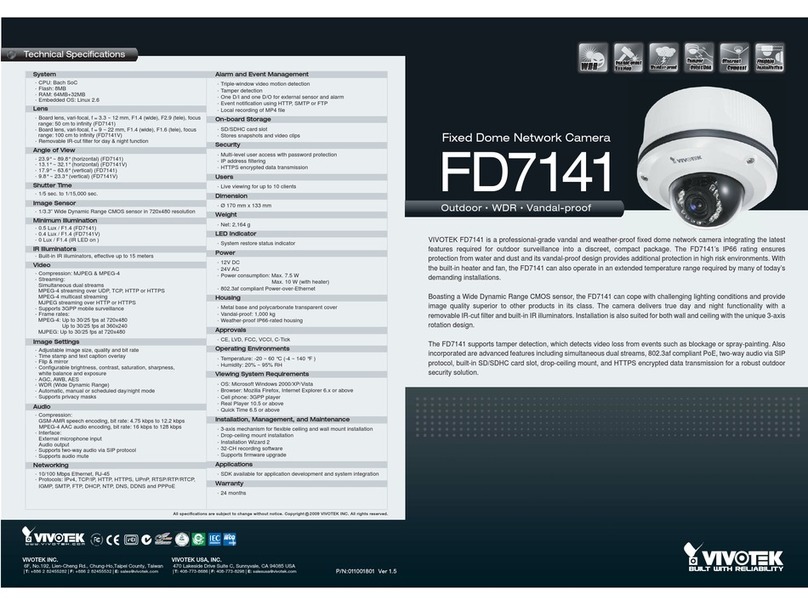
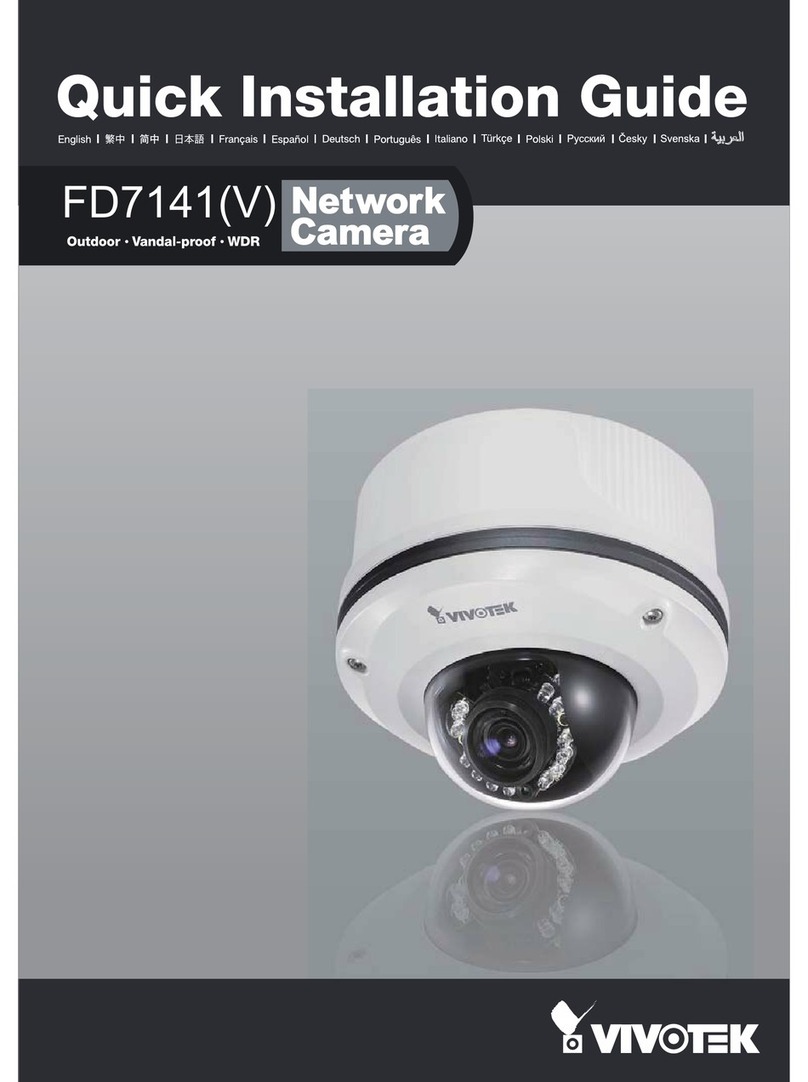
Vivotek FD7141 User manual

Vivotek

Vivotek FD7141 User manual

Vivotek IP8132 Operator's manual

Vivotek

Vivotek IP8132 Operator's manual

Vivotek AD5166A User manual

Vivotek

Vivotek AD5166A User manual

Vivotek IP7160 User manual

Vivotek

Vivotek IP7160 User manual

Vivotek FD9392-EHTV-O User manual

Vivotek

Vivotek FD9392-EHTV-O User manual

Vivotek NetworKam IP3111 User manual

Vivotek

Vivotek NetworKam IP3111 User manual

Vivotek Supreme MS8392-EV User manual

Vivotek

Vivotek Supreme MS8392-EV User manual

Vivotek PZ8111 User manual

Vivotek

Vivotek PZ8111 User manual

Vivotek AB5396A User manual

Vivotek

Vivotek AB5396A User manual

Vivotek 9189 Series User manual

Vivotek

Vivotek 9189 Series User manual

Vivotek Supreme FD8362 User manual

Vivotek

Vivotek Supreme FD8362 User manual

Vivotek IP8330 User manual

Vivotek

Vivotek IP8330 User manual

Vivotek PZ7131 User manual

Vivotek

Vivotek PZ7131 User manual

Vivotek FD8133V User manual

Vivotek

Vivotek FD8133V User manual

Vivotek IP7253 User manual

Vivotek

Vivotek IP7253 User manual

Vivotek FD9182-H User manual

Vivotek

Vivotek FD9182-H User manual

Vivotek SD83X4E Operator's manual

Vivotek

Vivotek SD83X4E Operator's manual

Vivotek AT-CAB User manual

Vivotek

Vivotek AT-CAB User manual

Vivotek SUPREME use IP FE9582-EHNV User manual

Vivotek

Vivotek SUPREME use IP FE9582-EHNV User manual

Popular Security Camera manuals by other brands

ADEMCO RapidDome Owners Operating & Installation Guide

ADEMCO

ADEMCO RapidDome Owners Operating & Installation Guide

EverFocus EBA2880 user manual

EverFocus

EverFocus EBA2880 user manual

Honeywell OptiCAM-IR Installation and setup guide

Honeywell

Honeywell OptiCAM-IR Installation and setup guide

Uniq UC-600 user manual

Uniq

Uniq UC-600 user manual

OPTICOM NVD-120-S datasheet

OPTICOM

OPTICOM NVD-120-S datasheet

Steren CCTV-221 instruction manual

Steren

Steren CCTV-221 instruction manual

Arm Electronics C420BCDNVFIR Features

Arm Electronics

Arm Electronics C420BCDNVFIR Features

Eneo PLD-2036PTZ installation guide

Eneo

Eneo PLD-2036PTZ installation guide

Axis AXIS M20 Series installation guide

Axis

Axis AXIS M20 Series installation guide

Panasonic KX-HCM230 operating instructions

Panasonic

Panasonic KX-HCM230 operating instructions

COP-USA CC15NV-SL Specifications

COP-USA

COP-USA CC15NV-SL Specifications

Active Silicon HARRIER H.264 quick start guide

Active Silicon

Active Silicon HARRIER H.264 quick start guide

Motorola Avigilon 1.3C-H5SL-BO1-IR installation guide

Motorola

Motorola Avigilon 1.3C-H5SL-BO1-IR installation guide

INSTEON 2864-232 user manual

INSTEON

INSTEON 2864-232 user manual

Wisenet XNB-6002 quick start guide

Wisenet

Wisenet XNB-6002 quick start guide

Axis M5525-E user manual

Axis

Axis M5525-E user manual

Vitek VTC-IR62NZ922 user guide

Vitek

Vitek VTC-IR62NZ922 user guide

Panasonic WV-SF342 Specifications

Panasonic

Panasonic WV-SF342 Specifications

manuals.online logo
manuals.online logoBrands
  • About & Mission
  • Contact us
  • Privacy Policy
  • Terms and Conditions

Copyright 2025 Manuals.Online. All Rights Reserved.

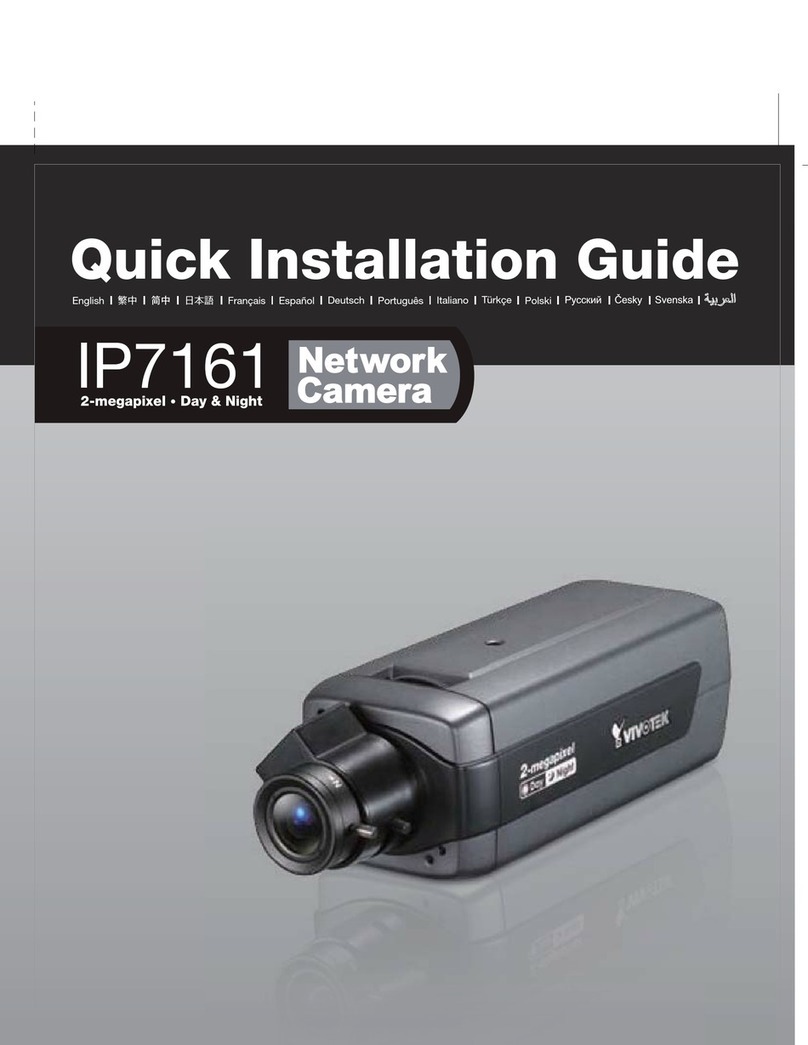
VIVOTEK’s IP7153 / IP7154, equipped with a progressive scan
CCD sensor, deliver superior-quality, crystal-clear video for
professional surveillance applications such as monitoring
banks, airports, parking lots, traffic control, etc.
It can capture razor-sharp, high-resolution images of moving
objects that traditional interlaced-scan techniques cannot
achieve. Furthermore, working in combination with the
high-performance CCD sensor is a removable IR-cut filter that
can deliver high-quality images even under infrared illuminated
conditions. With our self-developed VIVOTEK VVTK-1000 SoC,
the camera simultaneously delivers dual streams for real-time
monitoring.
The IP7153/IP7154 also comes with many useful functionalities
that give users flexibilities such as built-in 802.3af compliant PoE
(IP7153), 802.11b/g WLAN connection (IP7154), multi-lingual
user interface, vari-focal CS-mount lens, two-way audio via SIP
protocol, and digital I/O for external sensor and alarm. The
VIVOTEK IP7153/IP7154 is by far the best choice for a
high-performance, professional surveillance system.
Features
>
Sony Progressive Scan CCD Sensor in VGA
Resolution
>
2.9 ~ 8.2 mm Vari-focal, Auto-iris Lens
>
Removable IR-cut Filter for Day & Night
Function
>
Real-time MPEG-4 and MJPEG Compression
(Dual Codec)
>
Dual Streams Simultaneously
>
3GPP Mobile Surveillance
>
Built-in 802.3af Compliant PoE (IP7153)
>
Built-in 802.11b/g WLAN (IP7154)
>
Two-way Audio via SIP Protocol
>
Digital I/O for External Sensor and Alarm
>
RS-485 Interface for Scanners, Pan/Tilts
IP7153/7154
Day&Night Progressive CCD PoE
Fixed Network Camera
Specifications
All specications are subject to change without notice. Copyright 2009 VIVOTEK INC. All rights reserved.
c
Ver 1.2
Accessories
External View
.CE, LVD, FCC, VCCI, C-Tick
.CPU: VVTK-1000 SoC
.Flash: 8MB
.RAM: 64MB
.Embedded OS: Linux 2.4
.CS-mount, vari-focal, f = 2.9 ~ 8.2 mm,
F1.0, auto-iris
.IR Corrected
.Removable IR-cut filter for day & night function
. 26.7° ~ 69.0° (horizontal)
. 20.0° ~ 51.0° (vertical)
.1/5 sec. to 1/15,000 sec.
.SONY 1/4” progressive scan CCD sensor
in VGA resolution
.0.2 Lux / F1.0
Networking
Alarm and
Event Management
Security
Users
Dimension
Weight
LED Indicator
Power
Approvals
Operating Environments
System
.IP7153 (PoE)
.IP7154 (WLAN)
Models
Lens
Angle of View
Shutter Time
Image Sensor
Minimum Illumination
Video
Image Settings
Audio
Viewing System
Requirements
Installation, Management,
and Maintenance
Applications
.10/100 Mbps Ethernet, RJ-45
.Built-in 802.11b/g WLAN (IP7154)
.Protocols: IPv4, IPv6, TCP/IP, HTTP, HTTPS,
UPnP, RTSP/RTP/RTCP, IGMP, SMTP, FTP,
DHCP, NTP, DNS, DDNS and PPPoE
.Triple-window video for motion detection
.One D/I and one D/O for external sensor and alarm
.Event notification using HTTP, SMTP or FTP
.Local recording of MP4 file
.Multi-level user access with password protection
.IP address filtering
.Wireless: WEP, WPA-PSK, WPA2 (IP7154)
.HTTPS encrypted data transmission
.Live viewing for up to 10 clients
.205.5 mm (D) x 82.1 mm (W) x 51.2 mm (H)
.Net: 568 g (IP7153)
.Net: 581 g (IP7154)
.System power and status indicator
.System activity and network link indicator
.12V DC
.24V AC
.Power consumption: Max. 4 W
.802.3af compliant Power-over-Ethernet (IP7153)
.Temperature: 0 ~ 50 °C (32 ~ 122 °F)
.Humidity: 20% ~ 80% RH
.Compression:
GSM-AMR speech encoding, bit rate:
4.75 kbps to 12.2 kbps
MPEG-4 AAC audio encoding, bit rate:
16 kbps to 128 kbps
.Interface:
Built-in microphone
External microphone input
Audio output
External/Internal microphone switch
.Supports two-way audio via SIP protocol
.Supports audio mute
.Compression: MJPEG & MPEG-4
.Streaming:
Simultaneous dual streams
MPEG-4 streaming over UDP, TCP or HTTP
MPEG-4 multicast streaming
MJPEG streaming over HTTP
.Supports 3GPP mobile surveillance
.Frame rates:
MPEG-4: Up to 30/25 fps at 640x480
MJPEG: Up to 30/25 fps at 640x480
.Adjustable image size, quality and bit rate
.Time stamp and text caption overlay
.Flip & mirror
.Configurable brightness, contrast, saturation
and sharpness
.AGC, AWB, AES
.Automatic, manual or scheduled day/night mode
.BLC (Backlight Compensation)
.Supports privacy masks
.OS: Microsoft Windows 2000/XP/Vista
.Browser: Mozilla Firefox, Internet Explorer
6.x or above
.Cell phone: 3GPP player
.Real Player: 10.5 or above
.Quick Time: 6.5 or above
.SDK available for application development
and system integration
.RS-485 interface for scanners, pan/tilts
.Installation Wizard 2
.32-CH ST7501 central management software
.Supports firmware upgrade
System overview
Warranty .24 months
PC with
Recording Software
Speaker
External
Microphone
Router
Notebook with
Web Browser
3G Cell Phone
Antenna
(IP7154 only)
Indented
Reset Button
General I/O
Terminal Block
Power Cord
Socket
MIC In
Ethernet 10/100
RJ45 Socket
External/Internal
MIC Switch Audio Out
Infrared Enclosure Lens
IP7153
Distributed by:
6F, No.192, Lien-Cheng Rd., Chung-Ho, Taipei County, Taiwan
Tel: +886 2 8245 5282|Fax: +886 2 8245 5532|E-mail: [email protected]
VIVOTEK USA, INC.
470 Lakeside Drive Suite C, Sunnyvale, CA 94085 USA

Tel: 408-773-8686 | Fax: 408-773-8298 | E-mail: [email protected]