4
Press the VERIFY POSITION key, the screen displays ∪, and then press the square of
the chessboard, if it displays 0, it means there is no chess piece in this square; When
squares and numbers appear on the display, place the corresponding pieces
according to the squares and numbers.
* The transparent squares □in the upper left corner represent white pieces, and
the black squares ■represent black pieces;
The numbers on the far right represent: 1 is pawn, 2 is horse, 3 is elephant, 4 is rook,
5 is queen, and 6 is king.
•TAKE BACK
If you regret the move, you can move back by pressing the TAKE BACK.
•MOVE:
◇Set game levels: First press "LEVEL", then press "MOVE"(+10 levels each time).
◇During the game: After the Black moves, if you don't know how to move White
piece, press "MOVE" key to switch between Black and White. The device will tell you
how White goes.
◇During the game: During Black move, pressing "MOVE" key can urge Black to
move.
•LEVEL
Adjust game level: +1 for each press.
• NEW GAME
Press twice to restart a new game.
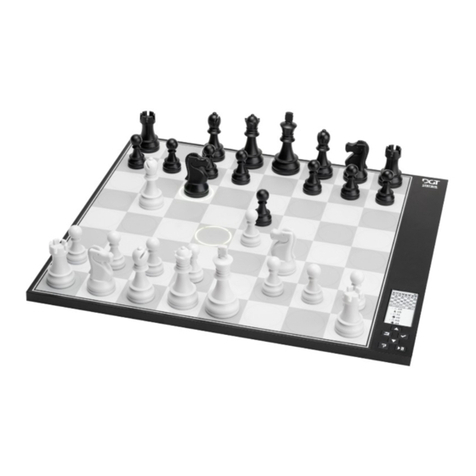
5. Playing with the M820 / Play Against the Computer
(1) Press the ON/OFF key to turn on the device. A transparent square is displayed
in the upper left corner of the screen, indicating that the white pawn moves first
(2) Press NEW GAME twice to start a new game.
(3) Press the LEVEL key to adjust the level of the game, the default level 10 starts.
First press LEVEL to enter the game level adjustment mode, press LEVEL key
each time+1 level, press MOVE key each time +10 level.
(4) After you have set the game level, you can start moving the white picecs.
(5) When your move is valid, the device will have a prompt sound: beep, beep.
Note: If you move incorrectly or invalidly, the device will sound a voice alert.
Press WHY? An explanation is available.