manuals.online logo
Brands
  1. Home
  2. •
  3. Brands
  4. •
  5. Watlow
  6. •
  7. Data Logger
  8. •
  9. Watlow D4T User manual

Watlow D4T User manual

Other Watlow Data Logger manuals

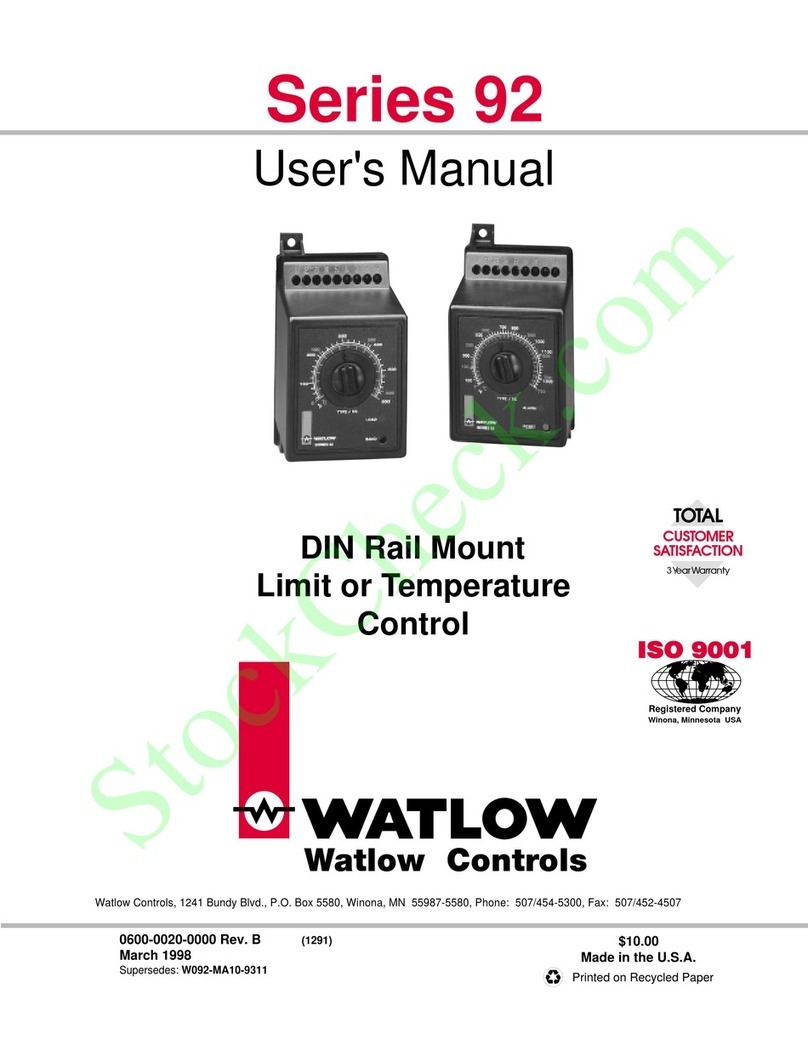
Watlow 92 Series User manual

Watlow

Watlow 92 Series User manual

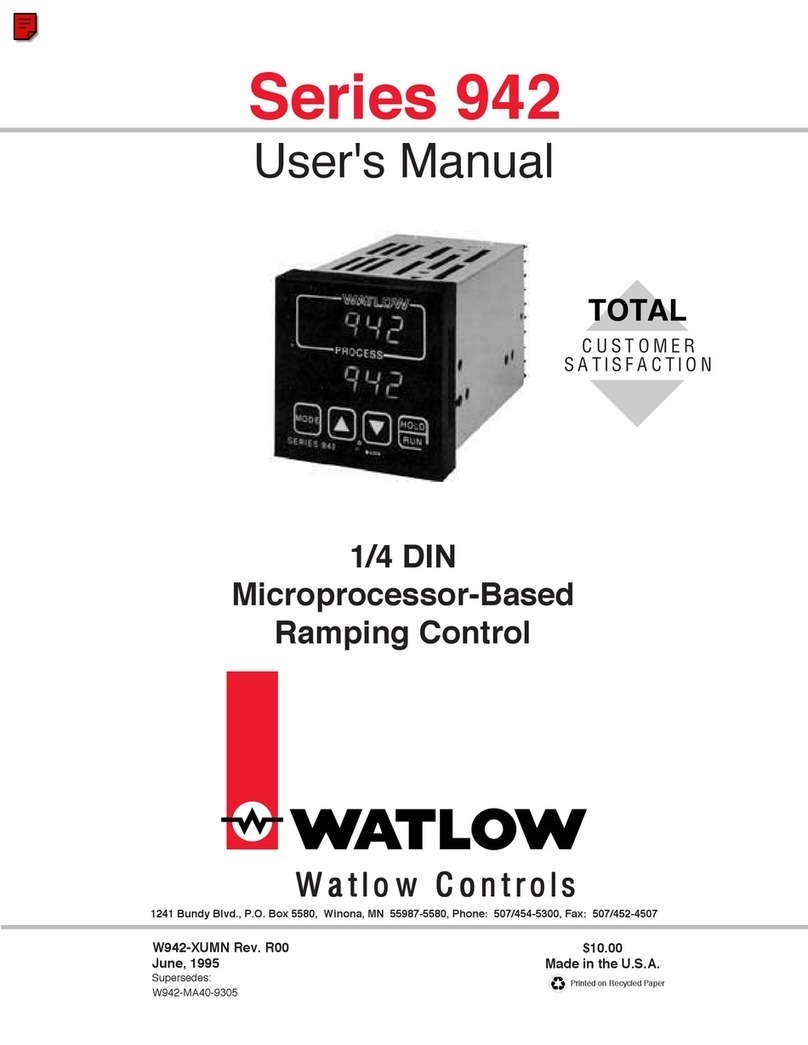
Watlow 942 Series User manual

Watlow

Watlow 942 Series User manual

Popular Data Logger manuals by other brands

TESTO 176 instruction manual

TESTO

TESTO 176 instruction manual

HBM SOMAT XR CX22B-R operating manual

HBM

HBM SOMAT XR CX22B-R operating manual

Agtrix 380i manual

Agtrix

Agtrix 380i manual

Hobo H8 Pro user manual

Hobo

Hobo H8 Pro user manual

Beijing ART Tech PCI2320 user manual

Beijing ART Tech

Beijing ART Tech PCI2320 user manual

Athena GET SL1 user manual

Athena

Athena GET SL1 user manual

Motec Systems C185 user manual

Motec Systems

Motec Systems C185 user manual

Beijing ART Tech USB2832 user manual

Beijing ART Tech

Beijing ART Tech USB2832 user manual

HT Italia XL421 user manual

HT Italia

HT Italia XL421 user manual

Rotronic HygroLog HL20 Short instruction manual

Rotronic

Rotronic HygroLog HL20 Short instruction manual

MRC DW-6092 Operation manual

MRC

MRC DW-6092 Operation manual

Racelogic VBOX LapTimer quick start guide

Racelogic

Racelogic VBOX LapTimer quick start guide

Edu-Logger 900-240 Guide

Edu-Logger

Edu-Logger 900-240 Guide

Elma DT173 manual

Elma

Elma DT173 manual

MadgeTech PRTemp140 Product user guide

MadgeTech

MadgeTech PRTemp140 Product user guide

Comet U0121M user guide

Comet

Comet U0121M user guide

pico Technology PT-104 user guide

pico Technology

pico Technology PT-104 user guide

Soil Instruments GTecLink user manual

Soil Instruments

Soil Instruments GTecLink user manual

manuals.online logo
manuals.online logoBrands
  • About & Mission
  • Contact us
  • Privacy Policy
  • Terms and Conditions

Copyright 2025 Manuals.Online. All Rights Reserved.

1247-5282 Rev. B Made in the U.S.A.
May 2019
User’s Guide
Registered Company
Winona, Minnesota USA
ISO 9001
TOTAL
3 Year Warranty
CUSTOMER
SATISFACTION
D4T Data Logger
Setup and Operations
1241 Bundy Boulevard., Winona, Minnesota USA 55987
Phone: +1 (507) 454-5300, Fax: +1 (507) 452-4507
http://www.watlow.com/F4T.cfm
Safety Information
We use note, caution and warning symbols throughout this document to draw your attention to
important operational and safety information.
A “NOTE” marks a short message to alert you to an important detail.
A “CAUTION” safety alert appears with information that is important for protecting your
equipment and performance. Be especially careful to read and follow all cautions that
apply to your application.
• A “WARNING” safety alert appears with information that is important for protecting you,
others and equipment from damage. Pay very close attention to all warnings that apply to
your application.
The safety alert symbol, (an exclamation point in a triangle ç) precedes a general
CAUTION or WARNING statement.
The electrical hazard symbol, (a lightning bolt in a triangle
Ó
) precedes an electric shock
hazard CAUTION or WARNING safety statement. Further explanations follow:
Symbol Explanation
ç
Ó
CAUTION: Warning or Electrical Hazard that needs further explana-
tion than label on unit can provide. Consult QSG for further infor-
mation.
AVERTISSEMENT: mise en garde ou danger qui demande plus de
précisions que l’information sur l’étiquette de l’unité. Consultez le
manuel de l’utilisateur pour plus d’informations.
Unit can be powered with either alternating current (ac) voltage or
direct current (dc) voltage.
ESD Sensitive product, use proper grounding and handling tech-
niques when installing or servicing product.
Do not throw in trash, use proper recycling techniques or consult
manufacturer for proper disposal.
Enclosure made of Polycarbonate material. Use proper recycling
techniques or consult manufacturer for proper disposal.
Unit is a Listed device per Underwriters Laboratories®. It has been
evaluated to United States and Canadian requirements for Process
Control Equipment. CSA 22.2#14, File 158031, UL 61010, File
E185611 QUYX, QUYX7. See: www.ul.com
Unit is compliant with European Union directives. See Declaration
of Conformity for further details on Directives and Standards used
for Compliance.
Unit has been reviewed and approved by Factory Mutual as a
Temperature Limit Device per FM Class 3545 standard. See: www.
fmglobal.com
CAUTION
WARNING
Electrical
Shock Hazard
or
Symbol Explanation
Unit has been reviewed and approved by CSA International for use
as Temperature Indicating-Regulating Equipment per CSA C22.2 No.
24. See: www.csa-international.org
This D4T User’s Guide is copyrighted by Watlow Electric Manufacturing Company, © October
2016 with all rights reserved.
• © 2010-2012, QNX Software Systems Limited. All rights reserved.
• © 2008 -2014, Crank Software Inc. All rights reserved.
• Watlow® and Composer®are registered trademarks of Watlow Electric Manufacturing
Company.
• UL®is a registered trademark of Underwriter's Laboratories Incorporated.
• Modbus®is a registered trademark of Schneider Automation Incorporated.
• Vaisala®is a registered trademark of Vaisala OY Corporation.
• Microsoft®and Windows®are registered trademarks of the Microsoft Corporation.
• Quencharc®is a registered trademark of ITW Paktron.
• 10-14628 Rev. B
Watlow D4T Data Logger •1 • Table of Contents
TC
Table of Contents .........................................1
Chapter 1: Overview .......................................3
Available D4T Literature and Resources ...................................3
Technical Assistance ..................................................3
Document Overview and Purpose ........................................4
A Conceptual View of the D4T System ....................................5
Inputs............................................................6
Functions .........................................................6
Outputs ..........................................................7
Data Logging ......................................................7
Chapter 2: Composer®Software ...............................8
Installing Composer®Software..........................................8
Using Composer®Software ............................................9
Overview Screen ...................................................11
Device Details ......................................................16
Configuring Pluggable Flex Modules .....................................16
Configuring the Application using the Function Block Diagram ................19
Personalizing the User Interface (UI) Using Composer®....................... 26
Setting Up Data Log Files Using Composer®................................. 26
Chapter 3: Using the D4T Front Panel ..........................35
Navigating and Understanding the User Interface (UI) .......................35
Understanding D4T Menus ..........................................35
Multiple Languages ................................................35
Event Driven Menus................................................36
Home Screen Described ............................................37
Front Panel Navigational Buttons......................................38
Configuring Ethernet Communications ...................................39
Default Ethernet Parameters and Settings ...............................39
Personalizing the Home Screen Using the UI ..............................40
Front Panel Usage From the Home Screen ................................42
Changing Data Logger Operational Parameters ...........................42
F4T with USB Mouse Feature ..........................................42
Batch Processing Programming ........................................43
Export Data Logging - Via USB Stick ...................................46
Using the Output Widget..............................................47
Data Logging .......................................................47
Transferring Data Log Files via the UI ....................................48
Flashing the Data Logger Firmware......................................49
Table of Contents

Watlow D4T Data Logger •2 • Table of Contents

TC Table of Contents (cont.)
Chapter 4: Application Examples..............................51
Applications........................................................51
Process Alarm ....................................................51
Deviation Alarm ...................................................52
Sensor Backup....................................................54
Chapter 5: Function Block Reference ...........................55
D4T Functions Described .............................................58
Alarm ............................................................59
Analog Outputs .....................................................66
Compare ..........................................................68
Counter ...........................................................72
Digital Inputs/Outputs (I/O) ............................................75
Digital Outputs......................................................78
Key ..............................................................81
Linearization .......................................................82
Logic .............................................................89
Math .............................................................97
Signals ........................................................98
Process Value .....................................................111
Special Output .....................................................123
Thermistor Input ...................................................126
Timer ............................................................129
Universal Input ...................................................136
Variable ..........................................................147
Chapter 6: Appendix .....................................150
Communications ...................................................150
Introduction to Standard Commands for Programmable Instruments (SCPI)...150
Introduction to the Modbus Protocol..................................150
Modbus Table Orientation ..........................................151
D4T Base Specifications .............................................198
Flex Modules and Limit I/O Specifications ...............................202
Flex Modules - High Density I/O Specifications............................206
Flex Module - High Density Ordering Information ........................209
Flex Module - Communications Ordering Information.....................209
How to Reach Us...................................................211
Watlow D4T Data Logger •3 •Chapter 1 Overview
Chapter 1: Overview
1
Document Title and Part Number Description
D4T Installation and Troubleshooting
User Guide, part number:
0600-0104-0000
Provides detailed specifications and information
regarding mounting the D4T base, flex module wir-
ing and troubleshooting.
D4T Specification Sheet, part
number: WIN-D4T-0419
Describes D4T hardware options, features, benefits
and technical specifications.
Watlow Application Guide
Comprehensive guide to understanding thermal
principles, electrical noise, best practises for wir-
ing industrial controls and much more.
Watlow Support Tools DVD, part
number: 0601-0001-0000
Contains all product related user documents and
software (Composer™), video tutorials, applica-
tion notes and more.
To acquire one or more of these documents navigate to the Watlow website where you will
have a choice to download free copies or purchase printed versions. Click on the link below to
find your document of choice: http://w ww.watlow.com/d4t
Your Comments are Appreciated
In an effort to continually improve our technical literature and ensuring that we are providing
information that is useful to you, we would very much appreciate your comments and sugges-
tions. Please send any comments you may have to the following e-mail address:
TechlitComments@watlow.com
Technical Assistance
If you encounter a problem with your Watlow data logger, review your configuration
information to verify that your selections are consistent with your application: inputs,
outputs, alarms, etc. If the problem persists, you can get technical assistance from your
local Watlow representative (see the Appendix in this User's Guide), by e-mailing your
questions to wintechsupport@watlow.com or by dialing +1 (507) 494-5656 between 7 a.m.
and 5 p.m., Central Standard Time (CST). Ask for for an Applications Engineer. Please have
the following information available when calling:
• Complete model number • User’s Guide • All configuration information
Warranty
This product is warranted by Watlow for a period of 36 months in accordance with the
terms and conditions set forth on Watlow's website, which can be accessed at
ww w.watlow.com/terms.
Available D4T Literature and Resources
Watlow D4T Data Logger •4 •Chapter 1 Overview
Return Material Authorization (RMA)
1. Call Watlow Customer Service, (507) 454-5300, for a Return Material Authorization (RMA)
number before returning any failed product to Watlow. If you do not know why the
product failed, contact an Application Engineer or Product Manager. All RMA’s require:
• Ship-to address
• Bill-to address
• Contact name
• Phone number
• Method of return shipment
• Your P.O. number
• Detailed description of the problem
• Any special instructions
• Name and phone number of person returning the product.
2. Prior approval and an RMA number from the Customer Service Department is required
when returning any product. Make sure the RMA number is on the outside of the carton
and on all paperwork returned. Ship on a Freight Prepaid basis.
3. After we receive your return, we will examine it to verify the reason for the product
failure. Unless otherwise agreed to in writing, Watlow's standard warranty provisions,
which can be located at ww w.watlow.com/terms, will apply to any failed product.
4. In the event that the product is not subject to an applicable warranty, we will quote
repair costs to you and request a purchase order from you prior to proceeding with the
repair work.
5. Watlow reserves the right to charge for no trouble found (NTF) returns.
Document Overview and Purpose
This document looks deeper at the system configuration using Composer™software and the
D4T function blocks and their associated connections. Common product usage is described
and illustrated through application examples.
Watlow D4T Data Logger •5 •Chapter 1 Overview
A Conceptual View of the D4T System
The flexibility of the D4T data logger hardware and software (Composer™) allows for a large
range of configurations. Composer software is a graphically based tool used to program the
D4T data logger in its entirety. To learn more about installing and using Composer software
see Chapter 2 of this document in the section titled "Installing Composer Software".
Acquiring a better understanding of the data logger’s overall functionality and capabilities
while at the same time planning out how the data logger can be used will deliver maximum
effectiveness in your application.
It is useful to think of the data logger in three parts: inputs, functions and outputs. For the
control itself, information flows from an input to a function to an output when the data logger
is properly configured. The D4T system can carry out several functions at the same time; such
as, monitoring and acting upon various inputs (temperature sensing devices, pressure trans-
ducers and digital inputs), PID control, monitoring for several different alarm situations and
then driving output devices such as heaters, audible alarms, and lights. Each process needs to
be thought out carefully and the data logger’s inputs, functions and outputs set up properly.
As an example, the graphic below illustrates the Function Block Diagram as seen when using
Composer software. The application requirements in this example are simple and defined be-
low:
• Need two thermocouple inputs.
• Monitor both thermocouple inputs for high process alarms.
• Drive an output (alarm) device if either input is higher than expected.
• Use one thermocouple input to drive the PID loop (Heat output) with a switched DC
output.
In the graphic below the following is true:
• Universal Input 1 is connected to the Process Value (PV) input of the control loop.
• When the control loop sees that the
PV is less than the user defined set
point it will drive the output to the
load through its heat (HT) output.
• Two unique high process alarms are
configured to monitor Universal Inputs
1 and 2.
• The logic function block (FB) is con-
figured as an OR where its output
will come on if either input comes on
driving the real-world digital output
(alarm) it's connected to.
Functions
Outputs
Process
Alarm
High
PID
Heat
Power
Sequencing
Outputs
Silence
Alarms
Inputs
Watlow D4T Data Logger •6 •Chapter 1 Overview
Note:
In this configuration, the heat output of the control function would be uninterrupted if an
alarm were to occur.
You will find more detailed information regarding the function blocks and how they work fur-
ther on in this document.
Inputs
The inputs provide the information that any given programmed function can act upon. In a
simple form, this information may come from an operator pushing a button, or as part of
a more complex function it may represent a remote set point being received from another
zone.
Each universal input can be configured for thermistors, thermocouples, or RTDs to read the
process variable. They can also read mV/volts, current or resistance, enabling usage of various
devices to read humidity, air pressure, operator inputs and other values. The settings associ-
ated to each analog input must be configured to match the device connected to that input.
Each digital input reads whether a device is on or off (voltage or resistance) and each system
can be equipped with multiple digital I/O modules. Each I/O point must be configured to func-
tion as either an input or output.
Functions
Functions use input signals to calculate a value and or performs an action. A function may be
as simple as reading a digital input as on or off, or reading an analog value (temperature) to
set an alarm state to on or off. As an example, a user could use sensor backup to avoid an un-
wanted shutdown if a failure with the primary sensing device should occur.
Keep in mind that a FB can be a purely internal function (i.e., control loop, alarm, logic,
etc...), while they can also serve as a connection point between real-world devices (i.e., ther-
mocouple, heater etc...) and internal functions like a Universal Input connected to the Control
Loop PV input. To have an effect outside of the data logger, an output FB must be configured
to respond to some other function. Functions and all associated dependencies would be con-
figured using Composer software. To learn more about setting up function blocks see Chapter
2 of this document in the section titled "Configuring the Application with the Function Block
Diagram View".
Watlow D4T Data Logger •7 •Chapter 1 Overview
Outputs
Outputs respond to information provided by a function such as, driving a digital output to turn
a light on or off, unlocking a furnace door or turning on a buzzer.
More than one output can be assigned to respond to any given function, i.e., more than one
output device could be connected to the heat output of the control block. Another example
(not shown), could use the (internal) output of the alarm function and connect it to any avail-
able real-world output to trigger a flashing light and another real-world output that might be
connected to a siren.
Data Logging
Data loggers will have the letter [J, K, L or M] in the fifth character of its part number (see:
D4T Ordering Information). Logging can be enabled at any time and is intended to capture
real-time data for a user selectable list of data points. With firmware revision 3.0 and above,
several new features are available.
1. User can determine if logged files will be moved automatically and or manually.
2. Destination of the saved file can be directed to internal memory, USB thumb drive, TFTP
server or a Samba shared drive.
3. Based on user choice, files can now be encrypted (filename.enc) for security purposes and
or saved as comma separated values (filename.csv). Creating both file types allows viewing
of the csv file while maintaining the integrity of the encrypted file.
To learn more about configuring these options see the section in this user's guide entitled Set-
ting Up Data Log Files Using Composer.