EnglishDeutsch
 logo
Brands
  1. Home
  2. •
  3. Brands
  4. •
  5. Westinghouse
  6. •
  7. Oven
  8. •
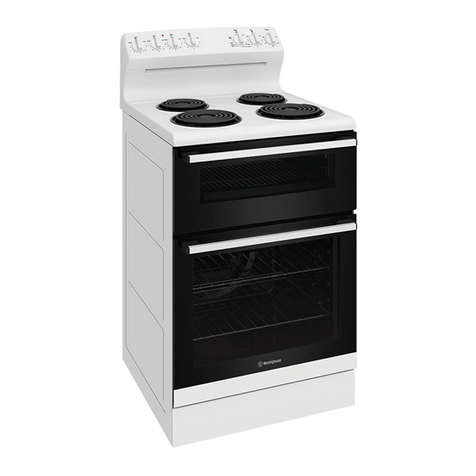
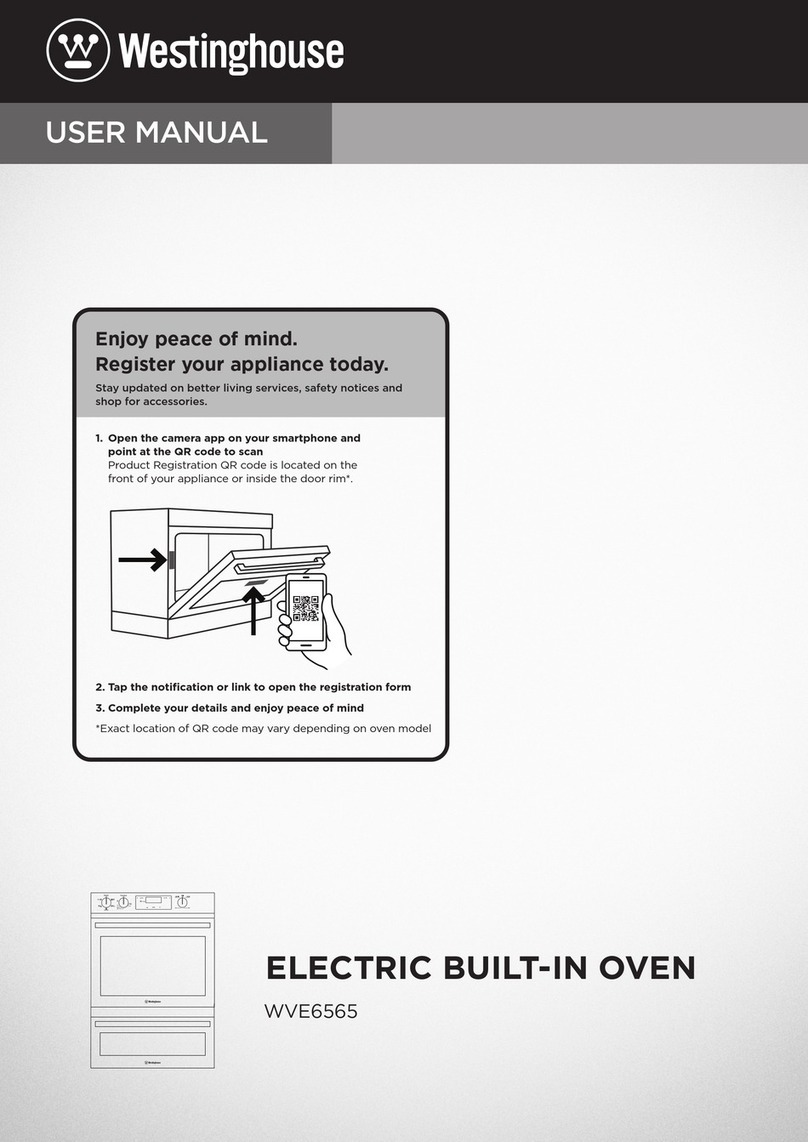
  9. Westinghouse WFG612 User manual

Westinghouse WFG612 User manual

Other manuals for WFG612

1

This manual suits for next models

2

Other Westinghouse Oven manuals

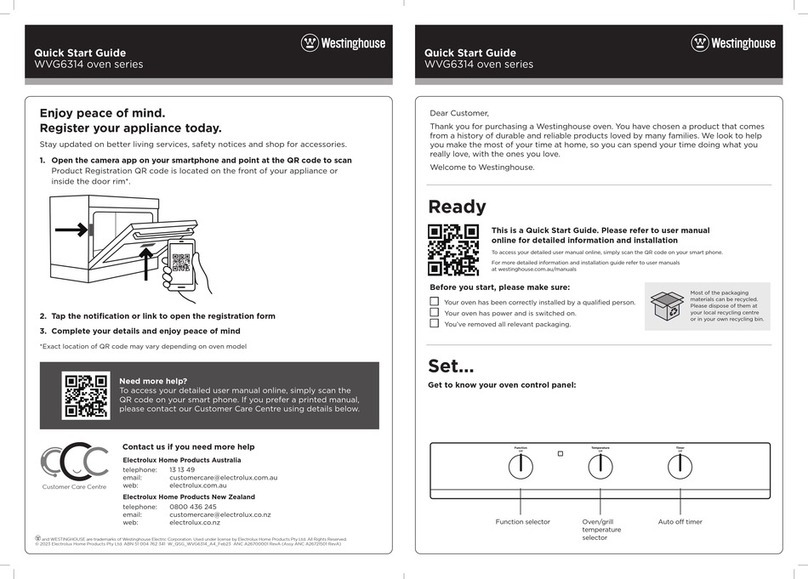
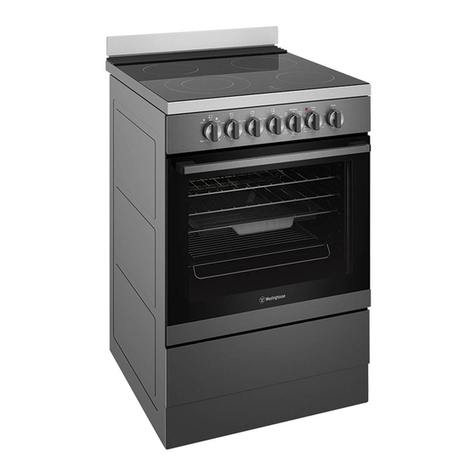
Westinghouse WVE613DSCA User manual

Westinghouse

Westinghouse WVE613DSCA User manual

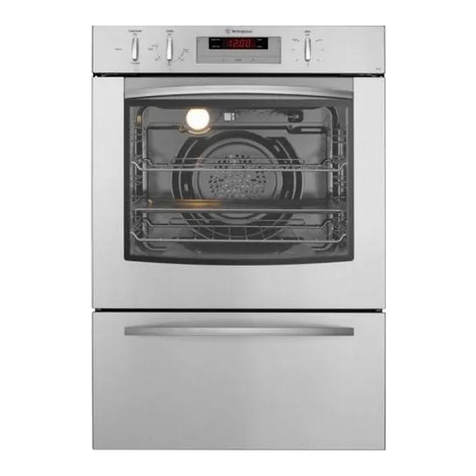
Westinghouse WVG6314 Series User manual

Westinghouse

Westinghouse WVG6314 Series User manual

Westinghouse RO-915 User manual

Westinghouse

Westinghouse RO-915 User manual

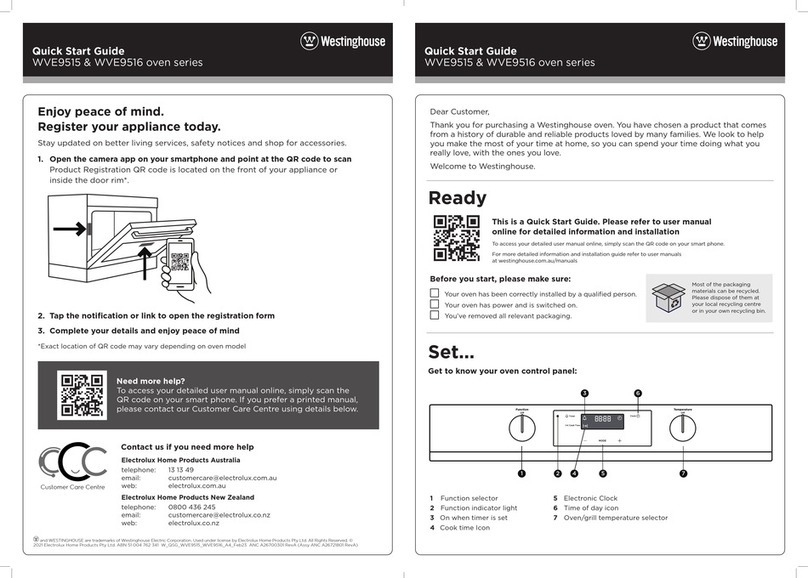
Westinghouse WVE9515SD User manual

Westinghouse

Westinghouse WVE9515SD User manual

Westinghouse WVE915SC User manual

Westinghouse

Westinghouse WVE915SC User manual

Westinghouse POR663 User manual

Westinghouse

Westinghouse POR663 User manual

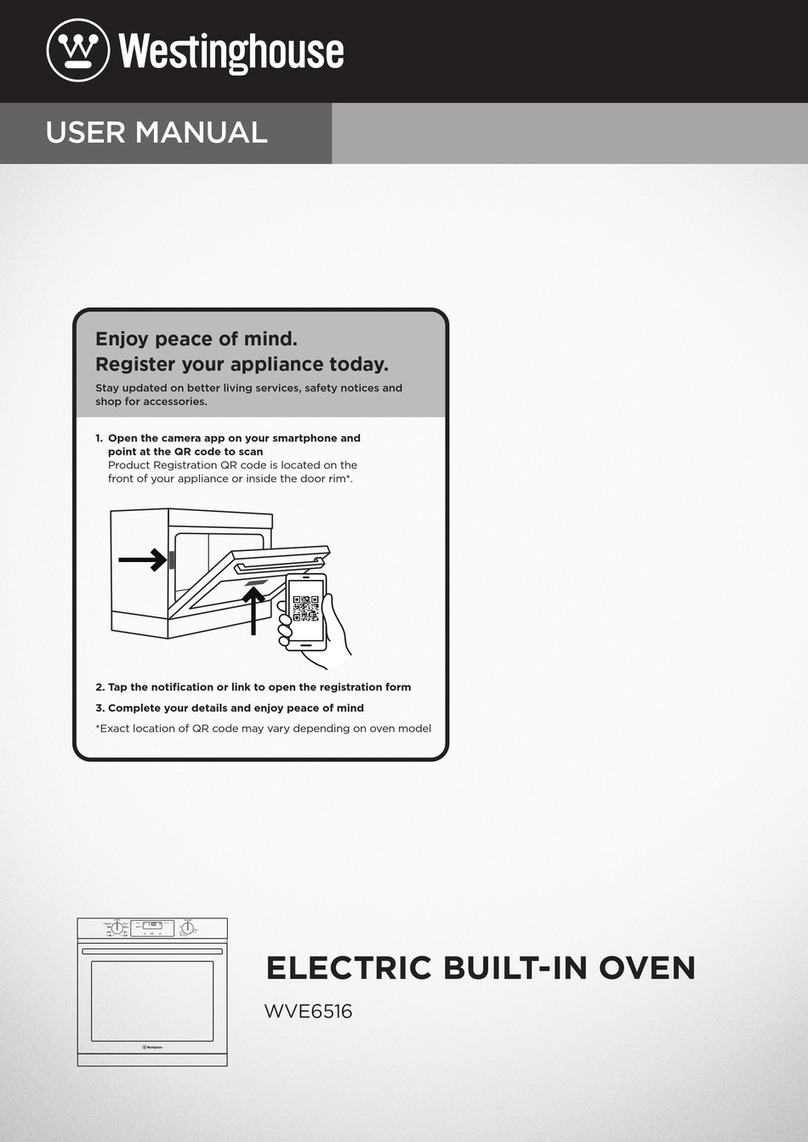
Westinghouse WVE6516 User manual

Westinghouse

Westinghouse WVE6516 User manual

Westinghouse WTO950 series User manual

Westinghouse

Westinghouse WTO950 series User manual

Westinghouse WLE620 Series User manual

Westinghouse

Westinghouse WLE620 Series User manual

Westinghouse WVEP916SC User manual

Westinghouse

Westinghouse WVEP916SC User manual

Westinghouse GOR474 User manual

Westinghouse

Westinghouse GOR474 User manual

Westinghouse GON474 User manual

Westinghouse

Westinghouse GON474 User manual

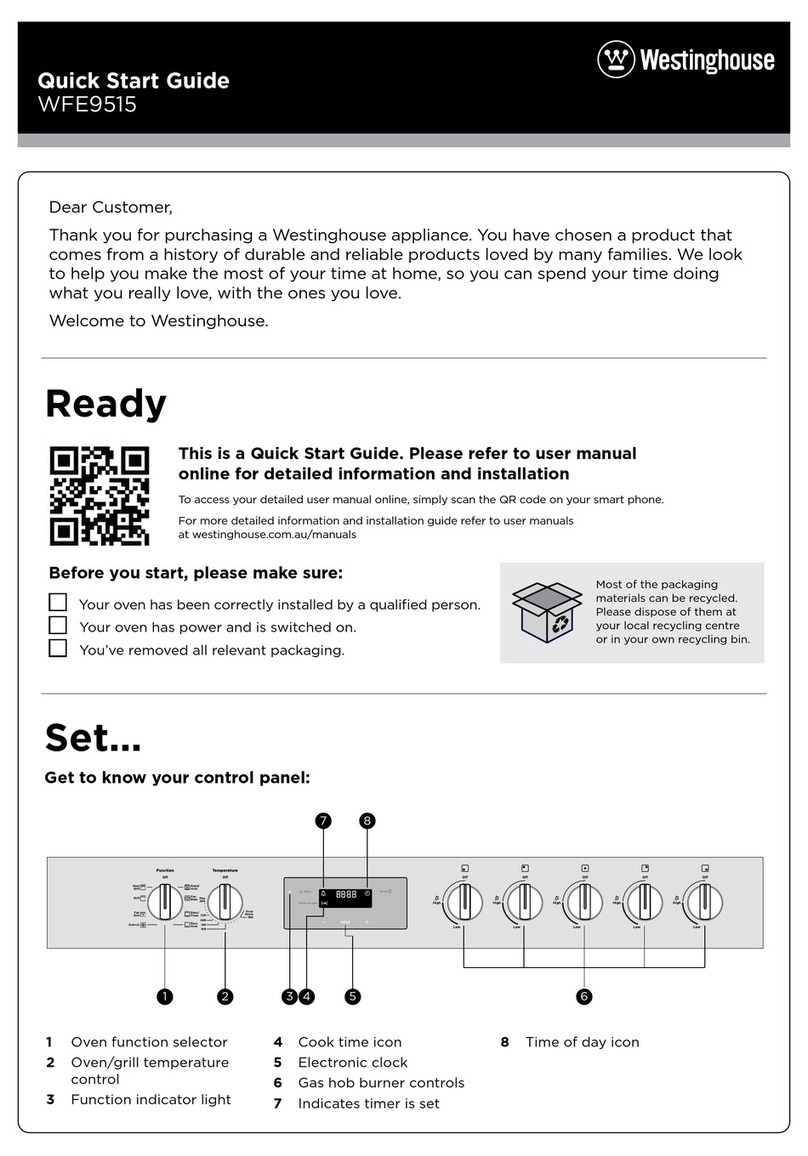
Westinghouse WFE9515 User manual

Westinghouse

Westinghouse WFE9515 User manual

Westinghouse GOP474 User manual

Westinghouse

Westinghouse GOP474 User manual

Westinghouse WVE614 User manual

Westinghouse

Westinghouse WVE614 User manual

Westinghouse WFE904SD User manual

Westinghouse

Westinghouse WFE904SD User manual

Westinghouse WFE646 Series User manual

Westinghouse

Westinghouse WFE646 Series User manual

Westinghouse WVE613 User manual

Westinghouse

Westinghouse WVE613 User manual

Westinghouse GOP474 User manual

Westinghouse

Westinghouse GOP474 User manual

Westinghouse PPL776 User manual

Westinghouse

Westinghouse PPL776 User manual

Westinghouse WVE626S User manual

Westinghouse

Westinghouse WVE626S User manual

Westinghouse WVE6565SD User manual

Westinghouse

Westinghouse WVE6565SD User manual

Westinghouse WFEP9717DD User manual

Westinghouse

Westinghouse WFEP9717DD User manual

Westinghouse WVE6525 User manual

Westinghouse

Westinghouse WVE6525 User manual

Popular Oven manuals by other brands

Bosch HVA531NS0 instruction manual

Bosch

Bosch HVA531NS0 instruction manual

Electrolux EOF6P46X user manual

Electrolux

Electrolux EOF6P46X user manual

NEFF B44S32 5GB Series instruction manual

NEFF

NEFF B44S32 5GB Series instruction manual

Combi BLODGETT BC142GDS Specifications

Combi

Combi BLODGETT BC142GDS Specifications

AEG COMPETENCE 311704300 Installation and operating instructions

AEG

AEG COMPETENCE 311704300 Installation and operating instructions

Rational SCC WE 61G installation manual

Rational

Rational SCC WE 61G installation manual

Smeg DOSPA38X User manuals

Smeg

Smeg DOSPA38X User manuals

Electrolux air-o-convect 20 GN 2/1 user manual

Electrolux

Electrolux air-o-convect 20 GN 2/1 user manual

Miele HR 1954-2 operating instructions

Miele

Miele HR 1954-2 operating instructions

KHIND OT50 instruction manual

KHIND

KHIND OT50 instruction manual

Henny Penny Smoker Box installation manual

Henny Penny

Henny Penny Smoker Box installation manual

Lang ECOD-AP Installation and operation instructions

Lang

Lang ECOD-AP Installation and operation instructions

AEG BEK455310M user manual

AEG

AEG BEK455310M user manual

Frigidaire FNGE90JGR user manual

Frigidaire

Frigidaire FNGE90JGR user manual

Hotpoint FE9 S831 JSH IX user manual

Hotpoint

Hotpoint FE9 S831 JSH IX user manual

GE Advantium SCB2000 owner's manual

GE

GE Advantium SCB2000 owner's manual

AEG DE401301DM user manual

AEG

AEG DE401301DM user manual

DeLonghi XA660 Directions for use

DeLonghi

DeLonghi XA660 Directions for use

https://manuals.online logo
https://manuals.online logoBrands
  • About & Mission
  • Contact us
  • Privacy Policy
  • Terms and Conditions

Copyright 2026 Manuals.Online. All Rights Reserved.

Quick Start Guide
WFG612 oven series
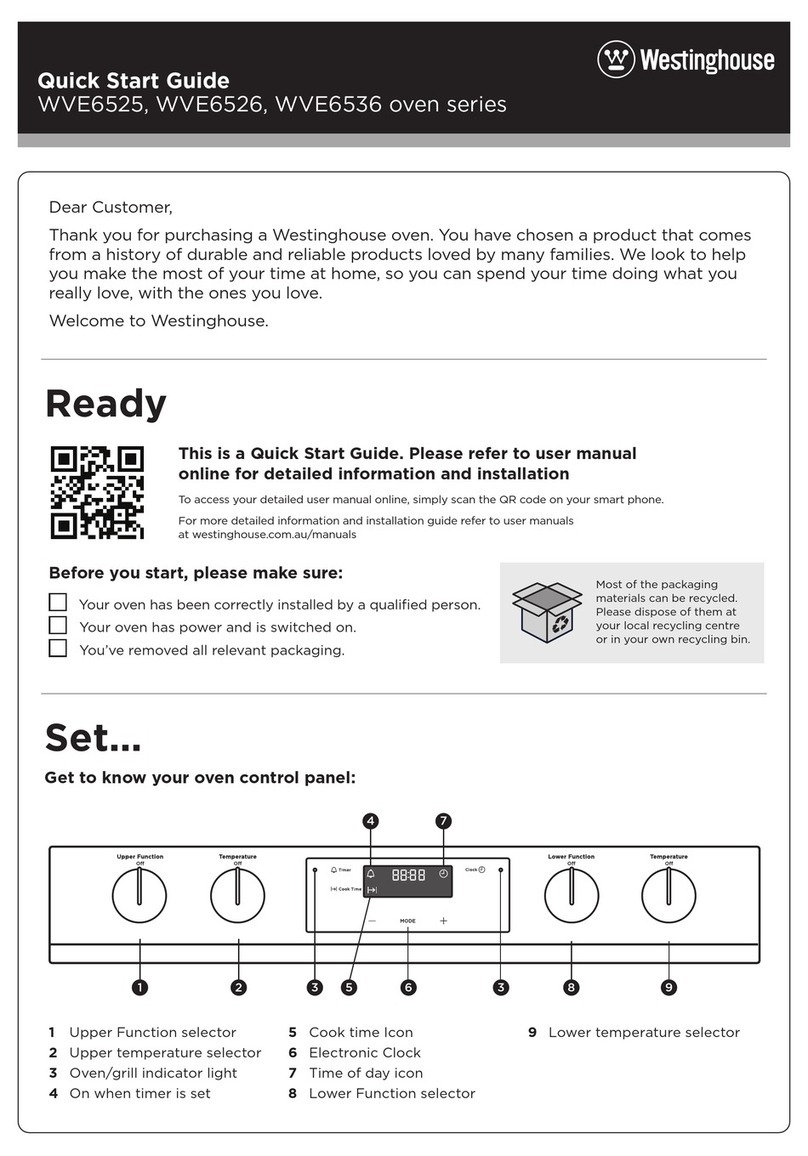
Ready
Set...
Before you start, please make sure:
Your cooker has been correctly installed by a qualified person.
Your cooker has power and is switched on.
You’ve removed all relevant packaging.
Get to know your control panel:
To access your detailed user manual online, simply scan the QR code on your smart phone.
For more detailed information and installation guide refer to user manuals
at westinghouse.com.au/manuals
Quick Start Guide
WFG612 oven series
and WESTINGHOUSE are trademarks of Westinghouse Electric Corporation. Used under license by Electrolux Home Products Pty Ltd. All Rights Reserved.
© 2021 Electrolux Home Products Pty Ltd. ABN 51 004 762 341 W_QSG_WFG612_A4_Jun21 ANC A21623902 RevA (Assy ANC A21624002 RevA)
This is a Quick Start Guide. Please refer to user manual
online for detailed information and installation
Most of the packaging
materials can be recycled.
Please dispose of them at
your local recycling centre
or in your own recycling bin.
Dear Customer,
Thank you for purchasing a Westinghouse appliance. You have chosen a product that
comes from a history of durable and reliable products loved by many families. We look
to help you make the most of your time at home, so you can spend your time doing
what you really love, with the ones you love.
Welcome to Westinghouse.
Magenta Guides - DO NOT PRINT
Print Black 7802
1
2
BRAND
CREATED BY
APPROVED
DATE
© Electrolux Home Products Pty Ltd. This drawing contains confidential information and is the property of Aktiebolaget Electrolux, Sydney,Australia without whose
permission it may not be copied, shown or handed to a third party or otherwise used, and it is to be returned promptly upon request to Aktiebolaget Electrolux.
ART11294
Westinghouse Aspire FSC
Control Panel - WFG612SCNL,
WFG612WCN
F
Westinghouse
Robert Jurgens
Genevieve Rossi
08.05.2020 100%
Updated temperature knob and added max.
Updated temp knob and ‘Off’ sizes.
Removed “Auto Off” from timer
Removed model number and increased font size.
F 17.02.21
E 15.02.21
D 09.02.21
C 22.09.20
GLR
GLR
AJG
GLR
1Oven fan button
2Cooktop controls
3Grill temperature
control knob
4120 minute timer
5Oven temperature
control knob
6Oven light button
7Ignition button
2 21
67
3 4 5
Electrolux Home Products Australia
telephone: 13 13 49
email: customercare@electrolux.com.au
web: electrolux.com.au
Electrolux Home Products New Zealand
telephone: 0800 436 245
email: customercare@electrolux.co.nz
web: electrolux.co.nz
Contact us if you need more help
Customer Care Centre
Need more help?
To access your detailed user manual online, simply scan the
QR code on your smart phone. If you prefer a printed manual,
please contact our Customer Care Centre using details below.
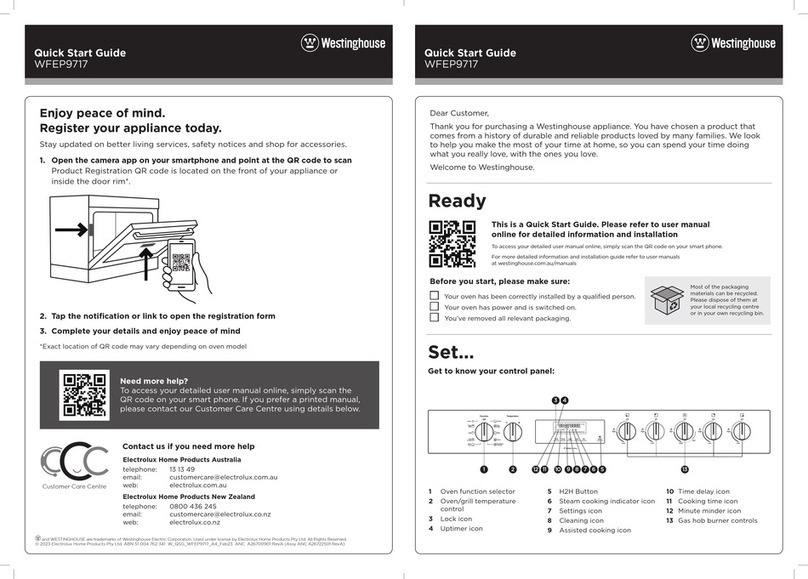
Enjoy peace of mind.
Register your appliance today.
Stay updated on better living services, safety notices and shop for accessories.
1. Open the camera app on your smartphone and point at the QR code to scan
Product Registration QR code is located on the front of your appliance or
inside the door rim*.
2. Tap the notification or link to open the registration form
3. Complete your details and enjoy peace of mind
*Exact location of QR code may vary depending on oven model
Go!
You’re ready to use your new Westinghouse appliance. A few tips from us:
Lighting the gas hotplate, grill and oven
Cooktop ignition
To light a cooktop burner, turn the appropriate burner control knob to maximum and at the same time
press the ignition button .
Oven ignition
Push and hold Oven Control Knob onto desired temperature and at the same time press the Electronic
ignition button . Hold control knob in for 5 seconds after ignition.
Grill ignition
Turn the grill temperature control knob onto “HI” and at the same time press the ignition button .
This burner also has flame failure, so it is required to depress the knob approximately 5 seconds after
the flame is established. If the flame goes out when the knob is released, simply depress the knob
again, this time holding it down with slightly more force for the same length of time.
WARNING
WARNING
• Keep hands clear of burners when lighting.
• If burner does not light within 5 seconds, turn the knob to ‘Off’ position, allow gas to disperse,
then try lighting again.
• Burners MUST be operated between ‘High’ and ‘Low’ settings only.
Remember to pre-heat each time.
For best cooking results pre-heat the oven. Pre-heating allows the oven to reach the required
temperature quickly and eciently as well as cook food at the correct temperature for the entire
cook time. Recommended pre-heat time is 30 minutes for baking and 3 minutes for grilling.
Set your temperature
• To set the temperature, turn the grill/oven temperature selector knob to the desired setting.
• An indicator light in the display will turn on and the grill/oven will begin to heat.
• Once the food is cooked, turn the temperature selector back to the o position.
Set a Timer (where fitted)
• To set the timer, simply turn the knob clockwise to the required number of minutes.
NOTE: For any time below 10 minutes, turn the knob past the 30 minute mark, then turn it back to
the required number of minutes.
OVEN
The fan forced electric oven is perfect for multi-level cooking or reheating entire
meals for your family. The hot air in the oven is distributed by a fan behind the rear
wall of the oven, providing an even temperature on all shelf levels – making more
consistent, delicious results easy to achieve.
Refer to your full user manual for more details on oven functions.
Condition the oven
(to burn o any residue)
New appliances can have oil or
residue left from manufacturing.
You will need to heat your oven for
30 minutes before using it for the
first time.
1. Using the oven control knob,
set the oven at 180°C for
approximately 30 minutes.
2. Later, run the grill on maximum
for 15 minutes with the grill
door open.
Please ensure that the room is well
ventilated during this process.
Installing the oven accessories
Set...
Oven shelf location
5 shelf positions
1
2
3
4
5
Not a shelf
position
NOTE: The top ledge is not a shelf position. There are no stops for
shelf withdrawal.
Separate grill
To insert the grill tray in a separate grill underbench
product, open the grill door and fully extend the
grill drawer Position the grill tray so that the slots
on the outer edges fit over the tabs on the slides.
Rear slot
Slide tab
Fitting the oven shelves
1. Ensure shelf orientation is correct
(refer to diagram below).
2. Slide oven shelves onto oven supports
(side runners) at an angle until raised back
of shelf is past the stop on oven supports
(side runners).
3. Lower front of shelf and push in until stop
is reached.
4. To remove oven shelves, withdraw to the stop
and raise the front of shelf to clear the stop.
Note the orientation of
the side and rear features