9
OPERATIONS
Initial Settings
Date & Time Setting
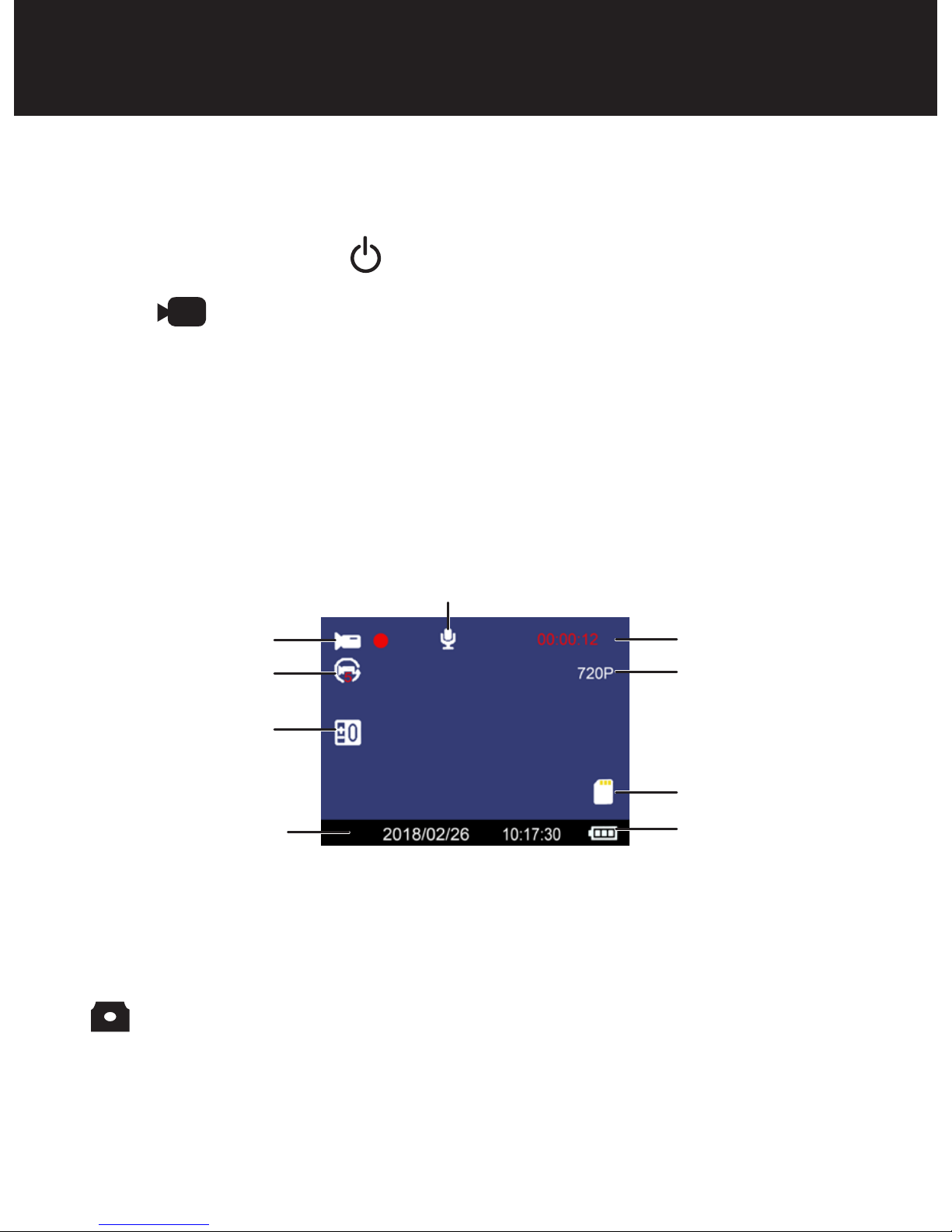
1. Once connected with car charger, the device will power
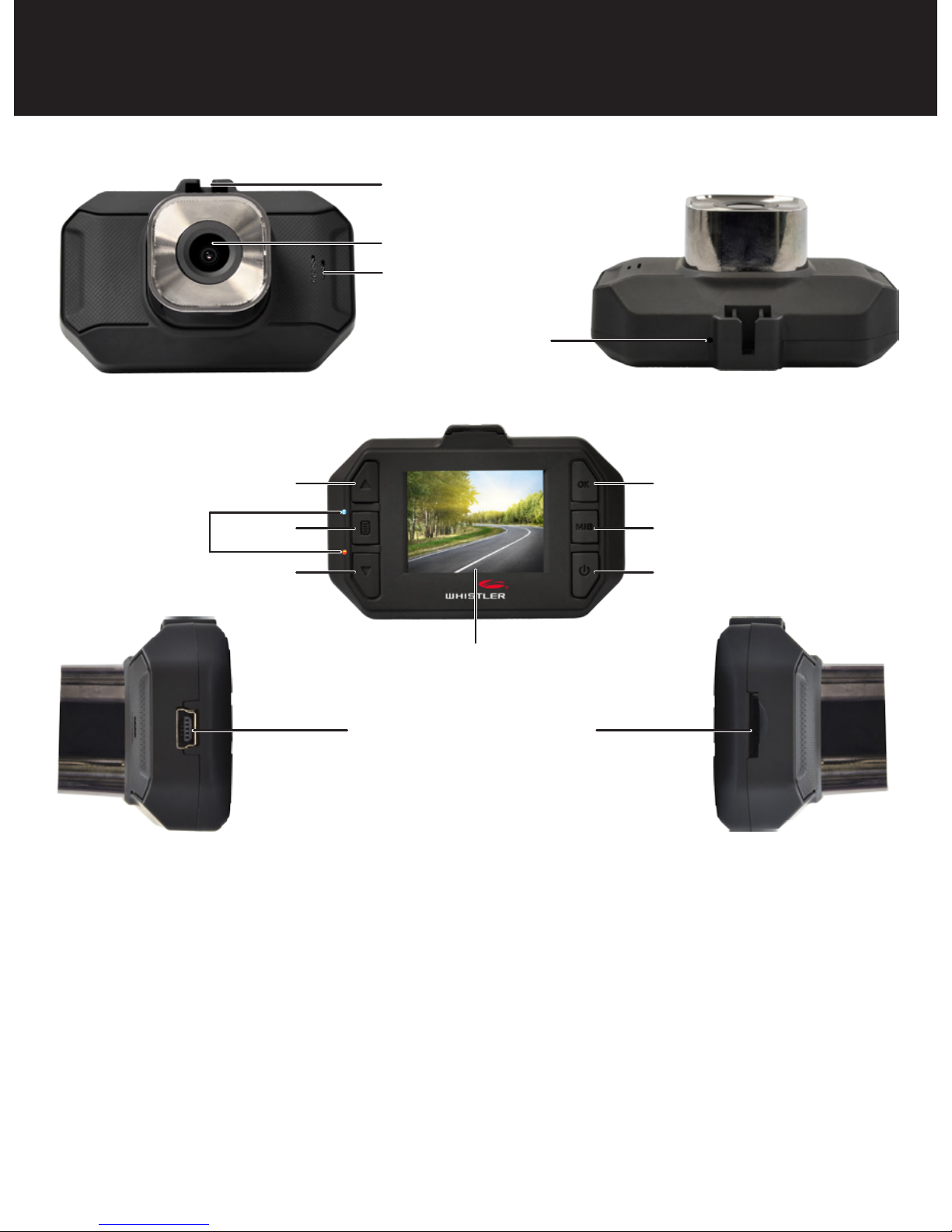
ON and start recording. Press the OK button to switch
into standby mode.
2. Press the MENU button twice then Press the or to
select Date/Time. Press OK to enter into setting.
3. Press or to choose the specific number, press OK
to enter into next setting. Once finished with settings,
press MENU button to return to DVR operation.
MENU Settings
There are 3 available levels; Video , Camera , and
Playback .
NOTE: Video or Camera menus have different option
selections. Use the MODE button to select the correct
level.
4. Press the MENU button to see available settings.
5. Press the or to scroll through the settings.
6. Press OK to make a selection.