5
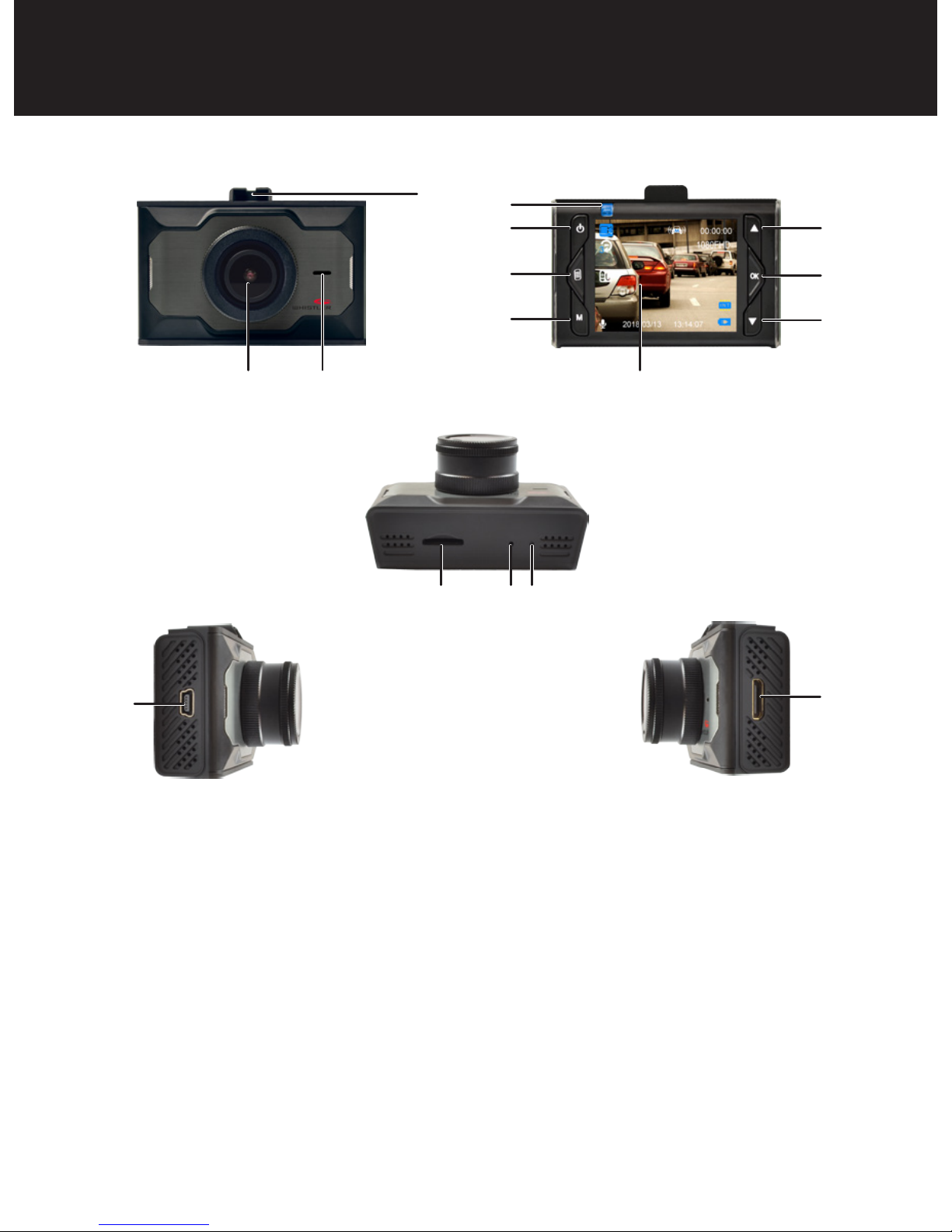
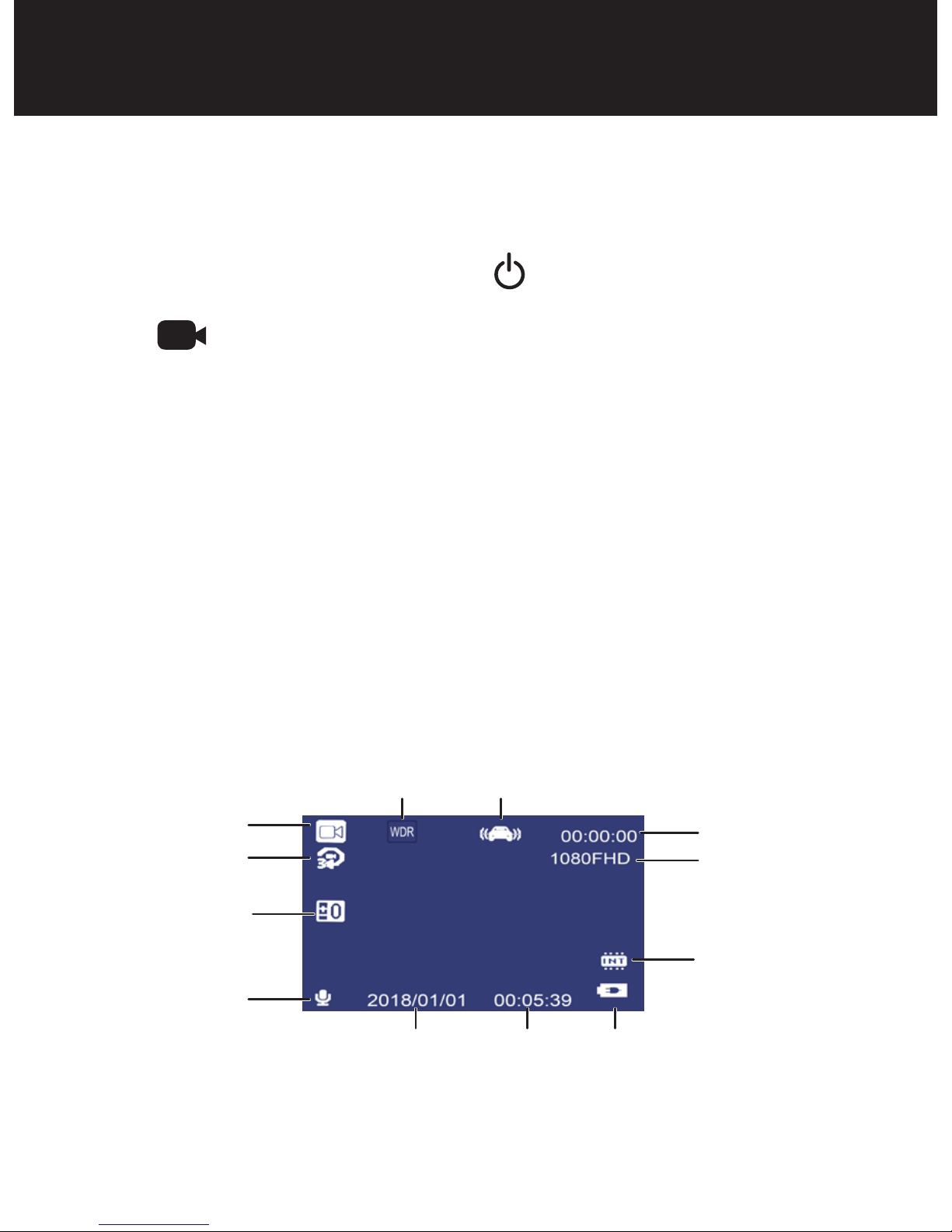
10. Mode – Press to switch modes: Video, Camera, Play
back.
11. Power Button – Press and hold to power ON/OFF.
Can also be briefly pressed during operation to
temporarily put display into screen saver.
12. Up/Lock Button – In menu allows scrolling of menu
items. Press while in record mode to lock current
file. When in camera mode press to zoom in.
13. Menu Button – Press button once to display setting
for video or camera settings. Press button twice to
display general settings.
14. Down/Microphone Button – In menu, allows
scrolling of menu items. In record mode press to
mute video audio. In camera mode press to zoom
out.
15. Micro SD Card Slot – Slot for memory card.
16. Reset Button – Using a small pin, push in to reset
the device.
FEATURE DESCRIPTION