woodize.com
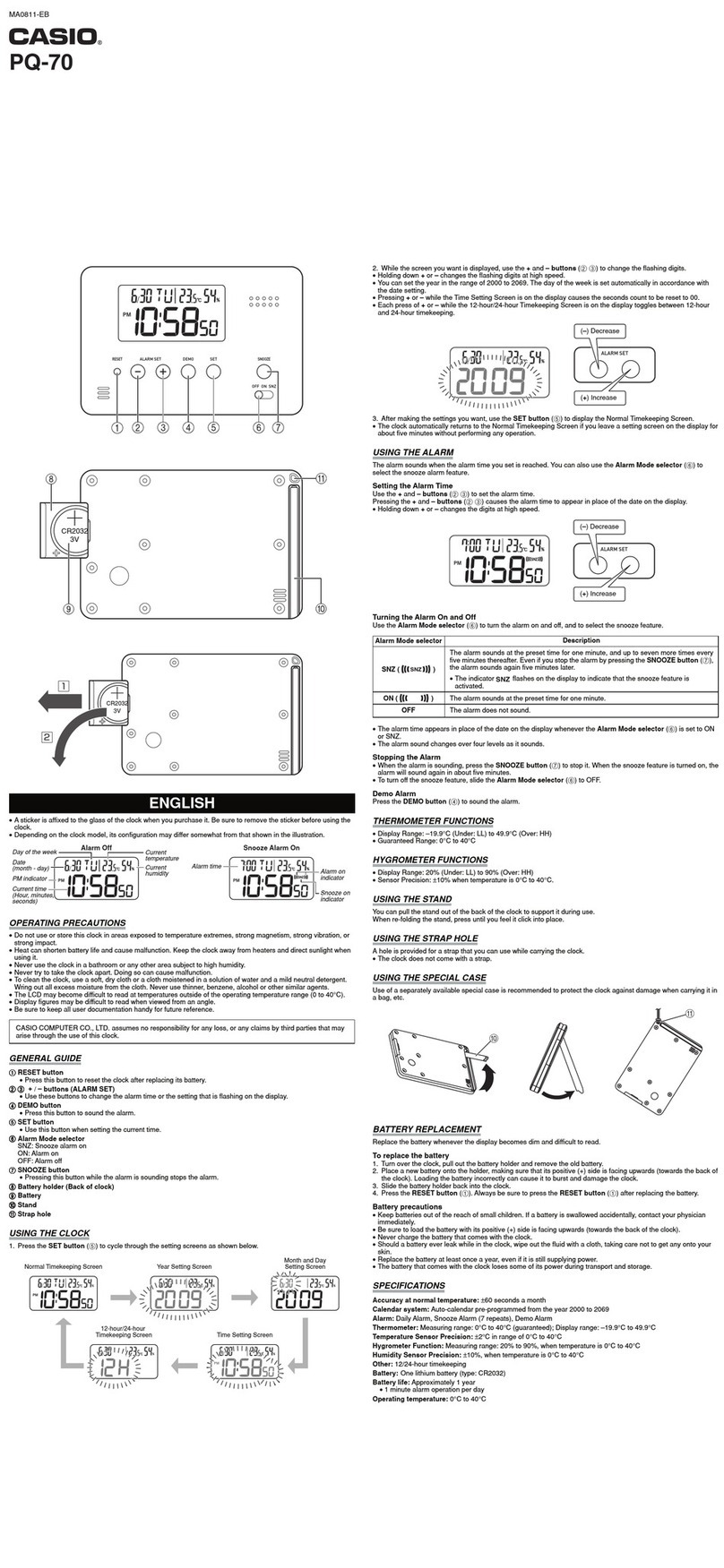
Set the alarm
The alarm time is always in 24 hours time format!
To see the scheduled alarm, press the ALARM button once.
Press and hold the ALARM button for 2 beeps to enter the alarm
setup.
Press the SET button the highlight the hours or the minutes and
press the ADJUST button to set the alarm hour and minute.
(see Adjust button extra functions next page)
Press and hold SET button for 2 beeps to exit the alarm setup.
Operate the alarm
When the alarm goes o, press ALARM button to snooze.
It repeats the alarm for 4 times in every 5 minutes!
(change snooze period, see the parameter settings chart)
To switch othe alarm for the rest of the day press and hold ALARM
button for two beeps while the alarm is ashing red and beepig.
Next day the alarm will go oagain.
To switch the ALARM completely o, press and hold ALARM for
three beeps while the clock is showing the time.
When the alarm function is o, the alarm light will switches o. To
switch back on the alarm, press and hold ALARM button for three
beeps while the clock is showing the time, or set a new alarm.
(Entering and exiting the parameter settings, the alarm light will switch
back on, if the parameter 11 value is set to 1)