76
X10 software installation on Windows
98 asks for a disk:
If your X10 software asks you to insert an
X10 disk when you connect the Video
Converter, follow these steps:
1. Click OK in this window.
2. In the “Insert Disk” window, click the
“Browse” button to look for the driver
files.
3. Go to your C: drive in the browse list and
then “Program Files,” “Common Files,”
“X10,” “DriverInstall,” and finally
“VA11A (or VA12A) Video Capture.”
4. Click the OK button to use the driver
files in that folder. Follow the instructions
on your screen after that.
If asked for the Windows 98 disk, click
“OK.” Insert your Windows 98 CD and
browse to the “Win98” folder. Click “OK.”
Using the Video Converter
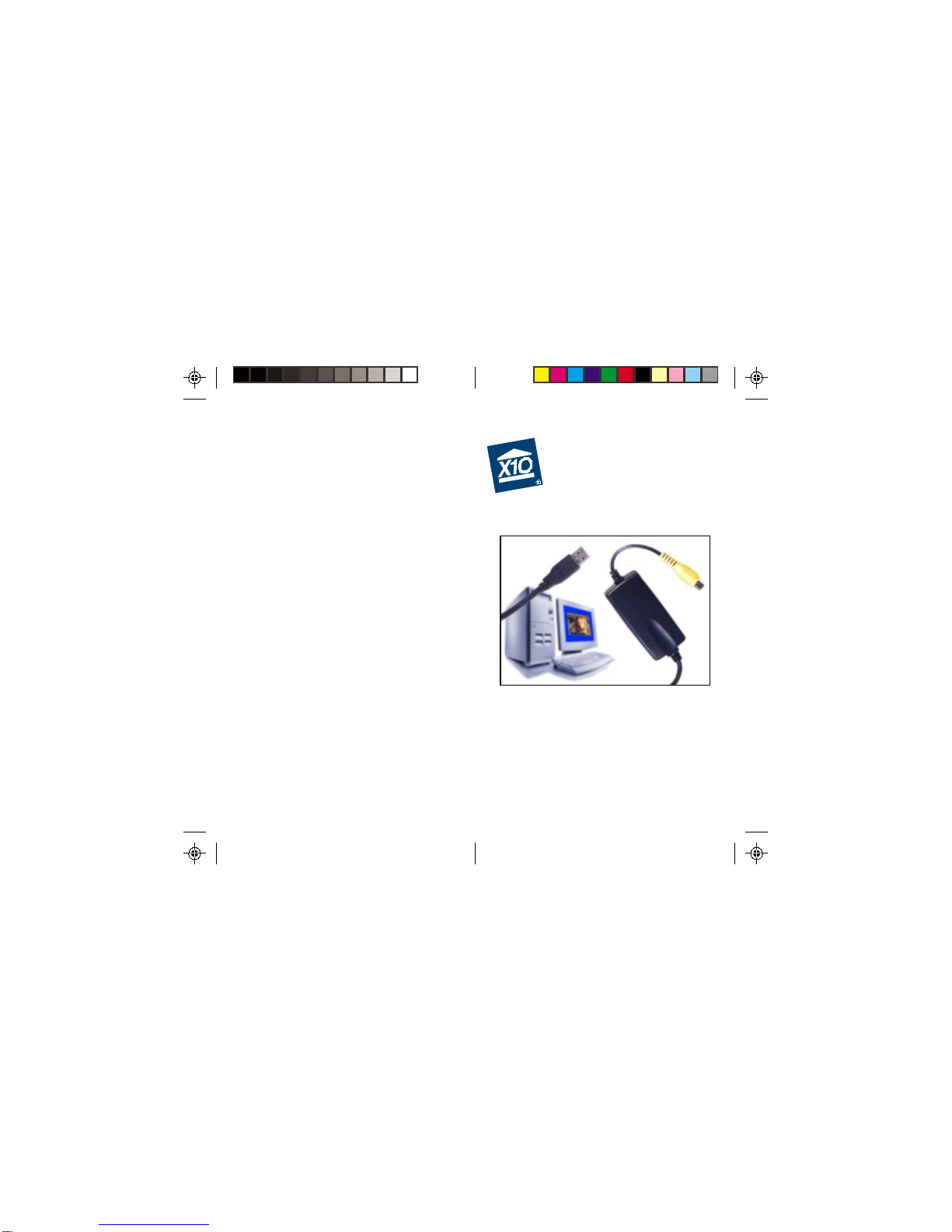
Congratulations! You are now ready to use
your video converter. All you need to do is
run your X10 software — your software
controls the Converter. Use the entry in your
Windows Start Menu, or double-click the
icon on your desktop to open the program.
When the program opens you should see
your camera’s picture in its window.
Troubleshooting
If you can’t find your link to download
software:
You can fill out a form to have the link sent
to you again. Go to:
http://www.x10.com/support
and click on the link for Secure Software
Download Link, under Technical Support.
Enter your e-mail address and order number
to be sent the download link again.
Troubleshooting