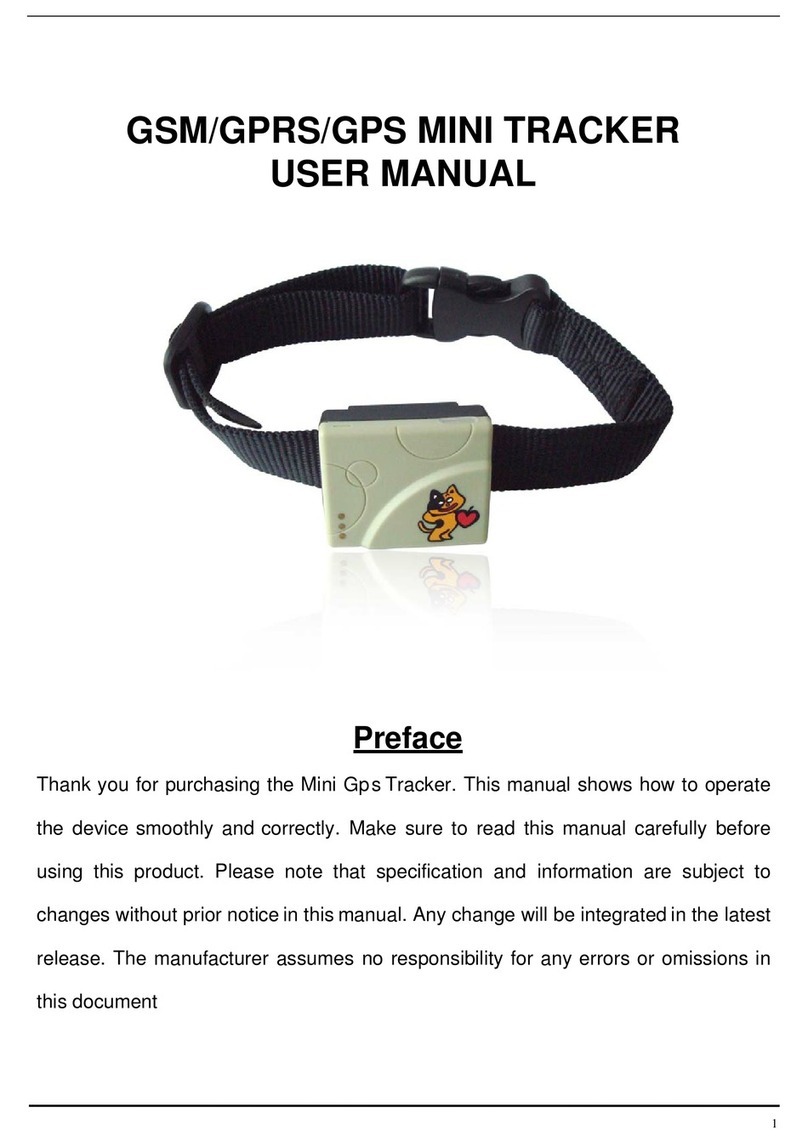
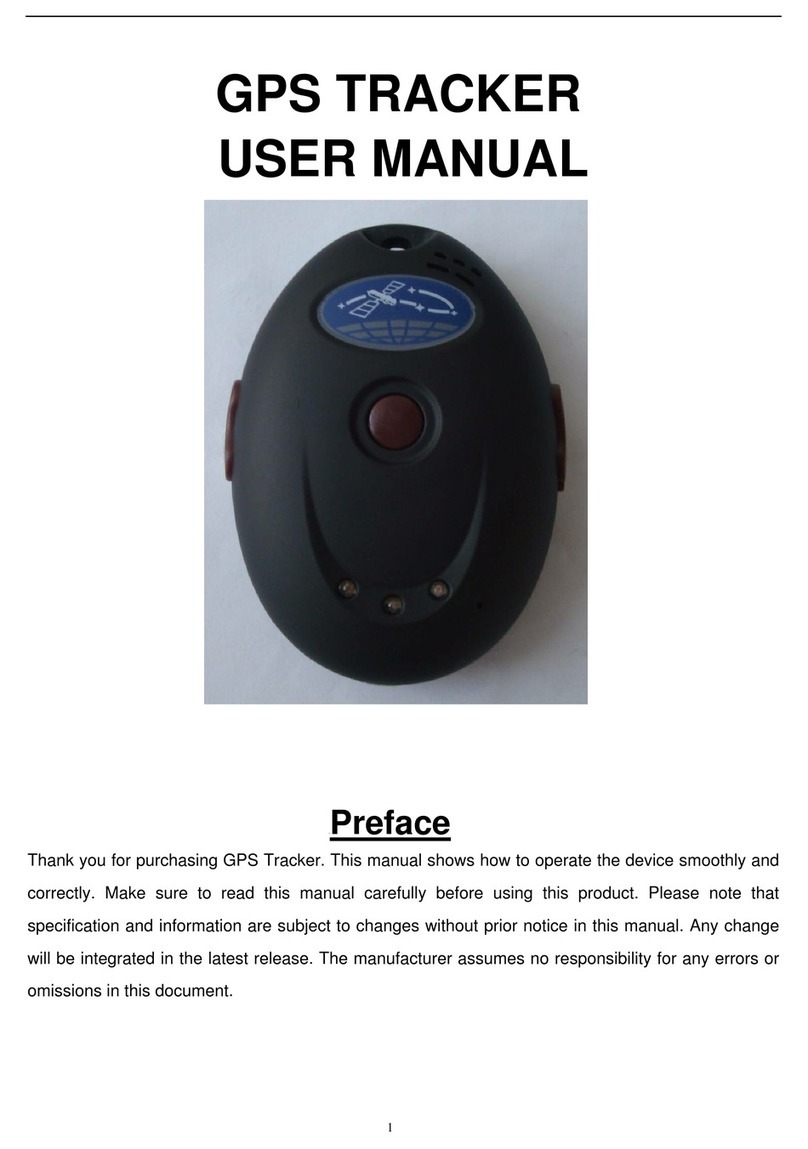
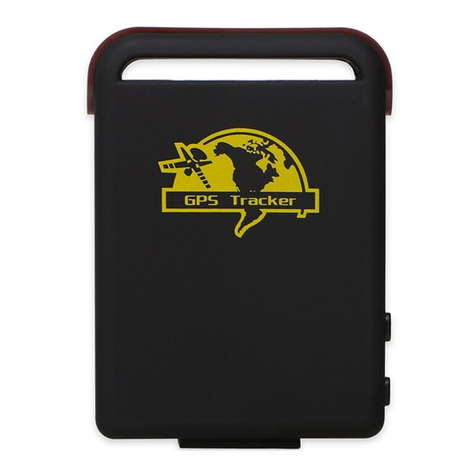
Xexun TK201 User manual

1
GSM/GPRS/GPS TRACKER
USER MANUAL
UPreface
Thank you for purchasing TK201 GPS Tracker. This manual shows how to operate the device
smoothly and correctly. Make sure to read this manual carefully before using this product. Please
note that specification and information are subject to changes without prior notice in this manual. Any
change will be integrated in the latest release. The manufacturer assumes no responsibility for any
errors or omissions in this document.

2
Content
1 Summary ---------------------------------------------------------------------------------- 3
2 Application --------------------------------------------------------------------------------- 3
3 Hardware description
3.1 Front face -------------------------------------------------------------------------------------- 3
3.2 Rear face -------------------------------------------------------------------------------------- 3
3.3 Side face --------------------------------------------------------------------------------------- 3
3.4 Bottom face --------------------------------------------------------------------------------------- 4
3.5 Interior --------------------------------------------------------------------------------------- 4
4 Specifications ---------------------------------------------------------------------------------------- 4
5 Power on/off ---------------------------------------------------------------------------------------- 5
6 Usage
6.1 SIM card installation ----------------------------------------------------------------------- 5
6.2 Battery and Charger ------------------------------------------------------------------------ 5
6.3 Quick Startup ---------------------------------------------------------------------- 6
6.4 Initialization ---------------------------------------------------------------------- 6
6.5 Change the password ---------------------------------------------------------------------- 6
6.6 Authorization -------------------------------------------------------------------------- 7
6.7 Real-time polling ------------------------------------------------------------------------ 7
6.8 Auto track ------------------------------------------------------------------ 8
6.9 Voice Surveillance ------------------------------------------------------------------------ 8
6.10 Modes switch between “track” and “monitor” ------------------------- 8
6.11 Geo-fence ----------------------------------------------------------------------- 9
6.12 Movement Alert ----------------------------------------------------------------------- 9
6.13 Overspeed Alert ---------------------------------------------------------------------- 9
6.14 IMEI Check ---------------------------------------------------------------------- 10
6.15 SOS Button -------------------------------------------------------------------- 10
6.16 Low battery alert -------------------------------------------------------------------- 10
6.17 Hidden number tracking -------------------------------------------------------- 10
6.18 SMS center -------------------------------------------------------------------- 10
6.19 GPRS setting -------------------------------------------------------------------- 11
7 Cautions --------------------------------------------------------------------- 12
8 Faults & Solutions --------------------------------------------------------------------- 13

3
1Summary
Working Based on existing GSM/GPRS network and GPS satellites, this product can
locate and monitor any remote targets by SMS or GPRS.
2 Applications
zRental vehicle / Fleet management etc
zProtect the child / the old / the disabled / pet etc
zProvide peace-of-mind for businessmen
zPersonnel management
zCovert Tracking
3HardwareDescription
3.1 Front face 3.2 Rear face
3.3Sideface You can update software,
charge battery from here.
You can press the “SOS” buttons for 3s for
emergent help.
Indicator for signals.
Turn on / off the unit here.

4
3.4 Bottom face
3.5 Interior
4Specs.
Content Specs.
Dim. 51mm x 46mm x 17mm
Weight 45g
Network GSM/GPRS
Band 850/1800/1900Mhz or 900/1800/1900Mhz
GPS chip SIRF3 chip
GSM/GPRS
module Siemens MC55/Siemens MC56 or Simcom300/Simcom340
GPS sensitivity -159dBm
GPS accuracy 5m
Time To First Fix Cold status 45s
Warm status 35s
Hot status 1s
Car charger 12—24V input
5V output
Wall charger 110-220V input
5V output
Battery Chargeable changeable 3.7V 850mAh Li-ion battery
Standby 48hours
Storage Temp. -40°C to +85°C
Operation Temp. -20°C to +55°C
Humidity 5%--95% non-condensing
Install the battery like this.
Microphone
Put SIM card here.

5
5Poweron/off
5.1 Power on
After fix the battery well, The tracker will turn on automatically with green LED light on
for seconds and keep flashing then for normal working.
5.2 Power off
Press the on/off button on the cradle while the green LED is on, the LED indicator will
keep flashing for around 2 seconds, then off, which means the tracker is powered off.
6Usage
6.1 SIM card installation
Make sure that there is no call transfer and call display is on, and PIN code off.The
SMS message must in Text format, can’t be identified for PDU format.
Steps:
1 Open the rear cover, and pick out the battery.
2 Push the foil along and turn it left.
3 Put the SIM card into the holder, and turn the foil right and fasten it in place.
6.2 Battery and Charger

6
Do charge the battery to capacity in 8 -12 hours for first use. Please use the battery
and charger provided by the manufacturer. This unit adopts built-in Li-ion battery, and
full battery will support around 48 hours use on end. After first use, the battery can be
charged fully in 3-5hours.
Cautions:
a: For it’s Li-ion battery, which contains harmful chemicals and may burst, please don’t bump,
puncture it violently and keep it off fire.
b: Please charge the battery in time to keep it working normally.
6.3 Startup
zPut the SIM card and battery in place.
zTurn on the unit outdoors by pressing the “on/off” button until the indicatoris on.
zFor first use, please initialize the unit and restore it to default setting.( please refer to
6.4 for instruction.)
zIn 10 or 40seconds, the unit will begin to work and acquire the GSM signals as well
as the GPS signals. The indicator will keep flashing every 4 seconds when the unit
has received the signals, otherwise it will keep on.
zWhen this unit receives GPS signals normally, you can use it and do all the
following settings.
6.4 Initialization
Send “begin+password” in SMS to the unit, it will reply “begin ok” and initialize all the
settings. (default password: 123456)
6.5 Change the password
Send SMS password+old password+space+new password to change the password.

7
Remark:
6.5.1 Be sure keep the new password in mind, you have to upload the software to
restore the original setting in case of losing the new password.
6.5.2 Make sure the new password is in 6 digits, or else the tracker can not recognize
the password.
6.6 Authorization
There are only 5 numbers able to be authorized.
6.6.1 Call the tracker for 10 times, it will make the cell phone number as the authorized
number automatically.
6.6.2 Send SMS admin+password+space+cell phone number to set up a authorized
number. The other authorized numbers should be set by the first authorized number.
If the number is successfully authorized, the unit will reply “admin ok!” in SMS.
6.6.3 Send SMS noadmin+password+space+authorized number to delete the
authorized number.
6.6.4 For roaming purpose, you have to add your country code ahead of the cell phone
number, for example, please send admin123456 008613322221111 to tracker to set
13322221111 as an authorized number.
6.7 Real-time polling
6.7.1 If there is no authorized number, when any number dials up the unit, it will report a
Geo-info; If there is already an authorized number, then it will not respond when an
unauthorized number calls it up.
6.7.2 When an authorized number dials up the unit, it will hang up and report a real-time
Geo-info as below:

8
6.8 Auto-Track
Report a Geo-info at 30s intervals to the authorized numbers for 5 times:
6.8.1 Set up: Send SMS t030s005n+password to the unit, it will report the Geo-info at
30s intervals for 5 times.(s: second, m: minute, h: hour). The setting must be in 3 digits
and at maximum 255 in value.
6.8.2 Send SMS t030s***n+password to the unit, it will reply SMS heaps of times
6.8.3 Cancel: Send notn+password to delete the “ auto track ”
Remark: the interval must not be less than 20s.
6.9 Voice Surveillance
In this mode, the user can dial up the unit to monitor the voice (please refer to 6.10 for
instruction).
6.10 Modes switch between “track” and “monitor”
6.10.1. The default mode is “track”.
6.10.2. Send SMS monitor+password to the unit, and it will reply “monitor ok!” and
switch to “monitor”mode.
6.10.3. Send SMS tracker+password to the unit, it will reply “tracker ok!” and restore to
“track” mode.

9
6.11 Geo-fence
Set up a geo-fence for the unit to restrict its movements within a district. The unit will
send the message to the authorized numbers when it breaches the district.
6.11.1 Set up: When the unit stays immobile in a place for 3-10 minutes, the user can
Send SMS stockade+password+space+latitude,longitude; latitude,longitude to unit to
set the restricted district. In case of breach, it will send SMS “stockade!+geo-info” to the
authorized numbers.
Remark : The first latitude&longitude is coordinate of the top left corner of the Geo-
fence, while the second latitude&longitude is the coordinate of the bottom right corner.
It will alarm one time in each setting.
6.11.2 Cancel: Send SMS nostockade+password to deactivate this function.
This function will be out of effect afterthe unit moves outside the district.
6.12 Movement alert
6.12.1 Set up: When the unit stays immobile in a place for 3-10 minutes, the user can
send SMS move+password to the unit, then the unit will reply “move ok!”. In case of
such a movement, it will send SMS “Move” along with a Geo-info to the authorized
numbers. It will alarm one time in each setting.
6.12.2 Cancel: Send SMS nomove+password to deactivate the movement alert.
Remark: This function will be out of effect after the unit moves outside the district.
6.13 Overspeed alert:
6.13.1 Set up: Send SMS speed+password+space+080 to the unit (suppose the speed
is 80km/h), and it will reply “speed ok!”. When the target moves exceeding 80 km/h, the

10
unit will send SMS speed+080!+Geo-info to the authorized numbers. It will alarm one
time in each setting.
6.13.2 Cancel: Send SMS nospeed+password to deactivate the overspeed alert
Remark: It is recommended that the speed alarm is set at not less than 50km/h. For
below that rate, it may cause the excursion of the GPS signal influenced by clounds etc.
6.14 IMEI checking:
Send SMS imei+password to the unit to check the IMEI number.
6.15 SOS button
Press the SOS for 3 second, it will send “ help me !+ Geo-info” to all the authorized
numbers every 3 minutes. It will stop sending such a SMS when any authorized
number reply SMS ”help me!” to the tracker.
6.16 Low battery alert
It begins to alert when it is 3.7V and sends you SMS in 30m interval.
SMS format: low battery+Geo-info.
6.17 Hidden number tracking
When a hidden authorized number calls the tracker, the tracker will reply SMS with the
hidden number&Geo-info to all the authorized numbers.
6.17.1 Send SMS “hide number” to set up the hidden number.
6.17.2 Send SMS “nohide number” to delete the hidden number.
6.18 SMS center
Table of contents
Other Xexun GPS manuals
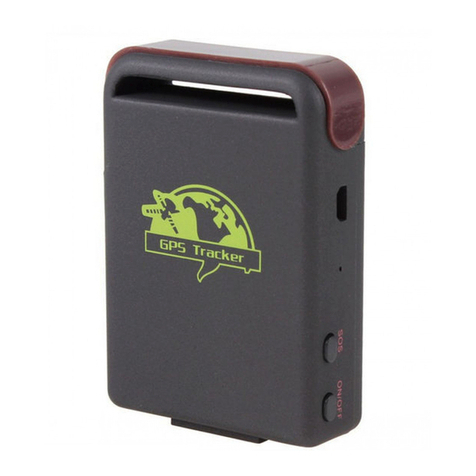
Xexun
Xexun TK-102 User manual
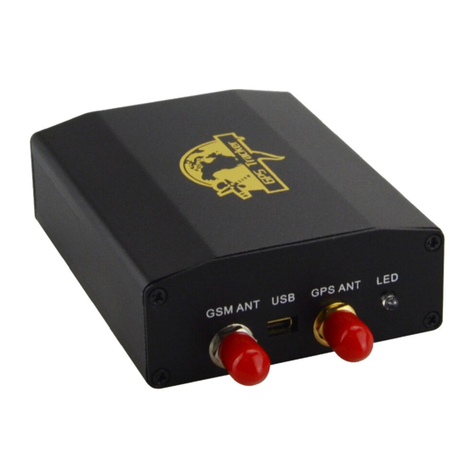
Xexun
Xexun TK-103 User manual
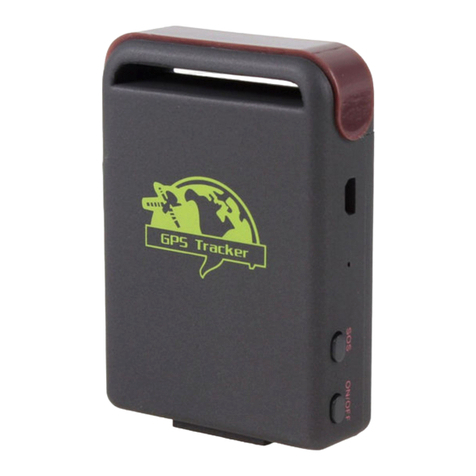
Xexun
Xexun TK-102 User manual
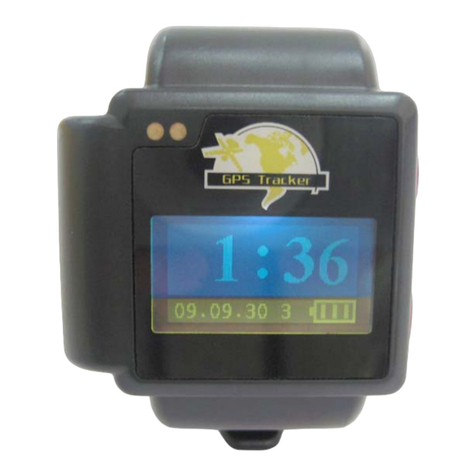
Xexun
Xexun GSM/GPRS/GPS WATCH TRACKER User manual
Xexun
Xexun XT-009 User manual
Xexun
Xexun TK-102 User manual
Xexun
Xexun TK106 User manual

Xexun
Xexun TK-102 User manual
Xexun
Xexun TK-102 User manual
Xexun
Xexun TK-103 User manual