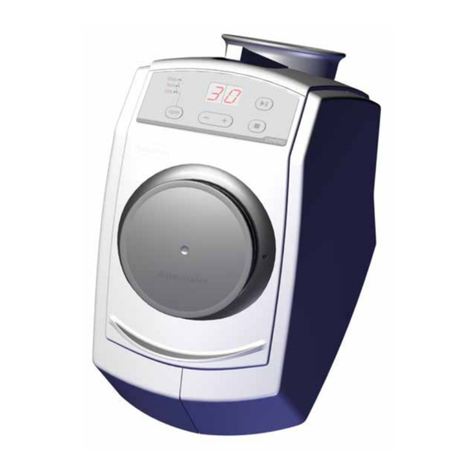
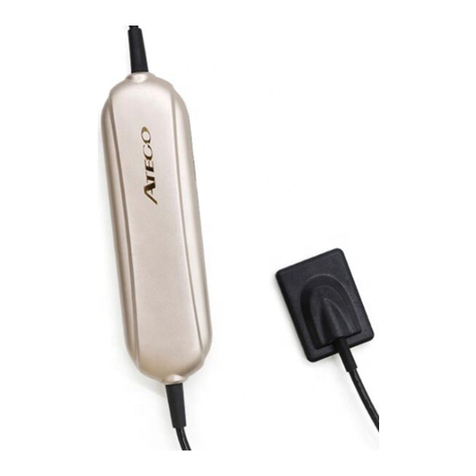
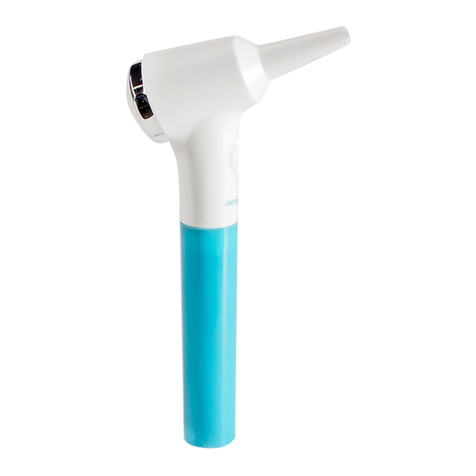
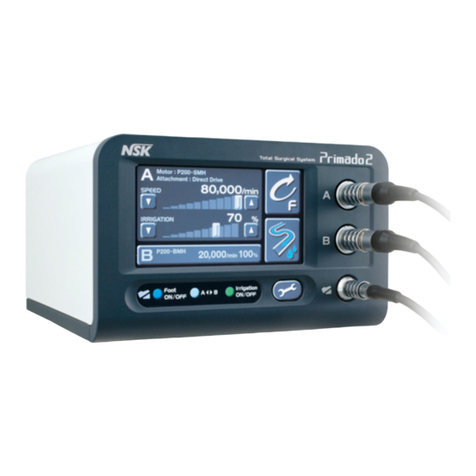
• Host (Fig 3-3 Fig 3-4)
Instruction ofthe board in the front ofHost instruction of the board in the back ofHost
!
I
power
ea
mera handle connector
Fig3-3 Fig3-4
Host can store eight full-screen images.
• Handle lead
Handle lead is a data line cormected with camera handle and host. It adopls a fast
connecter which can be inserted and pull out quickly. The data line is flexible
and can be sterilized under high ternperature and high pressure.
• VGAline
VGA line is a data line connected camera with VGA screen.
40peration
First slep: install CAM in accordance with the Fig 4-1
Second step: plug the power cord, and turn on VGAmonilor or software.
Third step: press the POWER button lo turn on CAM.
l. How lo capture images?
Hold the camera handle as Fig4-2 shows. When the image is active, lct the camera,
which will adjusI focal length automatically, focus on what you want lo capture.
Then press the freeze button until the picture looks clearly. Al this lime the irnage
is freeze and
stored
in the host.
2. How lo capture
the
next
image?
After capturing an image, you musl press the page button lo make the image return
to be active.
3.How lo delete the last image?
After capturing an image, press the freeze button to delete the last image, then the image
will return to be active.
4. How lo utilize the 4 grids function?
Pressthe page button for 38 until the screen is active;
the two types of image mode(Full-screen 4 grids)could
transfer from each other,
Fig 4-3 shows 4 grids image.
5. How many images the host could save at most?
Normally, the storage capacity is 8 images.
If you utilize 4 grids function, the host could store
32(S*4) images.
Notice: lfyou use software to save the images, you
can save as many imagcs as possible.
Fig4-1
6. How to review the images in store?
Press the page button after capturing 8 images, then
you can revíew all of the 8 imagcs.
7. How lo make use ofthe managemenl software?
Read the Operation Manual in the CO which describes
how to install and make use ofthis software.
, ,'i
I '
Fig4-2
6
The mark card
MODEL:CAM-02 Dental Oral Camera
SUPPLYFREQUENCY:50/60Hz VOLT:ACIOO-240V ;"
POWER CONSUMPTION: ~ 2W WEIGHT:500g
ili
SIN:
MFG.OATE:
Ningbo YOUJOY Medieal Instrumenl Co.,Lld.
NO.275,lane 321,Tongning Road,Jiangbei Inveslment&
Pionecring Park C,Ningbo,315033, China
Tel: +86-574-27709922 Fax:+S6-574-27709923
1
Maintaining
6.IPlease gel in touch with local distributor or our company ir the produet doesn't work.
6.2 To no! affcct working effecr and lo meet the safcty
requirements,
the
camera service
life is Iour years,
6.3PleUBe make sure the power is offwhile maintaining.
6ATo wipe off the stain, please clean the cover or associated par! with mild soap or few
detergent.
6.5Don'llet the liquid go inside wbile maintaining.
h (;.Ul"'•..•,...'".f'•..•
l1"H' •...•..••.
"..f;,llu th ••
i.•..•
"t..-,l •.•
ti•...•.•..•"
,...fthic
r.npT''lt"r
t •••
tl'1~nllo;ll
~nrl
U1P
('!1n
(lffpr
• Magnetic bracket
Magnetic bracket is a magnetic switch. When you pul the camera handle baek
into the magnetic brackel after using the camera handle, the camera LEO lights
will automatically extinguish.
Make sure the button is outward when you pul it into
the magnetic brackel, or the camera handle light will
not be off aulomatically.
Fig3-5
• USBline
USB line is a data line connected camera handle with PC.
camera handle
pe or laptop
5Exception handling
If some exception happened on the camera, please salve problems according
lo Table 5-1 as follows. Please contact to your local distributor or
OUT
company ir
tne sotuttons
in Table 5-1
ísn't
working.
Item Exception Solution
Tum on CAM, but the host doesn't Check power cord and power connecters
work on the host
Screen without image
1) Check VGA &USB
line
end connecter
2) Check if software driver is installed and
attribute ís set
correctly
Fuzzy image displays
It is a normal phenomenon
if
you use it for
thefirsttime
4
Thc freeze image is unclear 1) Don't move camera handle until you
freeze the image
2) Repeat
operating
until you feel practiced
The image on screen is stained
1) Check if the screen has stain
2) Check
if
camero. is stained, use clean
tampon clean the camera gently
I'Icuao rcatcrt thc cemerc cccordiug dúo
Opcrañon Insbuction
The screen rurns Out10ue blat;k.
or blue
Fig5-1
'fOUJO'f~
No.275,lane 32 I.Tongning Road.Jiangbei Investment&
Pionecring Park C,Ningbo,315033, China
Tel: +86-574-27709922
Fax:+S6-574-27709923