manuals.online logo
Brands
  1. Home
  2. •
  3. Brands
  4. •
  5. Zoombak
  6. •
  7. GPS
  8. •
  9. Zoombak PSAP User manual

Zoombak PSAP User manual

Other Zoombak GPS manuals

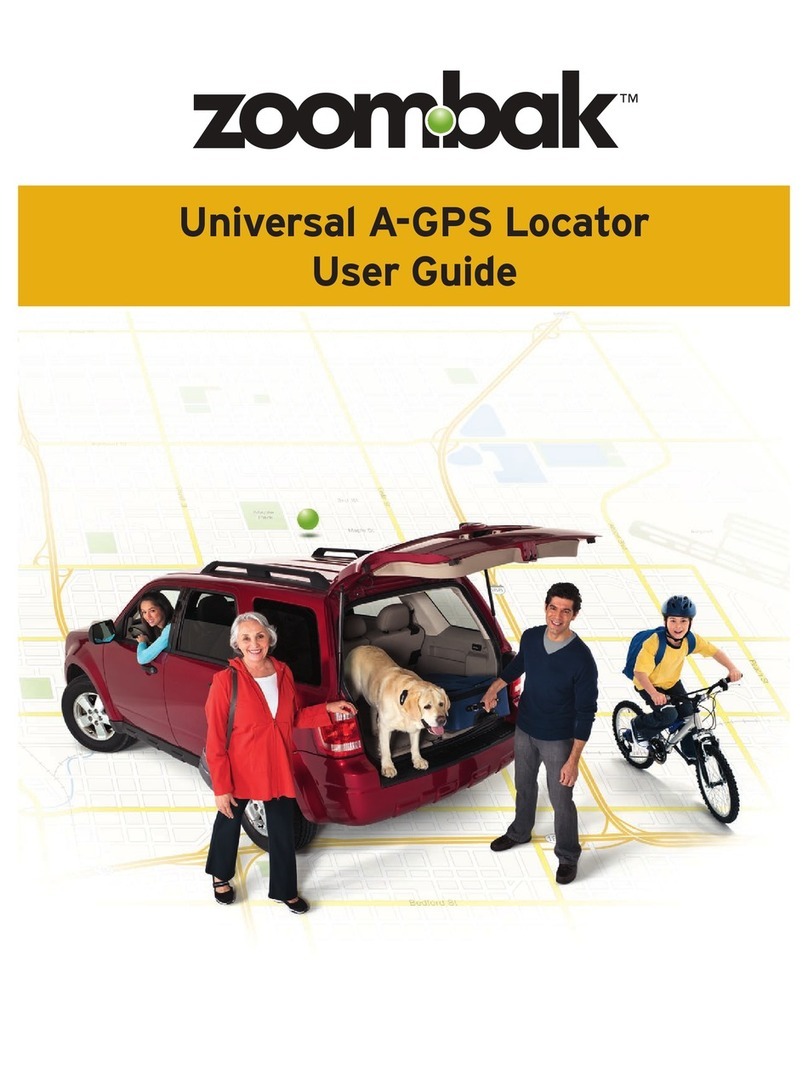
Zoombak A-GPS Locator User manual

Zoombak

Zoombak A-GPS Locator User manual

Zoombak ZMBK200 User manual

Zoombak

Zoombak ZMBK200 User manual

Zoombak Car and Family GPS Locator User manual

Zoombak

Zoombak Car and Family GPS Locator User manual

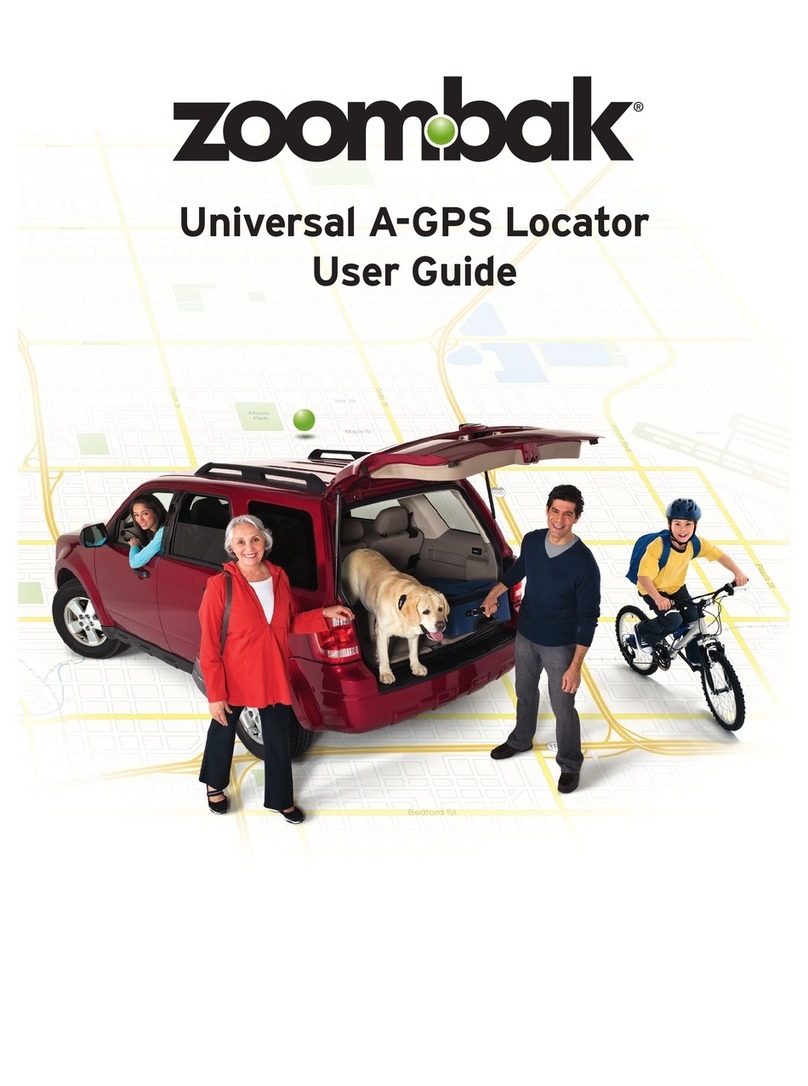
Zoombak A-GPS Universal Locator User manual

Zoombak

Zoombak A-GPS Universal Locator User manual

Zoombak ZB201 series User manual

Zoombak

Zoombak ZB201 series User manual

Zoombak ZMBK200 User manual

Zoombak

Zoombak ZMBK200 User manual

Zoombak ZB100 User manual

Zoombak

Zoombak ZB100 User manual

Zoombak A-GPS Universal Locator User manual

Zoombak

Zoombak A-GPS Universal Locator User manual

Zoombak Car and Family GPS Locator Instruction Manual

Zoombak

Zoombak Car and Family GPS Locator Instruction Manual

Popular GPS manuals by other brands

Polar Electro RCX3 Getting started guide

Polar Electro

Polar Electro RCX3 Getting started guide

Tobii Pro Spectrum user manual

Tobii Pro

Tobii Pro Spectrum user manual

Gosafe G91I user manual

Gosafe

Gosafe G91I user manual

Fisher TW-8800 operating manual

Fisher

Fisher TW-8800 operating manual

LG LN740 Series Specifications

LG

LG LN740 Series Specifications

Prestigio GeoVision 430 user manual

Prestigio

Prestigio GeoVision 430 user manual

JVC KW-NT3HDT instructions

JVC

JVC KW-NT3HDT instructions

Yoctopuce Yocto-GPS user guide

Yoctopuce

Yoctopuce Yocto-GPS user guide

RightWay GPS Navigator RW 200 user manual

RightWay

RightWay GPS Navigator RW 200 user manual

TomTom VIA user guide

TomTom

TomTom VIA user guide

Garmin ECHOMAP PLUS owner's manual

Garmin

Garmin ECHOMAP PLUS owner's manual

Telit Wireless Solutions GM862GPS Series Hardware user's guide

Telit Wireless Solutions

Telit Wireless Solutions GM862GPS Series Hardware user's guide

Hama 53118 Operating	 instruction

Hama

Hama 53118 Operating instruction

Garmin DEZL 580 owner's manual

Garmin

Garmin DEZL 580 owner's manual

Jigabot EX quick start guide

Jigabot

Jigabot EX quick start guide

Pointer Cellocator CelloTrack XT LTE overview

Pointer

Pointer Cellocator CelloTrack XT LTE overview

Queclink GV55LITE user manual

Queclink

Queclink GV55LITE user manual

Starcom Systems Kylos Compact user guide

Starcom Systems

Starcom Systems Kylos Compact user guide

manuals.online logo
manuals.online logoBrands
  • About & Mission
  • Contact us
  • Privacy Policy
  • Terms and Conditions

Copyright 2025 Manuals.Online. All Rights Reserved.

TM
GPSRECOVERY
PSAP RefeRence Guide
Zoombak products:
Zoombak Universal Locator
• Sold at retailers such as RadioShack and Target
• Consumers can locate teen or elderly drivers, children,
or pets via online service
• Available with pet pouch or auto installation kit
• No direct public safety involvement. It is, however,
possible that Zoombak customers may directly call
9-1-1 and provide location info based on a Zoombak
device
Zero-In GPS Recovery
• Sold through automobile dealers
• Dealers install GPS device in customer vehicles
• Customers contact Zoombak if vehicle is stolen
• Zoombak interaction with PSAPs based on APCO
Recommended Best Practices – Telematics Call Pro-
cessing
© 2008 Zoombak. All rights reserved. Zoombak is a trademark of Zoombak, LLC. ZGRBR-1008
Zoombak markets GPS-based devices that support tracking of children, vehicles, equipment and other valuable items. Under
certain circumstances, PSAPs and Law Enforcement may want to know the location of a Zoombak device. Where applicable,
Zoombak has implemented call handling procedures defined by NENA and APCO.
Zero-In GPS Recovery:
Process if car gets stolen
Citizen contacts police, reports car stolen, completes
paperwork, and requests case #.
Citizen contacts Zoombak’s Zero-In 24/7 call center.
Zoombak verifies customer info and takes police case number.
Zoombak contacts the appropriate communications center
by using the public 24X7 number.
Zoombak provides case number to PSAP; provides cur
rent/past location info. Zoombak CSR will stay on the call
as long as required.
If appropriate, the Zoombak call center will take calls from
officer dispatched to recover the stolen vehicle.
1.
2.
3.
4.
5.
Looking for additional information?
Email: [email protected]
Web: www.zoombak.com/publicsafety
Phone: (to locate stolen vehicles which have
Zero-In GPS Recovery): 877-857-FIND (3463)

RefeRence PROTOcOL
1. Citizen calls 9-1-1 or the police
Completes all necessary paperwork
Obtains Case number
•
•
© 2008 Zoombak. All rights reserved. Zoombak is a trademark of Zoombak, LLC. ZGRBR-1008
2. Citizen calls Zoombak, reports car has
been stolen, police report has been
filed, and provides case number
CSR downloads historical location
log and activates continuous tracking
•
3. Zoombak CSR calls Comm
Center using 24x7
emergency number
Identifies self
Provides Case number
Provides current and past
location info
Can stay on phone until
vehicle is recovered
•
•
•
•
4. If appropriate, Zoombak CSR can
initiate or receive a call from officer
dispatched to find stolen vehicle
877-857-FIND (3463)