manuals.online logo
Brands
  1. Home
  2. •
  3. Brands
  4. •
  5. Accu-Chek
  6. •
  7. Blood Glucose Meter
  8. •
  9. Accu-Chek FastClix User manual

Accu-Chek FastClix User manual

Other Accu-Chek Blood Glucose Meter manuals
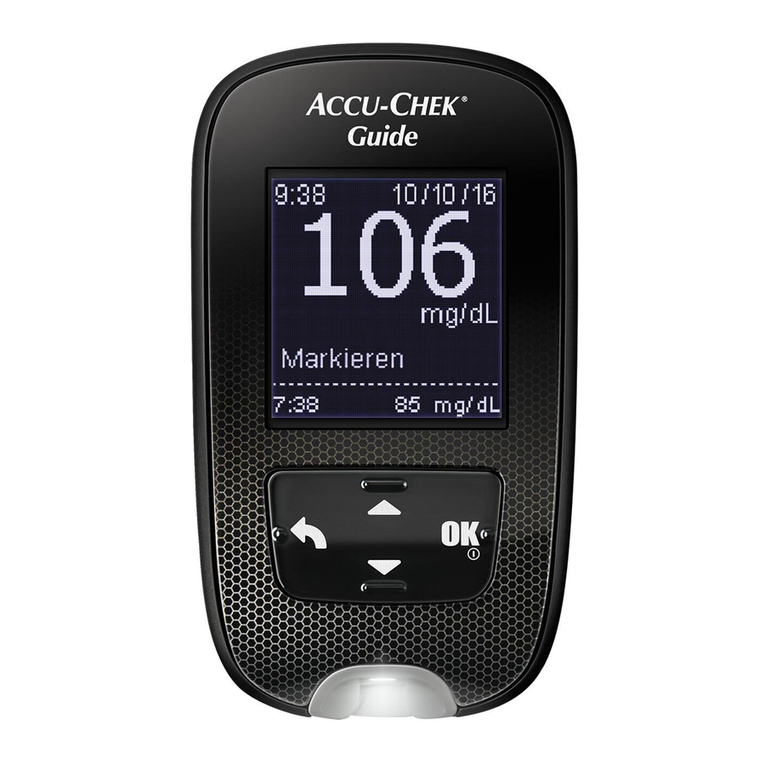
Accu-Chek Guide User manual

Accu-Chek

Accu-Chek Guide User manual
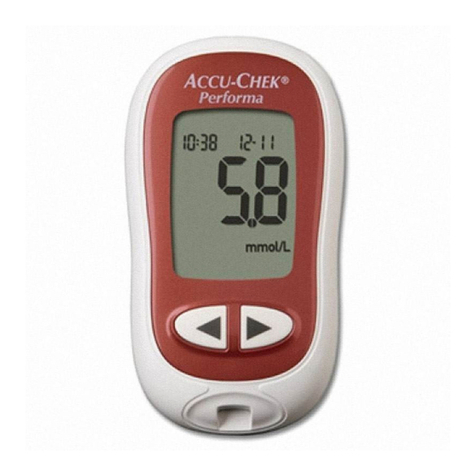
Accu-Chek Performa Connect User manual
Accu-Chek

Accu-Chek Performa Connect User manual
Accu-Chek Performa Connect User manual

Accu-Chek

Accu-Chek Performa Connect User manual

Accu-Chek Guide User manual

Accu-Chek

Accu-Chek Guide User manual

Accu-Chek ADVANTAGE User manual

Accu-Chek

Accu-Chek ADVANTAGE User manual

Accu-Chek Compact Plus User manual

Accu-Chek

Accu-Chek Compact Plus User manual

Accu-Chek Guide Me User manual

Accu-Chek

Accu-Chek Guide Me User manual
Accu-Chek Performa Connect User manual
Accu-Chek

Accu-Chek Performa Connect User manual

Accu-Chek ACTIVE User manual

Accu-Chek

Accu-Chek ACTIVE User manual
Accu-Chek Softclix User manual

Accu-Chek

Accu-Chek Softclix User manual
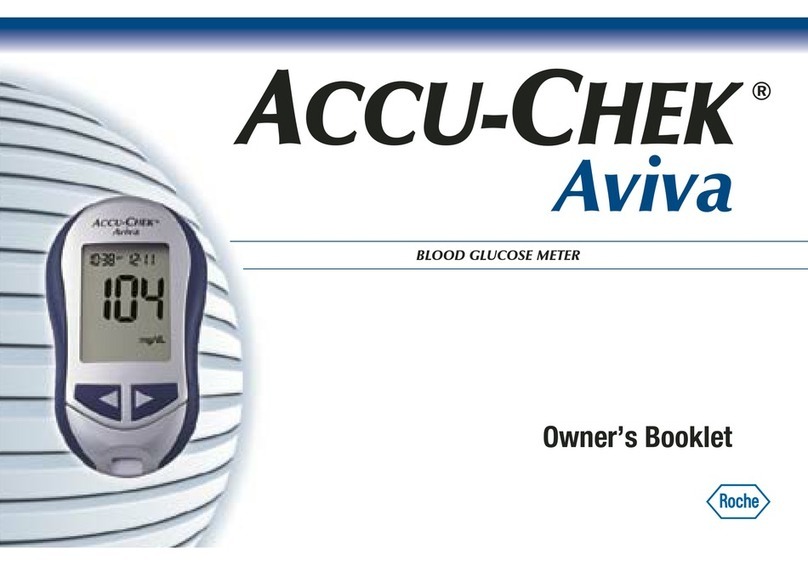
Accu-Chek Aviva User manual

Accu-Chek

Accu-Chek Aviva User manual
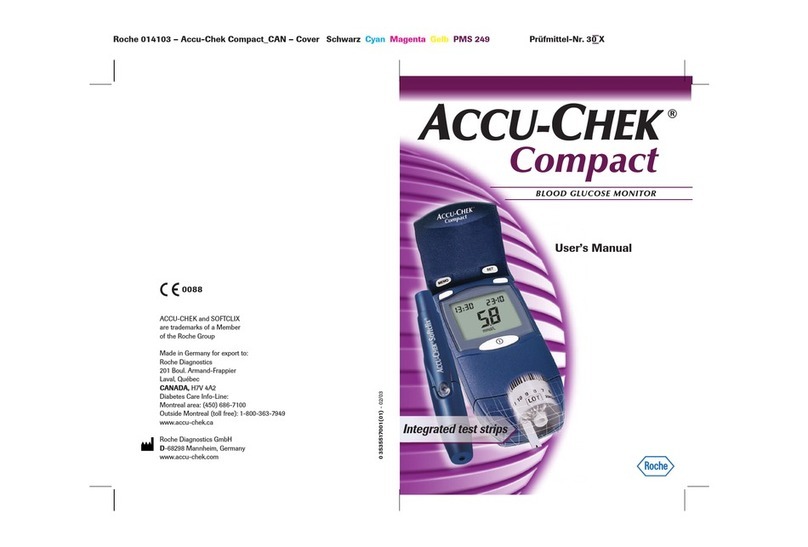
Accu-Chek Compact User manual

Accu-Chek

Accu-Chek Compact User manual
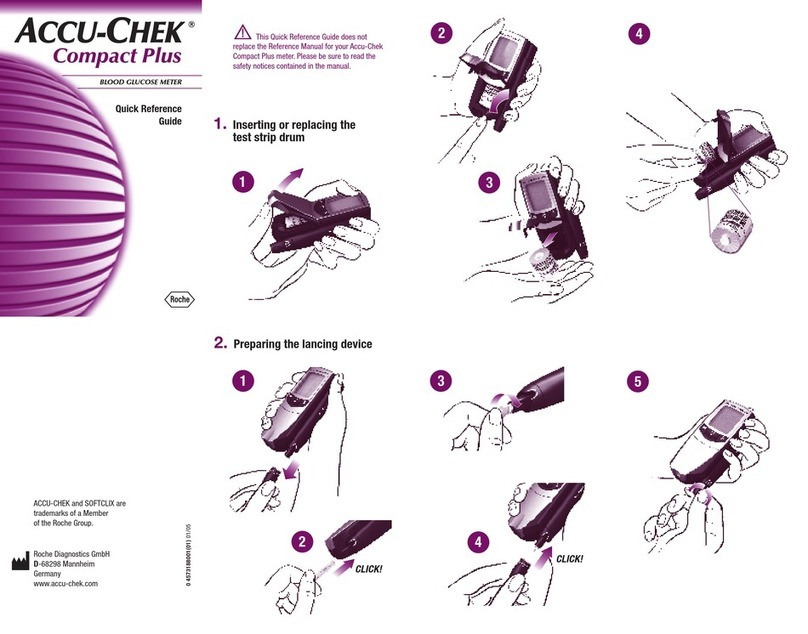
Accu-Chek Compact Plus User manual

Accu-Chek

Accu-Chek Compact Plus User manual
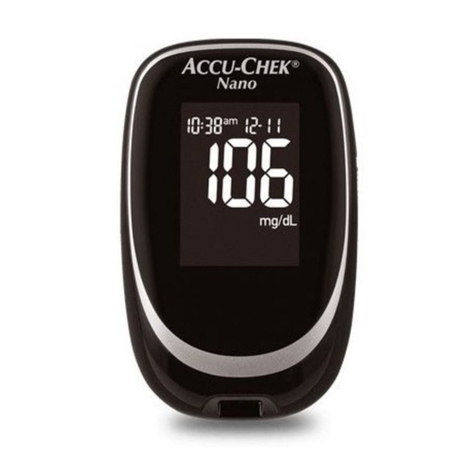
Accu-Chek Performa Nano User manual

Accu-Chek

Accu-Chek Performa Nano User manual
Accu-Chek Aviva Plus User manual

Accu-Chek

Accu-Chek Aviva Plus User manual

Accu-Chek Aviva User manual

Accu-Chek

Accu-Chek Aviva User manual
Accu-Chek Performa Connect User manual
Accu-Chek

Accu-Chek Performa Connect User manual
Accu-Chek Performa Connect User manual

Accu-Chek

Accu-Chek Performa Connect User manual

Accu-Chek ADVANTAGE User manual

Accu-Chek

Accu-Chek ADVANTAGE User manual
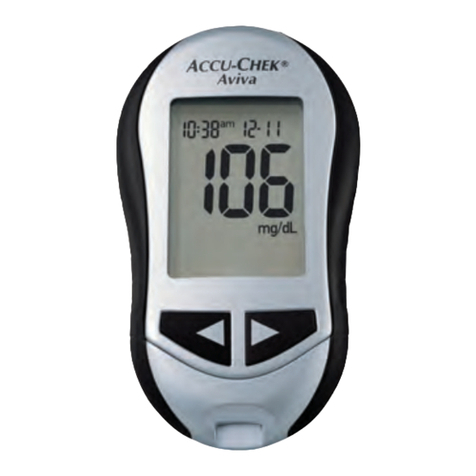
Accu-Chek Aviva User manual

Accu-Chek

Accu-Chek Aviva User manual
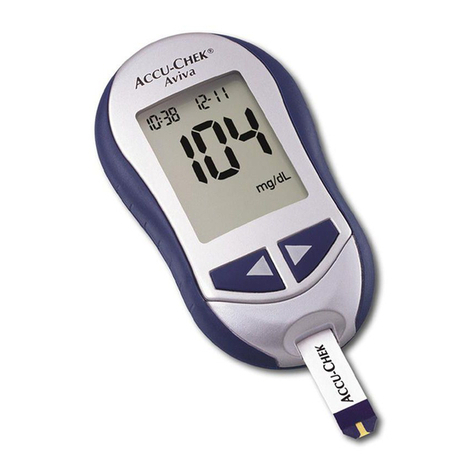
Accu-Chek Aviva User manual

Accu-Chek

Accu-Chek Aviva User manual
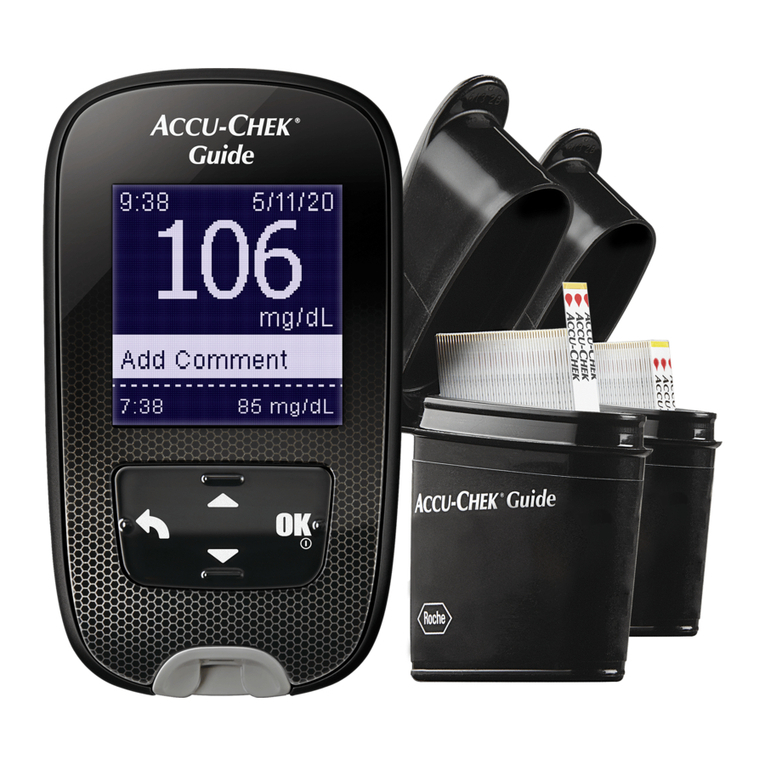
Accu-Chek Accu-Chel User manual

Accu-Chek

Accu-Chek Accu-Chel User manual

Accu-Chek Inform II User manual

Accu-Chek

Accu-Chek Inform II User manual

Accu-Chek ACTIVE User manual

Accu-Chek

Accu-Chek ACTIVE User manual

Popular Blood Glucose Meter manuals by other brands

ReliOn Prime User instruction manual

ReliOn

ReliOn Prime User instruction manual

AgaMatrix Presto owner's guide

AgaMatrix

AgaMatrix Presto owner's guide

Polymer Technology Systems A1C Now Self Check user manual

Polymer Technology Systems

Polymer Technology Systems A1C Now Self Check user manual

Medisana GlucoDock instruction manual

Medisana

Medisana GlucoDock instruction manual

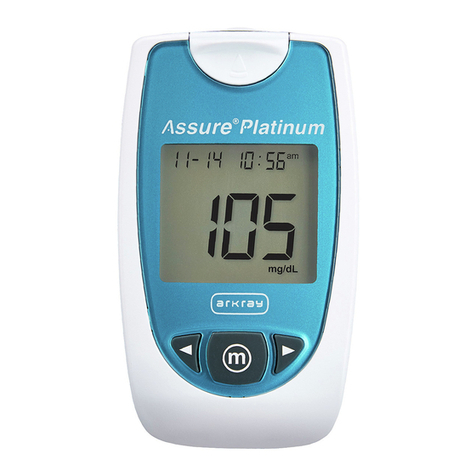
Arkray ASSURE PLATINUM quick start guide

Arkray

Arkray ASSURE PLATINUM quick start guide

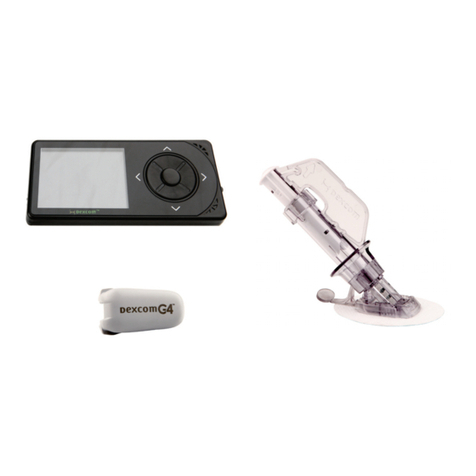
Dexcom G4 Professional user guide

Dexcom

Dexcom G4 Professional user guide

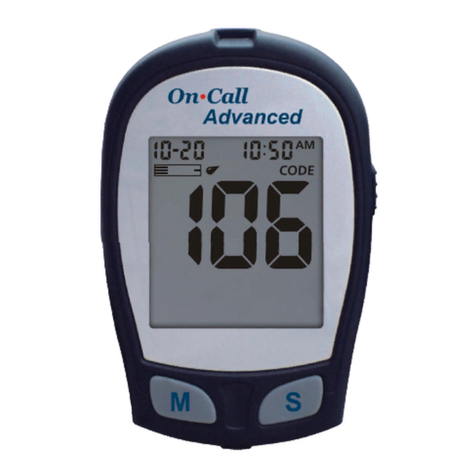
Acon On Call user manual

Acon

Acon On Call user manual

veri-Q BALANCE PRO user manual

veri-Q

veri-Q BALANCE PRO user manual

Medisana MediTouch 2 instruction manual

Medisana

Medisana MediTouch 2 instruction manual

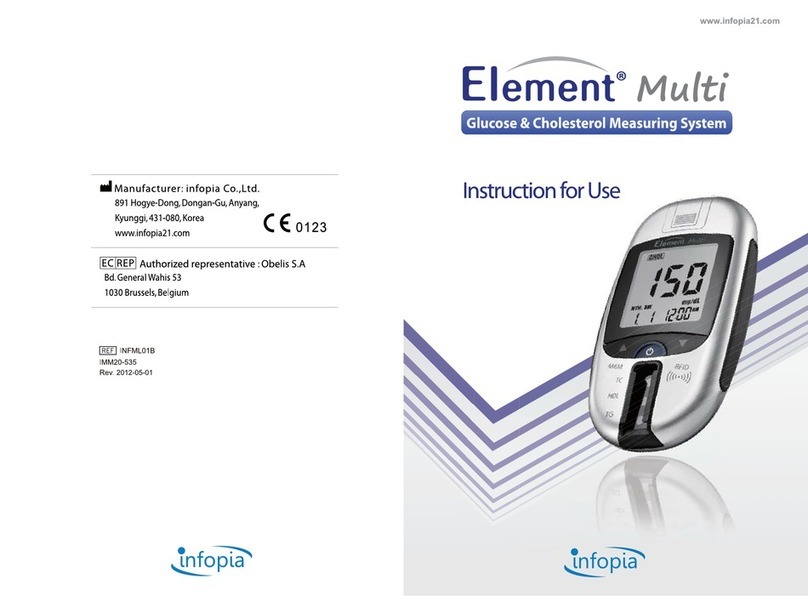
Infopia Element Instructions for use

Infopia

Infopia Element Instructions for use

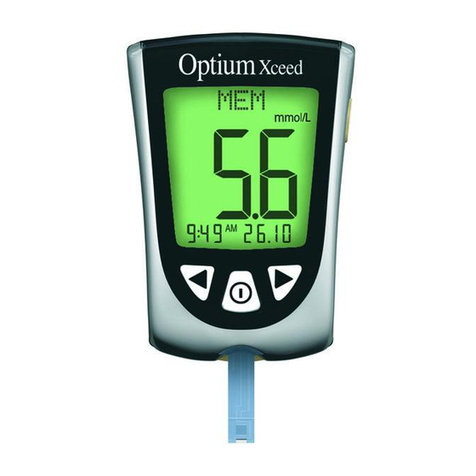
Abbott Optimum Xceed user guide

Abbott

Abbott Optimum Xceed user guide

Contour TS user guide

Contour

Contour TS user guide

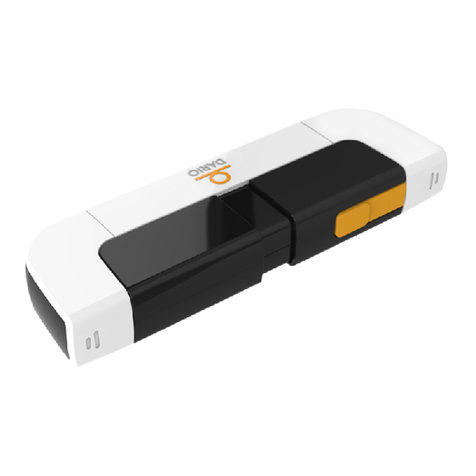
LabStyle Dario user guide

LabStyle

LabStyle Dario user guide

ACONLABS ON CALL EXPRESS user manual

ACONLABS

ACONLABS ON CALL EXPRESS user manual

Higi Technology iGlucose quick start guide

Higi Technology

Higi Technology iGlucose quick start guide

Bayer HealthCare CONTOUR NEXT user guide

Bayer HealthCare

Bayer HealthCare CONTOUR NEXT user guide

Sanofi-aventis BG STAR Brief operating instructions

Sanofi-aventis

Sanofi-aventis BG STAR Brief operating instructions

Abbott Precision Xtra user manual

Abbott

Abbott Precision Xtra user manual

manuals.online logo
manuals.online logoBrands
  • About & Mission
  • Contact us
  • Privacy Policy
  • Terms and Conditions

Copyright 2025 Manuals.Online. All Rights Reserved.

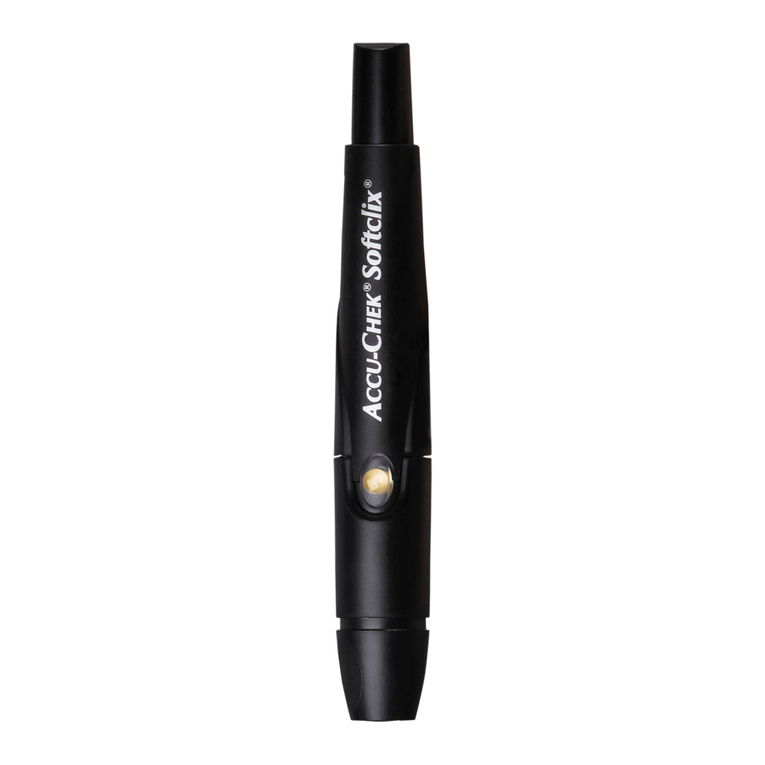
1. Pull cap straight off
2. Push drum in (each
drum has 6 lancets)
3. Make sure drum
is all the way in
4. Replace cap until it
clicks back on. “6” new
lancets can be used
5. Remove one test
strip
7. Insert test strip. No
need to push any
buttons.
“click”
“click”
FastClix Lancing Device + Accu-chek Guide Meter
Set-up:
Turn the cap to the
number you want.
1 is for sensitive skin
5 is for thicker skin
2-3-4 are inbetween
6. Make sure gold
side goes into meter
8. Touch tip of
lancing device to
side of finger
9. Push button (like a
ballpoint pen) to
poke your finger
10. Squeeze finger if
you need a bigger drop
of blood
11. Apply blood
anywhere on yellow
end of test strip
12. After getting your
result, pull test strip
out to turn meter off
13. Move to next
lancet by switching
the white tab over
and back
14. Lancet counter will go
down one number.
Change the whole drum
when you get to “1”
7. Push strip all the
way in. Meter will
turn on automatically
Other important reminders
•There are 6 lancets in each lancet
drum. Make sure you use them all
before taking out the drum
•Before checking your sugar, wash
your hands with soap and water
•Don’t share your lancing device with
other people
•A battery symbol at the top of the
meter screen or “E-9” error message
means it’s time to change the battery
•Check the expiration on the bottle of
test strips. Don’t use expired test
strips
Replace drum after 6 lancets are used up:
Throw used drum away
into sharps box
Remove cap Pull out lancet drum