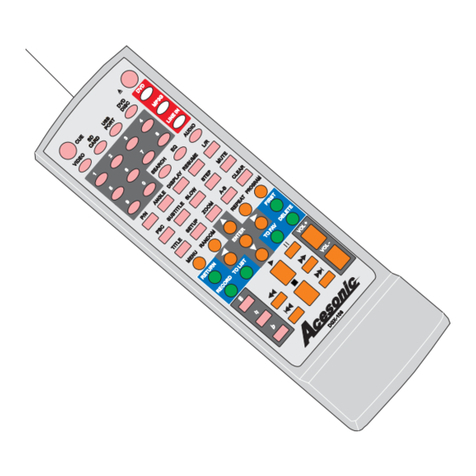
POWER
APPLAUSE
VOCAL MUTE
_+
NEXT
REPLAY
PLAY/PAUSE
SINGER
SPELL
VOL
VOL
TOP HITS
MENU
WORD COUNT
RETURN
TUNING
RESERVED LIST
INSERT
PAGE
UP
1 2 3
ABC DEF
456
78 9
0
GHI JKL MNO
PQRS TUV
WXYZ
DELETE
RESERVE
ENTER
PAGE
DOWN
WORD
COUNT
WORD
COUNT
THEMES
FWDREV
SET UP
KEY
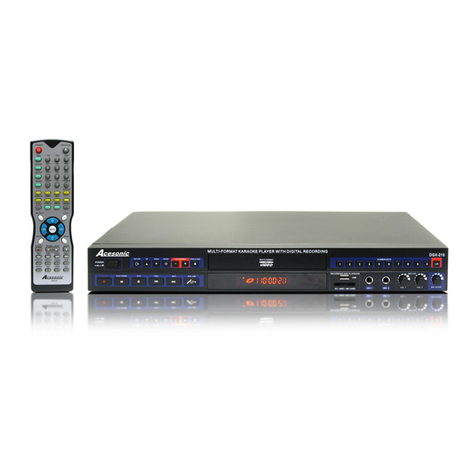
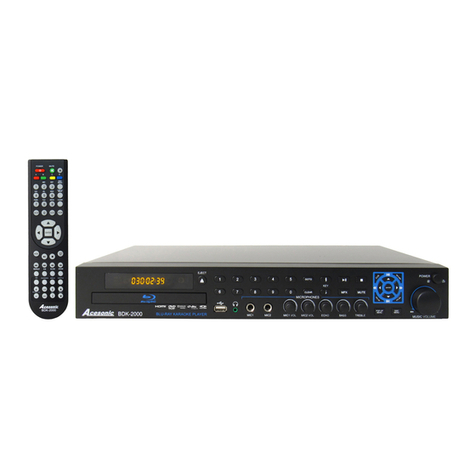
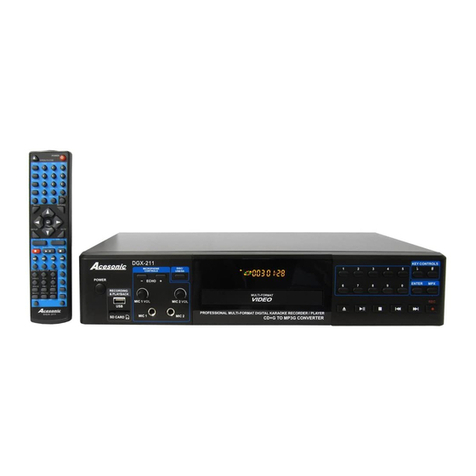
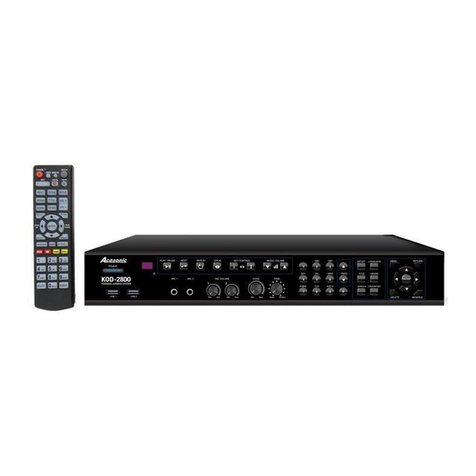
REMOTE CONTROL
7
POWER The machine will turn on /off.
√ √
BUTTON
NAME
FUNCTION
DOUBIE
SCREEN
SINGLE
SCREEN
√ √
× √
√ √
√ √
√ √
√ √
NO.
1
√ √
√ √
√ √
√ √
1
23
5
4
8
6
7
9
10
11
12 13
14
15
16 17
18
19
20 21
22
24
23
26
25
28
27
29
30 31
APPLAUSE
2Show the flower picture and applause
sound.
3FACE
Switch to different OSD display and different
selecting song' s interface of VGA display
background. (Multi-interface available).
4
EXIT KARAOKE
Switch to non-karaoke mode.
KEY +, - Adjust Key.up/down.
VOCAL Set singer's voice(vocal) on/ off.
MUTE Mutes the songs music.
NEXT
Stop the playing song, and play next song.
PLAY/
PAUSE
When playing, press this button to pause, when
pausing, press this button to play.
5
6
7
8
9
REPLAY Replay the current song.
10
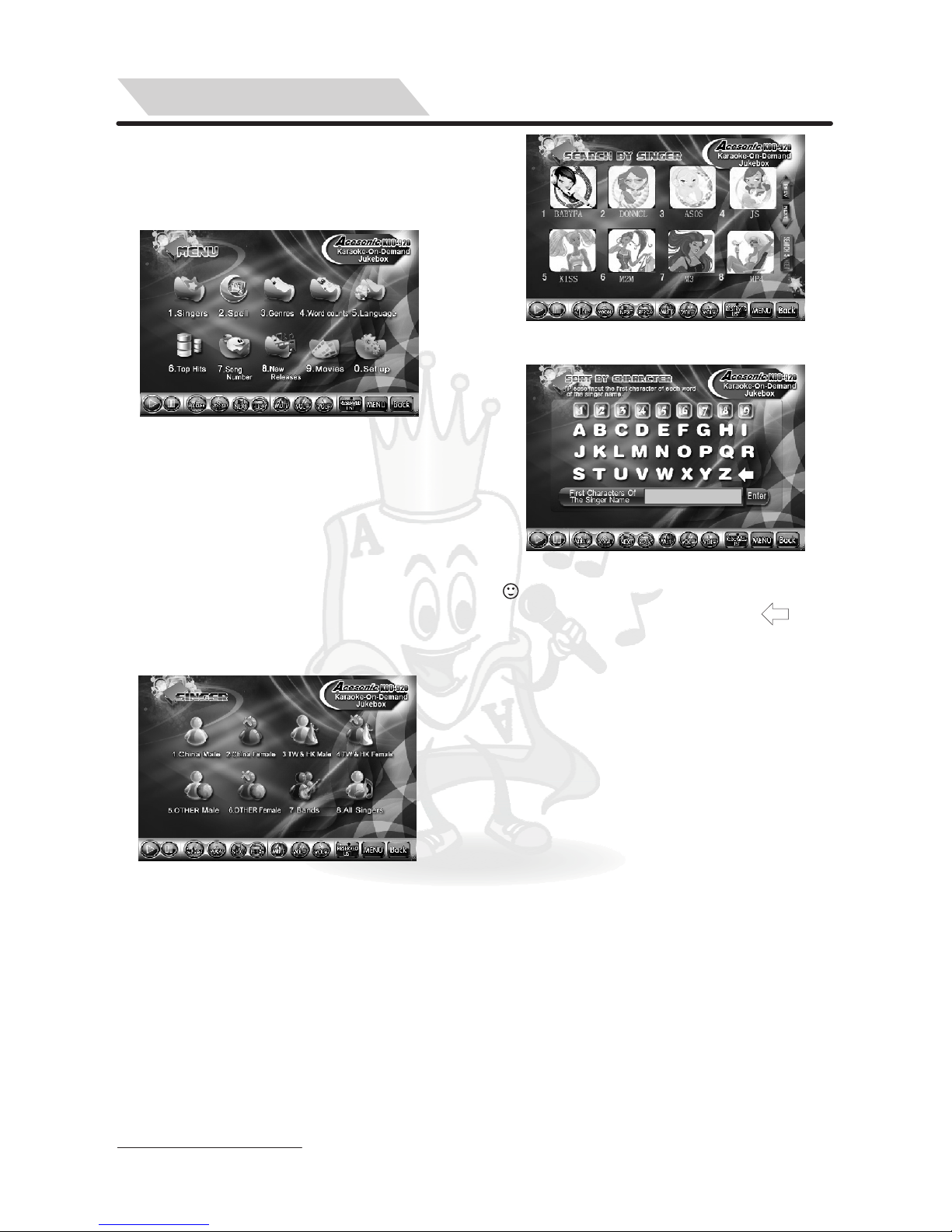
SINGER
Select/search songs by singer name mode.
SPELL Select/search songs by initial letters of song
name.
11
12
VOL+, - Increase or decrease volume.
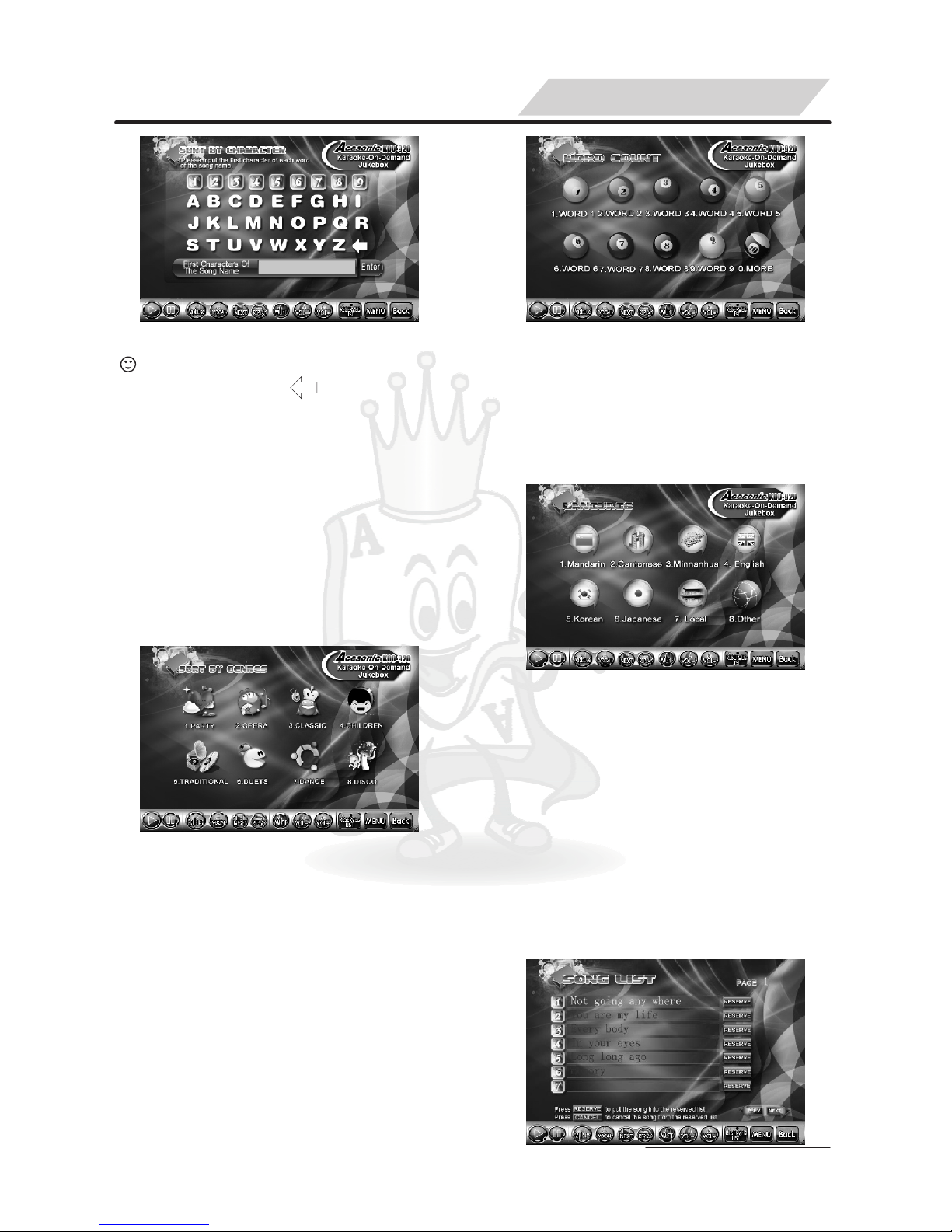
WORD
COUNT
Select/search songs by word count of song
name.
TOPLIST Select/search songs by Top list of song.
MENU
Accesses the On-screen Main Stepup Menu.
RETURN Return to the previous Menu.
13
14
15
16
17
ENTER
18
Enter and confirm what you select.
TUNING Open/close tuning menu.
RESERVED
LIST
Open/close reserved list, and can change the
order of advance reserve, or delete the songs
which you don' t want.
REV
Allow you to scan forward when plays MP3,
MTV (DAT, MPG, VOB) songs in Non-karaoke
Mode.
ADVANCE In "Reserved list", choose the song and press
[ADVANCE] to set priority song.
FWD
Allow you to scan backward when plays MP3,
MTV (DAT, MPG, VOB) songs in Non-karaoke
Mode.
PAGE UP Page up.
PAGE DOWN
Page down.
WORD
COUNT+
In the "word count, singer, spell, song type, l
anguage, new songs mode", press this buttton
to search up songs by the word count +.
WORD
COUNT-
In the "word count, singer, spell, song type,
language, new songs mode", press this buttton
to search down songs by the word count-.
0-9 (A-Z)
①Press Number Button to select song directly.
②Press Number Button to type initial letter of
song name while order song by Spell.
③In the menu list, press the corresponding
number button to enter to the sub-menu list.
Delete.
In karaoke mode, press this button to reserve
songs.
Adjust cursor position by press " , , , ".
When display songs list, press[ ] and [ ]
button to page up /down.
RESERVE
DELETE
19
20
21
22
23
24
25
26
27
28
29
30
31
SPECIAL STATEMENT:
1. The ID of the Double and Single:
√ means having this function, ×
don't have this function.
2. The remote control can be
operate according to the menu
display on TV screen or on
Display Monitor.
√ ×
√ √
√ √
√ √
√ √
√ √
√ √
√ √
√ √
√ √
√ ×
√ √
√ √
√ √
√ √
√ √
√ √
√ √
√ √
√ √