--
SETUP
Setting
additional preferences
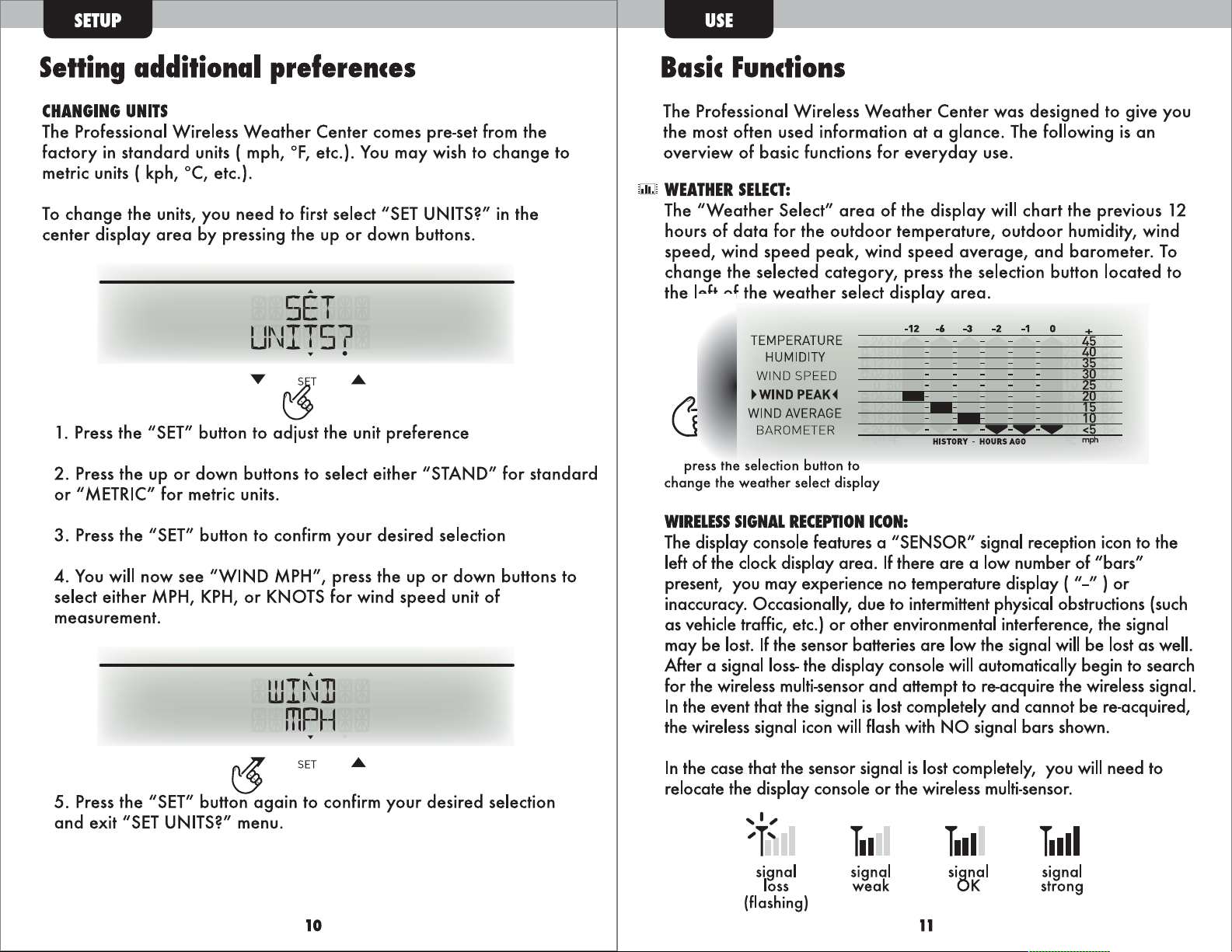
CHANGING
UNITS
The
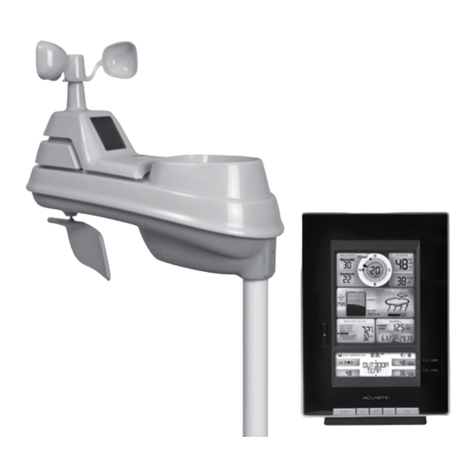
Professional Wireless
Weather
Center comes pre-set from the
factory
in
standard
units { mph,
°F,
etc.).
You
may wish to
change
to
metric units { kph, °C, etc.).
To
change
the units, you
need
to first select
"SET
UNITS?"
in
the
center display
area
by pressing the up
or
down buttons.
..
SET
UNIT57
•
T~
1. Press the "SET" button to adjust the unit preference
2.
Press the up
or
down buttons to select either "STAND" for
standard
or
"METRIC" for metric units.
3.
Press the "SET" button to confirm your desired selection
4.
You
will
now
see
"WIND MPH", press the up
or
down buttons to
select either
MPH,
KPH,
or
KNOTS for wind
speed
unit of
measurement.
..
WIN]
mPH
t,
...
SET
.A.
5. Press the "SET" button
again
to confirm your desired selection
and
exit
"SET
UNITS?" menu .
Basic
Functions
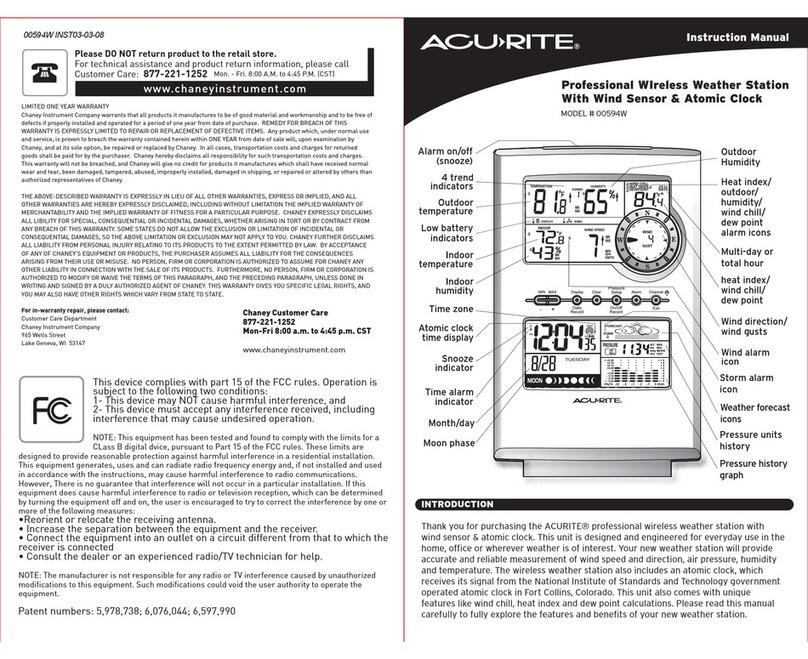
The Professional Wireless
Weather
Center
was
designed to give you
the most often used information
at
a glance. The following
is
an
overview of basic functions for
everyday
use.
w
WEATHER
SELECT:
The
"Weather
Select"
area
of the display
will
chart
the previous 12
hours of
data
for the
outdoor
temperature,
outdoor
humidity, wind
speed,
wind
speed
peak,
wind
speed
average,
and
barometer
.
To
change
the selected category, press the selection button located to
the left of the
weather
select display
area
.
TEMPERATURE
HUMIDITY
WIND
SPEED
►
WIND
PEAK
◄
WIND
AVERAGE
BAROMETER
press the selection button to
change the weather select display
-12 -6 -3 -2
-1
0
--
--
_...,_...,_...,
=---
--
HISTORY
-
HOURS
AGO
WIRELESS
SIGNAL
RECEPTION
ICON:
The
display console features a "SENSOR" signal reception icon to the
left of the
dock
display
area.
If
there
are
a low number of "bars"
present, you may experience no temperature display
{"-")or
inaccuracy. Occasionally, due to intermittent physical obstructions
{such
as
vehicle traffic, etc.)
or
other environmental interference, the signal
may be
lost.
If
the sensor batteries
are
low the signal
will
be
lost
as
well.
After a signal
loss-
the display console
will
automatically begin to search
for the wireless multi-sensor and attempt to re-acquire the wireless signal.
In
the event that the signal
is
lost completely
and
cannot be re-acquired,
the wireless signal icon
will
flash
with
NO
signal bars shown.
In
the case that the sensor signal
is
lost completely, you
will
need to
relocate the display console
or
the wireless multi-sensor.
'I,
T11
T111
T11II
'l'
signal signal signal
si[!J,<'
loss
weak
strong
(flashing)
10
11