manuals.online logo
Brands
  1. Home
  2. •
  3. Brands
  4. •
  5. AGFEO
  6. •
  7. Answering Machine
  8. •
  9. AGFEO A 30 How to use

AGFEO A 30 How to use

Other manuals for A 30

1

Other AGFEO Answering Machine manuals

AGFEO A 30 Installation and operating instructions

AGFEO

AGFEO A 30 Installation and operating instructions

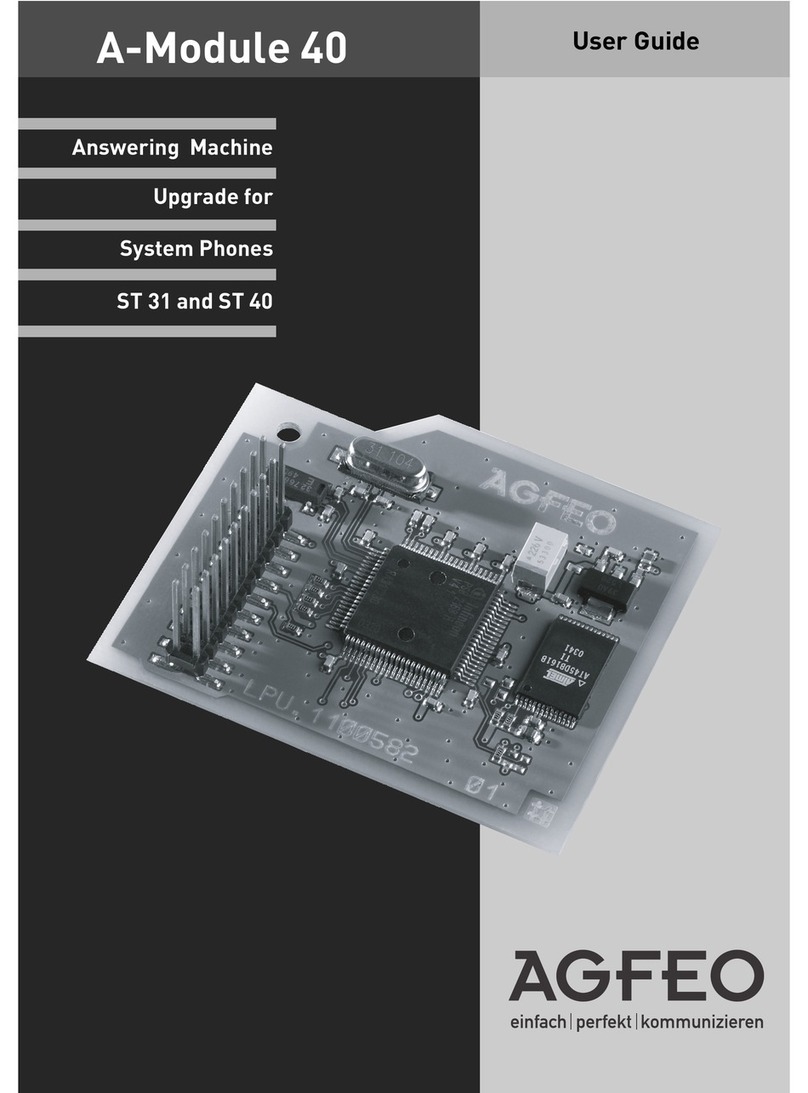
AGFEO A-Module 40 User manual

AGFEO

AGFEO A-Module 40 User manual

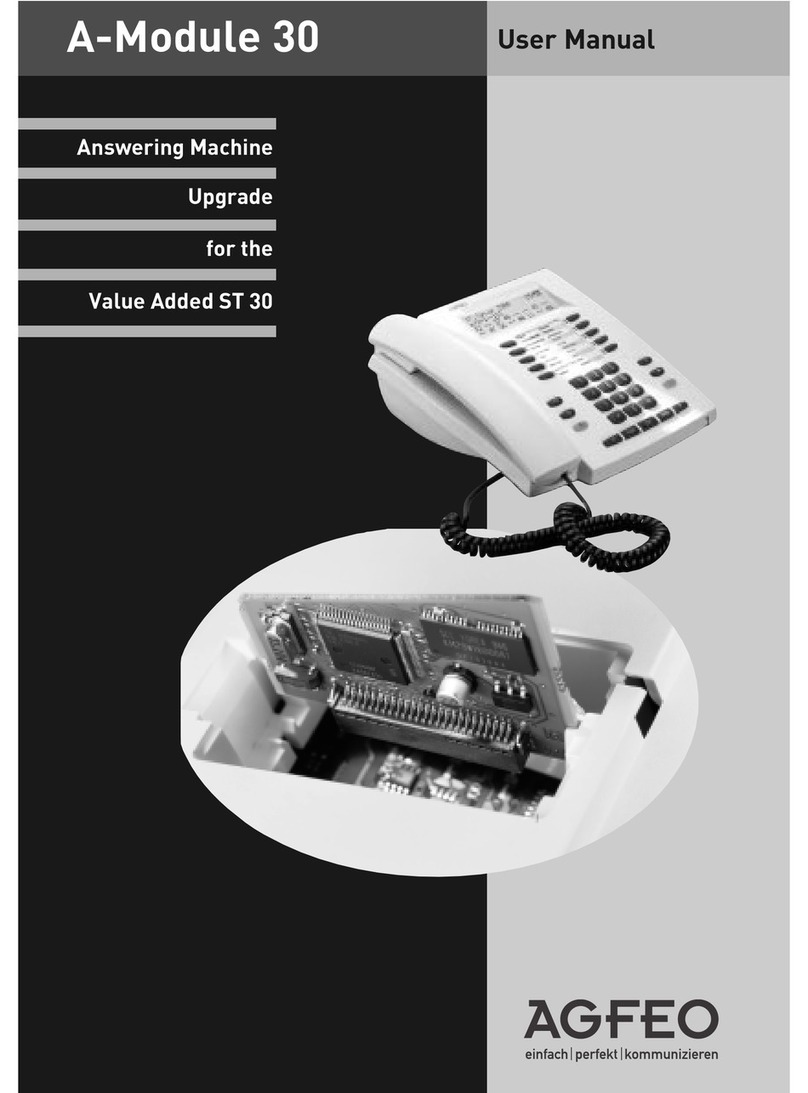
AGFEO A-MODULE 30 User manual

AGFEO

AGFEO A-MODULE 30 User manual

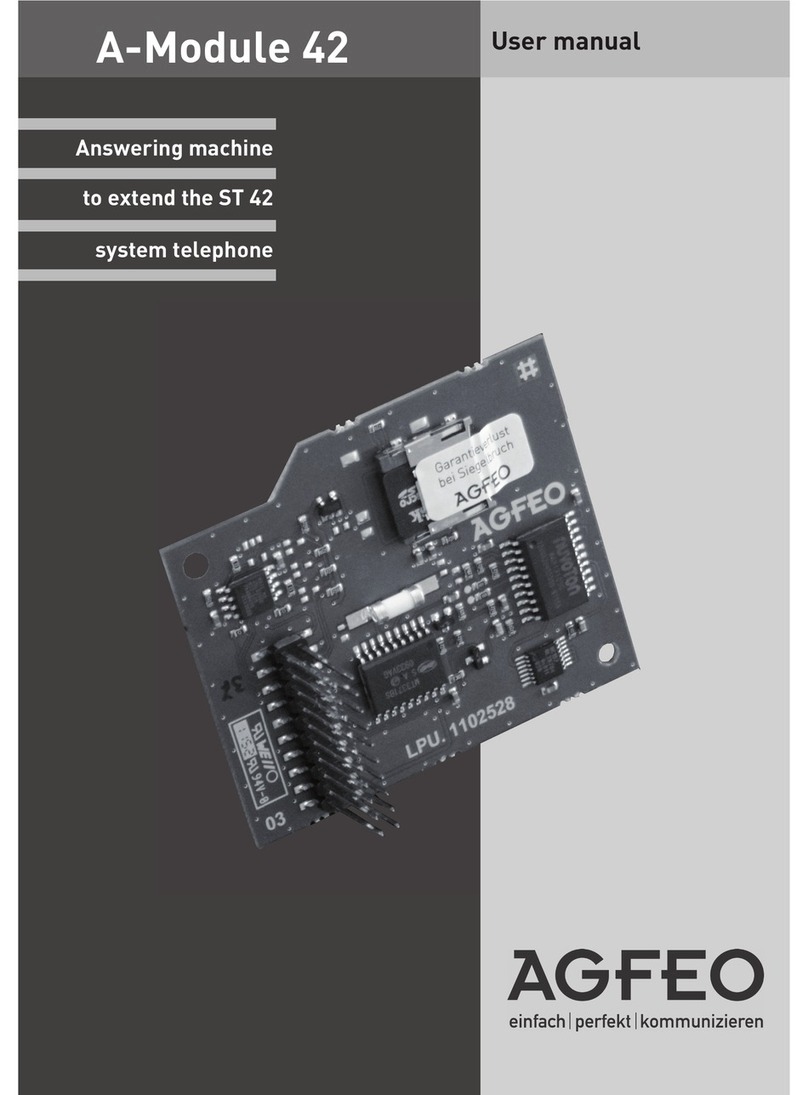
AGFEO A-module 42 User manual

AGFEO

AGFEO A-module 42 User manual

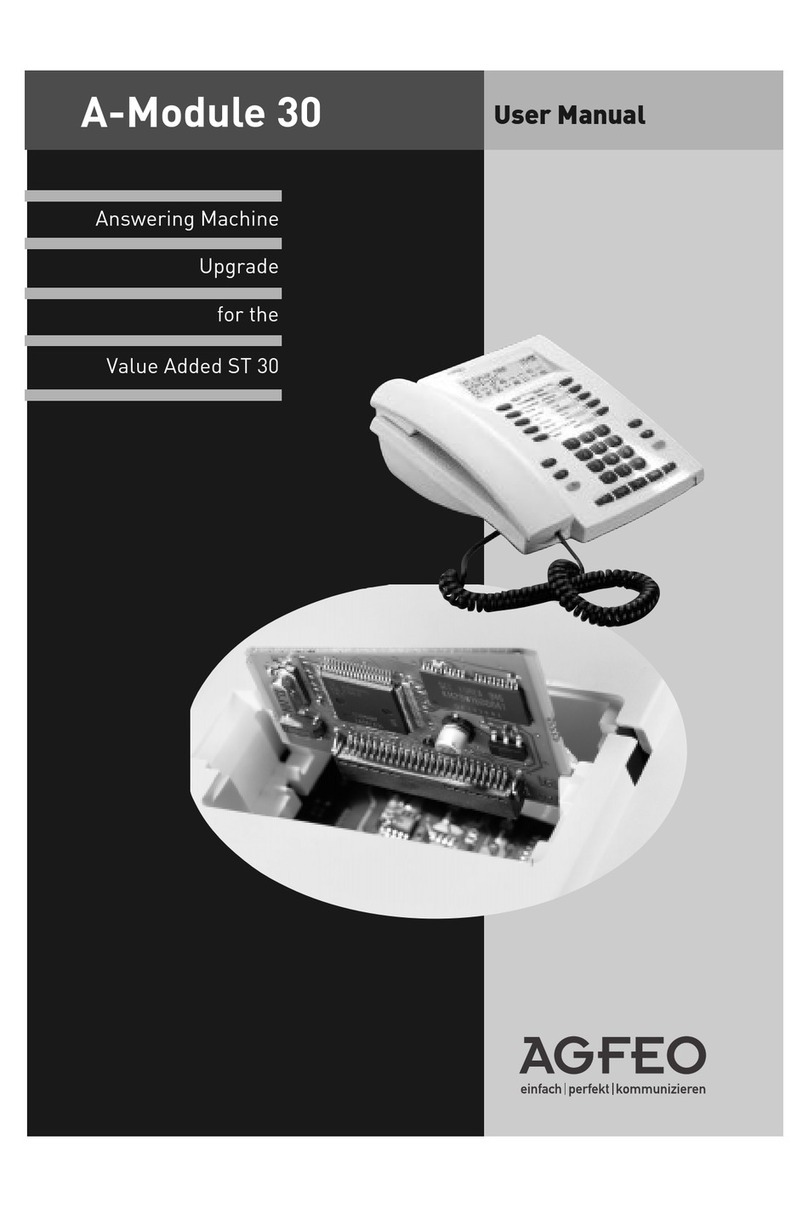
AGFEO A-MODULE 30 User manual

AGFEO

AGFEO A-MODULE 30 User manual

Popular Answering Machine manuals by other brands

Panasonic KX-TG9361B operating instructions

Panasonic

Panasonic KX-TG9361B operating instructions

Panasonic KX-TG2583CB operating instructions

Panasonic

Panasonic KX-TG2583CB operating instructions

Panasonic KX-TGE820E operating instructions

Panasonic

Panasonic KX-TGE820E operating instructions

Alcatel TEMPORIS 55-CE user manual

Alcatel

Alcatel TEMPORIS 55-CE user manual

BellSouth GH9488 Owner's manual installation and operating instructions

BellSouth

BellSouth GH9488 Owner's manual installation and operating instructions

GE 2-9985 user guide

GE

GE 2-9985 user guide

Panasonic KX-TG2631 operating instructions

Panasonic

Panasonic KX-TG2631 operating instructions

Panasonic KX-TCD961CXB operating instructions

Panasonic

Panasonic KX-TCD961CXB operating instructions

Radio Shack TAD-795 owner's manual

Radio Shack

Radio Shack TAD-795 owner's manual

AT&T 1717 user manual

AT&T

AT&T 1717 user manual

AT&T E2562 user manual

AT&T

AT&T E2562 user manual

AT&T 2455 user manual

AT&T

AT&T 2455 user manual

Kortex IAM V90 Installation and user guide

Kortex

Kortex IAM V90 Installation and user guide

Panasonic EASA-PHONE KX-T1451 operating instructions

Panasonic

Panasonic EASA-PHONE KX-T1451 operating instructions

Radio Shack TAD 3809 owner's manual

Radio Shack

Radio Shack TAD 3809 owner's manual

Panasonic KX-T1470BA operating instructions

Panasonic

Panasonic KX-T1470BA operating instructions

Telstra Monitor 420 user guide

Telstra

Telstra Monitor 420 user guide

GE 29878 user guide

GE

GE 29878 user guide

manuals.online logo
manuals.online logoBrands
  • About & Mission
  • Contact us
  • Privacy Policy
  • Terms and Conditions

Copyright 2025 Manuals.Online. All Rights Reserved.

A - Module 30
Answering Machine Short Manual
Recording and playing back a greeting/information text
A default greeting and a default information message are stored. You can customise the texts.
Example: Text for primary internal number
!6111 “ + $ $ A $ $
Press !6121 to record and play back the text for the secondary internal number.
Switching the answering machine on and off
%“
Select
Without function key: !61121 primary internal number, !61221 secondary internal number
iewing and listening to messages on your ST 30 AM
Mail key flashing new message. Mail key lit steadily old message already checked
Myx $ yx $
Select Confirm selection Select Confirm selection
If there is only one call list or message for the answering machine, the "Select" option is not required; the call
list or message for the AM is immediately displayed.
Telekommunikation
1 = Greeting text
2 = Information text
Recording
starts End
recording Play back
recording
1 = AB off
2 = AB on greeting text
3 = AM on information text
AM Activation
function key
Call list
Answering
machine
Select Lift handset
Confirm with $Record
text
Example AM:
Smith AM
AM Memo Smith
Functions during playback
You can enter commands to control the answering machine during playback.
xListen to next message
yListen to previous message or repeat current message from beginning
Yx Listen to all the messages on the answering machine one after another
Y= The playback volume through the loudspeaker can be temporarily adjusted using
the arrow keys yx
1 or 2"2": Temporary playback at double speed, "1": Normal playback
?Clear displayed message
Y? Clear all the messages from an answering machine
(End playback/display
$The external or internal number shown on the display is dialled
Recording a memo
You can utilise your ST 30 AM as an acoustic notepad, such as to log phone conversations and to record
memos or other verbal notes.
Recording a phone conversation (Logging)
A//
Internal/external telephone call Start call End recording
Handsfree memo recording
//
End recording
Recording a memo via the handset
+/ A / -
Record memo End recording
AM Memo
function key
AM Memo
function key
AM Memo
function key AM Memo
function key
Record memo (handsfree)
AM Memo
function key
AM Memo
function key
Ident no. 1539759
Subject to change without notice. No liability can
be accepted for errors contained in this document.
Printed in Germany
0041
Internet: http://www.agfeo.de
AGFEO GmbH & Co. KG
Gaswerkstr. 8
D 33647 Bielefeld
Technical Hotline: 0190/570122
Mon Fri: 8:30 a.m. 5:30 p.m.
(Fri: 2:30 p.m.)