manuals.online logo
Brands
  1. Home
  2. •
  3. Brands
  4. •
  5. Airmar
  6. •
  7. Media Converter
  8. •
  9. Airmar Diplexer User manual

Airmar Diplexer User manual

Other Airmar Media Converter manuals

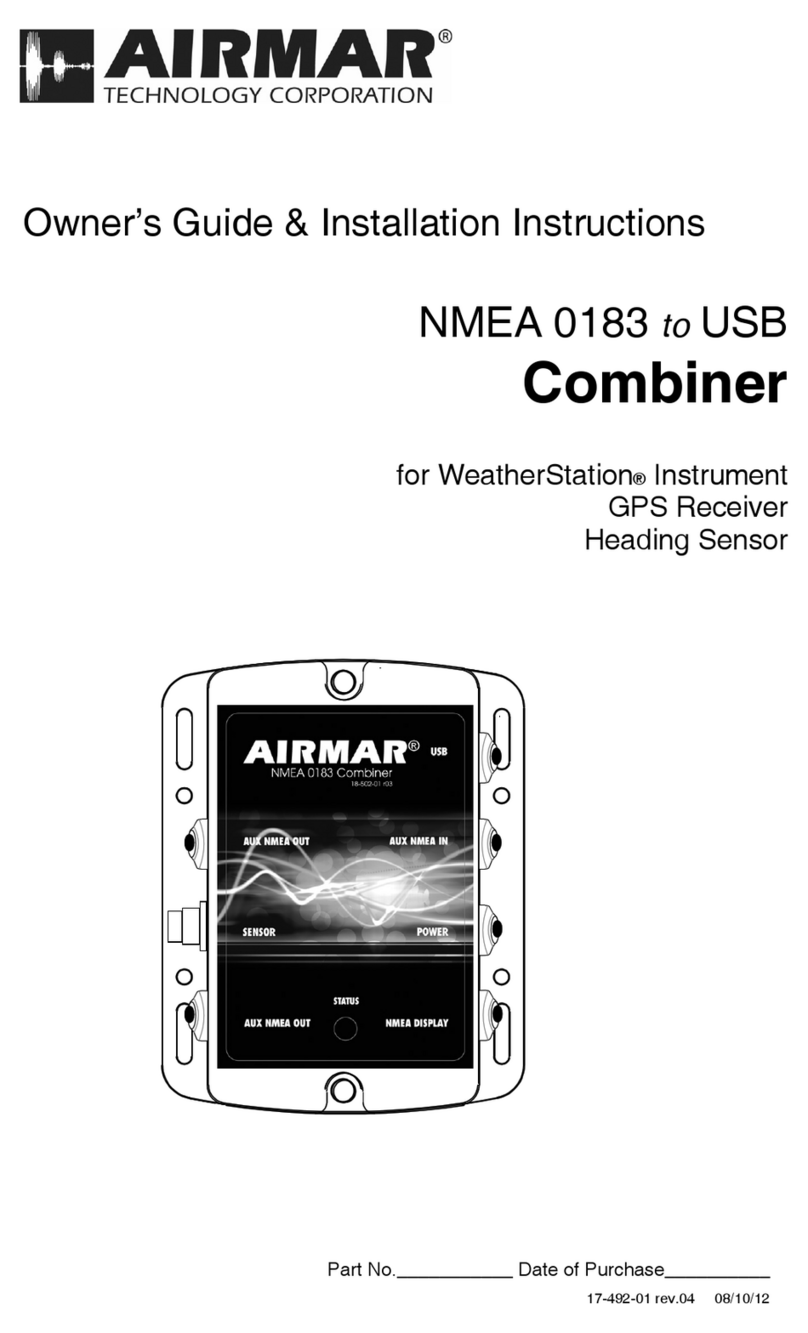
Airmar NMEA 0183 to USB Combiner Instruction Manual

Airmar

Airmar NMEA 0183 to USB Combiner Instruction Manual

Popular Media Converter manuals by other brands

TR-Electronic CMS582M-4096/4096 IOL DMS 14H7 KRF Assembly instructions

TR-Electronic

TR-Electronic CMS582M-4096/4096 IOL DMS 14H7 KRF Assembly instructions

Korenix JetCon 2301S user manual

Korenix

Korenix JetCon 2301S user manual

StarTech.com ET91000LCOAM manual

StarTech.com

StarTech.com ET91000LCOAM manual

Alesis AI-3 Reference manual

Alesis

Alesis AI-3 Reference manual

Caton Vpro 5100 user guide

Caton

Caton Vpro 5100 user guide

Cypress CSC-5500 Operation manual

Cypress

Cypress CSC-5500 Operation manual

H&B TX-100 Installation and instruction manual

H&B

H&B TX-100 Installation and instruction manual

Bolin Technology D Series user manual

Bolin Technology

Bolin Technology D Series user manual

IFM Electronic Efector 400 RN30 Series Device manual

IFM Electronic

IFM Electronic Efector 400 RN30 Series Device manual

GRASS VALLEY KUDOSPRO ULC2000 user manual

GRASS VALLEY

GRASS VALLEY KUDOSPRO ULC2000 user manual

Linear Technology DC1523A Demo Manual

Linear Technology

Linear Technology DC1523A Demo Manual

Lika ROTAPULS I28 Series quick start guide

Lika

Lika ROTAPULS I28 Series quick start guide

Weidmuller IE-MC-VL Series Hardware installation guide

Weidmuller

Weidmuller IE-MC-VL Series Hardware installation guide

Optical Systems Design OSD2139 Series Operator's manual

Optical Systems Design

Optical Systems Design OSD2139 Series Operator's manual

Tema Telecomunicazioni AD615/S product manual

Tema Telecomunicazioni

Tema Telecomunicazioni AD615/S product manual

KTI Networks KGC-352 Series installation guide

KTI Networks

KTI Networks KGC-352 Series installation guide

Gira 0588 Series operating instructions

Gira

Gira 0588 Series operating instructions

Lika SFA-5000-FD user guide

Lika

Lika SFA-5000-FD user guide

manuals.online logo
manuals.online logoBrands
  • About & Mission
  • Contact us
  • Privacy Policy
  • Terms and Conditions

Copyright 2025 Manuals.Online. All Rights Reserved.

Tools & Materials
Safety glasses
Dust mask
Ear protection
Pencil
Electric drill
Drill bit 3mm or 1/8"
Grommets (some installations)
Deck gland (some installations)
Phillips screwdrivers
Heat-shrink tubing
Adjustable wrench
Petroleum jelly (such as Vaseline®brand)
Cable ties
Where to Purchase Parts
Gemeco USA
Tel: 803-693-0777
email: [email protected]
Airmar EMEA Europe, Middle East, Africa
Tel: +33.(0)2.23.52.06.48
email: [email protected]
Applications
• Converts a dual transmission-line transducer to a single
transmission-line.
• For use with 1kW echosounders only
Installation
Mounting Location & Hole Drilling
1. Select a convenient, dry, mounting location for the water-
resistant Diplexer, a minimum of 1m (3') from other cables and
electronic equipment.
2. Hold the Diplexer at the selected location and mark the position
of the four screw holes.
NOTE: If the Diplexer will be mounted on a vertical surface,
face the cordgrip downward to avoid any possibility of water
seeping into the box.
3. At the marked locations, drill 3mm or 1/8" holes to a depth of
10mm (3/8"). Do not fasten the Diplexer in place at this time.
Cable Routing
1. Route the transducer cable from the transducer to the Diplexer.
Do not connect the transducer cable or fasten it in place at this
time.
2. Route the fishfinder cable from the fishfinder to the Diplexer’s
cable. Do not connect the cables or fasten them in place at this
time.
Convert transducer
from dual to single transmission-line
External Diplexer
Patent http://www.airmar.com/patent.html
17-538-01 rev. 03 07/24/18
AIRMAR
Follow the precautions below for optimal
product performance and to reduce the risk of
property damage, personal injury, and/or death.
WARNING: Always wear safety glasses, a dust mask,
and ear protection when installing.
CAUTION: To reduce electrical interference from
other electrical wiring and any on-board equipment with
strong magnetic fields such as radar equipment, radio
transmitters, boat engines, generators, etc., separate
the cables by at least 1m (3').
CAUTION: Be careful not to tear the cable jackets
when passing them through bulkheads and other
parts of the boat. Use grommets to prevent chaffing.
Use deck glands to prevent water seepage into the
boat.
IMPORTANT:Please read the instructions completely
before proceeding with the installation. These
instructions supersede any other instructions in your
instrument manual if they differ.
INSTALLATION INSTRUCTIONS
Connecting
CAUTION: When the connections are complete, be sure there are
no frayed strands, or loose or bare ends to cause shorting.
1. Remove the cover of the Diplexer. Set it aside along with the two
screws and the plastic bag containing the four mounting screws.
2. Push approximately 200mm (8") of the transducer cable
through the cordgrip (Figure 1). To ease sliding, bend the wires
back against the cable jacket or wrap electrical tape around
them.
3. C44-01 Cable Only—Select the bundle wrapped in green foil,
containing brown, white, and bare wires. Cut off the bare wire
and the foil flush with the cable jacket.
4. Protect the cable’s foil shielding from causing a short circuit
inside the Diplexer. Use heat-shrink tubing around the jacket
where the wires emerge from the cable. The tubing must
overlap the wires a minimum of 6mm (1/4").
5. Twist the bare wires together.
C44-01 has 3 bare wires. (A fourth bare wire was cut off.)
C335 has 2 bare wires.
6. Following the label on the Diplexer cover and the list below,
insert the stripped end of each colored wire /twisted bare wires
into the appropriate opening in the side of the terminal block.
Tighten the terminal screw until the wire(s) is held firmly.
1. Brown Temperature
2. Yellow (C44-01 cable) + Low frequency
Blue with white stripe (C335 cable)
3. Black with white stripe - Low frequency
4. Bare wires Ground
(C44-01 has 3 bare wires. The fourth bare was cut off.)
(C335 has 2 bare wires)
5. Orange Transducer ID®
6. Black - High frequency
7. Blue + High frequency
8. White Temperature
7. Visually inspect all the wires. There should be no frayed strands
or loose ends to cause shorting. If any colored wire has a visible
bare end, reconnect it to the terminal.
Completing the Installation
1. From outside the Diplexer, pull the transducer cable until only
51mm (2") of jacket remains inside the box. Hand tighten the
cordgrip. To make a watertight seal, use an adjustable wrench
to tighten the cordgrip an additional 1/4 to 1/2 turn.
2. Arrange the wires neatly inside the Diplexer. Check to be sure
the gasket is firmly installed in the channel on the back side of
the cover (Figure 2). Lubricate the gasket with petroleum jelly.
Screw the cover in place with the two long screws supplied.
3. Fasten the Diplexer in place at the mounting location with the
four 6 x 1/2" screws supplied.
4. Plug the connector on the fishfinder cable into the Diplexer
cable connector.
5. Fasten all the cables in place. Coil any excess cable and
secure it with cable ties to prevent damage.
Figure 1. Connecting
Copyright © 2009 - 2018 Airmar Technology Corp.
2
cordgrip
Diplexer cable
connects to fishfinder
transducer
cable
Copyright © 2009 - 2018 Airmar Technology Corp. All rights reserved.
heat-shrink
tubing
NOTE: lubricate
gasket with
petroleum jelly
Figure 2. Lubricate the gasket
Copyright © 2009 Airmar Technology Corp.
(enlarged to show detail)
35 Meadowbrook Drive, Milford, New Hampshire 03055-4613, USA
•www.airmar.com