manuals.online logo
Brands
  1. Home
  2. •
  3. Brands
  4. •
  5. AllerAir
  6. •
  7. Air Cleaner
  8. •
  9. AllerAir AirMed 1 Series User manual

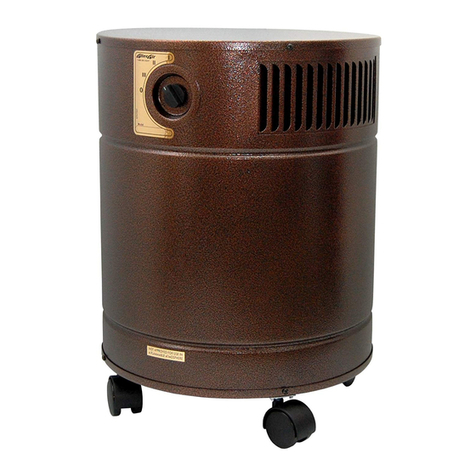
AllerAir AirMed 1 Series User manual

This manual suits for next models

1

Other AllerAir Air Cleaner manuals

AllerAir 5000 D-MCS User manual

AllerAir

AllerAir 5000 D-MCS User manual

AllerAir 5000 DH User manual

AllerAir

AllerAir 5000 DH User manual

AllerAir 5000 D User manual

AllerAir

AllerAir 5000 D User manual

AllerAir PRIMERGY RX200 S8 User manual

AllerAir

AllerAir PRIMERGY RX200 S8 User manual

AllerAir 4000 Exec User manual

AllerAir

AllerAir 4000 Exec User manual

AllerAir General Purpose Ceiling Mount Unit 9400 User manual

AllerAir

AllerAir General Purpose Ceiling Mount Unit 9400 User manual

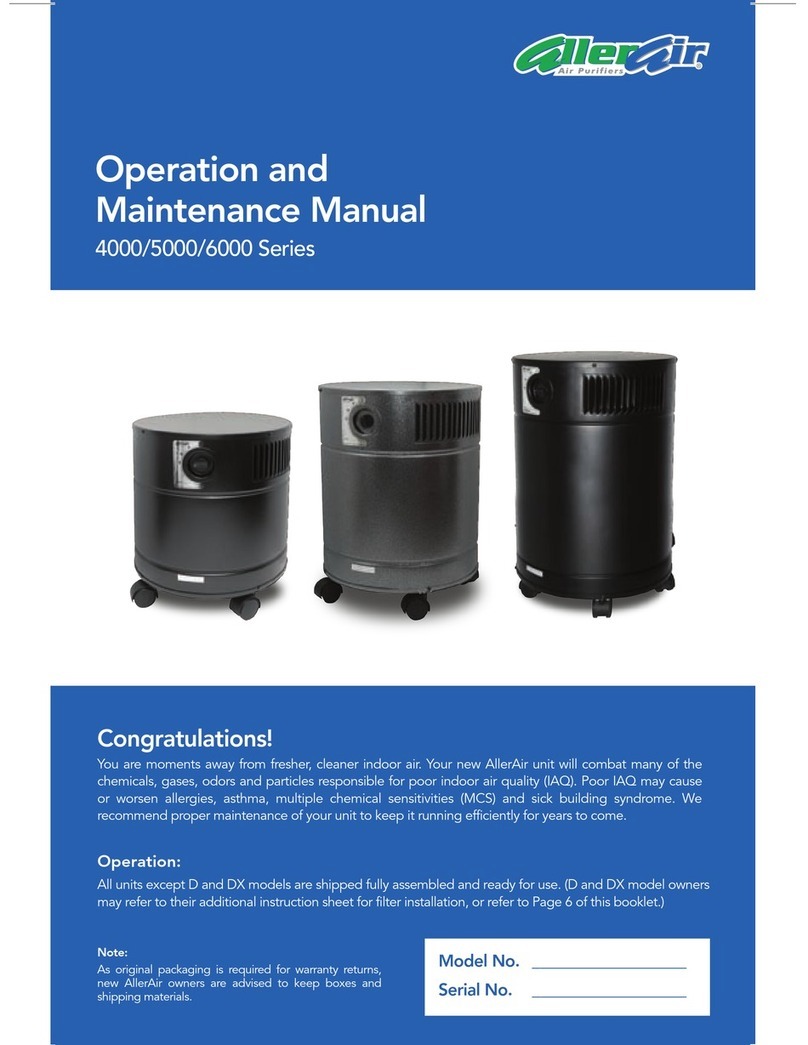
AllerAir 4000 series User manual

AllerAir

AllerAir 4000 series User manual

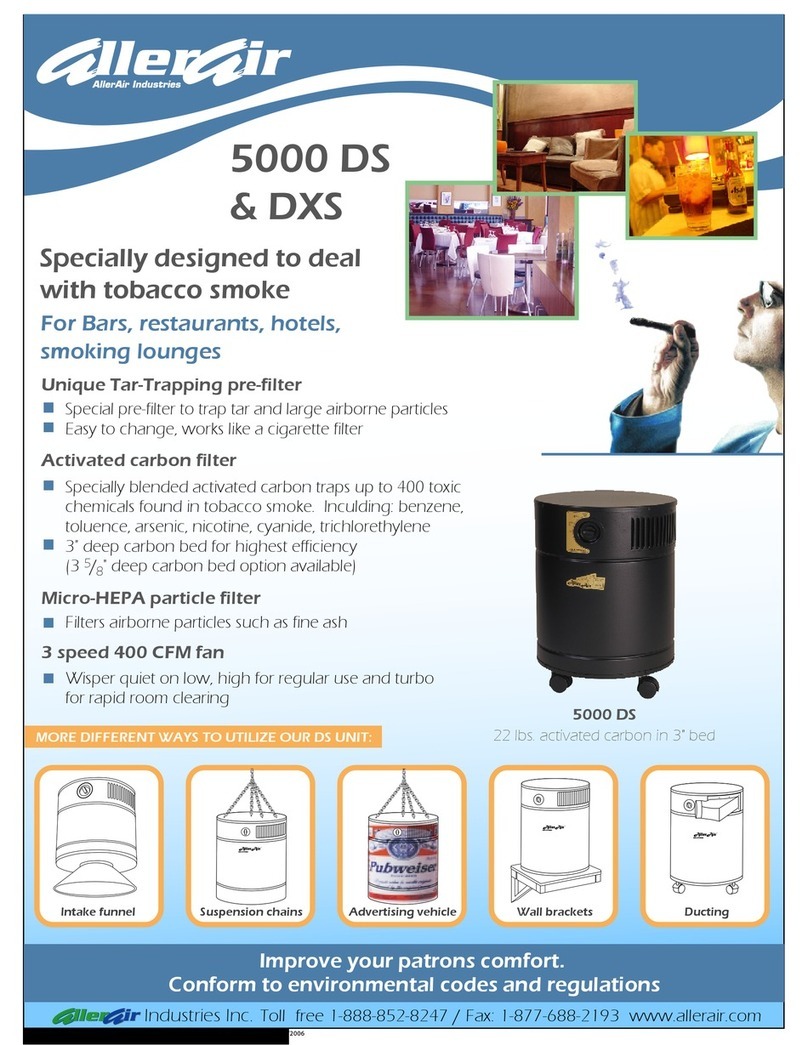
AllerAir DXS User manual

AllerAir

AllerAir DXS User manual

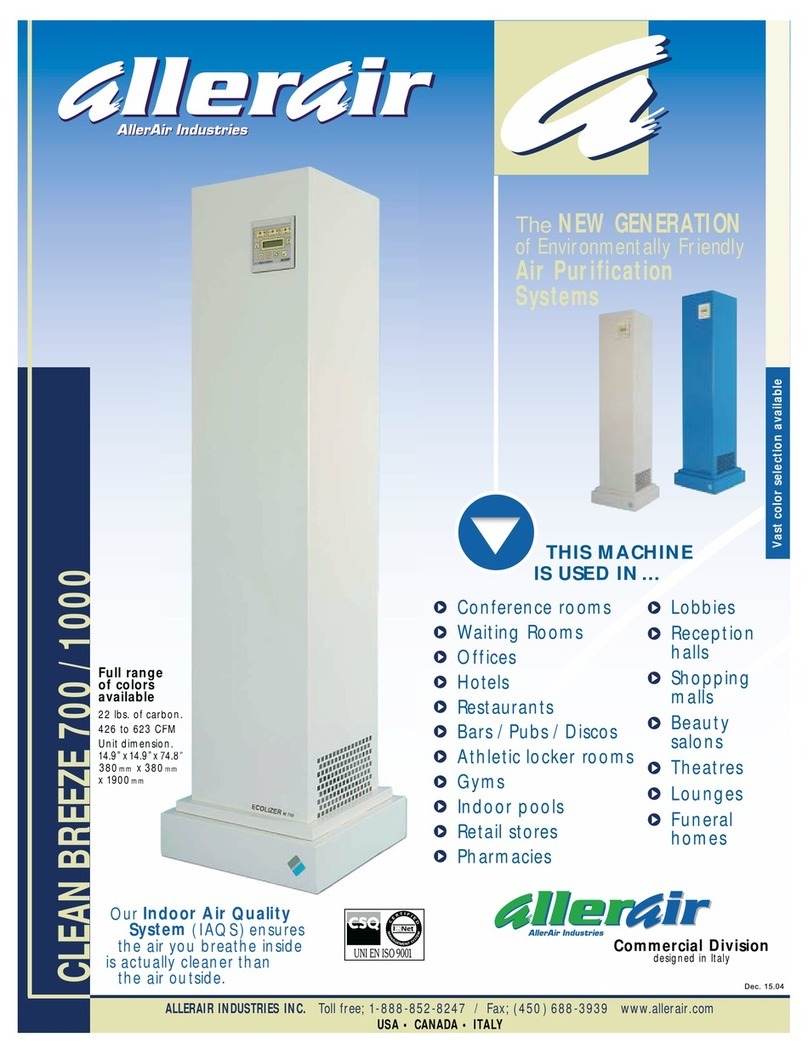
AllerAir CleanBreeze 700/1000 User manual

AllerAir

AllerAir CleanBreeze 700/1000 User manual

AllerAir AW 3000 Hood User manual

AllerAir

AllerAir AW 3000 Hood User manual

AllerAir 4000 Exec User manual

AllerAir

AllerAir 4000 Exec User manual

AllerAir 6000 Vocab User manual

AllerAir

AllerAir 6000 Vocab User manual

AllerAir UV-2 Sterilizer User manual

AllerAir

AllerAir UV-2 Sterilizer User manual

AllerAir 4000 D Exec User manual

AllerAir

AllerAir 4000 D Exec User manual

AllerAir AirMedic + D Exec User manual

AllerAir

AllerAir AirMedic + D Exec User manual

AllerAir 5000 VOG User manual

AllerAir

AllerAir 5000 VOG User manual

AllerAir 5000 HEPA Only User manual

AllerAir

AllerAir 5000 HEPA Only User manual

AllerAir 5000 Sentinel-M User manual

AllerAir

AllerAir 5000 Sentinel-M User manual

AllerAir 4000 Series User manual

AllerAir

AllerAir 4000 Series User manual

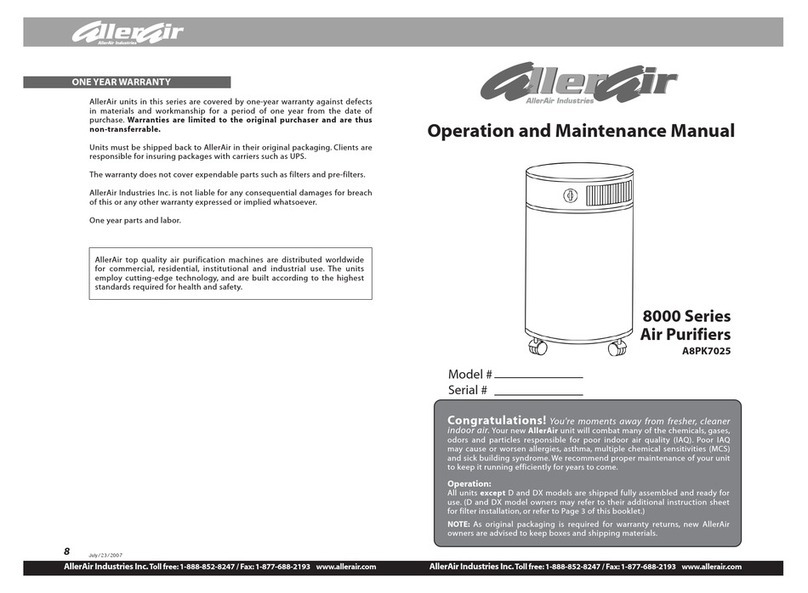
AllerAir A8PK7025 User manual

AllerAir

AllerAir A8PK7025 User manual

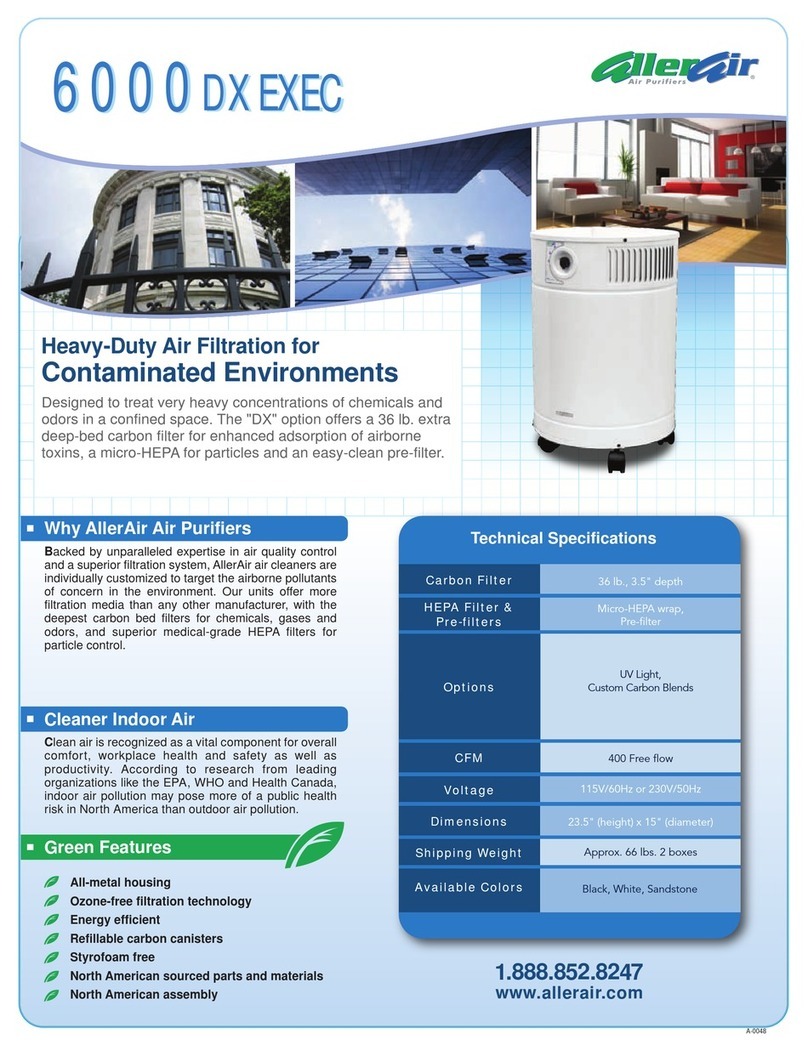
AllerAir 6000 DX Exec User manual

AllerAir

AllerAir 6000 DX Exec User manual

AllerAir 5000 W Vocarb User manual

AllerAir

AllerAir 5000 W Vocarb User manual

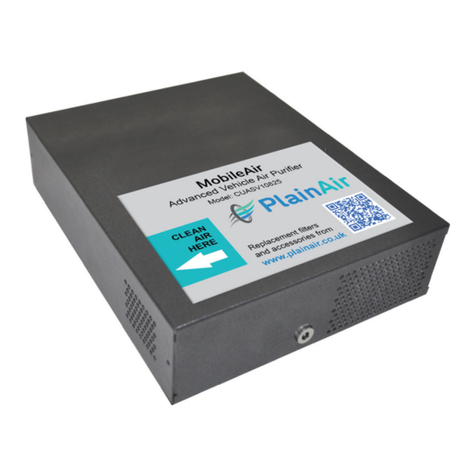
AllerAir MobileAir CUASV10825 Operating manual

AllerAir

AllerAir MobileAir CUASV10825 Operating manual

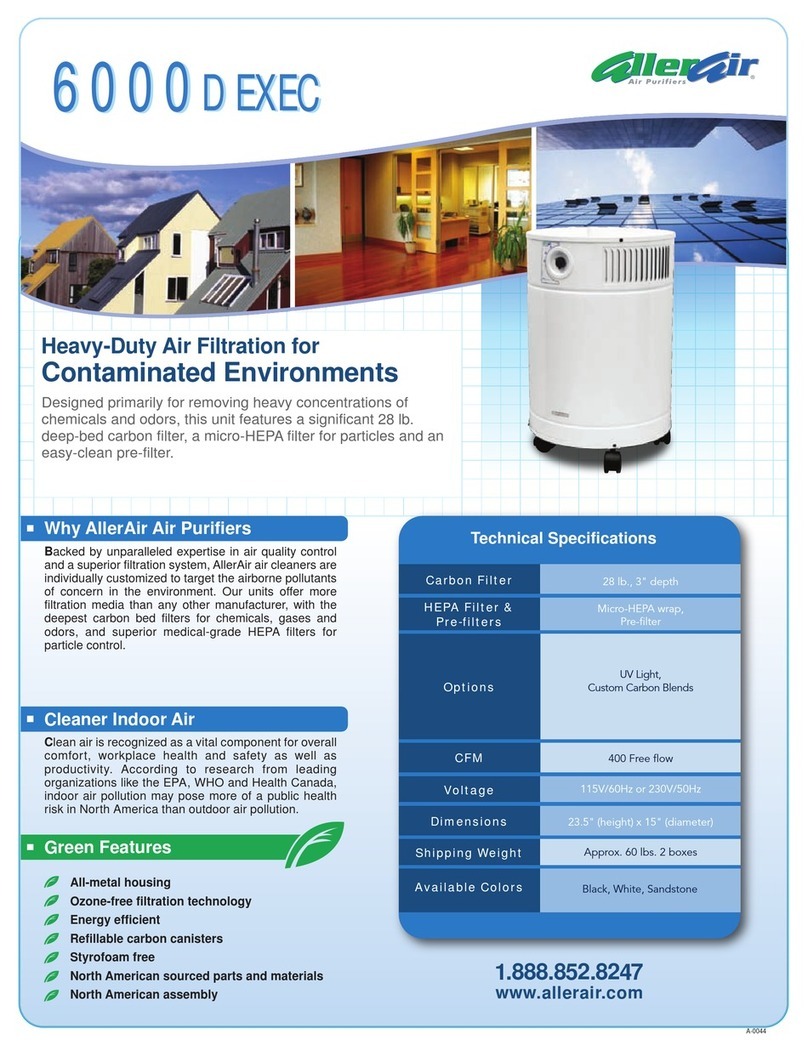
AllerAir 6000 D Exec User manual

AllerAir

AllerAir 6000 D Exec User manual

Popular Air Cleaner manuals by other brands

Steel City 65120 user manual

Steel City

Steel City 65120 user manual

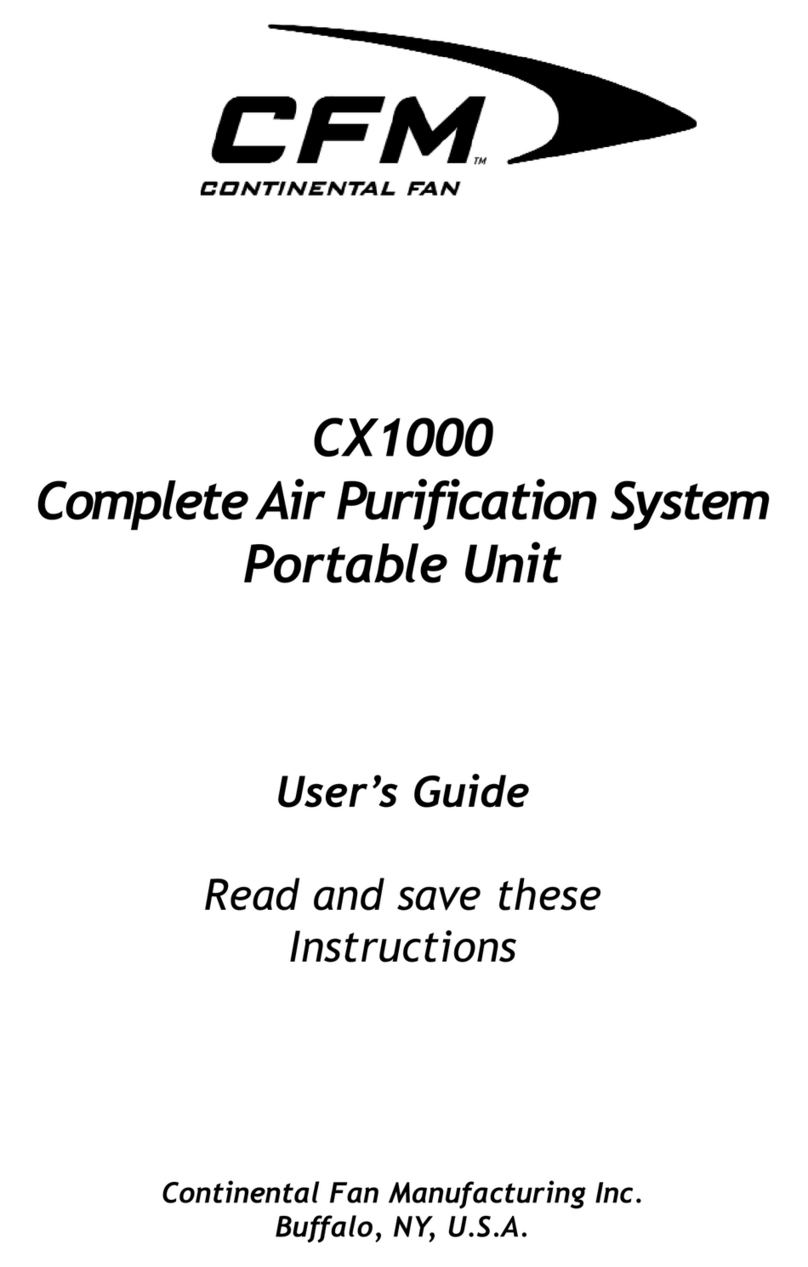
CFM CX1000 user guide

CFM

CFM CX1000 user guide

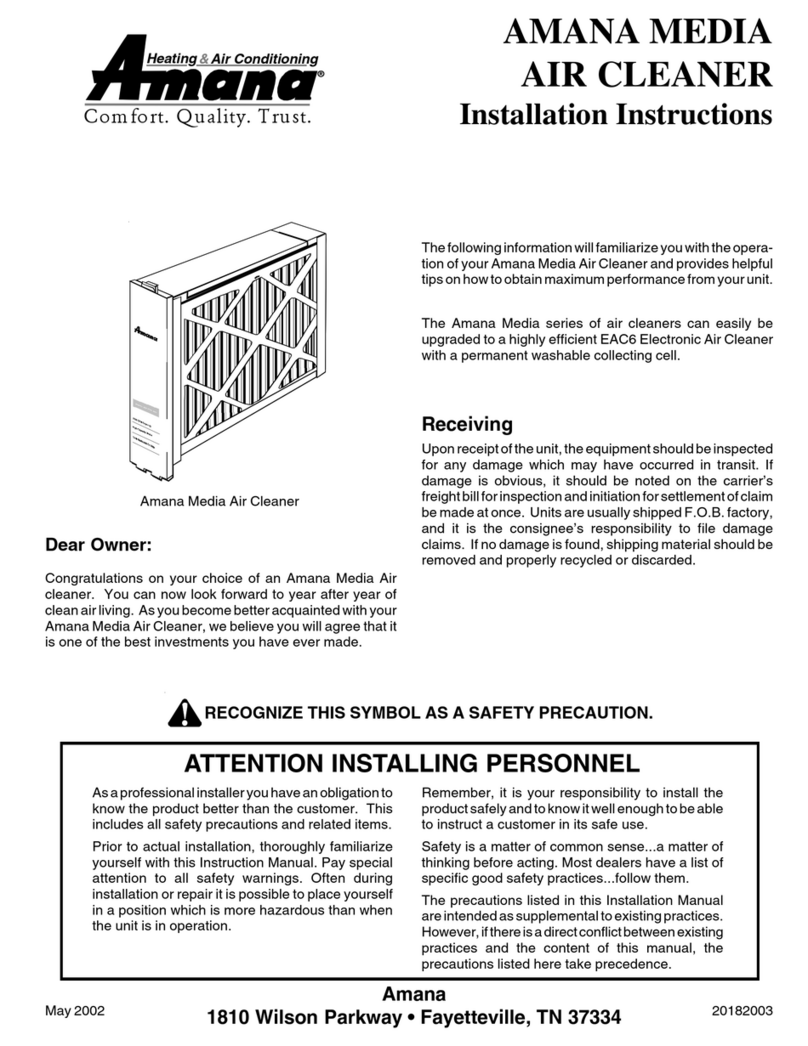
Amana Media MAC1 Series installation instructions

Amana

Amana Media MAC1 Series installation instructions

Glaziar PUR50 Instructions for use

Glaziar

Glaziar PUR50 Instructions for use

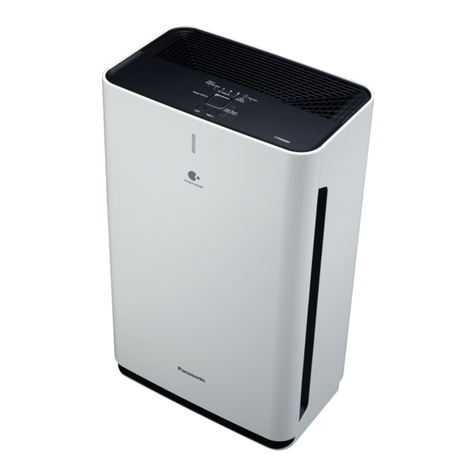
Panasonic F-PXR40H operating instructions

Panasonic

Panasonic F-PXR40H operating instructions

Lightair IonFlow 50 manual

Lightair

Lightair IonFlow 50 manual

Lennox Healthy Climate PMAC-12C brochure

Lennox

Lennox Healthy Climate PMAC-12C brochure

IKEA UPPÅTVIND quick start guide

IKEA

IKEA UPPÅTVIND quick start guide

Nash AP-1 PureSmart instruction manual

Nash

Nash AP-1 PureSmart instruction manual

Aktobis WDH-220B manual

Aktobis

Aktobis WDH-220B manual

Honeywell HHT-013-HD user guide

Honeywell

Honeywell HHT-013-HD user guide

LG PH-U450 Series owner's manual

LG

LG PH-U450 Series owner's manual

Sharp FU-40SE Operation manual

Sharp

Sharp FU-40SE Operation manual

Philips AC2721 user manual

Philips

Philips AC2721 user manual

Filtrete FAP-T02 manual

Filtrete

Filtrete FAP-T02 manual

DeLonghi DDSX 220WFA manual

DeLonghi

DeLonghi DDSX 220WFA manual

TruSens Z-2000 manual

TruSens

TruSens Z-2000 manual

Motorola MBP87SN quick start guide

Motorola

Motorola MBP87SN quick start guide

manuals.online logo
manuals.online logoBrands
  • About & Mission
  • Contact us
  • Privacy Policy
  • Terms and Conditions

Copyright 2025 Manuals.Online. All Rights Reserved.

Congratulations!
You are moments away from fresher, cleaner indoor air. Your new AllerAir unit will combat many of the
chemicals, gases, odors and particles responsible for poor indoor air quality, and in turn, health concerns
such as allergies, asthma, sick building syndrome and multiple chemical sensitivity. As with any air cleaner,
proper maintenance of your unit is a vital part of keeping it operating at peak efficiency.
Model No. ___________________
Serial No. ___________________
Operation and
Maintenance Manual
AirMed 1 / AirMed 1 Supreme Series
Note:
As original packaging is required for warranty returns,
new AllerAir owners are advised to keep boxes and
shipping materials.
Operation:
Your unit is shipped fully assembled and ready for use. Plug into 120V-15amp outlet. For best results
situate your unit close to your sitting, sleeping or work area.
AllerAir · 1.888.852.8247 ·info@allerair.com
2
Operating and Maintenance Manual
WARNING!
No user serviceable parts inside.
Risk of fire, electric shock, or injury to persons through misuse.
This is an electrical appliance. It is not intended for use by persons (including children) with reduced
physical, sensory or mental capabilities, or lack of experience and knowledge, unless they have been
given prior instructions concerning use of the appliance or they are being supervised by a person
responsible for their safety.
Children should be supervised to ensure that they do not play with the appliance.
Do not operate any unit with a damaged cord or plug. Discard unit or return to AllerAir for examination
and/or repair.
Do not run cord under carpeting and do not cover it up in any way. Do not place cord under furniture
or appliances. Arrange cord away from high-traffic areas and do not make it a tripping hazard.
Refrain from poking or sticking any object into the unit’s air vent discharge.
Do not use any parts, attachments or filters not recommended by AllerAir.
AIRMED 1 & AIRMED 1 SUPREME MAINTENANCE
The HEPA Filter
 Should be changed after approximately 24 months of use in an average home environment.
 A reduced level of airflow is a sign that it may be time to replace this filter.
The Carbon Filter
 Should be changed after approximately 12 months of use in an average home environment.
 A noticeable decrease in air quality could also be a sign that it may be time to replace this filter.
The Pre-Filter
 Replace every 2-3 months in an average home environment.
 A reduced level of airflow is a sign that it may be time to replace this filter.
The UV Bulb
 Replace every year, equivalent to 12,000 hours of use.
REPLACEMENT PARTS ORDER REFERENCE NUMBERS*
To order replacement parts, call AllerAir toll-free at 1-888-852-8247 during regular business hours (EST), or
send an e-mail to [email protected]
Models AirMed 1 AirMed 1 Supreme
Carbon (Exec Models)9" A3FCW30112" A3FCB401
Carbon (Vocarb Models)9" A3FCW30312" A3FCB403
SuperHEPA Wrap A3FSH930 A3FSH1230
PRE-FILTER A3FMP009A3FMP012
Motor A2EL0040A2EL0040
Switch CMEL0046 CMEL0046
Cord A3EL0046A3EL0046
Handle A4HD8414A4HD8414
*Please use the above part numbers when ordering your replacement parts.

Visit our indoor airquality library: https://www.allerair.com/blogs/clean-air-news-blog 3
AirMed 1 Series
REPLACING FILTER ASSEMBLY
STEP 2
Gently lay unit upside down. With
a screw driver, remove all 4 screws.

STEP 3
Remove lid by pulling slightly on
cover.
STEP 1
Turn power off and
unplug receptacle.
STEP 6
A - To replace pre-filter, gently
remove pre-filter from carbon
canister and replace with new one.
B - To replace anti-microbial filter,
peel off filter liner.
STEP 4
First remove HEPA filter by placing
your hand on the inner side of the
filter.
Pull gently until completely
removed.
STEP 5
Now remove carbon filter by
placing hands on the inner side of
the filter.
Pull gently until completely
removed.
STEP 8
Place lid back to its proper
position by aligning screw holes.
STEP 9
With a screw driver, place 4 screws
back into their positions.
STEP 7
Replace all filters with new ones
then reassemble by inserting the
carbon filter first then the HEPA.
A
B
Operating and Maintenance Manual
REPLACING UV BULB
ONE YEAR LIMITED WARRANTY
Your AllerAir unit comes with a 1-year limited warranty excluding expendable parts such as pre-filters
and filters. This warranty provides for the repair of any defective components and labor for 1 year
from the date of delivery. This warranty does not cover damage, fault or failure due to alteration or
repairs made by anyone other than AllerAir or the use of supplies and acccessories other than those
manufactured by AllerAir. Any damage or lack of performance due to or found to be caused by
saturated filters as per AllerAir inspection voids the warranty. This warranty is provided to the original
purchaser and may not be transferred. A return authorization number is required for warranty repairs.
Please contact AllerAir at 1-888-852-8247 for more information.
1.888.852.8247
www.allerair.com
A-0088-UV
STEP 2
Gently lay unit upside down. With
a screw driver, remove all 4 screws.
STEP 3
Remove lid by pulling slightly on
cover.
STEP 1
Turn power off and
unplug receptacle.
STEP 5
Remove UV bulb visible in center
of base.
STEP 6
Gently screw in new UV bulb.
STEP 4
First remove HEPA filter and then
carbon filter by placing your hand
on the inner side of the filter. Pull
gently until completely removed.
STEP 7
Replace all filters. STEP 8
Place lid back to its proper
position by aligning screw holes.
STEP 9
With a screw driver, place the 4
screws back into their positions.