manuals.online logo
Brands
  1. Home
  2. •
  3. Brands
  4. •
  5. AllerAir
  6. •
  7. Air Cleaner
  8. •
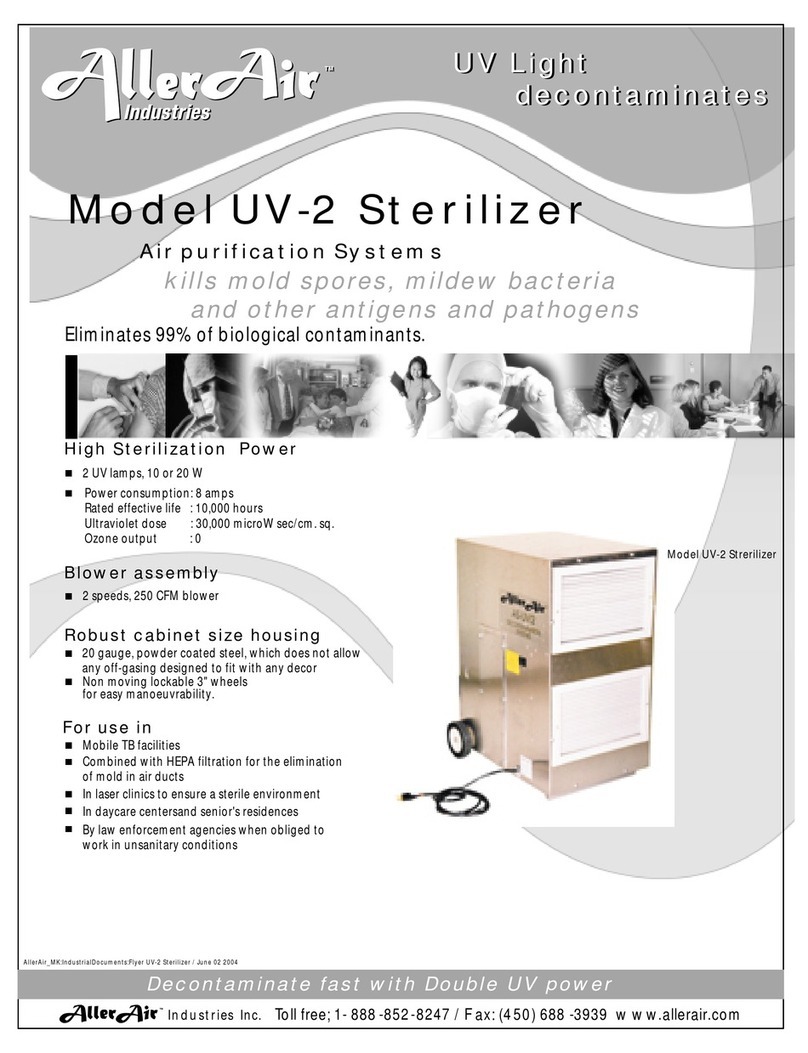
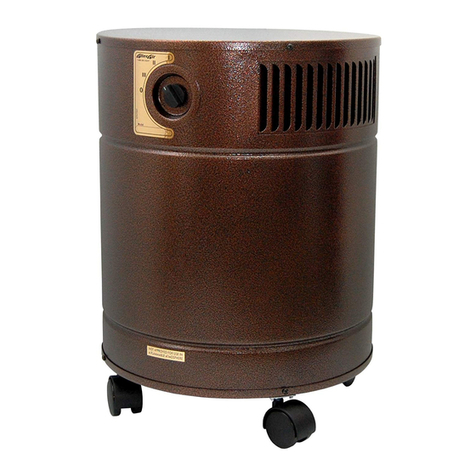
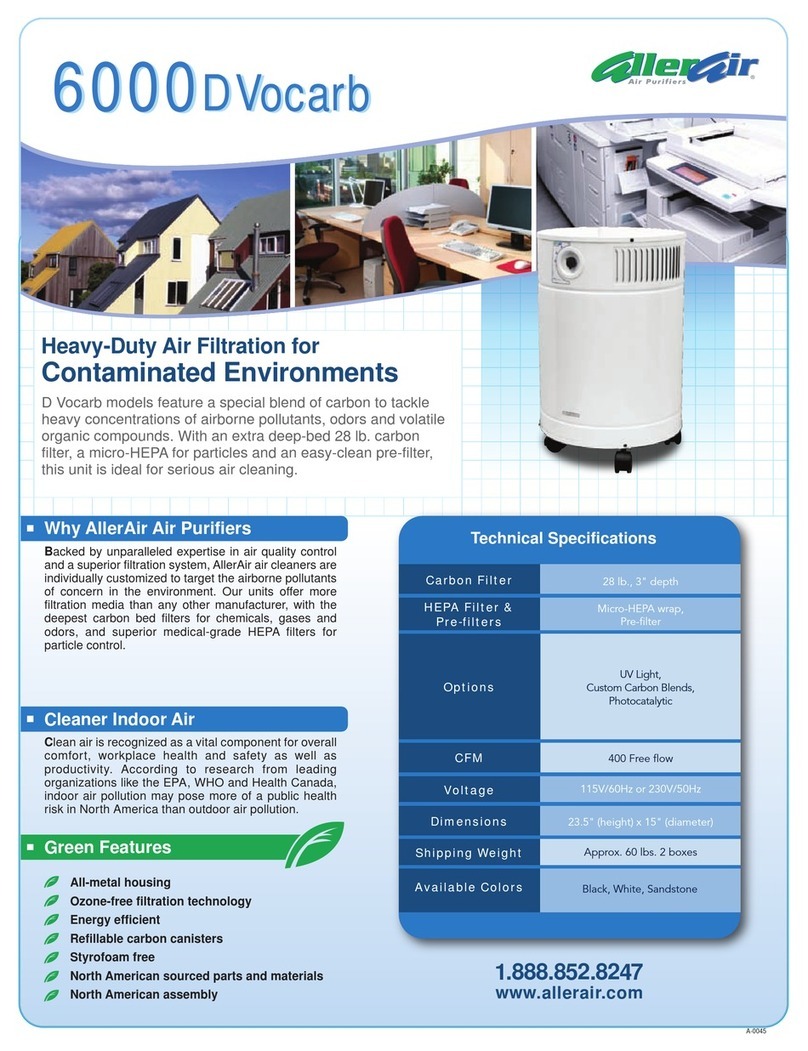
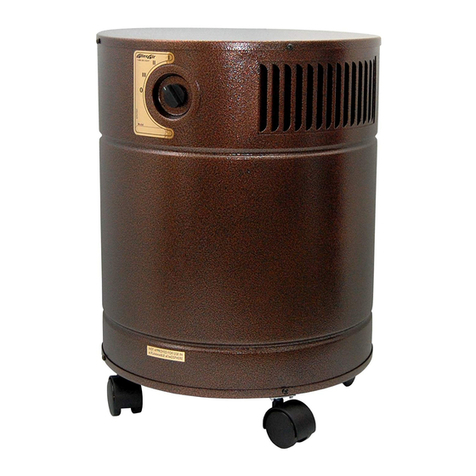
  9. AllerAir Residential and Commercial Air Purification... User manual

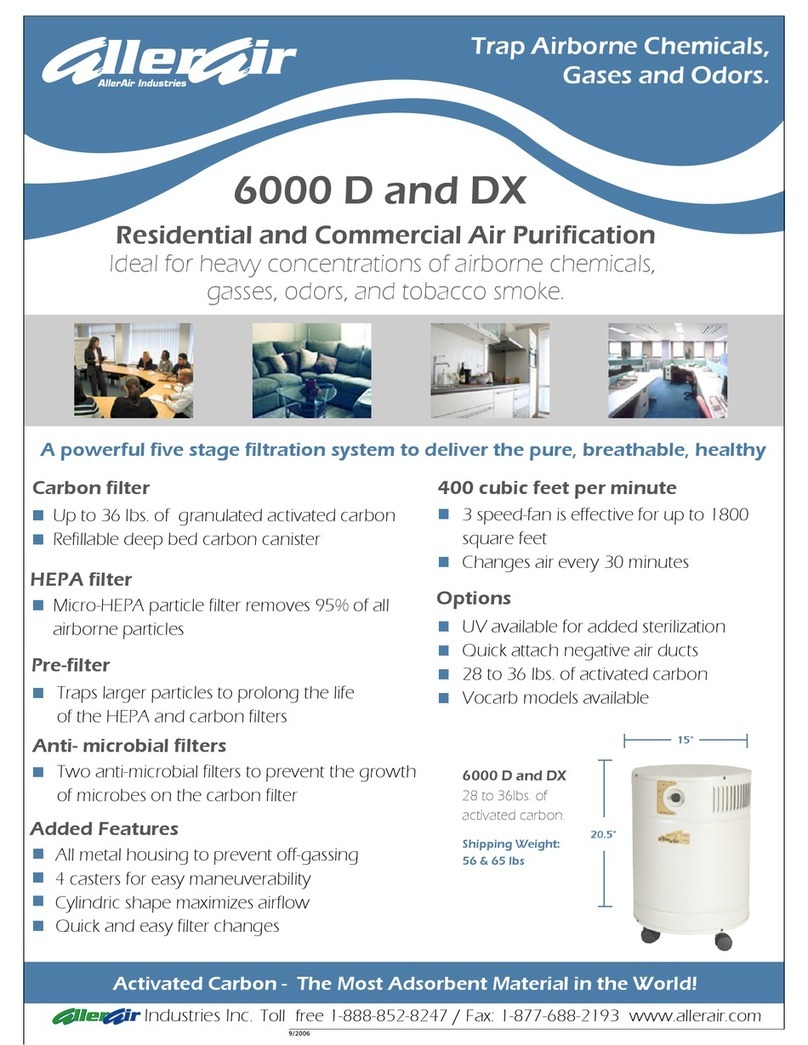
AllerAir Residential and Commercial Air Purification... User manual

This manual suits for next models

3

Other AllerAir Air Cleaner manuals

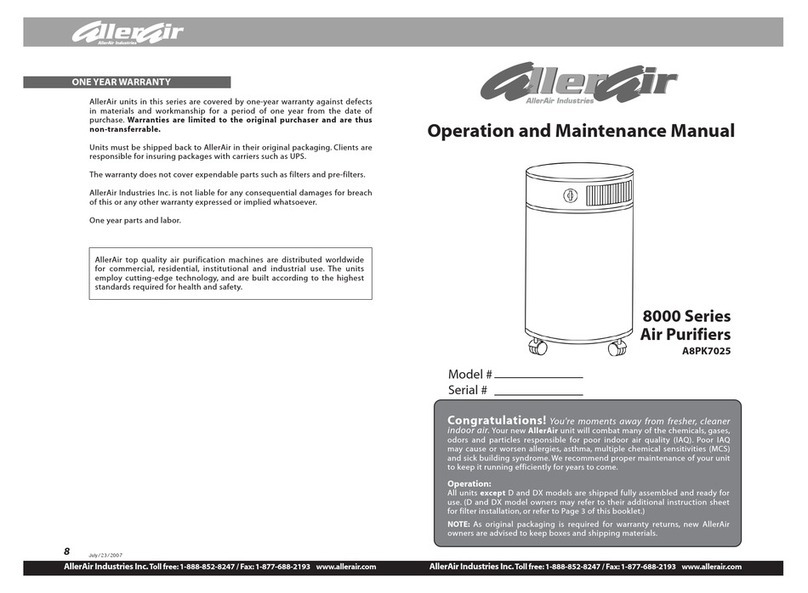
AllerAir A8PK7025 User manual

AllerAir

AllerAir A8PK7025 User manual

AllerAir 4000 Vocab User manual

AllerAir

AllerAir 4000 Vocab User manual

AllerAir 6000 D AH Vocarb User manual

AllerAir

AllerAir 6000 D AH Vocarb User manual

AllerAir Residential and Commercial Air Purification 6000... User manual

AllerAir

AllerAir Residential and Commercial Air Purification 6000... User manual

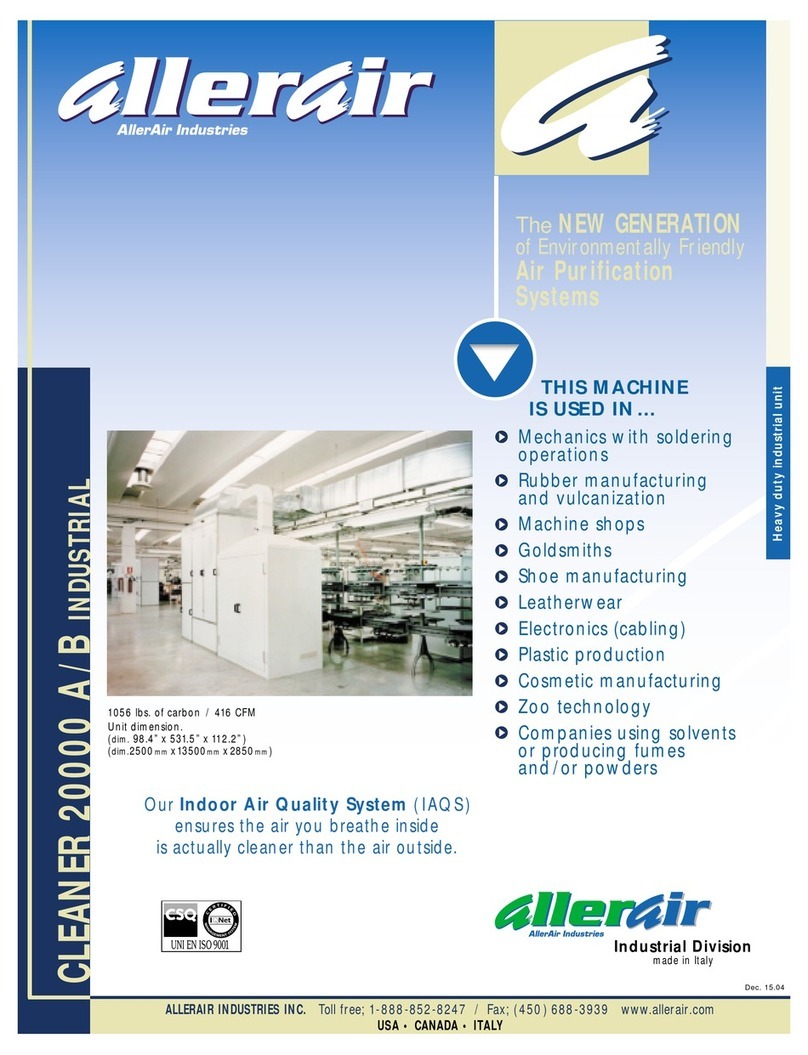
AllerAir Air Purifierification System AC-20000 A User manual

AllerAir

AllerAir Air Purifierification System AC-20000 A User manual

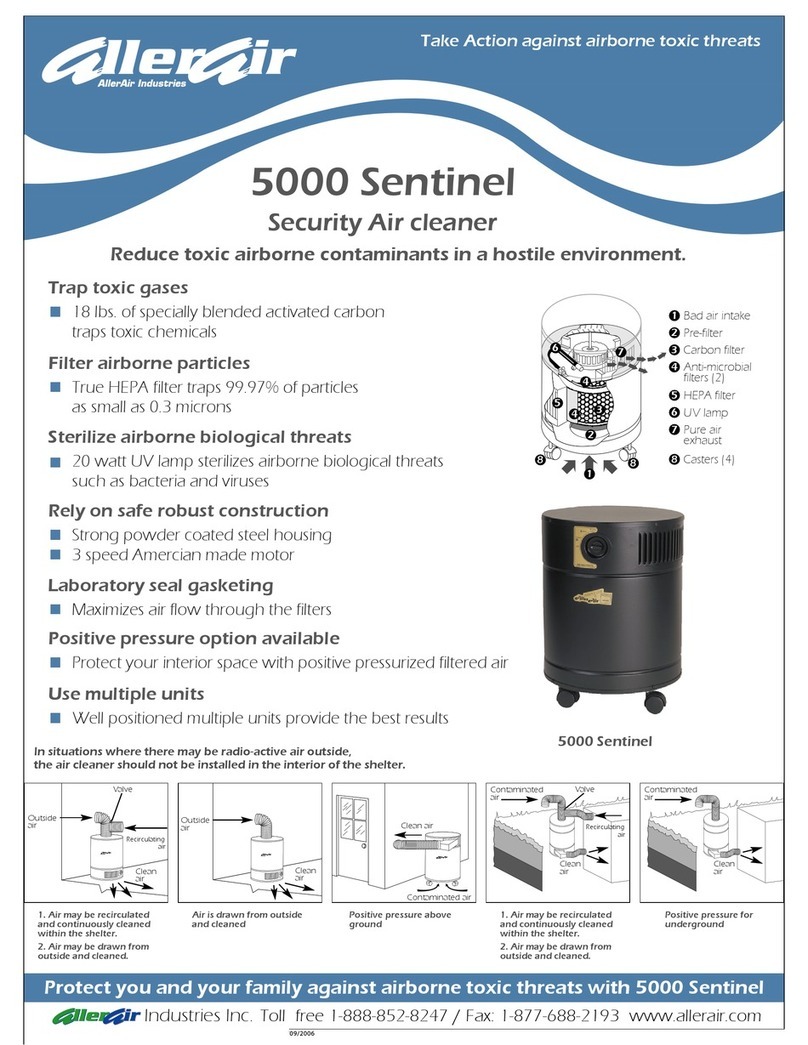
AllerAir 5000 Sentinel User manual

AllerAir

AllerAir 5000 Sentinel User manual

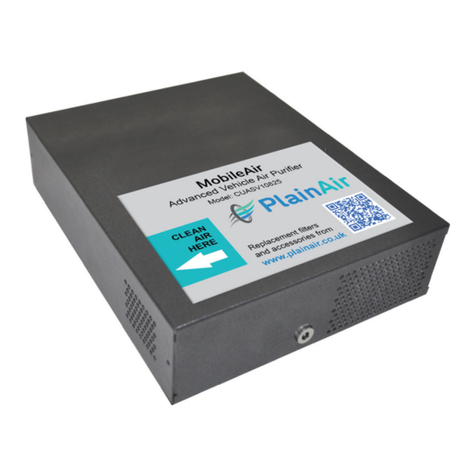
AllerAir MobileAir CUASV10825 Operating manual

AllerAir

AllerAir MobileAir CUASV10825 Operating manual

AllerAir AIRMEDIC PRO 5 Series User manual

AllerAir

AllerAir AIRMEDIC PRO 5 Series User manual

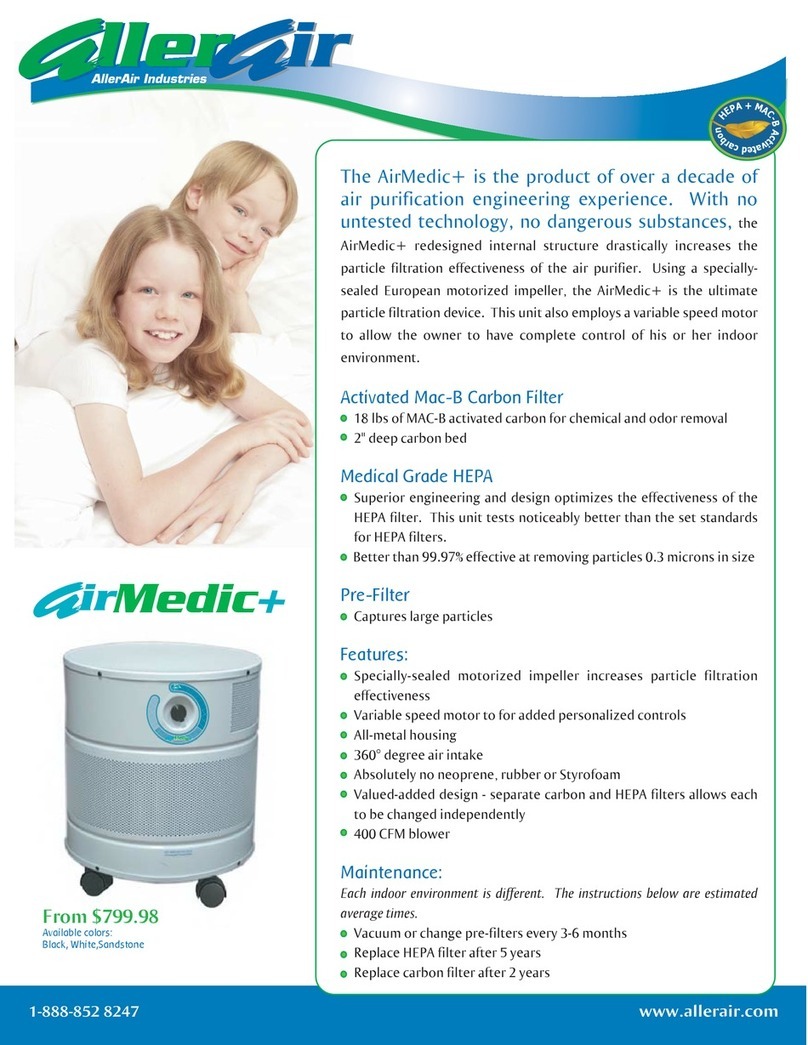
AllerAir AirMedic+ Series User manual

AllerAir

AllerAir AirMedic+ Series User manual

AllerAir AirMedic+ Air Purifier User manual

AllerAir

AllerAir AirMedic+ Air Purifier User manual

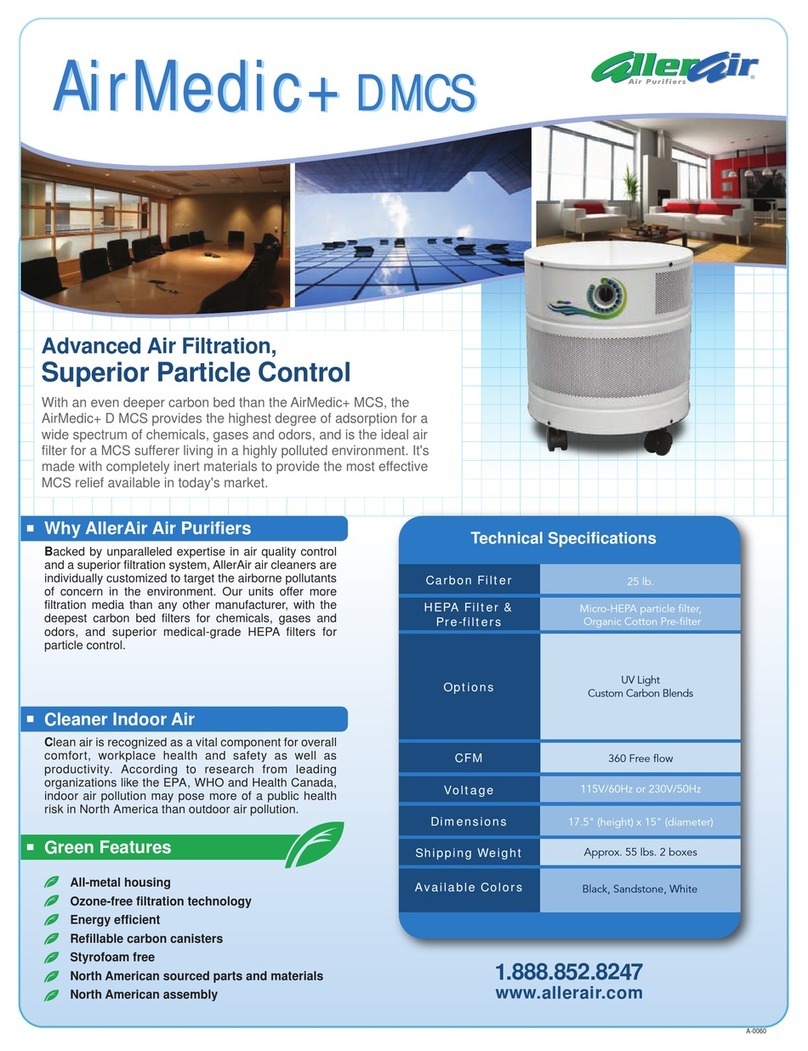
AllerAir AirMedic + D MCS User manual

AllerAir

AllerAir AirMedic + D MCS User manual

AllerAir 6000 VOCARB User manual

AllerAir

AllerAir 6000 VOCARB User manual

AllerAir 4000 Series User manual

AllerAir

AllerAir 4000 Series User manual

AllerAir 6000 DX Vocarb User manual

AllerAir

AllerAir 6000 DX Vocarb User manual

AllerAir 500 Pro Exec H User manual

AllerAir

AllerAir 500 Pro Exec H User manual

AllerAir 6000 W Vocarb User manual

AllerAir

AllerAir 6000 W Vocarb User manual

AllerAir 5000 W Vocarb User manual

AllerAir

AllerAir 5000 W Vocarb User manual

AllerAir UV-2 Sterilizer User manual

AllerAir

AllerAir UV-2 Sterilizer User manual

AllerAir 5000 D-MCS User manual

AllerAir

AllerAir 5000 D-MCS User manual

AllerAir AirMedic + Vocarb User manual

AllerAir

AllerAir AirMedic + Vocarb User manual

AllerAir 6000 D Vocarb User manual

AllerAir

AllerAir 6000 D Vocarb User manual

AllerAir 5000 DH User manual

AllerAir

AllerAir 5000 DH User manual

AllerAir 8000 D Vocarb User manual

AllerAir

AllerAir 8000 D Vocarb User manual

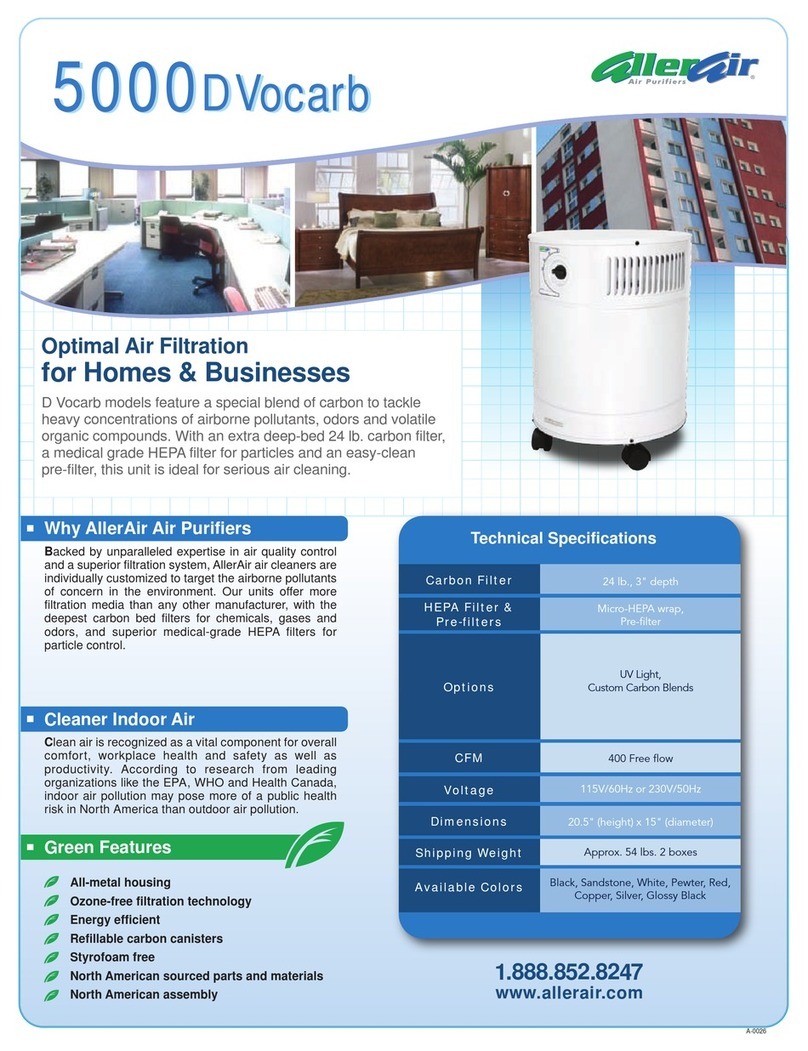
AllerAir 5000 D Vocarb User manual

AllerAir

AllerAir 5000 D Vocarb User manual

Popular Air Cleaner manuals by other brands

Steel City 65120 user manual

Steel City

Steel City 65120 user manual

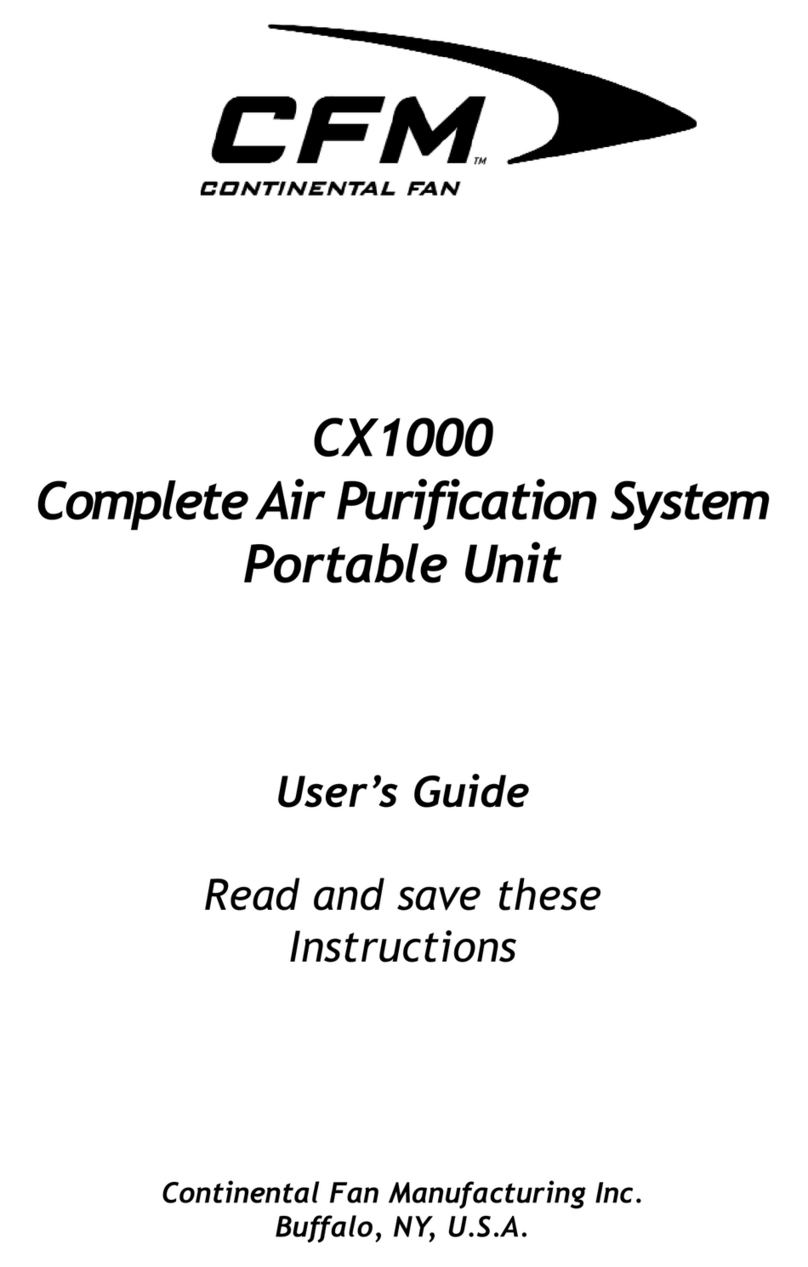
CFM CX1000 user guide

CFM

CFM CX1000 user guide

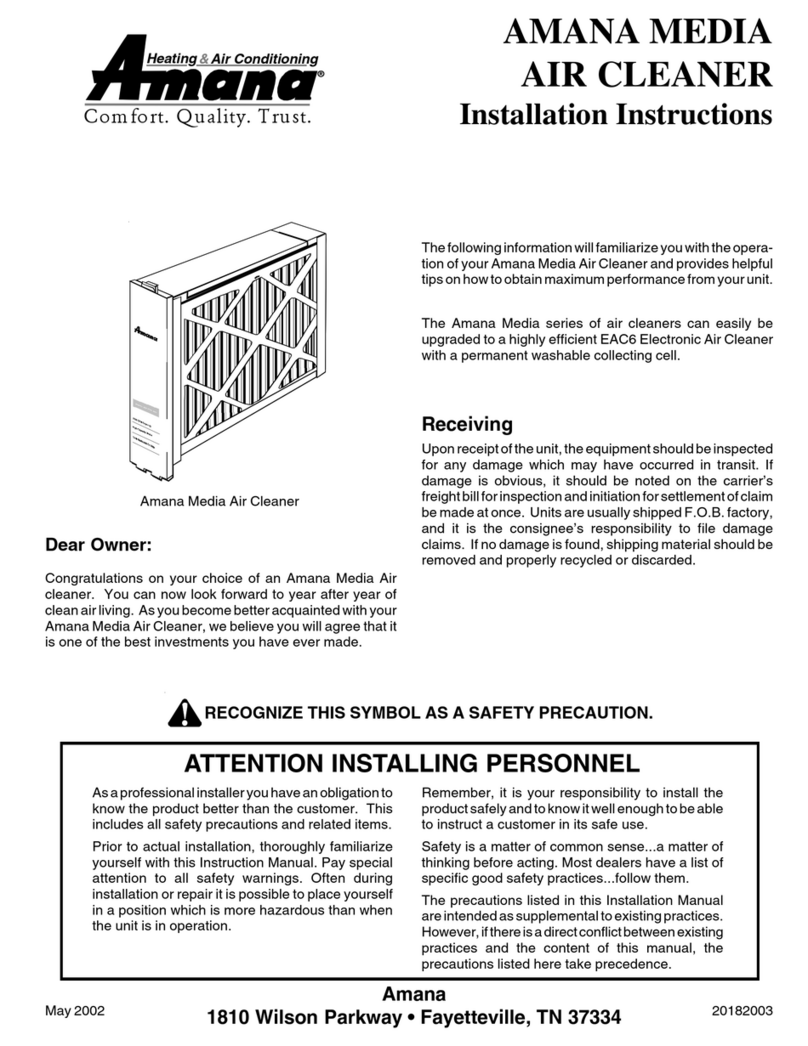
Amana Media MAC1 Series installation instructions

Amana

Amana Media MAC1 Series installation instructions

Glaziar PUR50 Instructions for use

Glaziar

Glaziar PUR50 Instructions for use

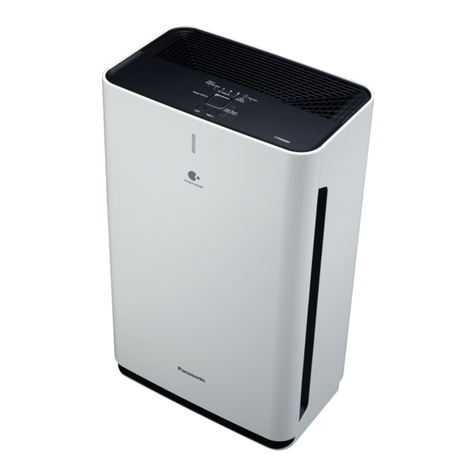
Panasonic F-PXR40H operating instructions

Panasonic

Panasonic F-PXR40H operating instructions

Lightair IonFlow 50 manual

Lightair

Lightair IonFlow 50 manual

Lennox Healthy Climate PMAC-12C brochure

Lennox

Lennox Healthy Climate PMAC-12C brochure

IKEA UPPÅTVIND quick start guide

IKEA

IKEA UPPÅTVIND quick start guide

Nash AP-1 PureSmart instruction manual

Nash

Nash AP-1 PureSmart instruction manual

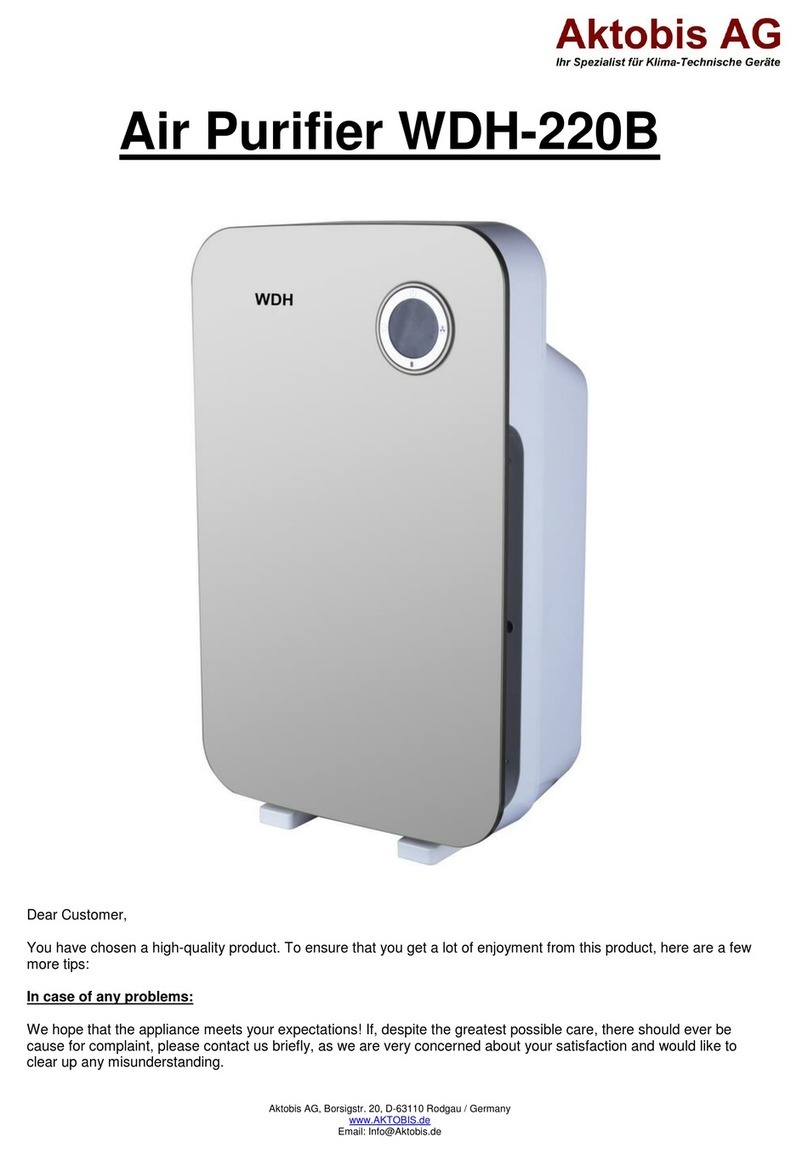
Aktobis WDH-220B manual

Aktobis

Aktobis WDH-220B manual

Honeywell HHT-013-HD user guide

Honeywell

Honeywell HHT-013-HD user guide

LG PH-U450 Series owner's manual

LG

LG PH-U450 Series owner's manual

Sharp FU-40SE Operation manual

Sharp

Sharp FU-40SE Operation manual

Philips AC2721 user manual

Philips

Philips AC2721 user manual

Filtrete FAP-T02 manual

Filtrete

Filtrete FAP-T02 manual

DeLonghi DDSX 220WFA manual

DeLonghi

DeLonghi DDSX 220WFA manual

TruSens Z-2000 manual

TruSens

TruSens Z-2000 manual

Motorola MBP87SN quick start guide

Motorola

Motorola MBP87SN quick start guide

manuals.online logo
manuals.online logoBrands
  • About & Mission
  • Contact us
  • Privacy Policy
  • Terms and Conditions

Copyright 2025 Manuals.Online. All Rights Reserved.

AllerAir Industries Inc.Toll free: 1-888-852-8247 / Fax: 1-877-688-2193 www.allerair.com
FILTER
ASSEMBLY
D, DS, DX &
6000 MODELS
Step 1
Make sure the unit is set to "Off,"
and unplug it. Lay the unit upside
down, so that the wheels face up.
Step 2
Using a #2 Philips screwdriver,
remove the four screws that hold
the base onto the unit.
Step 7
Replace the base, making sure the
arrow on the gold sticker lines up
with unit's rear seam.
Step 8
Replace the four screws.
Step 9
Turn the unit back onto its wheels.
It is now ready for use.
Step 3
Grasp the wheels. Remove the base
by pulling gently on the wheels.
Step 5
Gently insert the carbon filter
(either a Model D,DS or DX Carbon)
into the unit, either end up.
For 6000 Carbon/Hepa Models
Insert carbon canister,then Hepa in
center
Step 4
Reach inside the unit, and remove
only 1of the 2felt pads.
Step 6
Put back the felt pad removed in
STEP 4.
A Message for the Client
NEW
CARBON
The model you have selected is shipped in 2 separate boxes to protect certain
components. The filter comes in one box, and the outer shell of the unit,
containing the motor and the fan, comes in another. Filters must be installed
before turning the unit on in order for it to work. AllerAir technicians
recommend removing the base, installing the filter, and replacing the base
according to the following steps:
HEPA
AllerAir Industries Inc.Toll free: 1-888-852-8247 / Fax: 1-877-688-2193 www.allerair.com
FILTER
ASSEMBLY
D, DS, DX &
6000 MODELS
Step 1
Make sure the unit is set to "Off,"
and unplug it. Lay the unit upside
down, so that the wheels face up.
Step 2
Using a #2 Philips screwdriver,
remove the four screws that hold
the base onto the unit.
Step 7
Replace the base, making sure the
arrow on the gold sticker lines up
with unit's rear seam.
Step 8
Replace the four screws.
Step 9
Turn the unit back onto its wheels.
It is now ready for use.
Step 3
Grasp the wheels. Remove the base
by pulling gently on the wheels.
Step 5
Gently insert the carbon filter
(either a Model D,DS or DX Carbon)
into the unit, either end up.
For 6000 Carbon/Hepa Models
Insert carbon canister,then Hepa in
center
Step 4
Reach inside the unit, and remove
only 1of the 2felt pads.
Step 6
Put back the felt pad removed in
STEP 4.
A Message for the Client
NEW
CARBON
The model you have selected is shipped in 2 separate boxes to protect certain
components. The filter comes in one box, and the outer shell of the unit,
containing the motor and the fan, comes in another. Filters must be installed
before turning the unit on in order for it to work. AllerAir technicians
recommend removing the base, installing the filter, and replacing the base
according to the following steps:
HEPA
Docs_on_Pdf/Filter_assembly/New_with_6000 June 2007