logo
Brands
  1. Home
  2. •
  3. Brands
  4. •
  5. Alpha Antenna
  6. •
  7. Antenna
  8. •
  9. Alpha Antenna AL-705 User manual

Alpha Antenna AL-705 User manual

Other Alpha Antenna Antenna manuals

Alpha Antenna DX Sr User manual

Alpha Antenna

Alpha Antenna DX Sr User manual

Alpha Antenna ProMaster User manual

Alpha Antenna

Alpha Antenna ProMaster User manual

Alpha Antenna DX User manual

Alpha Antenna

Alpha Antenna DX User manual

Alpha Antenna HOA Buster User manual

Alpha Antenna

Alpha Antenna HOA Buster User manual

Alpha Antenna ProMaster Sr User manual

Alpha Antenna

Alpha Antenna ProMaster Sr User manual

Alpha Antenna Alpha Loop (Sr) User manual

Alpha Antenna

Alpha Antenna Alpha Loop (Sr) User manual

Alpha Antenna HF User manual

Alpha Antenna

Alpha Antenna HF User manual

Alpha Antenna HexTenna User manual

Alpha Antenna

Alpha Antenna HexTenna User manual

Alpha Antenna Vertical Antenna User manual

Alpha Antenna

Alpha Antenna Vertical Antenna User manual

Alpha Antenna Alpha QRP Loop Antenna User manual

Alpha Antenna

Alpha Antenna Alpha QRP Loop Antenna User manual

Alpha Antenna Base Loop User manual

Alpha Antenna

Alpha Antenna Base Loop User manual

Alpha Antenna Base Loop User manual

Alpha Antenna

Alpha Antenna Base Loop User manual

Alpha Antenna Alpha Loop Sr User manual

Alpha Antenna

Alpha Antenna Alpha Loop Sr User manual

Alpha Antenna ProMaster User manual

Alpha Antenna

Alpha Antenna ProMaster User manual

Alpha Antenna 100W Alpha Loop User manual

Alpha Antenna

Alpha Antenna 100W Alpha Loop User manual

Alpha Antenna Alpha 6-160 User manual

Alpha Antenna

Alpha Antenna Alpha 6-160 User manual

Alpha Antenna 100W Alpha Loop User manual

Alpha Antenna

Alpha Antenna 100W Alpha Loop User manual

Alpha Antenna ProMaster Sr User manual

Alpha Antenna

Alpha Antenna ProMaster Sr User manual

Alpha Antenna 6‐160 J‐Pole Sr User manual
Alpha Antenna

Alpha Antenna 6‐160 J‐Pole Sr User manual

Alpha Antenna HOA Buster User manual

Alpha Antenna

Alpha Antenna HOA Buster User manual

Alpha Antenna Alpha DX EMCOMM User manual

Alpha Antenna

Alpha Antenna Alpha DX EMCOMM User manual

Alpha Antenna HOA Buster User manual

Alpha Antenna

Alpha Antenna HOA Buster User manual

Alpha Antenna AL-705 User manual

Alpha Antenna

Alpha Antenna AL-705 User manual

Alpha Antenna ProMaster User manual

Alpha Antenna

Alpha Antenna ProMaster User manual
Popular Antenna manuals by other brands

Alfa Network APA-L01 Specifications

Alfa Network

Alfa Network APA-L01 Specifications

Naval PR-422CA Operation manual

Naval

Naval PR-422CA Operation manual

Feig Electronic ID ISC.ANTH200/200 Series manual

Feig Electronic

Feig Electronic ID ISC.ANTH200/200 Series manual

TERK Technologies TV44 owner's manual

TERK Technologies

TERK Technologies TV44 owner's manual

Directive Systems & Engineering DSE2324LYRMK quick start guide

Directive Systems & Engineering

Directive Systems & Engineering DSE2324LYRMK quick start guide

HP J8999A instructions

HP

HP J8999A instructions

MobilSat MSP-S Mounting instructions

MobilSat

MobilSat MSP-S Mounting instructions

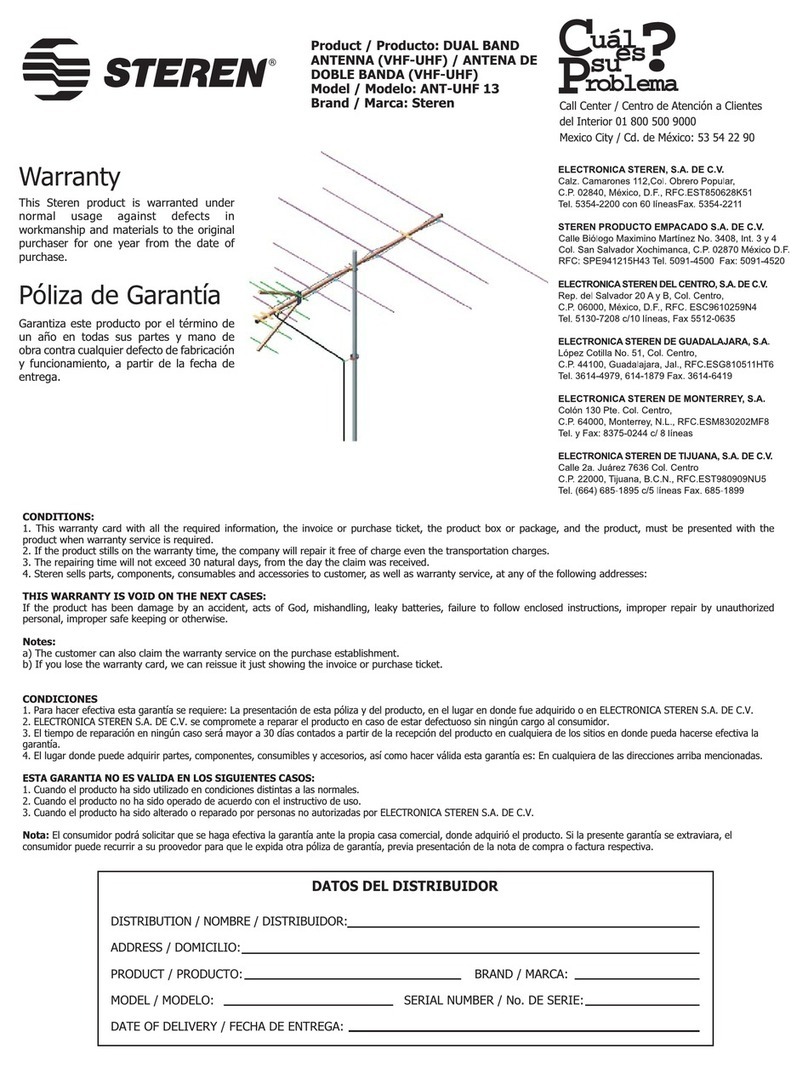
Steren ANT-UHF 13 instruction manual

Steren

Steren ANT-UHF 13 instruction manual

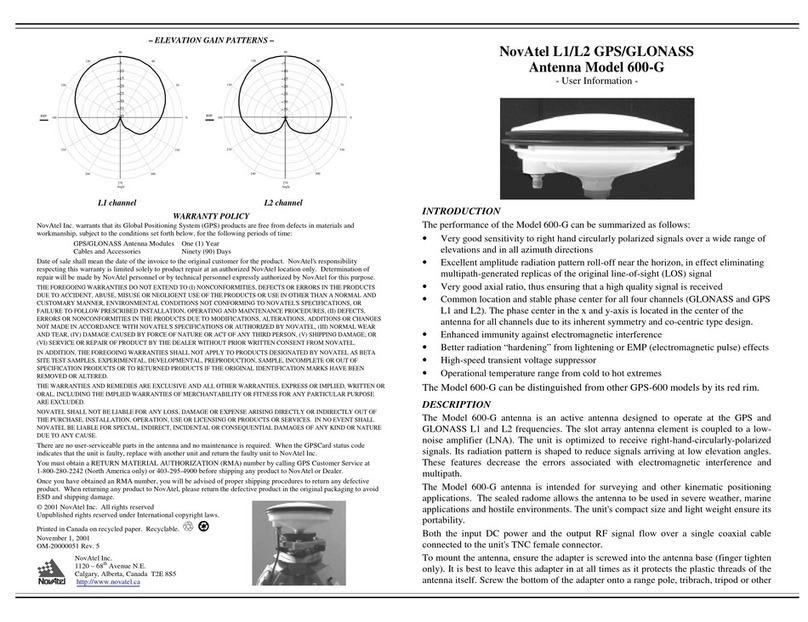
Novatel 600-G User information

Novatel

Novatel 600-G User information

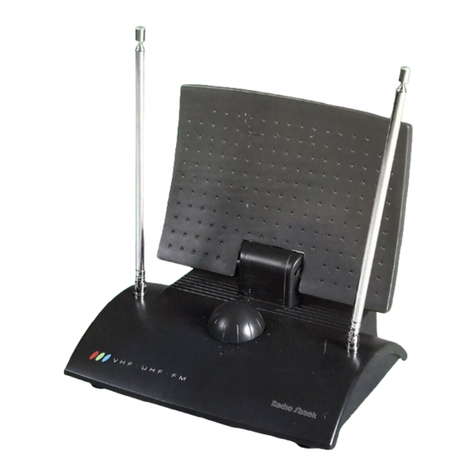
Radio Shack Amplified VHF/UHF/FM Indoor Antenna owner's manual

Radio Shack

Radio Shack Amplified VHF/UHF/FM Indoor Antenna owner's manual

TRENDnet TEW-AO12O Specifications

TRENDnet

TRENDnet TEW-AO12O Specifications

Radio Shack 15-1837 owner's manual

Radio Shack

Radio Shack 15-1837 owner's manual

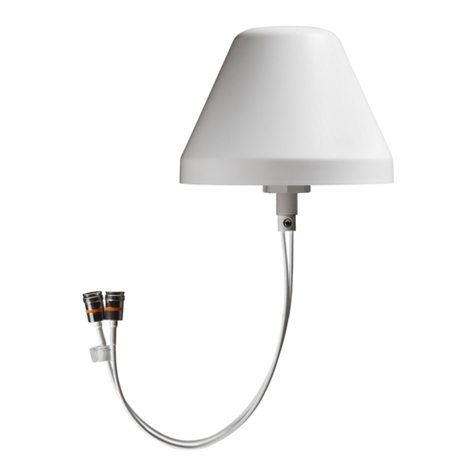
CommScope CMAX-OMFX-43M-I53 Installation instruction

CommScope

CommScope CMAX-OMFX-43M-I53 Installation instruction

Ramsey Electronics DAP25 Kit assembly and instruction manual

Ramsey Electronics

Ramsey Electronics DAP25 Kit assembly and instruction manual

COBHAM SAILOR 800 VSAT Replacement procedure
COBHAM

COBHAM SAILOR 800 VSAT Replacement procedure

Trango Systems AD900-9 Specification sheet

Trango Systems

Trango Systems AD900-9 Specification sheet

Steren ANT-100 user manual

Steren

Steren ANT-100 user manual

IWCS iriBelt II Quick start user guide

IWCS

IWCS iriBelt II Quick start user guide

https://manuals.online logo
https://manuals.online logoBrands
  • About & Mission
  • Contact us
  • Privacy Policy
  • Terms and Conditions

Copyright 2026 Manuals.Online. All Rights Reserved.

DESCRIPTION
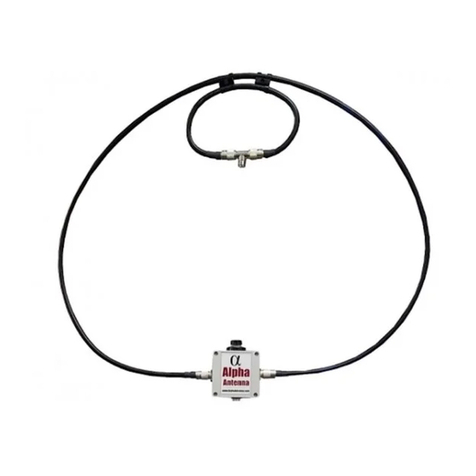
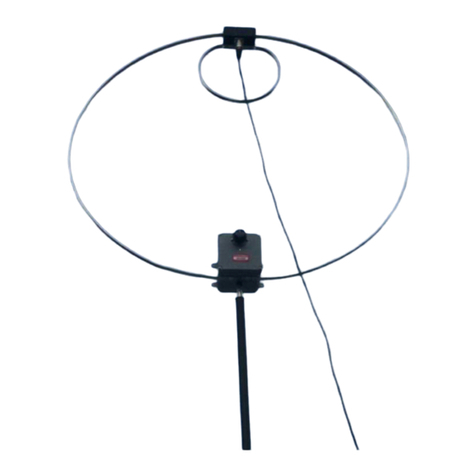
The AL-705 is a HF 40 to 10
meter (7 - 29.7) Magnetic
Loop antenna that is rated at
20W PEP SSB, 10W CW &
Digital.
Assembly Instructions
WARNING
-
Never use the Inner or Outer Coaxial cables of the AL
-
705 as a jumper coax.
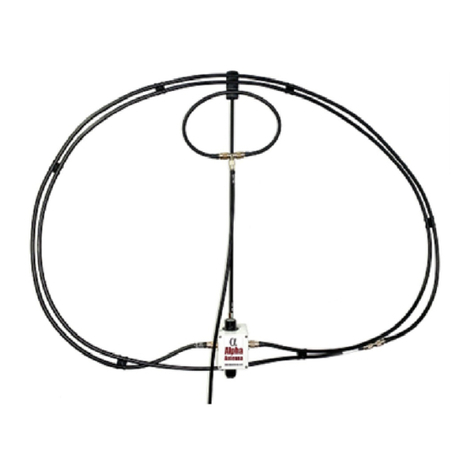
Assemble the Loop
1) Attach the Outer Loop
Element to the black match
box by screwing the PL-259
connectors on the Outer Loop
into the SO-239 connectors on
the match.
2) Attach the Inner Loop using
the included Nylon clip to the
approximate center of the
Outer Loop Element.
Connect your equipment
Attach the feedline's PL259 to the SO239 on the
T-Connector in the center or the (small) coupling
loop, then connect the other end of the feedline to
your equipment.
Make adjustments to your Mic Gain settings
For all voice modes, adjust your equipment's Mic
Gain so your meter does not peak when
speaking, which will typically be a setting between
9 and 11. This will ensure you do not have a
distorted voice transmission by keeping the
antenna and equipment from being overdriven.
SITE SELECTION AND OPERATION
1) Do not place the tuning box on a metal surface. Also, keep the loop at least 18 inches from metal objects.
2) Place the loop greater than 1 loop diameter high (about 3 feet or higher).
3) The loop can be placed higher, so it can see above and past obstacles.
4) All antennas are affected by the physical environment that surrounds them. For maximum performance, best practice
for antenna placement should be considered when placing the loop in its’ operating position. For example, do not expect
the same performance from the loop when indoors as you are experiencing on another antenna that is outside. Similarly,
an antenna placed at 12 feet, while your loop might be setting at a height of 3 feet, will often perform better as it can see
above and past obstacles.
5) In home installations where the roof is composed of asphalt shingles, you will typically see a little more than 1 S-Unit of
loss, but usually no more than 1.75 S-Units of loss.
6) In home installations where the exterior walls have a chicken type wire under stucco or aluminum siding makes it nearly
impossible for any antenna to function properly. If you are forced to operate in this situation, then place the antenna in
front of the largest window, after removing any metal screen.
7) Near field radiation patterns of a magnetic loop are mainly in the plain of the loop, not through the center. Facing the
center of the loop at a noise source can, however, help to null out interference caused by noisy electronics.
8) Far field radiation patterns of a magnetic loop are mainly in the plain of the loop, however, the surrounding environment
can affect radiation patterns, which may naturally begin to overlap. This effect can minimize the far field directionality of a
loop.
TUNING TIPS
The AL-705 antenna has a built-in tuning knob on the Alpha Match. It is with this black knob that you tune the antenna to
the lowest SWR of 2.5:1 or less 10-40 meters. NOTE – It is easier to match and learn to tune the loop on 40 meters. The
following technique has proven to be the easiest method for tuning the AL-705 in nearly all scenarios:
TUNING
1) After attaching your coax to your radio, set your radio for minimum power output.
2) Set your rig to SSB Mode, turn the volume up, and listen for the loudest noise floor as you turn the black knob on the
match to the right.
3) You can then fine tune the Alpha Match with the black knob till the SWR meter on your rig’s internal meter or your
antenna analyzer is as low as possible.
TUNING TIPS
(Offset frequency while tuning for hand capacitance)
a. To off-set the effect of hand capacitance while tuning, a technique called reverse tuning can be used. To reverse tune a
magnetic loop, tune for minimum SWR while touching the Black Knob on the Alpha Match, say 1.9:1; and then when you
remove your hand you might see 4.3:1 for example. Then all you must do is tune for 4.3:1 while your hand is on the knob
to achieve an SWR of 1.9:1 when you remove your hand.
(Tuning with equipment, without touching the antenna)
a. An antenna analyzer or SWR meter (whether internal to the rig or inline) can be used to find the lowest SWR after step
1 & 2 under TUNING is performed. This can be done without you having to touch the antenna. While watching the SWR
on your equipment, change the frequency on your rig or analyzer till minimum SWR is shown on the meter.