manuals.online logo
Brands
  1. Home
  2. •
  3. Brands
  4. •
  5. Alphacool
  6. •
  7. Commercial Food Equipment
  8. •
  9. Alphacool GPX-N Tesla-M01 User manual

Alphacool GPX-N Tesla-M01 User manual

Popular Commercial Food Equipment manuals by other brands

Costco 5P-08WT manual

Costco

Costco 5P-08WT manual

Beper BT.651Y manual

Beper

Beper BT.651Y manual

Blue Seal EF30 Installation & operation manual

Blue Seal

Blue Seal EF30 Installation & operation manual

Tecfrigo Snelle 400 GS installation instructions

Tecfrigo

Tecfrigo Snelle 400 GS installation instructions

Follett PFT Series Operation and maintenance manual

Follett

Follett PFT Series Operation and maintenance manual

MEFE CAT 206 PTR User manual and maintenance

MEFE

MEFE CAT 206 PTR User manual and maintenance

Diamond AL1TB/H2-R2 Installation, Operating and Maintenance Instruction

Diamond

Diamond AL1TB/H2-R2 Installation, Operating and Maintenance Instruction

Salva IVERPAN FC-18 User instructions

Salva

Salva IVERPAN FC-18 User instructions

Allure Melanger JR6t Operator's manual

Allure

Allure Melanger JR6t Operator's manual

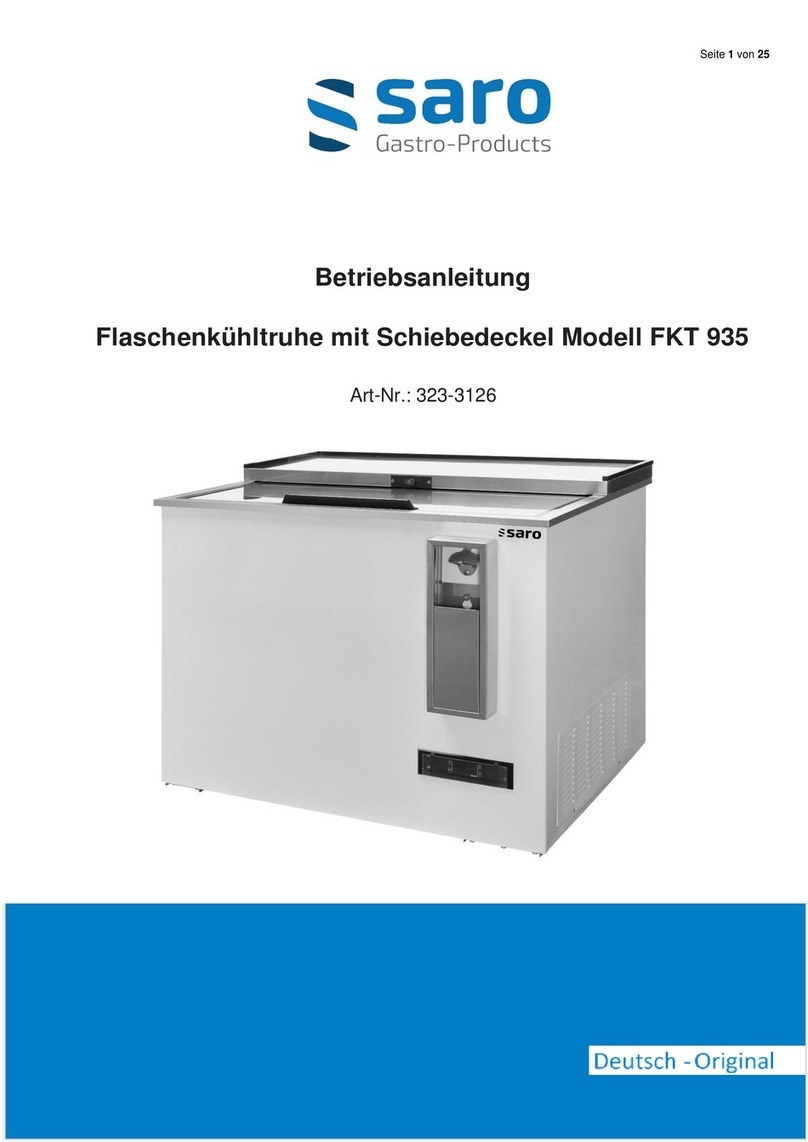
saro FKT 935 operating instructions

saro

saro FKT 935 operating instructions

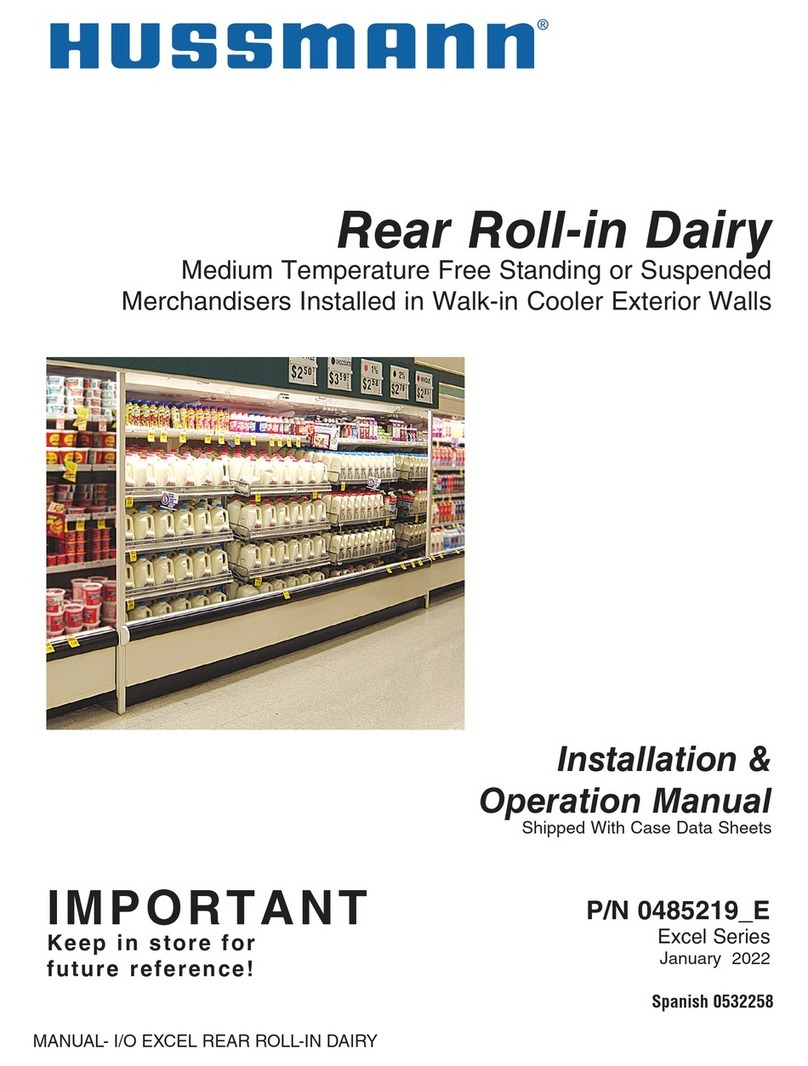
Hussmann Rear Roll-in Dairy Installation & operation manual

Hussmann

Hussmann Rear Roll-in Dairy Installation & operation manual

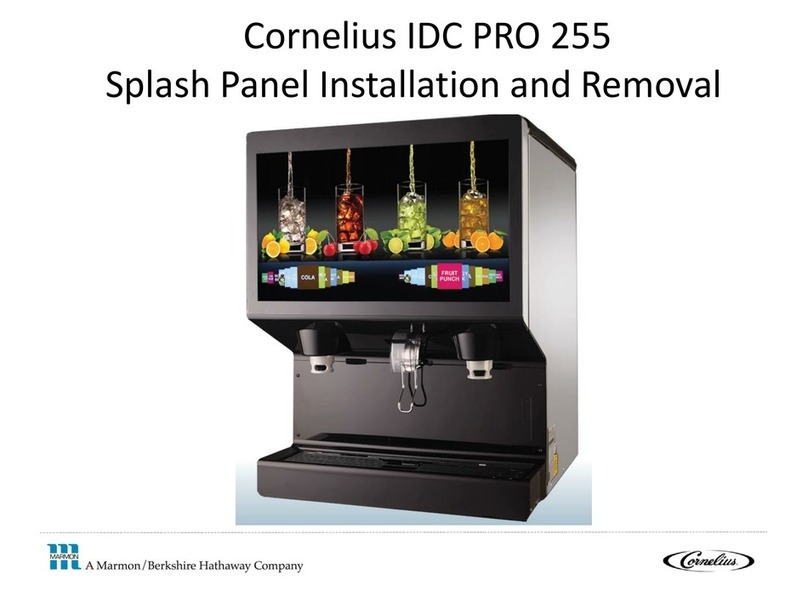
Cornelius IDC PRO 255 Service manual

Cornelius

Cornelius IDC PRO 255 Service manual

Moduline HSH E Series Service manual

Moduline

Moduline HSH E Series Service manual

MINERVA OMEGA DERBY 270 operating instructions

MINERVA OMEGA

MINERVA OMEGA DERBY 270 operating instructions

Diamond OPTIMA 700 Installation, use and maintenance instructions

Diamond

Diamond OPTIMA 700 Installation, use and maintenance instructions

Diamond G9/PLCA4 operating instructions

Diamond

Diamond G9/PLCA4 operating instructions

Cuppone BERNINI BRN 280 Installation

Cuppone

Cuppone BERNINI BRN 280 Installation

Arneg Atlanta Direction for Installation and Use

Arneg

Arneg Atlanta Direction for Installation and Use

manuals.online logo
manuals.online logoBrands
  • About & Mission
  • Contact us
  • Privacy Policy
  • Terms and Conditions

Copyright 2025 Manuals.Online. All Rights Reserved.

1
GPX-N Tesla-M01
Anleitung - Instruction manual - Instructions de service
Schraubensatz - Screw set - Jeu de vis
1
Montage: Legen Sie die Hardware auf eine antistatische
Unterlage. Beginnen Sie mit der Demontage des Original-
Kühlers. Je nach Aufbau des Kühlers sind zuerst die Schrauben
des Lüfters zu entfernen und die Blenden zu lösen. Bei
aufgeklebten Kühlern ist äußerste Sorgfalt geboten. Es
können leicht Bauteile abgerissen werden. Heben Sie alle
Einzelteile sorgfältig auf. Reinigen Sie anschließend die
Hardware von Resten der Wärmeleitpaste oder
Pads mit einem Lösemittel (z.B. Spiritus).
Assembly: Put the hardware on an antistatic mat. Start with the
dismantling of the original cooler. Depending on the structure of
the cooler remove the screws at the back of the card and
carefully unhook the fan connector. If the original cooler uses
thermal glue extreme care should be taken. As you can easily
damage parts. Pick up all the items carefully. Then clean the
hardware of thermal paste or pad residues with a solvent (eg
alcohol).
Assemblage: Insérez le matériel sur un tapis antistatique .
Commencez par le démantèlement du refroidisseur d'origine . En
fonction de la structure du radiateur est de retirer les vis de
fixation du ventilateur pour retirer et régler l'ouverture. Lorsque
refroidisseurs collés soin extrême doit être exercé . Il peut
facilement être déchiré parties . Ramassez tous les articles
soigneusement . Ensuite, nettoyer le matériel de résidus de la
pâte thermique ou de tampon avec un solvant (alcool ).
2
Tragen Sie, nun unter Zuhilfenahme eines Plastikstreifens oder
Ähnlichem, eine gleichmäßige Schicht Wärmeleitpaste auf die
zu kühlende GPU auf. Die Schicht sollte weniger als einen
Millimeter dick sein, da sonst die umliegenden Bauteile unnötig
verunreinigt werden können.
With the help of a plastic strip or thermal paste spreader make a
thin layer of thermal paste on the GPU. The layer should be less
than a millimeter thick, otherwise the surrounding components
can be contaminated unnecessarily.
Porter les maintenant à l'aide d'une bande de matière plastique
ou analogue, une couche uniforme de pâte thermique à la GPU à
refroidir. La couche doit être inférieure à un millimètre d'épaisseur,
faute de quoi les composants environnants peuvent être
contaminés inutile.
3
Entfernen Sie die Schutzfolie der rot dargestellten 15mm x
15mm x 1,5 mm Wärmeleitpads und legen Sie diese auf die
Speicherbausteine. Die übrigen, roten Wärmeleitpads für die
Spannungswandler müssen zugeschnitten werden. Die
genauen Maße entnehmen Sie bitte der Schnittmustervorlage,
am Ende der Anleitung. Entfernen Sie die Schutzfolie auf
beiden Seiten und platzieren Sie die Pads, wie dargestellt.
Remove the protective film from the 15 mm x 15 mm x 1.5 mm
thermal pads represented in red and place them on the memory
chips. The remaining red thermal pads for the voltage
transformers must be cut to size. For the exact dimensions
please see the cutting template, at the end of the manual. Place
the pads as shown in the picture. Do not forget to remove all
protective films on both sides.
Enlevez le film protecteur de les rouge 15 mm x 15 mm x 1,5 mm
pads thermiques et les placer les sur les puces de mémoire. Les
pads thermiques rouges restants pour les transformateurs de
tension doivent être coupés. Pour les dimensions exactes s'il
vous plaît voir le gabarit de découpe, à la fin du manuel. Placer
les pads comme indiqué. Ne pas oublierd'enlever les films de
protection sur les deuxcôtes.
11x
M3x12
3x
M3x8
3x
2x
SW 2 / SW 2,5
1x
12x
15mm x 15mm x
1,5mm
2x
30mm x 30mm x
1,5mm
13x
15mm x 15mm x
2mm
2x
30mm x 30mm x
3mm
2
4
Montieren Sie nun den zusammengebauten Kühler auf die
Grafikkarte. Falls eine Schutzfolie auf dem Kühlerboden
vorhanden ist, entfernen Sie bitte jetzt die Schutzfolie. Reinigen
Sie die Kontaktflächen auf der Bodenseite des Kühlers mit
Spiritus oder ähnlichen Mitteln. Die Fläche muss frei von
Verunreinigungen sein.
Place the assembled cooler on the graphics card as in the
picture. If a protective film on the cooler exists, please remove
the protective film now. Clean the contact surfaces on the bottom
side of the cooler with alcohol or similar. The surface must be
free of contaminants.
Assemblez maintenant le refroidisseur monté sur la carte
graphique comme dans l'image pour voir. Si un film protecteur sur
le sol plus frais existe, s'il vous plaît enlever le film protecteur
maintenant. Nettoyer les surfaces de contact sur la face inférieure
du dispositif de refroidissement avec de l'alcool ou des moyens
similaires. La surfacedoitêtreexempte de contaminants.
ûfalse
üright
KeinKontakt, schlechterAbdruck.
No contact, badfootprint.
Pas de contact, mauvaise impression.
Guter Kontakt, gut verteilte Wärmeleitpaste.
Good contact, good distributed thermal paste.
Bon contact, la pâtethermiquebiendistribué.
5
Drehen Sie die Schrauben mit den Unterlegscheiben, wie im
Bild zu sehen, ein. Ziehen Sie die Schrauben aber noch nicht
fest an.
Mountthe screwswithwashersasshown in the picture. Buttighten
thescrewslightly loose.
Visser les vis avec les rondelles, comme indiqué dans
l'image.Mais serrer les vis un peu lâche.
6
Entfernen Sie die Schutzfolie der orange dargestellten 15mm x
15mm x 2mm-Wärmeleitpads und legen Sie diese auf die
Rückseite der Speicherbausteine. Schneiden Sie die übrigen,
gelben und orangenen Wärmeleitpads,entsprechend der
Schnittmustervorlage, zu. Diese werden, wie gezeigt, auf die
Rückseite der Spannungswandler gelegt. Vergessen Sie auch
hier nicht die Schutzfolie,auf beiden Seiten, zu entfernen.
Entfernen Sie auch die Schutzfolie des gelben 30 mm x 30 mm
x 3mm Pads und platzieren Sie dieses auf der Rückseite der
GPU.
Remove the protective film from the 15 mm x 15 mm x 2 mm
thermal pads represented in orange and put them on the back of
the memory chips. Cut the remaining yellowand orange pads
along the cutting template. These are placed on the rear side of
the voltage converters. Do not forget to remove all protective
films on both sides. Even remove the protective film of the yellow
30 mm x 30 mm x 3 mm thermal pad and lay it on the back of the
GPU.
Retirez le film protecteur de les 15 mm x 15 mm x 2 mm pads
thermiques orange et placer les sur l'arrière des puces de
mémoire. Couper les pads thermique jaune et orange comme
indiqué dans le gabarit de découpe. Ceux-ci sont placés sur le
côté arrière des transformateurs de tension. Ne pas oublier
d'enlever les films protecteurs sur les deux côtes. Enlevez à
l’autre les films protecteurs de la 30 mm x 30 mm x 3 mm pad
thermique et placer la á l'arrière de la GPU.
7
.
Legen Sie die Backplate, wie in dem Bild gezeigt, auf die
Grafikkarte. Ein leichter Druck sorgt für den optimalen Kontakt
zwischen Backplate, Kühler und Grafikkarte.
Put the backplate on as shown in the picture. A slight pressure
ensures optimal contact between the backplate cooler and
graphics card.
Mettez la plaque arrière comme montré sur la photo de la carte
graphique. Une légère pression assure un contact optimal entre le
refroidisseur de plaque arrière et la carte graphique.

3
8
Schrauben Sie den Kühler zusammen. Die Schrauben dabei
kreuzweise mit je einer Umdrehung anziehen. Ziehen Sie nun
auch noch einmal die Schrauben aus Schritt 5, welche die
Platine mit dem Kühler verbinden, nach. Montieren Sie zum
Schluss die Blende, wie dargestellt.
Beachten Sie dabei die Hinweise.
Drehen Sie nach ca. 12 Stunden Benutzung der
Grafikkarte nochmals alles Schrauben fest.
Screw the cooler together. Finger-tighten the screws it with one
turn. Please also retighten the screws placed in Step 5, which
are holding together the cooler with the graphics card.
Pay attention to the pertinent instructions.
Tighten the screws after about 12 hours use of the
graphics card.
Visser le radiateur. Serrer les vis en traversavec une seule tour.
Maintenantresserrez les visdel'étape 5, qui relient le bord pour
le radiateur.
Faites attention aux instructions pertinentes.
Après environ 12 heures d'utilisation de la carte graphique
resserrez toutes les vis.
9
Montieren Sie die Original-Halterung.
Mount the original bracket.
Montez le titulaire original.
La carte graphiqueest prêt à l'emploi.
Schnittmuster zum auflegen und Ausschneiden.
Patternsto lay downand cut out.
Modèlede poser etdécouper.