manuals.online logo
Brands
  1. Home
  2. •
  3. Brands
  4. •
  5. Altelix
  6. •
  7. Antenna
  8. •
  9. Altelix PRO Series User manual

Altelix PRO Series User manual

This manual suits for next models

2

Other Altelix Antenna manuals

Altelix AU5158G12 User manual

Altelix

Altelix AU5158G12 User manual

Altelix AS6G17B65M4-A5C User manual

Altelix

Altelix AS6G17B65M4-A5C User manual

Altelix AD5158G23M2 User manual

Altelix

Altelix AD5158G23M2 User manual

Altelix AD5G23M2 User manual

Altelix

Altelix AD5G23M2 User manual

Altelix AY09G12M2-PRO User manual

Altelix

Altelix AY09G12M2-PRO User manual

Altelix ZP120 User manual

Altelix

Altelix ZP120 User manual

Altelix AY9G M2-PRO Series User manual

Altelix

Altelix AY9G M2-PRO Series User manual

Altelix AD5158G M2 Series User manual

Altelix

Altelix AD5158G M2 Series User manual

Altelix AS5158G17B90-NF User manual

Altelix

Altelix AS5158G17B90-NF User manual

Altelix ACS0727G3-FF User manual

Altelix

Altelix ACS0727G3-FF User manual

Popular Antenna manuals by other brands

DAVIS Windex AV 3160 installation instructions

DAVIS

DAVIS Windex AV 3160 installation instructions

Belden Hirschmann BAT-ANT-N-14G-IP23 Mounting instruction

Belden

Belden Hirschmann BAT-ANT-N-14G-IP23 Mounting instruction

Vtronix YHK Fitting instructions

Vtronix

Vtronix YHK Fitting instructions

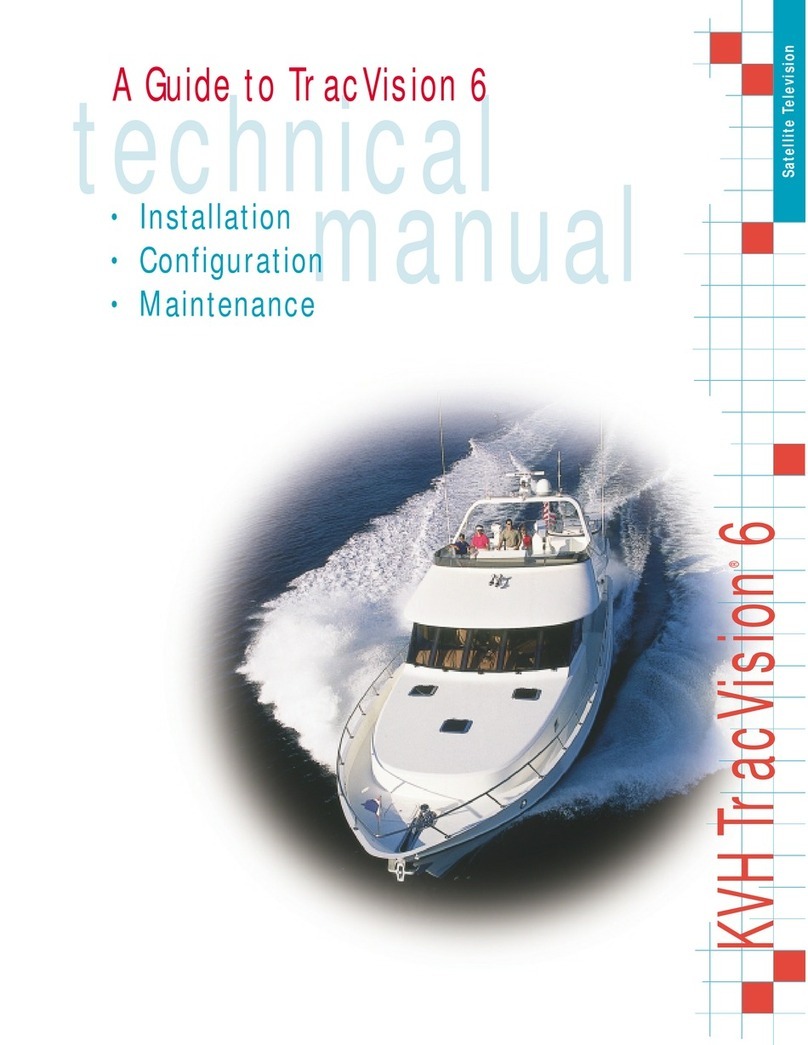
KVH Industries TracVision 6 Technical manual

KVH Industries

KVH Industries TracVision 6 Technical manual

Leica Geosystems GS10 user manual

Leica Geosystems

Leica Geosystems GS10 user manual

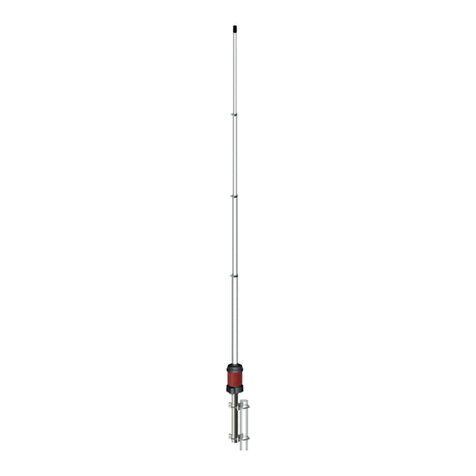
Sirio Antenne Gain-Master manual

Sirio Antenne

Sirio Antenne Gain-Master manual

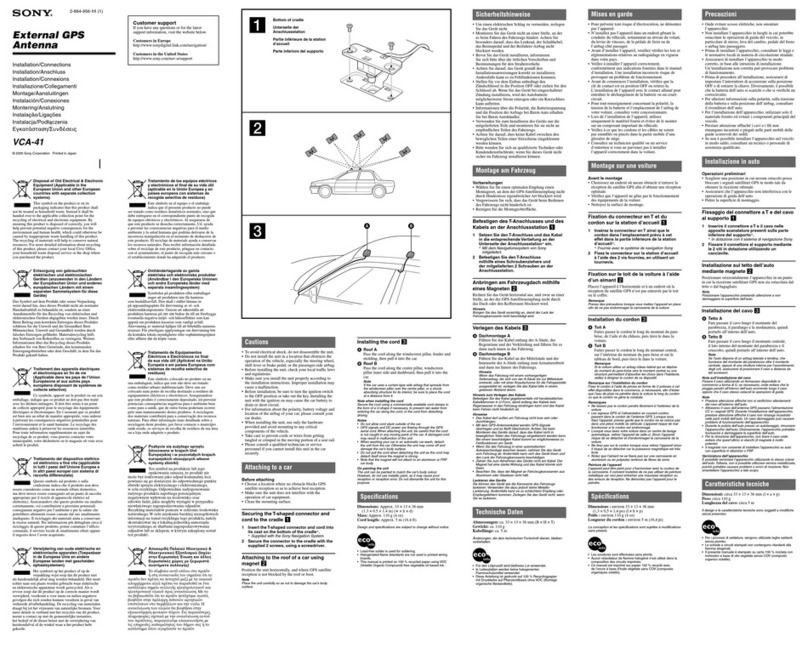
Sony VCA-41 Installation/connections

Sony

Sony VCA-41 Installation/connections

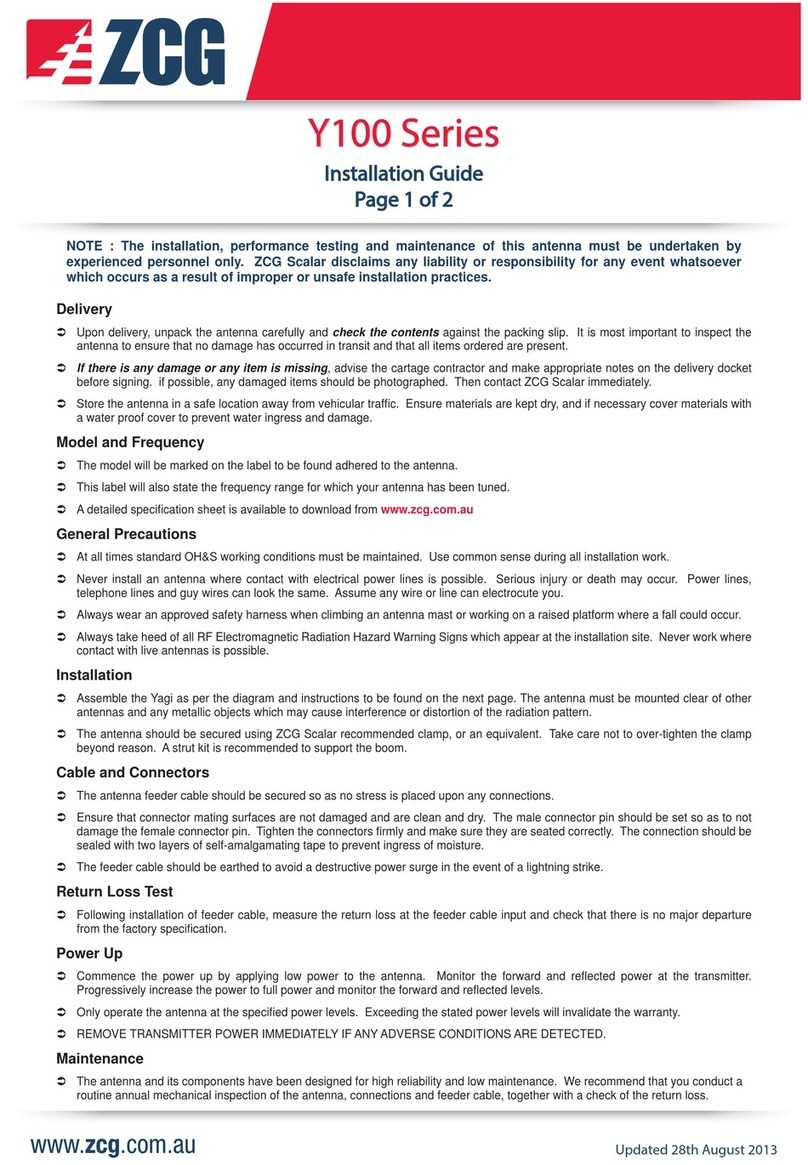
ZCG Y100 Series installation guide

ZCG

ZCG Y100 Series installation guide

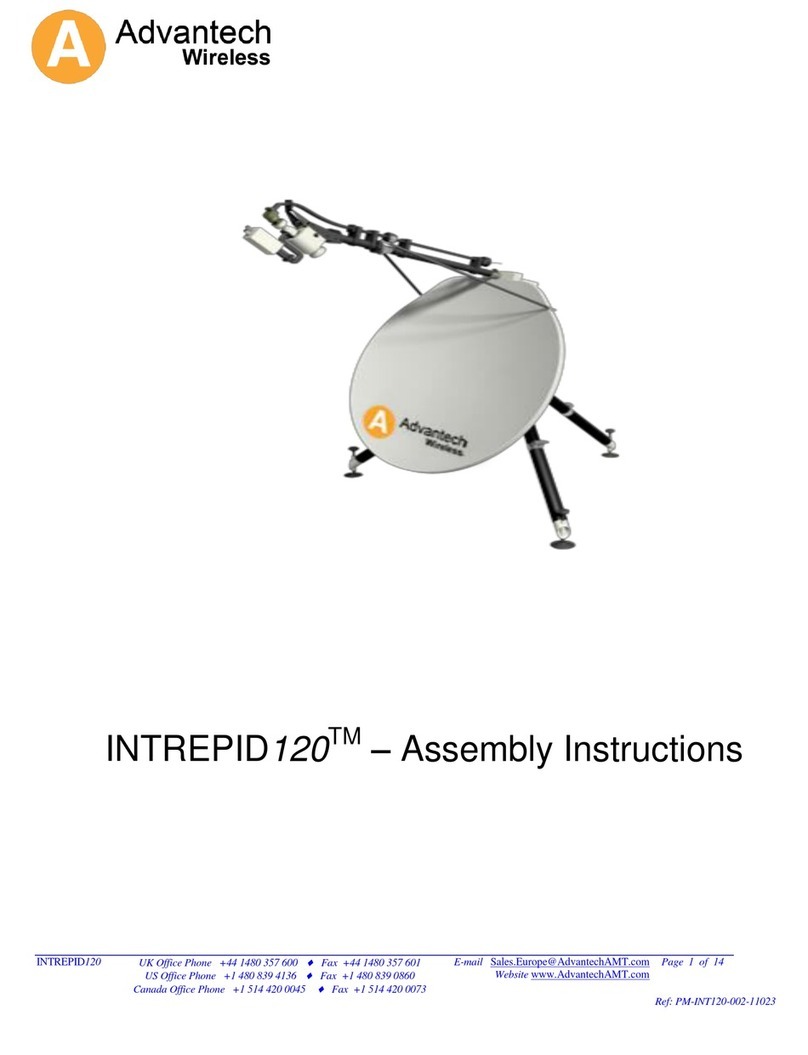
Advantech Wireless INTREPID120 Assembly instructions

Advantech Wireless

Advantech Wireless INTREPID120 Assembly instructions

Cerio ANT-10AO installation guide

Cerio

Cerio ANT-10AO installation guide

Alfa Network APA-L01 Specifications

Alfa Network

Alfa Network APA-L01 Specifications

Naval PR-422CA Operation manual

Naval

Naval PR-422CA Operation manual

Feig Electronic ID ISC.ANTH200/200 Series manual

Feig Electronic

Feig Electronic ID ISC.ANTH200/200 Series manual

TERK Technologies TV44 owner's manual

TERK Technologies

TERK Technologies TV44 owner's manual

TERK Technologies SIR3 owner's manual

TERK Technologies

TERK Technologies SIR3 owner's manual

Directive Systems & Engineering DSE2324LYRMK quick start guide

Directive Systems & Engineering

Directive Systems & Engineering DSE2324LYRMK quick start guide

HP J8999A instructions

HP

HP J8999A instructions

MobilSat MSP-S Mounting instructions

MobilSat

MobilSat MSP-S Mounting instructions

manuals.online logo
manuals.online logoBrands
  • About & Mission
  • Contact us
  • Privacy Policy
  • Terms and Conditions

Copyright 2025 Manuals.Online. All Rights Reserved.

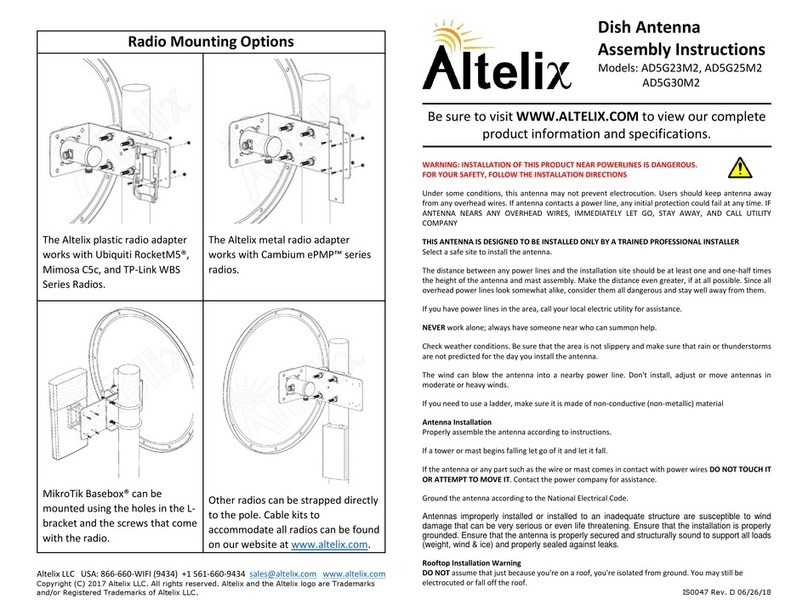
Radio Mounting Options
The Altelix plastic radio
adapter works with Ubiquiti
RocketM5®, Mimosa C5c,
and TP-Link WBS Series
Radios.
The Altelix metal radio
adapter works with
Cambium ePMP™ series
radios.
MikroTik Basebox® can be
mounted using the holes in
the bracket and the screws
that come with the radio.
Altelix LLC USA: 866-660-WIFI (9434) +1 561-660-9434 [email protected] www.altelix.com
Copyright (C) 2017 Altelix LLC. All rights reserved. Altelix and the Altelix logo are Trademarks
and/or Registered Trademarks of Altelix LLC.
PRO Series Dish Antenna
Assembly Instructions
Models: AD5G30M2-PRO
AD5G34M2-PRO
Be sure to visit WWW.ALTELIX.COM to view our complete
product information and specifications.
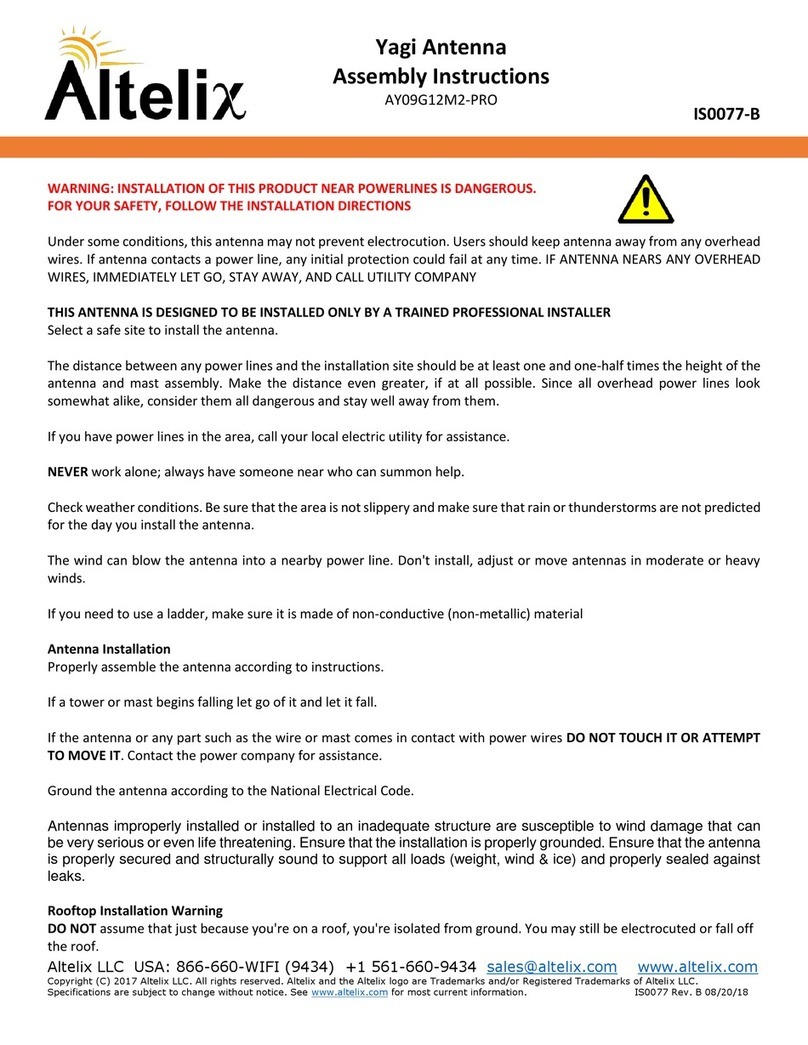
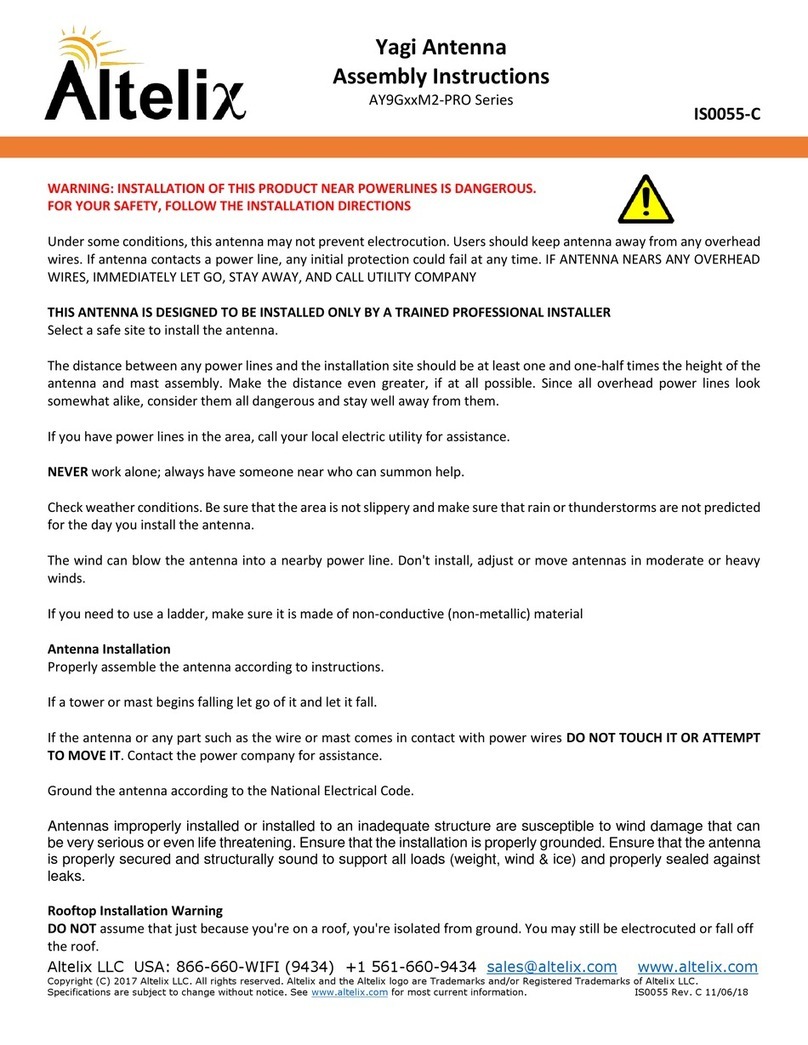
WARNING: INSTALLATION OF THIS PRODUCT NEAR POWERLINES IS DANGEROUS.
FOR YOUR SAFETY, FOLLOW THE INSTALLATION DIRECTIONS
Under some conditions, this antenna may not prevent electrocution. Users should keep antenna away
from any overhead wires. If antenna contacts a power line, any initial protection could fail at any time. IF
ANTENNA NEARS ANY OVERHEAD WIRES, IMMEDIATELY LET GO, STAY AWAY, AND CALL UTILITY
COMPANY
THIS ANTENNA IS DESIGNED TO BE INSTALLED ONLY BY A TRAINED PROFESSIONAL INSTALLER
Select a safe site to install the antenna.
The distance between any power lines and the installation site should be at least one and one-half times
the height of the antenna and mast assembly. Make the distance even greater, if at all possible. Since all
overhead power lines look somewhat alike, consider them all dangerous and stay well away from them.
If you have power lines in the area, call your local electric utility for assistance.
NEVER work alone; always have someone near who can summon help.
Check weather conditions. Be sure that the area is not slippery and make sure that rain or thunderstorms
are not predicted for the day you install the antenna.
The wind can blow the antenna into a nearby power line. Don't install, adjust or move antennas in
moderate or heavy winds.
If you need to use a ladder, make sure it is made of non-conductive (non-metallic) material
Antenna Installation
Properly assemble the antenna according to instructions.
If a tower or mast begins falling let go of it and let it fall.
If the antenna or any part such as the wire or mast comes in contact with power wires DO NOT TOUCH IT
OR ATTEMPT TO MOVE IT. Contact the power company for assistance.
Ground the antenna according to the National Electrical Code.
Antennas improperly installed or installed to an inadequate structure are susceptible to wind
damage that can be very serious or even life threatening. Ensure that the installation is properly
grounded. Ensure that the antenna is properly secured and structurally sound to support all loads
(weight, wind & ice) and properly sealed against leaks.
Rooftop Installation Warning
DO NOT assume that just because you're on a roof, you're isolated from ground. You may still be
electrocuted or fall off the roof.
IS0039 Rev. E 06/26/18

Step 1:
First decide which of the Radio Mounting Options (shown on last
page) will work with your radio. If necessary, attach the appropriate
adapter to the Radio Mounting Bracket and then attach your radio.
Step 2:
Attach the Mounting Bracket and the Radio Mounting Bracket to the
Dish using the three M10 fasteners.
Step 3:
This antenna can be configured with either Horizontal/Vertical
Polarization or +/- 45 Degree Cross-Polarization.
For Horizontal/Vertical polarization, position the Feed Horn so that
the arrow label on the rear of feed horn is vertical and connector
labeled “V POL” is pointing up. Attach it to the Dish using the M4
Fasteners.
For +/- 45 Degree polarization, rotate the feed horn 45° so that the
arrow label on the rear of feed horn is as shown below. Attach it to
the Dish using the M4 Fasteners.
Step 4:
Position the Mounting Bracket on the Pole at the desired height and
fasten using the two U-Bolts and M8 fasteners.
Step 5:
Connect the radio using the (2) cable assemblies provided with the
antenna.
Step 6:
The antenna can be precisely aimed using the tilt adjustment rod.
Once the antenna is at the required tilt angle, lock into place using
the two M16 nut on the adjustment rod.
Tilt Adjustment Rod