2
1
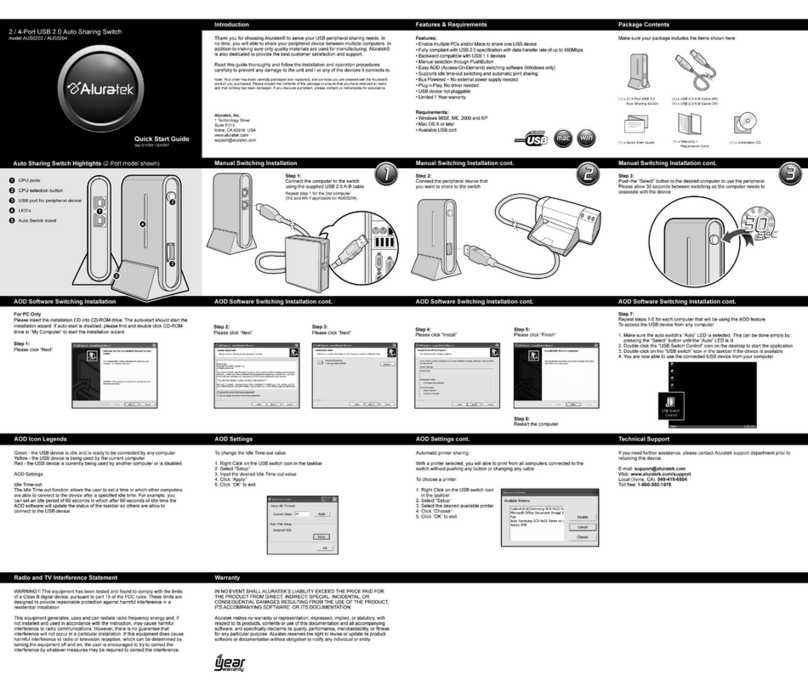
A
B
Connect USB devices such as external hard drives, mp3 players, cell
phones, mice, digital cameras, printers, etc. / Branchez des appareils USB tel
que disque dur externe, lecteur MP3, souris, caméra numérique, imprimante, etc.
Connect the USB cable between the hub and an available USB port of
your computer or laptop / Connecter le câble USB entre le moyeu et un
port USB disponible de votre ordinateur ou de votre portable
(x4) USB 3.0 ports / (x4)
ports USB 3.0
USB 3.0 specification - transfer rate of up
to 5Gbps / Spécification USB 3.0 - données
transfère le taux de jusqu'à 5Gbps
A
B1
2
3
3
Power adapter port / Le
port adaptateur de courant
C
C
Connect the power adapter for USB 3.0 transfer speeds / Connecter
l'adaptateur de pouvoir pour USB 3.0 vitesses de transfert
4-Port USB 3.0 Hub
Quick Start Guide / Guide de Démarrage Rapide
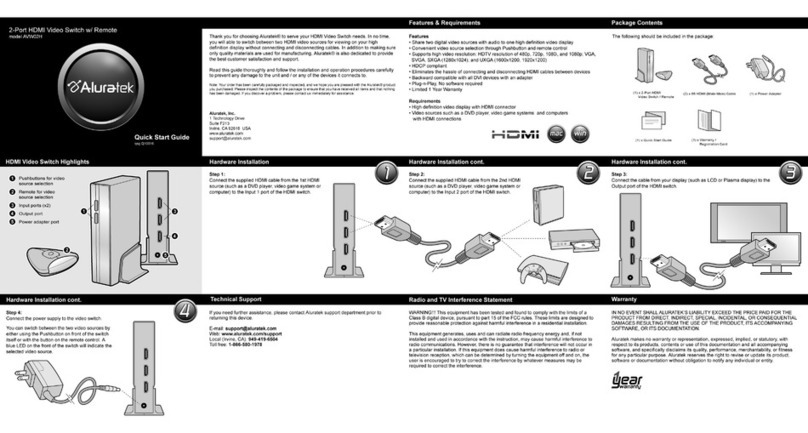
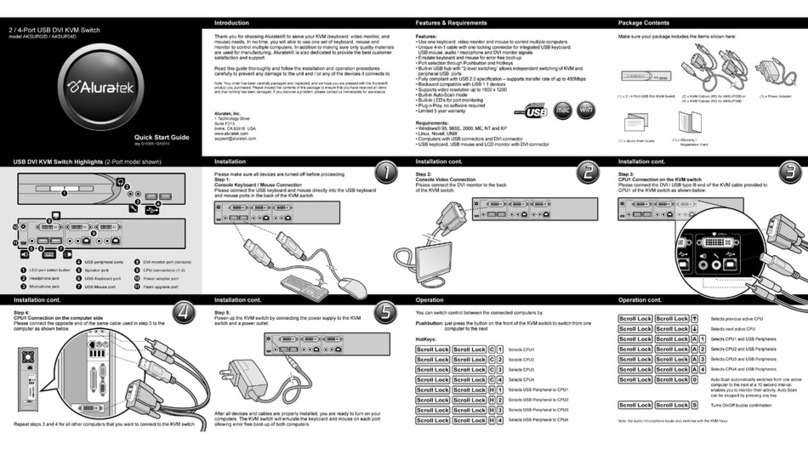
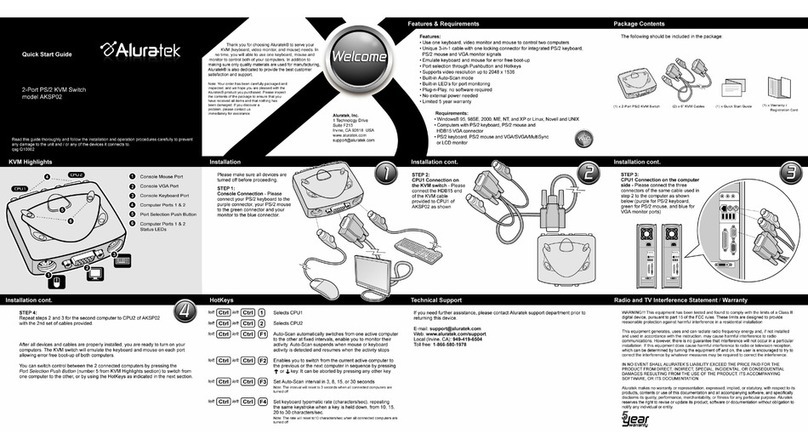
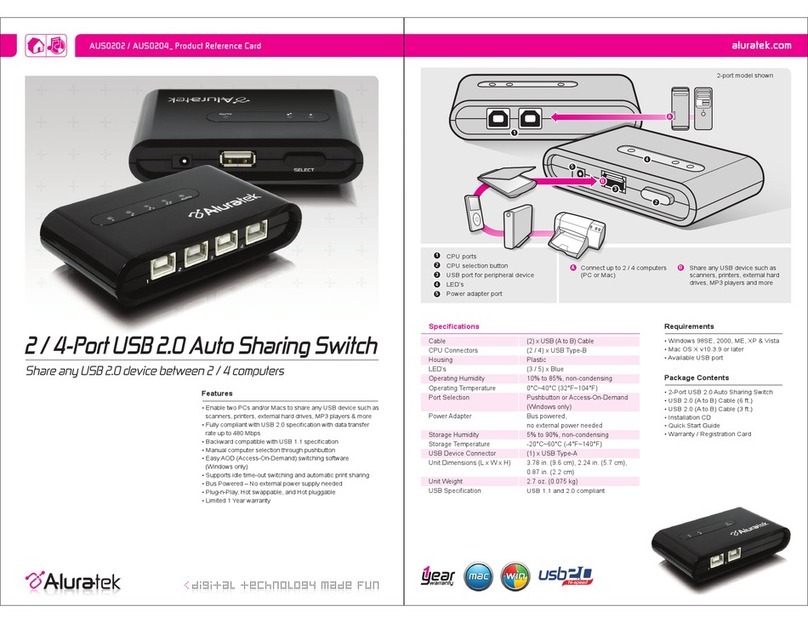
If you need further assistance, please contact the Aluratek support department for troubleshooting
prior to returning this device. / Pour toute autre question, veuillez communiquer avec le service de
soutien Aluratek avant de retourner votre appareil.
Web: www.aluratek.com/support
Local / Numéro local: (Tustin, CA): 714-586-8730
Toll free / Numéro sans frais: 1-866-580-1978
Technical Support / Support Technique Warranty / Garantie
Aluratek warrants this product against defect in material or workmanship for 1 Year from the date
of purchase.
This warranty becomes invalid if the factory-supplied serial number or "warranty void" sticker has been
removed or altered on the product.
This warranty does not cover:
A) Cosmetic damage or damage due to acts of God
B) Accident, misuse, abuse, negligence or modification of any part of the product.
C) Damage due to improper operation or maintenance, connection to improper equipment,
or attempted repair by anyone other than Aluratek.
D) Products sold AS IS or WITH FAULTS.
IN NO EVENT SHALL ALURATEK'S LIABILITY EXCEED THE PRICE PAID FOR THE PRODUCT FROM
DIRECT, INDIRECT, SPECIAL, INCIDENTAL, OR CONSEQUENTIAL DAMAGES RESULTING FROM
THE USE OF THE PRODUCT, IT'S ACCOMPANYING SOFTWARE, OR IT'S DOCUMENTATION.
Aluratek makes no warranty or representation, expressed, implied, or statutory, with respect to it's
products, contents or use of this documentation and all accompanying software, and specifically
disclaims it's quality, performance, merchantability, or fitness for any particular purpose. Aluratek
reserves the right to revise or update it's product, software or documentation without obligation to notify
any individual or entity.
Aluratek garantit se produit contre les défauts de matériel et de fabrication pour une période de 1
année, à compter de la date d’achat.
Cette garantie devient invalide si le numéro de série de l’entreprise ou l’étiquette « garantie annulée »
a été retirée ou modifiée sur le produit.
Cette garantie ne couvre pas :
A) Dommages de fabrication apparente ou dommages à la suite de cas imprévus
B) Accident, mauvaise utilisation, abus, négligence ou modification de toute pièce du produit.
C) Dommages résultant d’un fonctionnement ou entretien inadéquat, connexion à un
équipement inadéquat, ou tentative de réparation par une personne, autre que Aluratek.
D) Les produits sont venus TELS QUELS ou SANS DÉFAUT.
EN AUCUN CAS, LA RESPONSABILITÉ D’ALURATEK N’EXCÈDE LE PRIX PAYÉ POUR LE
PRODUIT À LA SUITE D’UN DOMMAGE DIRECT, INDIRECT, PARTICULIER OU CONSÉCUTIF
RÉSULTANT DE L’UTILISATION DU PRODUIT, DE SES LOGICIELS D’ACCOMPAGNEMENT OU
DE SA DOCUMENTATION.
Aluratek ne fait aucune déclaration et ne donne aucune garantie expresse, implicite ou légale relative
à ses produits, son contenu ou son utilisation de la documentation et de tous ses logiciels
d’accompagnement, et renonce spécifiquement à la qualité, au rendement, à la qualité marchande et
à la convenance. Aluratek se réserve le droit de réviser ou de mettre à jour son produit, logiciel ou
documentation sans l’obligation d’aviser tout individu ou entité.
Radio and TV Interference Statement /
Énoncé d’interférence avec la réception radio et télévisée
WARNING!!! This equipment has been tested and found to comply with the limits of a Class B digital
device, pursuant to part 15 of the FCC rules. These limits are designed to provide reasonable
protection against harmful interference in a residential installation.
This equipment generates, uses and can radiate radio frequency energy and, if not installed and used
in accordance with the instruction, may cause harmful interference to radio communications. However,
there is no guarantee that interference will not occur in a particular installation. If this equipment does
cause harmful interference to radio or television reception, which can be determined by turning the
equipment off and on, the user is encouraged to try to correct the interference by whatever measures
may be required to correct the interference.
AVERTISSEMENT!!! Cet appareil a été testé et est conforme aux limites d’un appareil numérique de
Classe B, en vertu de la Section 15 des règles CFC. Ces limites ont été conçues pour assurer une
protection raisonnable contre de telles interférences néfastes dans une installation résidentielle.
Cet équipement génère, utilise et peut émettre de l’énergie de fréquence radio. S’il n’est pas
correctement installé et utilisé, il peut causer des interférences nuisibles dans les communications radio.
Toutefois, il est impossible de garantir que de telles interférences ne surviendront pas dans une
installation particulière. Si cet équipement cause des interférences nuisibles à la réception radio ou
télévisée, laquelle peut être déterminée en éteignant et allumant l’équipement, on suggère à l’utilisateur
d’essayer de corriger l’interférence par quelques mesures que ce soit afin d’éliminer les interférences.
qsg Q10169 Copyright © 2010 Aluratek, Inc. All Rights Reserved.
aluratek.com AUH0304F
4-Port Hub USB 3.0