manuals.online logo
Brands
  1. Home
  2. •
  3. Brands
  4. •
  5. ALZO
  6. •
  7. Flashlight
  8. •
  9. ALZO CY-28 User manual

ALZO CY-28 User manual

Popular Flashlight manuals by other brands

LIVARNO LUX LAH 55 A2 operating instructions

LIVARNO

LIVARNO LUX LAH 55 A2 operating instructions

Gama Sonic 23i60065 instruction manual

Gama Sonic

Gama Sonic 23i60065 instruction manual

Avacom AVACOM Ain user manual

Avacom

Avacom AVACOM Ain user manual

Ryobi RFL180M Original instructions

Ryobi

Ryobi RFL180M Original instructions

RIB SPARK ACG7061 quick start guide

RIB

RIB SPARK ACG7061 quick start guide

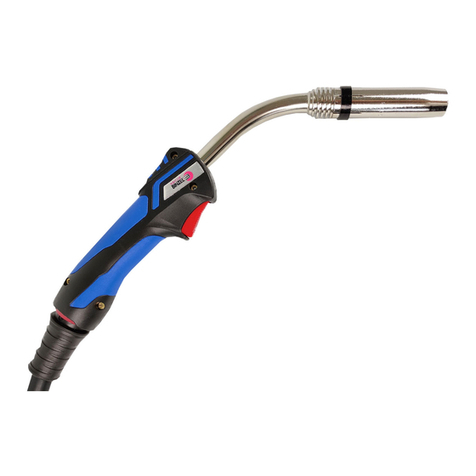
Abicor Binzel MB EVO PRO Series operating instructions

Abicor Binzel

Abicor Binzel MB EVO PRO Series operating instructions

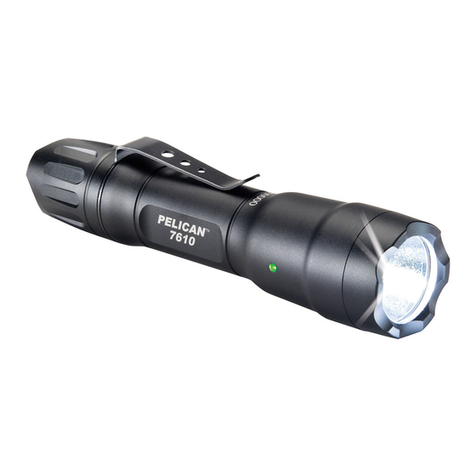
PELI 7610 instruction manual

PELI

PELI 7610 instruction manual

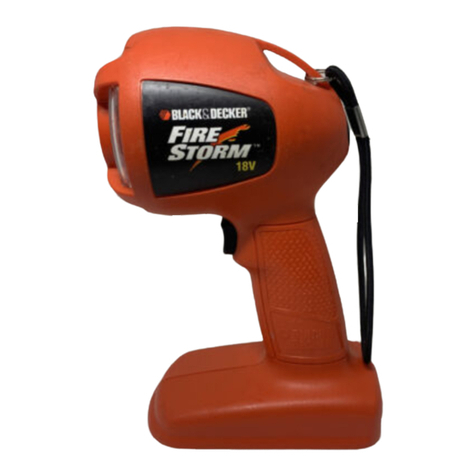
Black & Decker FSL18 manual

Black & Decker

Black & Decker FSL18 manual

Black & Decker 9506 instruction manual

Black & Decker

Black & Decker 9506 instruction manual

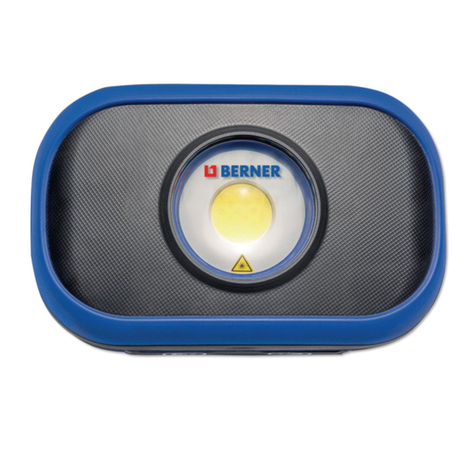
Berner 341709 instruction manual

Berner

Berner 341709 instruction manual

PELI 3415 Zone 0 operating instructions

PELI

PELI 3415 Zone 0 operating instructions

ADC Adlite Pro Use, Care and Maintenance

ADC

ADC Adlite Pro Use, Care and Maintenance

tiki Cabos Warnings and Instructions

tiki

tiki Cabos Warnings and Instructions

Fervi 0338 Operation and maintenance manual

Fervi

Fervi 0338 Operation and maintenance manual

Milwaukee M18 IL Original instructions

Milwaukee

Milwaukee M18 IL Original instructions

Spectronics Spectroline LeakTracker SPI-LT instruction manual

Spectronics

Spectronics Spectroline LeakTracker SPI-LT instruction manual

Larson Electronics SLEDB-110V-M instruction manual

Larson Electronics

Larson Electronics SLEDB-110V-M instruction manual

vulta hurricane 262 lumen fg-e15 user manual

vulta

vulta hurricane 262 lumen fg-e15 user manual

manuals.online logo
manuals.online logoBrands
  • About & Mission
  • Contact us
  • Privacy Policy
  • Terms and Conditions

Copyright 2025 Manuals.Online. All Rights Reserved.

CY-28 AUTO FLASH USER MANUAL
AKCES MEDIA LLC 32 Stony Hill Rd, Bethel, CT 06801 800- 82-7009
Email - c[email protected]m http://alzodigital.com
XXXX-IS
DESCRIPTION
1. Zoom Lens
2. Bounce Flash Head
3. Battery Compartment
4. Sync Cord input
5. AUTO Sensor
6. N/A
7. Bounce Angle Indicator
8. Exposure Settings Table
9. Ready Lamp
10.MODE Selection Switch
11.Test Button
12. Hot Shoe Locking Ring
13. Auto Check Indicator
SPECIAL FEATURES
1. 2 levels of auto power control plus full power manual.
2. Thyristor Circuit providing accurate exposure
management and battery power conservation.
3. Adjustable bounce flash head tilts and rotates in
horizontal and vertical directions. Ideal for bounce
applications
4. Adjustable flash zoom lens to match camera lens
zoom.
SPECIFICATIONS
I
Guide Number:
ISO (ASA) 100 (DIN 21}
25m 82 ft
Power Source
4 "AA"
Alkaline or
4 "AA" Rechargable
batteries
Color Temperature
5,600' K
Recycle Time
0.5 -7 Sec (AUTO)
7 Sec (MANUAL)
Flash Duration
MANUAL
1/1,000
sec.
I
Flash Duration
AUTO
1/1,000 - 1/20,000
No. of flashes per fresh
set of Alkaline batteries
200-1500
Auto Operating Range
1.5 m-11.6 m (5-38ft)
Accessories included
12” PC Sync Cord
(not shown)
Dimensions (mm) 145 x 88 x 76
Weight (g)
260 without bateries
CY-28 AUTO FLASH USER MANUAL
AKCES MEDIA LLC 32 Stony Hill Rd, Bethel, CT 06801 800- 82-7009
Email - c[email protected]m http://alzodigital.com
XXXX-IS
BATTERY LOADING
1. Set the ON-OFF Switch to "OFF".
2. Slide the Battery Compartment Cover.open
3. Load 4 "AA" size batteries into the compartment
according to the polarity diagram, and close the
Cover.
4. Flip the ON-OFF Switch to ON position
5. When the Ready Lamp turns on the flash is ready to
fire.
6. Press the Test Button. The flash will fire. This should
be done twice in succession if the flash has not been
used for a few days.
7. When the batteries are weak, the time for the Ready
Lamp to turn on will be longer. If the Ready Lamp
fails to turn on after 15 seconds, replace the
batteries.
MOUNTING ON A CAMERA
1. The flash unit has a 'Hot Shoe' base and can be
mounted directly to a camera 'Hot Shoe'.
2. The 'Hot Shoe' of the flash unit is equipped with a
locking ring. Rotate the locking ring upwards. Push
the unit onto the 'Hot Shoe' socket of the camera and
rotate the ring downwards to lock the flash securely
to the camera.
3. If the camera does not have a "Hot Shoe" socket, use
the Sync Cord for the electrical connection.
4. Plug the micro phone jack end of the Sync Cord into
the sync socket of the flash unit located near the hot
shoe.
5. Insert the PC connector of the cord into the trigger
device like a wireless trigger receiver.
AUTOMATIC OPERATION
The flash unit is equipped with a built-in automatic
sensor to adjust the flash illumination for a perfect
exposure. The practical advantage is that you do not
have to change the f-stop on your camera lens within
the effective flash range. The flash also has 2 different
f-stops for different aperture settings on your camera
lens.
GOLD: Utilizes a wider lens opening for relatively
shallow depth of field, and provides greater automatic
operating range and better power conservation.
BLUE: Utilizes a smaller lens opening for greater depth
of field
. Consumes more power.
SETTINGS TABLE USAGE
1. Select the ISO (ASA/DIN) speed row.
2. Adjust the flash zoom to the appropriate setting for
your lens focal length or zoom setting.
3. You will find the 2 different recommended f-stops,
one BLUE and one GOLD.
4. Set your camera aperture to your choice.
5. Set the Mode Selector Knob to the BLUE or GOLD
position to match your choice.
6. Within the effective flash range, the aperture of your
camera need not be readjusted.
For example, when the speed selection is ISO (ASA)
100 (DIN21) and your lens focal length (zoom) is 50mm:
GOLD: Camera Aperture = f 2.8
Automatic operating range 1.7m -10m (5-30ft)
BLUE: Camera Aperture = f 5.6
Automatic operating range 1.7m -10m (5-30ft)
MANUAL MODE
Set the MODE switch to M for full power operation.
This mode is recommended for multiple flash
configurations. Always use manual mode when using
this flash in combination with other TTL flashes
CAUTIONS IN HANDLING
1.,Always set the ON-OFF Switch at the "OFF" position.
When the Flash is not in use
2. Remove the batteries from the unit when not in use
for more than 1 month.
3. Do not open or attempt to repair the flash unit.