BAG0007.4 08.16
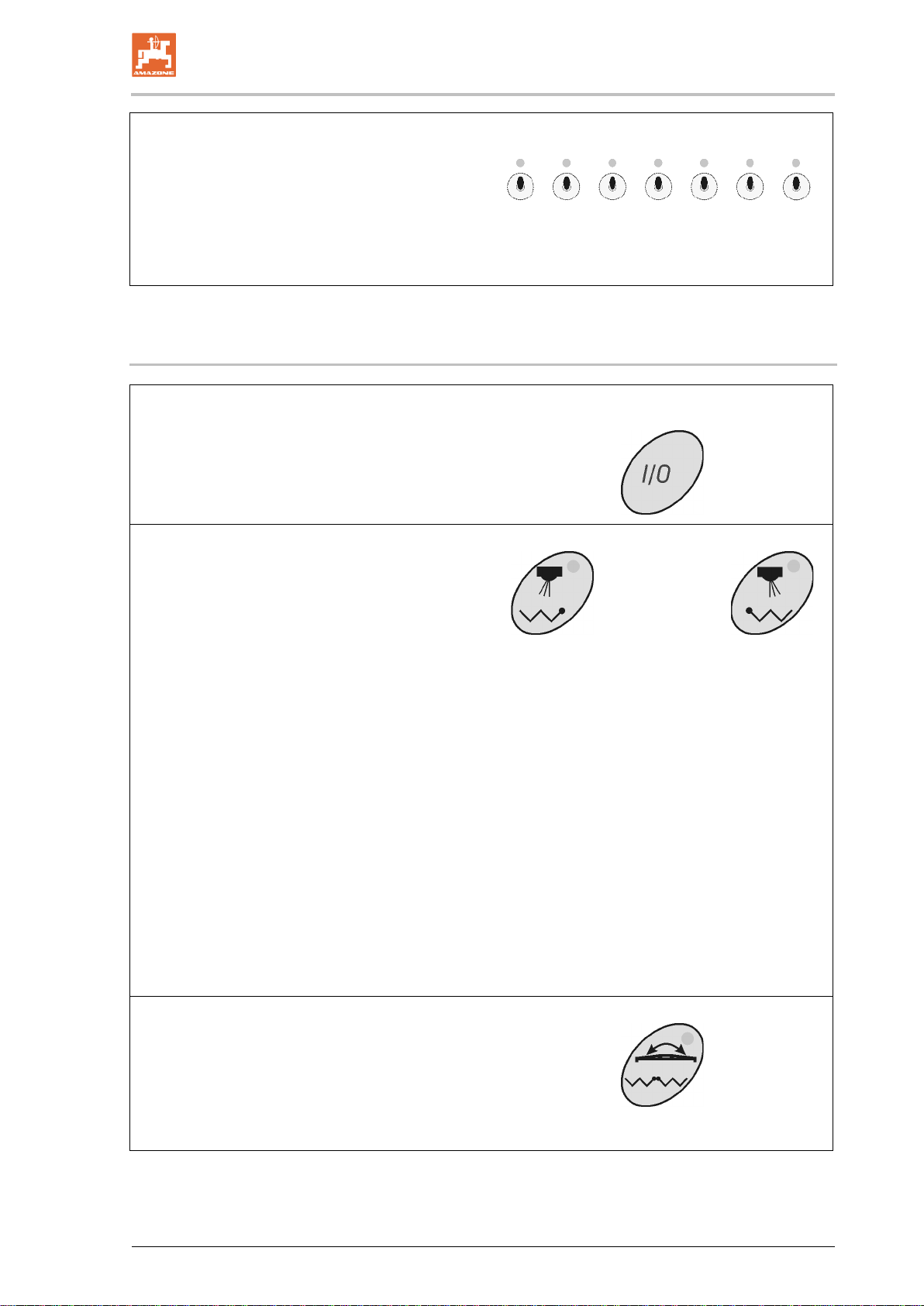
•Switch for switching on / off the boom part
width sections. The number of switches is
equal to that of the boom part width sec-
tions.
Left hand switch – boom part width section
outermost left hand side off / on.
Right hand switch – boom part width section
outermost right hand side off / on.
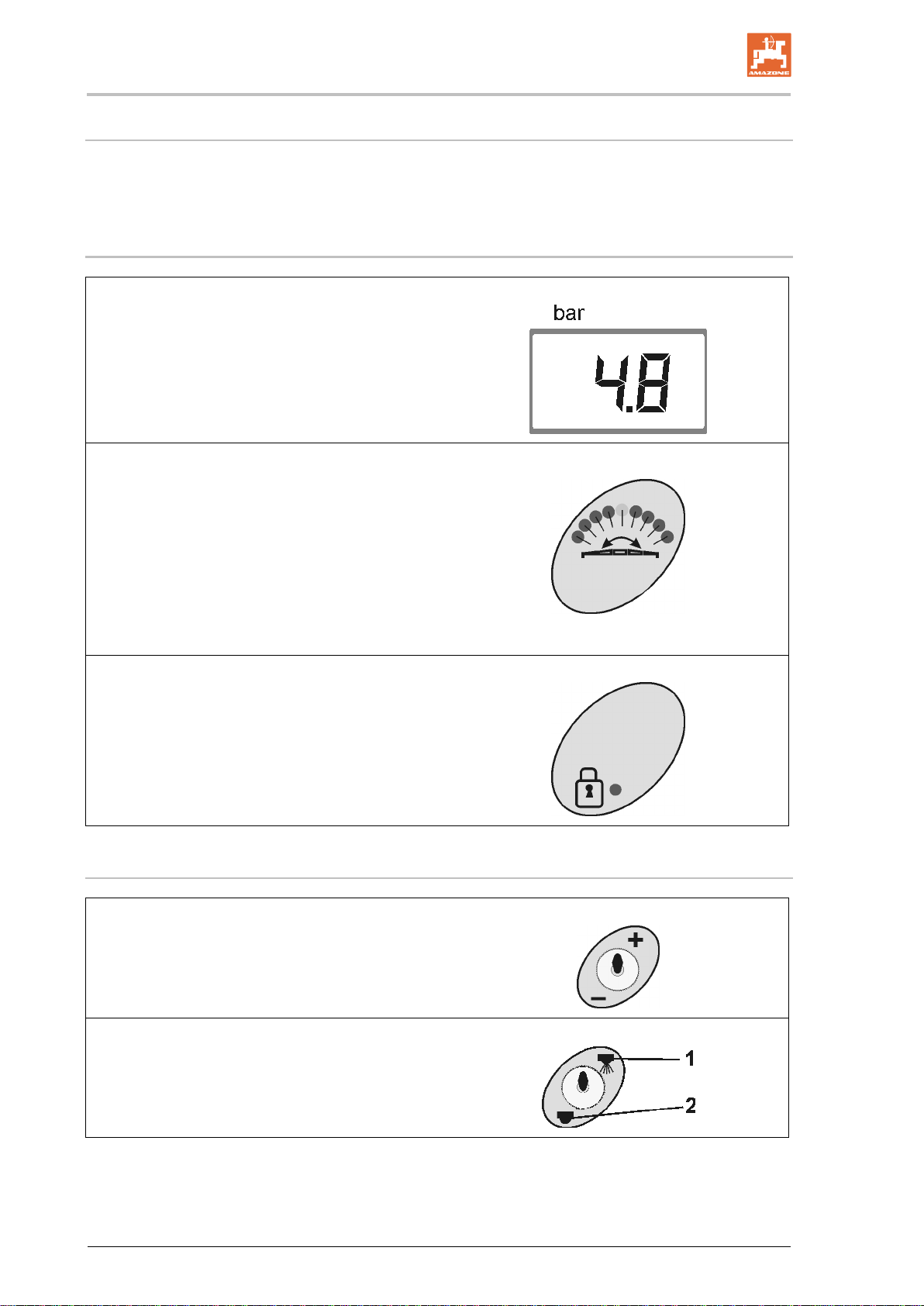
4.3 Description of the keys
Switching on and off the AMASET+
After switching on the pressure indication lights
up and AMASET+ is ready for operation.
•Keys optional equipment: Left and right
hand side
These keys are available for one of the following
4 possibilities:
οEnd nozzle switching
When the end nozzle switching is
switched on (green indicator light) the
outer boom part width section is re-
duced each by 1, 2 or 3 nozzles.
οBorder spreading nozzles
When the end nozzle switching is
switched on (green indicator light) the
outer nozzle is switched off and the
border spreading nozzle is switched
on.
οOne side folding
When the boom is folded down the
one side folding can be switched on.
Control lamp illuminates:
Boom side is blocked.
Control lamp does not illuminate:
Boom side can be folded.
οKey not covered.
•Key hydraulic changeover folding of the
boom – tilt adjustment
For coupling the hydraulic functions connect tilt
adjustment and folding to a double acting control
valve on the tractor.
The light indicates when the tilt adjustment is
active.