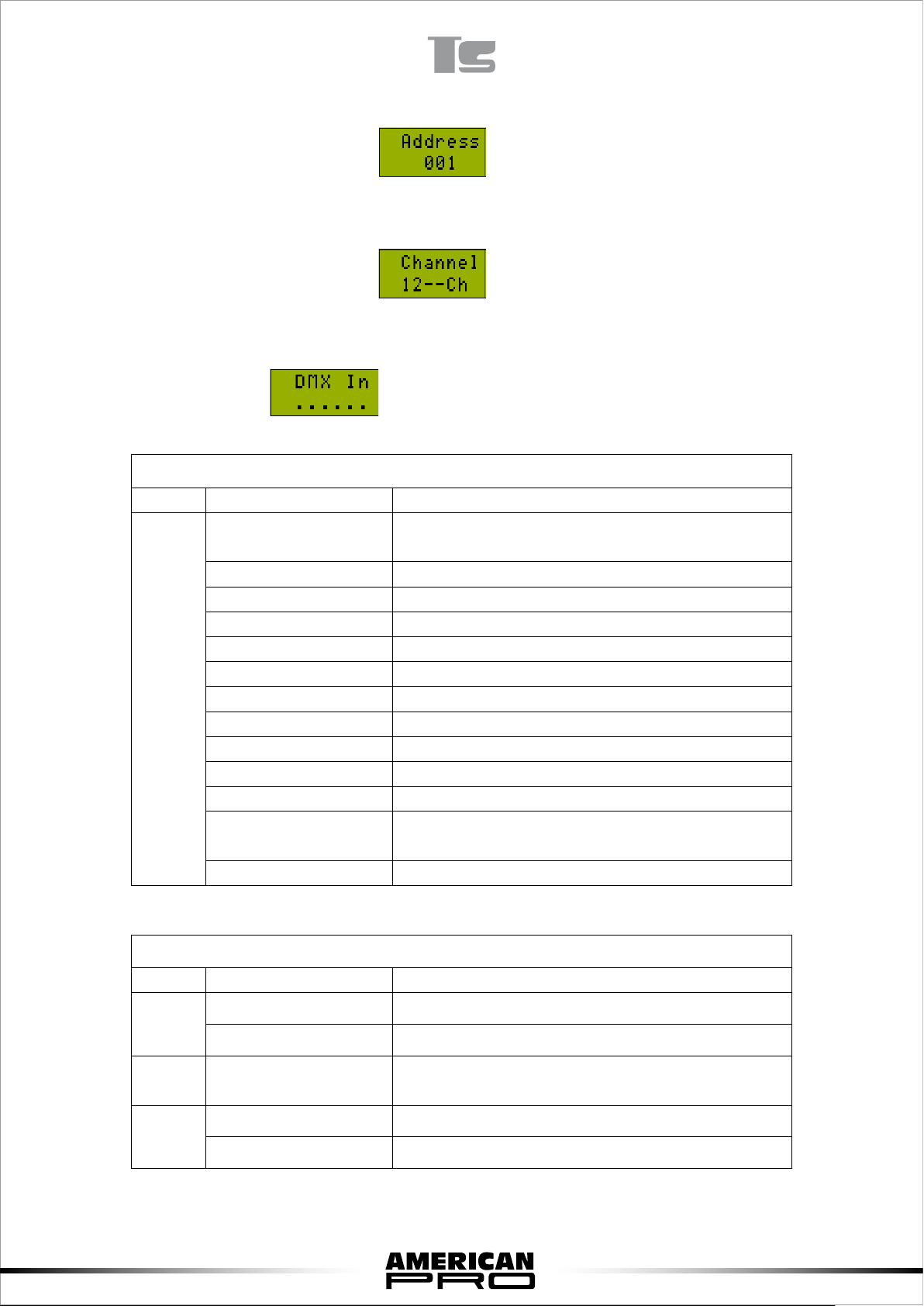
100-109 Show9
110-119 Show10
120-139 No function
140-255 Sound active
15 0-255 Led speed(LED auto run)
16 0-14 LED no strobe
15-255 LED strobe,the larger value, the faster speed
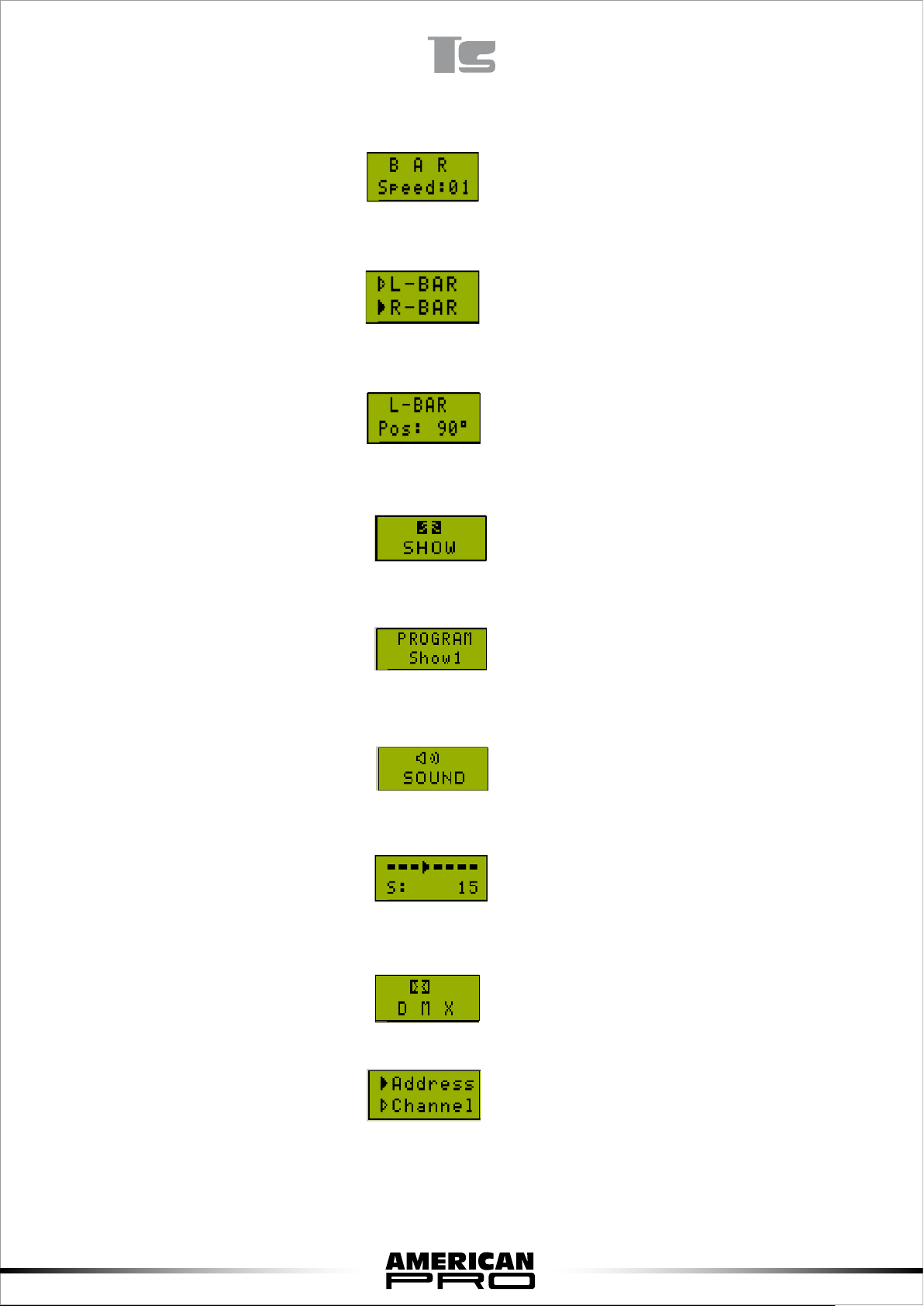
5. Master/slave Mode
When LCD displays this menu, means enter to the M/S mode.
F. Setup Menu
When shows , means enter to set the mode.
Press “SETUP”, enter to optional menu. You could choose four options through pressing “UP”
and”DOWN”
1) BL Time Set the LCD time
2) Adjust Adjust electronic machine
3) Reset Restore factory settings
4) About About product information
When choose “BL Time”, press “SETUP” to set the time. Choose 5s,10s,20s,30s,On through
pressing “UP” and ”DOWN”
As the above picture, if you choose 10s. After you restore factory settings, the time will keep 10s.
Choose “Adjust”, press “SETUP” to set the position of electronic motor. When the bar is not in
horizontal position, you could adjust it through this function.
When display shows above picture, choose the electronic motor need to be adjusted. Now it
chooses the right motor.
After testing the origin, check the bars are parallel or not through press “UP” and”DOWN”.
When the bars are in parallel position, press “SETUP” and adjust the reset data.
7