
manuals.online logo
Brands
  1. Home
  2. •
  3. Brands
  4. •
  5. American Weigh
  6. •
  7. Scale
  8. •
  9. American Weigh AMW-SCOOP User manual

American Weigh AMW-SCOOP User manual

Other American Weigh Scale manuals

American Weigh AMW-1000 User manual

American Weigh

American Weigh AMW-1000 User manual

American Weigh AMW-875 User manual

American Weigh

American Weigh AMW-875 User manual

American Weigh AMW-Card User manual

American Weigh

American Weigh AMW-Card User manual

American Weigh AMW-440T User manual

American Weigh

American Weigh AMW-440T User manual

American Weigh DIA-10 User manual

American Weigh

American Weigh DIA-10 User manual

American Weigh AMW-250i User manual

American Weigh

American Weigh AMW-250i User manual

American Weigh AMW-CDV2-500 User manual

American Weigh

American Weigh AMW-CDV2-500 User manual

American Weigh AMW-500 User manual

American Weigh

American Weigh AMW-500 User manual

American Weigh Mini CD-300 User manual

American Weigh

American Weigh Mini CD-300 User manual

American Weigh AMS-150 User manual

American Weigh

American Weigh AMS-150 User manual

American Weigh AMW-25 User manual

American Weigh

American Weigh AMW-25 User manual

American Weigh AMW-DISC-55 User manual

American Weigh

American Weigh AMW-DISC-55 User manual

American Weigh AMW-810 User manual

American Weigh

American Weigh AMW-810 User manual
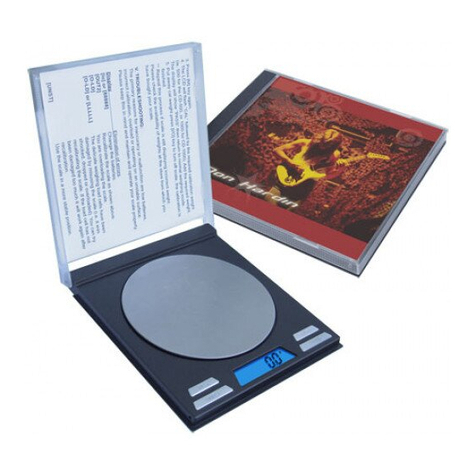
American Weigh CD-Scale v2.0 User manual

American Weigh

American Weigh CD-Scale v2.0 User manual

American Weigh AMW-100 User manual

American Weigh

American Weigh AMW-100 User manual

American Weigh AMW-850 User manual

American Weigh

American Weigh AMW-850 User manual

American Weigh AMW-150M User manual

American Weigh

American Weigh AMW-150M User manual
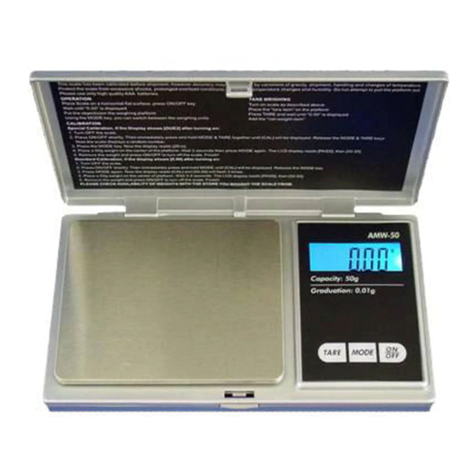
American Weigh AMW-50 User manual

American Weigh

American Weigh AMW-50 User manual

American Weigh miniPRO-30 User manual

American Weigh

American Weigh miniPRO-30 User manual
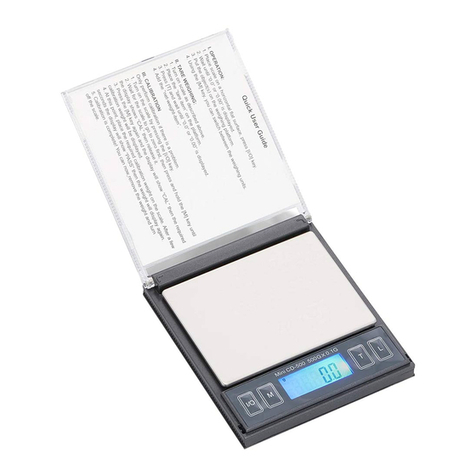
American Weigh CD Series User manual

American Weigh

American Weigh CD Series User manual
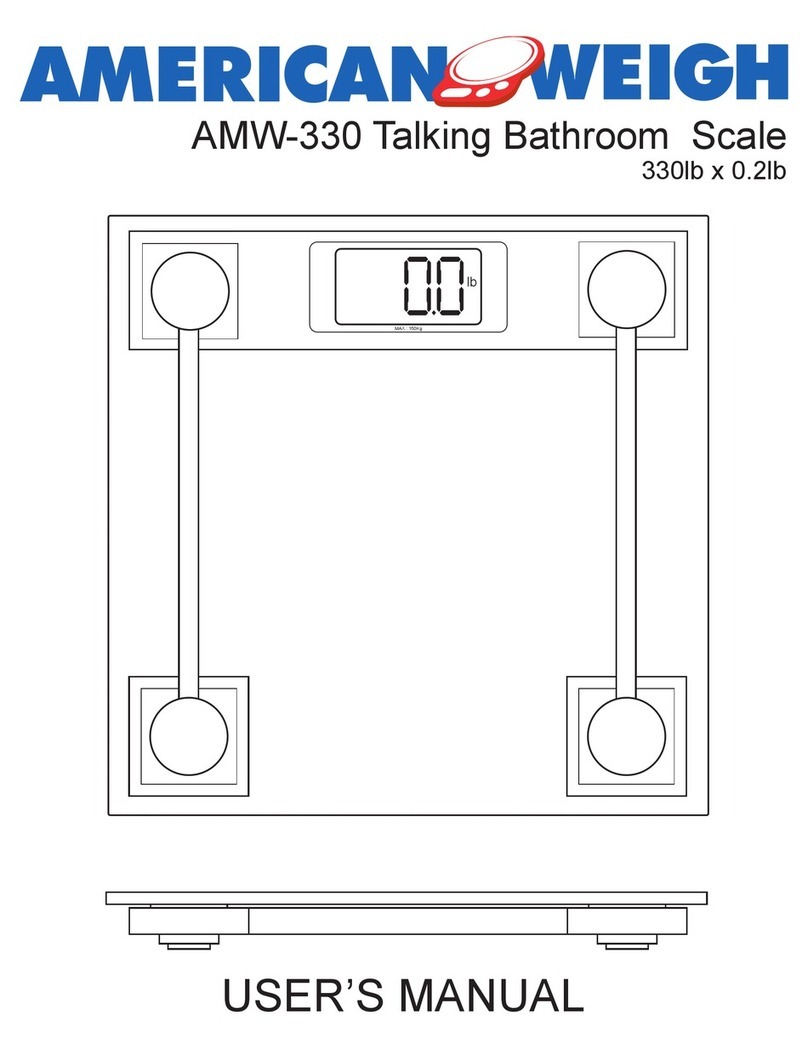
American Weigh AMW-330 User manual

American Weigh

American Weigh AMW-330 User manual

American Weigh Blade 150 User manual

American Weigh

American Weigh Blade 150 User manual

American Weigh AMW-822 User manual

American Weigh

American Weigh AMW-822 User manual

American Weigh CD-V2-500 User manual

American Weigh

American Weigh CD-V2-500 User manual

Popular Scale manuals by other brands

KERN MCC-M operating instructions

KERN

KERN MCC-M operating instructions

Little Balance SB MECA 8113 user manual

Little Balance

Little Balance SB MECA 8113 user manual

Fitbit Zip Aria Wi-Fi Smart Scale user manual

Fitbit Zip

Fitbit Zip Aria Wi-Fi Smart Scale user manual

KERN MPU 250K100 operating instructions

KERN

KERN MPU 250K100 operating instructions

Steinberg Systems SBS-PF-200 user manual

Steinberg Systems

Steinberg Systems SBS-PF-200 user manual

Total TP2000 user guide

Total

Total TP2000 user guide

A&D HL-200i operating instructions

A&D

A&D HL-200i operating instructions

OHAUS Courier 3000 user guide

OHAUS

OHAUS Courier 3000 user guide

Scarlett SC-KS57P97 instruction manual

Scarlett

Scarlett SC-KS57P97 instruction manual

BASETech LS-40S operating instructions

BASETech

BASETech LS-40S operating instructions

SR Instruments SR Scales SR565i-H Operating and service manual

SR Instruments

SR Instruments SR Scales SR565i-H Operating and service manual

Gallet PEP 301ART instruction manual

Gallet

Gallet PEP 301ART instruction manual

AWS ZEO-50 user manual

AWS

AWS ZEO-50 user manual

Gima Glass Body Fat Analyzer Use and maintenance book

Gima

Gima Glass Body Fat Analyzer Use and maintenance book

Seca 374 user manual

Seca

Seca 374 user manual

EDLUND BBPZ-20 quick start guide

EDLUND

EDLUND BBPZ-20 quick start guide

TEC TEC SL59 SERIES owner's manual

TEC

TEC TEC SL59 SERIES owner's manual

Alecto ACW-40 user manual

Alecto

Alecto ACW-40 user manual

manuals.online logo
manuals.online logoBrands
  • About & Mission
  • Contact us
  • Privacy Policy
  • Terms and Conditions

Copyright 2025 Manuals.Online. All Rights Reserved.

AMW-Scoop Digital Scale
150g x 0.1g
USER’S MANUAL
ON/OFF CAL
TARE oz / g
g
American Weigh Scales
AMW-Scoop User’s Manual
150 x 0.1g
Thank you for purchasing the American Weigh AMW-Scoop
Scale. Please read all operating instructions carefully before
use. This electronic scale is a precision instrument. Weith nor-
mal care and proper treatment, it will provide years of reliable
service.
• Never load the scale with more than the maximum capacity.
• Avoid any exposure to extreme heat or cold. Your scale
will work better when operated at normal room temperature.
Always allow the scale to acclimate to surrounding temperature
for at least one hour before use.
• Give your scale sufcient warm up time. Usually 30-60
seconds before calibration to give the internal components a
chance to stabilize.
• Keep your scale in a clean environment. Dust, dirt, moisture,
vibration, air currents, and a close proximity to other electronic
devices can cause an adverse effect on the reliability and ac-
curacy of your scale.
• Handle with care. Gently apply all items to be weighed onto
tray top. Although this scale is designed to be quite durable, try
to avoid rough treatment which can permanently damage the
internal sensor.
• Avoid shaking, dropping, or otherwise shocking the scale.
This is a precision instrument and must be handled with ex-
treme care.
•Only operate the scale on a stable, vibration free surface.
I. Operation
Place the scale on a horizontal at surface.
1. Press ON/OFF key.
2. Wait until [0.0] is displayed.
3. Put the object(s) on the weighing platform.
4. Using the MODE key, you can switch between the weighing
units.
II. Tare Weighing.
1. Turn on scale as described above.
2. Place the “tare item” on the platform.
3. Press TARE and wait until [0.0] is displayed.
4. Add the “net-weight-item”.
III. Calibration
1. Turn on the scale and wait until display shows [0.0]
2. Press and hold the “CAL” button for several seconds. The
display will show [CAL], then [0.0].
3. Press the “CAL” button again and the display will show
“100.0g”.
4. Now place a 100g calibration weight onto the weighing sur-
face. Wait 5 seconds then press “CAL” again; the display will
show “PASS” and then “100.0g”.
5. Press the “ON/OFF” key to turn the scale off and remove the
weight. Calibration is complete!
III. Troubleshooting
The primary reason for innaccuracy or malfunction are low
batteries, incorrect calibration, overload or operating on an
unstable surface. Please keep this in mind and maintain and
operate your scale properly. This scale is a precision instru-
ment and must be handled with care.
Error Code Descriptions:
Error: Nothing on screen, [LO] ,
Solution: Replace Batteries
Error: [EEEE]
Solution: Load is in excess of 150g, remove the extra load.
IV Specications:
Capacity: 150 g / 5.3 oz
Readability: 0.1 g / 0.005 oz
Units: g (grams) / oz (ounces)
Tare Range: Tare to full capacity
Auto Off: ~30 seconds
Backlight: Blue backlight
Power: 1 x CR2032 Battery
Scale Dimensions: 4.25” x 2.25” x 0.75”
Weighing Surface: 2.5” x 1.5”











