Setting Up ( Con’ t )
Page 8 Amperes PT1800
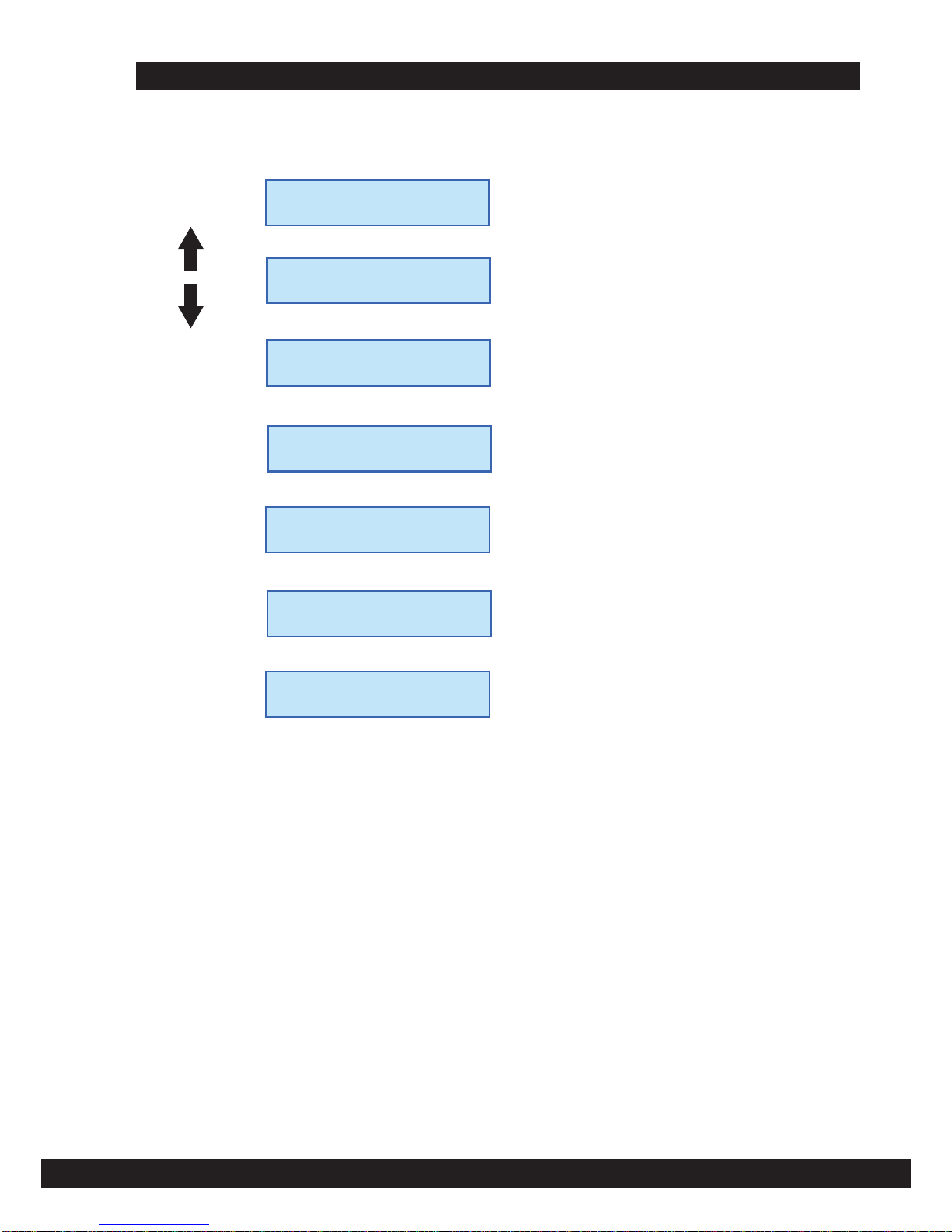
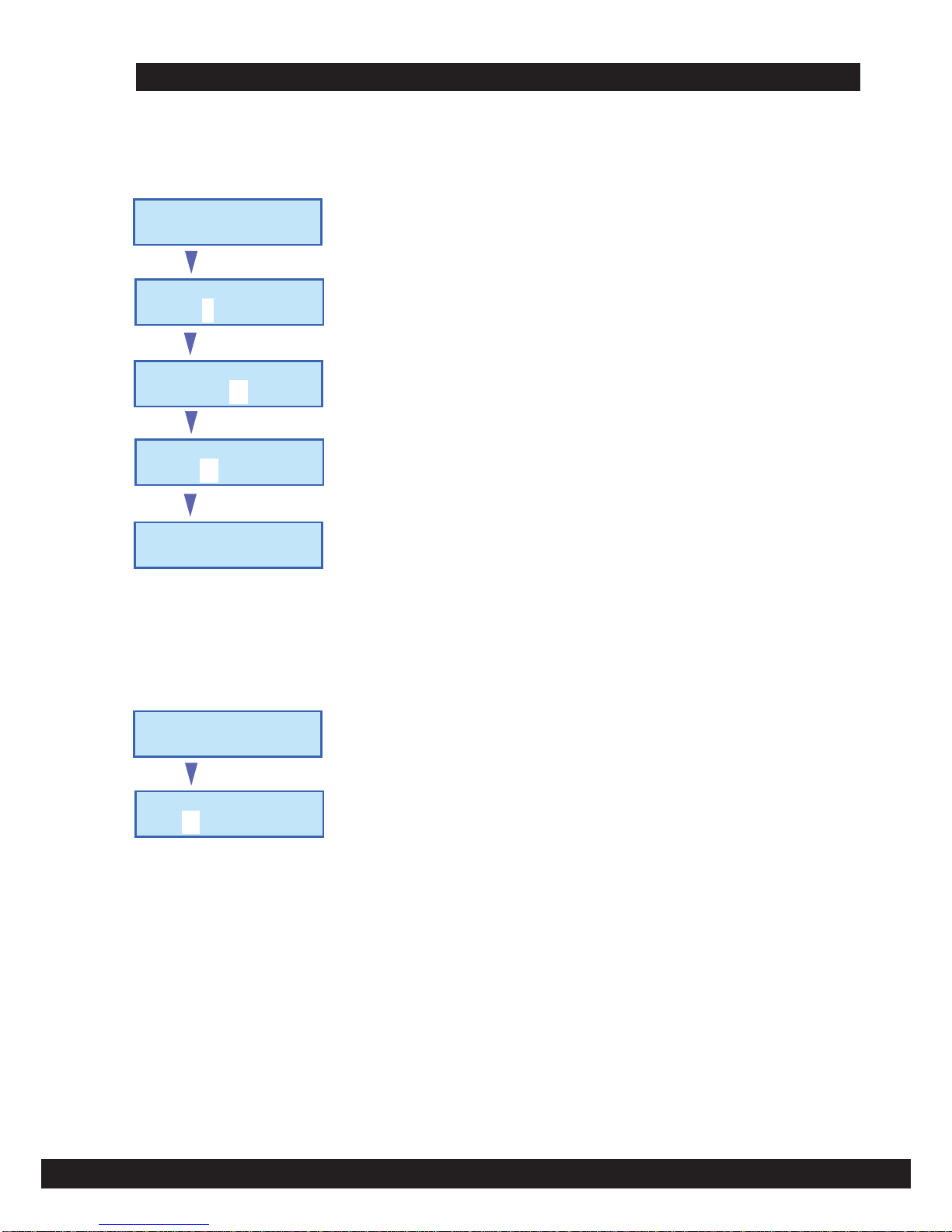
Up to 250 memories can be stored in the unit. Select the Main Menu 2.0 to program the times as shown.
2.0 PRO. SCHEDULE
SETTING
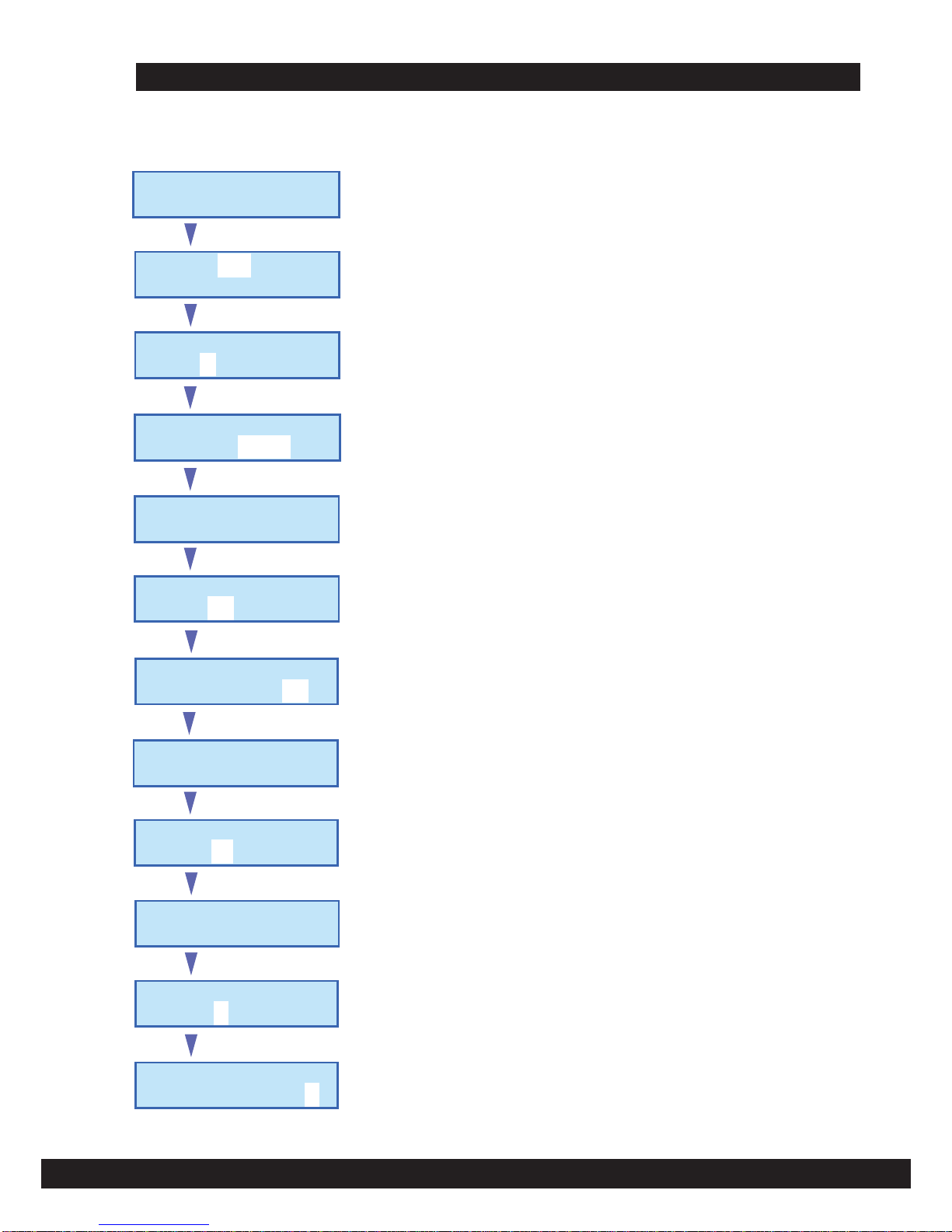
2.0 PROGRAMMING TRIGGERING TIMES
- Use NEXT/PREV button to adjust the memory location. ie. 001
- Press ENTER to confirm and the cursor shall move to Channel location number
Example : It is required to program memory location 1, to trigger channel 8 at 1. 30
pm every day except Saturday and Sunday. Triggering mode shall be momentary
relay contact.
Enter
2.1 Sche 000 / 250
CH.0 ( Ski p )
- Use NEXT/PREV button to adjust the output channel. ie. 8.
- Press ENTER to confirm and the cursor shall move to triggering mode selection
Enter
2.1 Sche 001 / 250
CH.0 ( Ski p )
- Use NEXT/PREV button to adjust the triggering mode ; set to Pulse ( 3 secs )
- Press ENTER to confirm and the menu shall forward to Time Setting
Enter
2.1 Sche 001 / 250
CH.0 ( Ski p )
Time Setting Sub Menu
Enter
esluP ,8C ,200S 2.2
Time Setting
- Use NEXT/PREV button to adjust the hour, ie 13 (24 hr format) and press ENTER.
- Repeat the step above for minute and press ENTER.
Enter
esluP ,8C ,200S 2.2
Time 00h;38m;00
- Seconds setting can be skipped by pressing ENTER.
- Upon completion, press ENTER again and the next sub menu shall appear as below ;
Enter
esluP ,8C ,200S 2.2
Time 13h;30m;00
Date Setting Sub Menu
Enter
esluP ,8C ,200S 2.2
Date Setting
- Since that the our setting is recurrence type for every day except Sat and Sunday,
the date setting in this sub menu can be skip by pressing ENTER repetitively.
- The next sub menu shall be Day of Week as shown below.
Enter
esluP ,8C ,200S 2.2
Date 16d;12m;10y
Day of Week ( DOW ) Sub Menu
Enter
esluP ,8C ,200S 2.2
DOW Setting
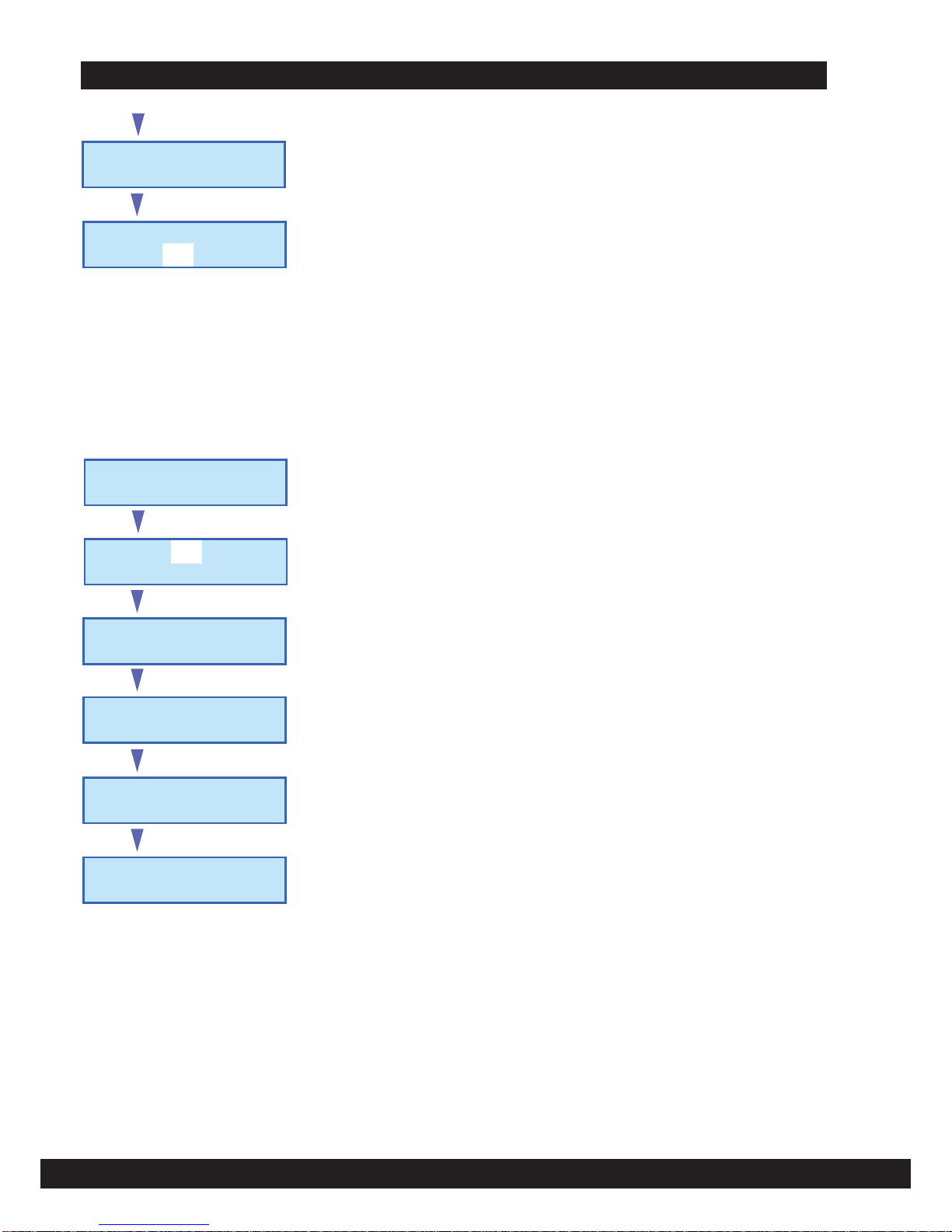
- Use NEXT/PREV button to select the day, ie. Mon to Fri at each cursor
- Unused location 6,7 can be left as 0 as shown below. Press ENTER to set the day
Enter
esluP ,8C ,200S 2.2
DOW 0,0,0,0,0,0,0
- Press ENTER at the last location to jump to next Sub Menu, as shown in the next pg.
Enter
2.2 S002, C8, Pulse
DOW 1,2,3,4,5,0,0