2. Installation
WARNING!
Before drilling, care must be taken
not to damage any wiring that may be
located between the vehicle roof and
ceiling.
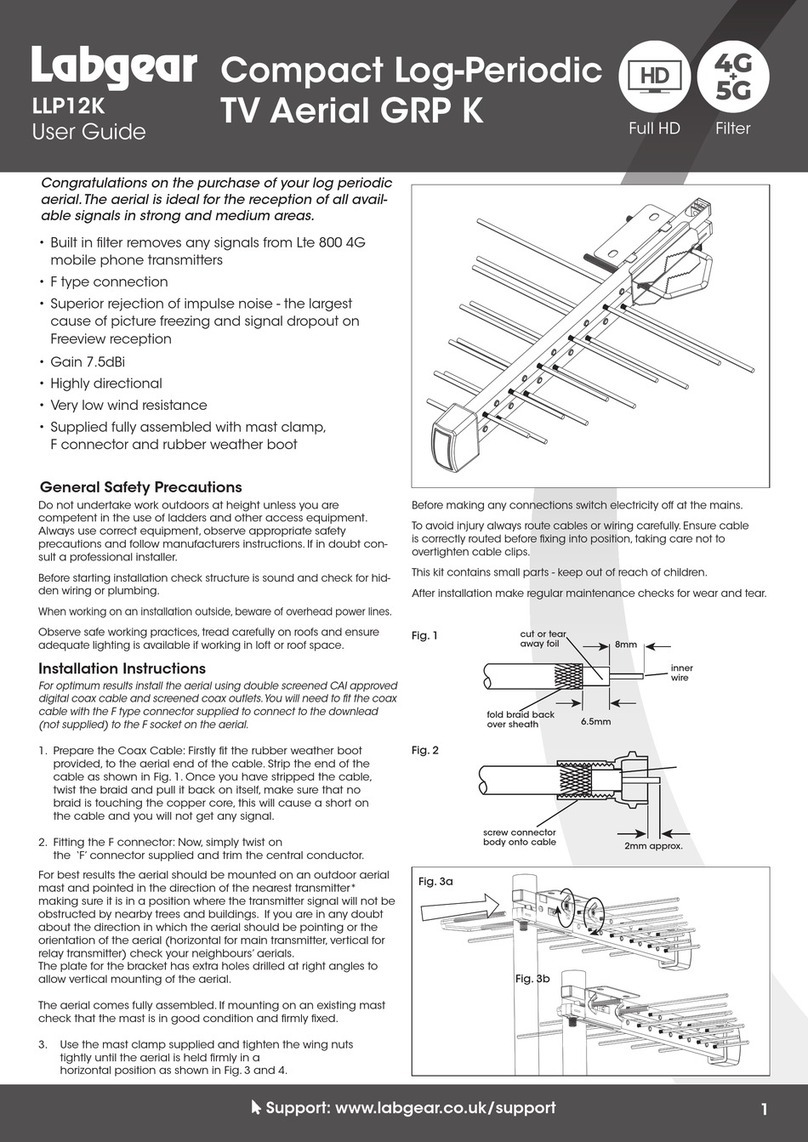
Step 1: Select the area where the antenna will be
installed. Drill one 1/2" OD hole through the roof
only, for the coaxial cable. Feed the end of the
coaxial cable through the hole on the mounting
bracket. Routethecoaxialcabletotheareawhere
the primary power supply will be installed.
Step 2: Seal the bottom of the mounting bracket
with non-hardening sealant. Center the mounting
bracket over the hole with the coaxial cable and
mount it on the roof with 10 #8x1" fully threaded
sheet metal screws. Seal the top of the screws.
Assure that the hole for the cable is facing the rear
of the vehicle.
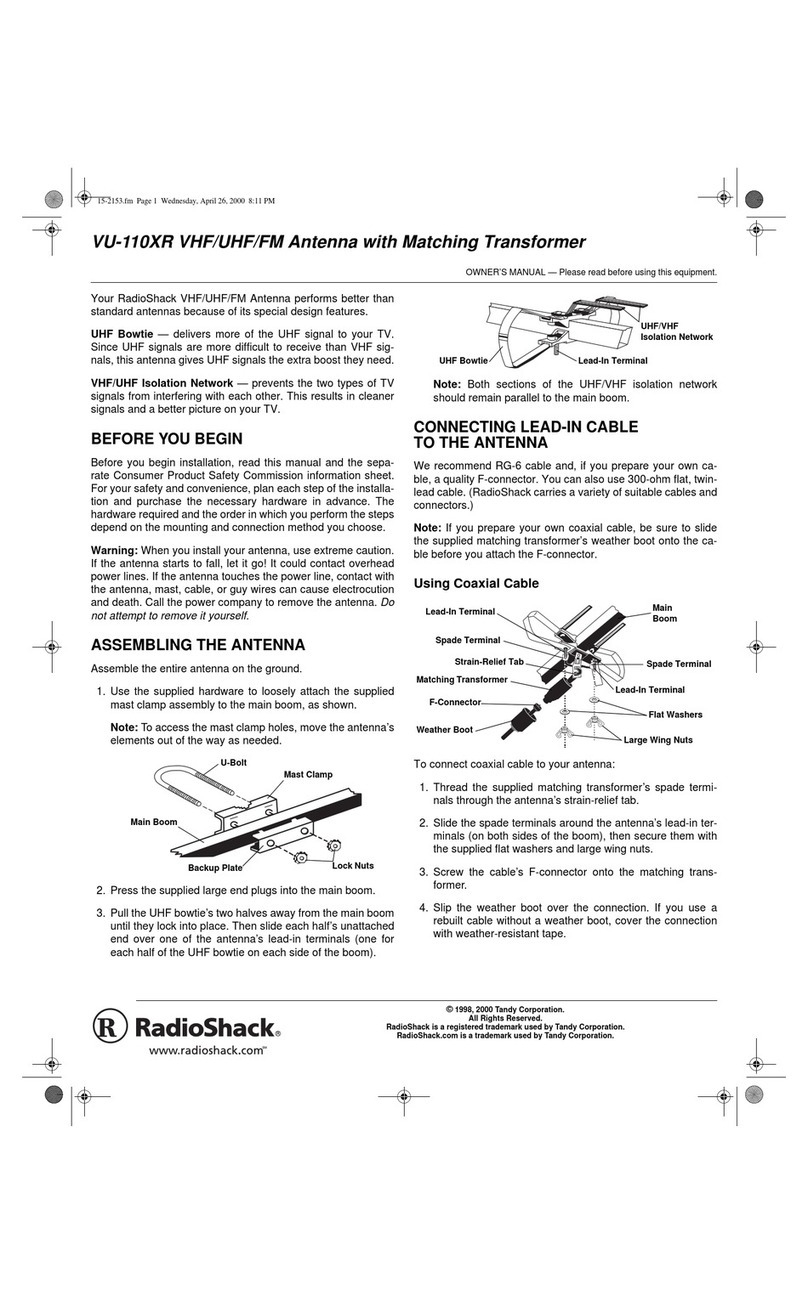
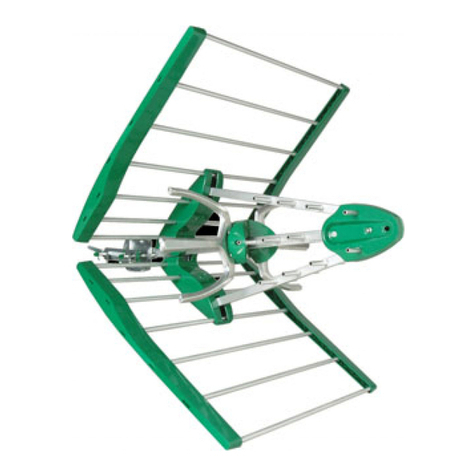
Step 3: Mount the clamp bracket to the antenna
using 9 #6x3/4" sheet metal screws. Attach the
coaxial cable to the antenna and slide over the
coax cable boot.
Step 4: Place the antenna on top of the mounting
bracket, with the cable facing the rear of the
vehicle. Tighten the 2 #10 -24 screws using a 5/
32"Allenwrenchanda3/8"wrench.Slidethecoax
cable boot over the hole on the mounting bracket.
Insert the # 8 x 3/4" self taping screw in the hole in
the front of the clamp bracket, using a #2 Phillips
screwdriver,drivethescrew throughthemounting
bracket.
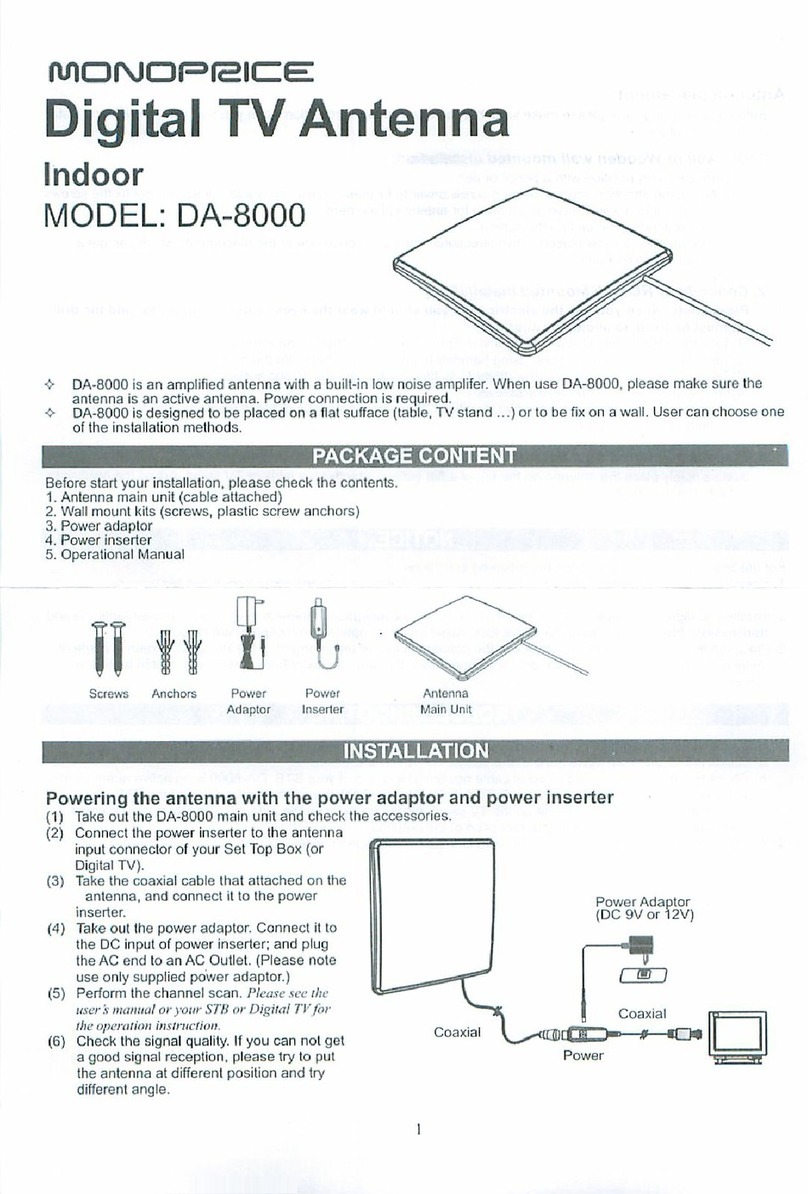
Step 5: The power supply is designed for installa-
tion in any standard electrical box. To mount the
Warning:
Use of this power supply
with any product other
than AntennaTek amplified
RV antenna could result in
fire or other damage.
Warning:
Do not connect high
current devices to 12 Volt
receptacle.
Maximum current rating
of this receptacle is: 7.5
Amps at 12 Volt DC.
powersupply,cutaholeinthewallandinstallthe
electrical box. Place the power supply switch in
the "OFF" position. Run two wires # 14 AWG or
heavier from a 12 Volt DC power source to the
rear of the power supply.
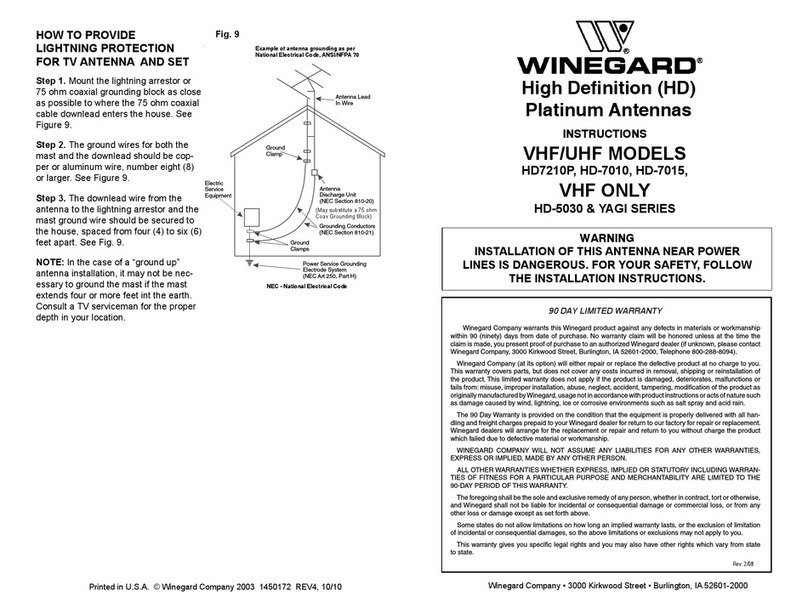
CAUTION: The red wire is positive (+)
The white wire is negative (-)
Assurethatthe12VoltDCpowersourcecurrent
is limited to 7.5A at 12-volt DC.
Crimp the insulated quick disconnects onto the
wires and push wires onto tabs on the circuit
board (see power supply illustration for correct
polarity). Place switch in the "ON" position and
notice the red LED illuminate. This indicates
correct polarity. Place switch in the "OFF" posi-
tion to avoid any short circuits while making
cable connections.
Step 6: Connect the coaxial cable from the
antenna to the connector marked "Antenna" on
the rear of the power supply.
Step 7: To connect the second power supply
availableasanoptionalaccessory, runtwo#14
AWG or heavier wires from a 7.5A limited 12
VoltDC power sourceandconnectto the rearof
the power supply. Insulate the DC connections
withwirenutsandinsulatingtape. Attachacoax
cable from the rear of the second power supply
totheconnectormarked2ndTVintherearofthe
main power supply.
To Cable TV
To +12V DC
To Antenna
To 2nd TV
To GRND
3