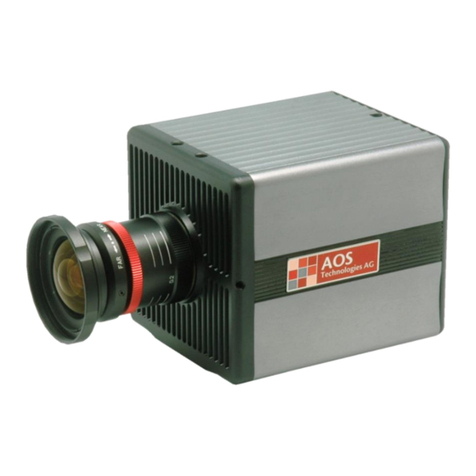
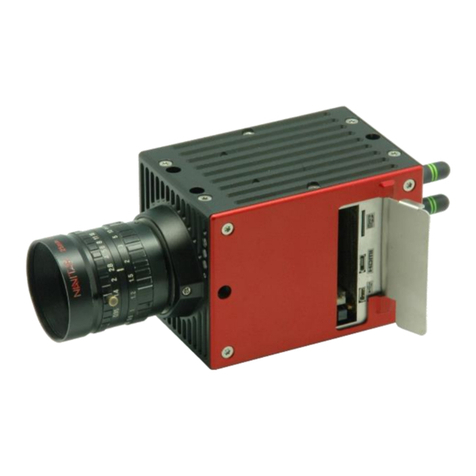
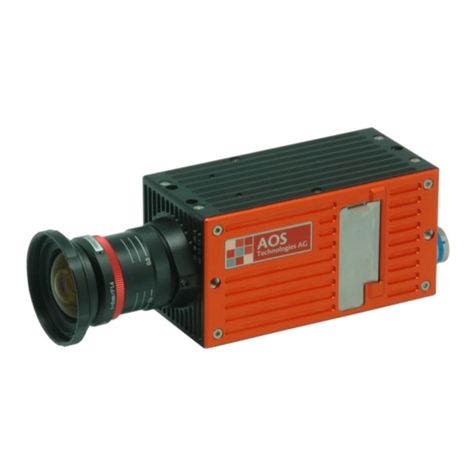
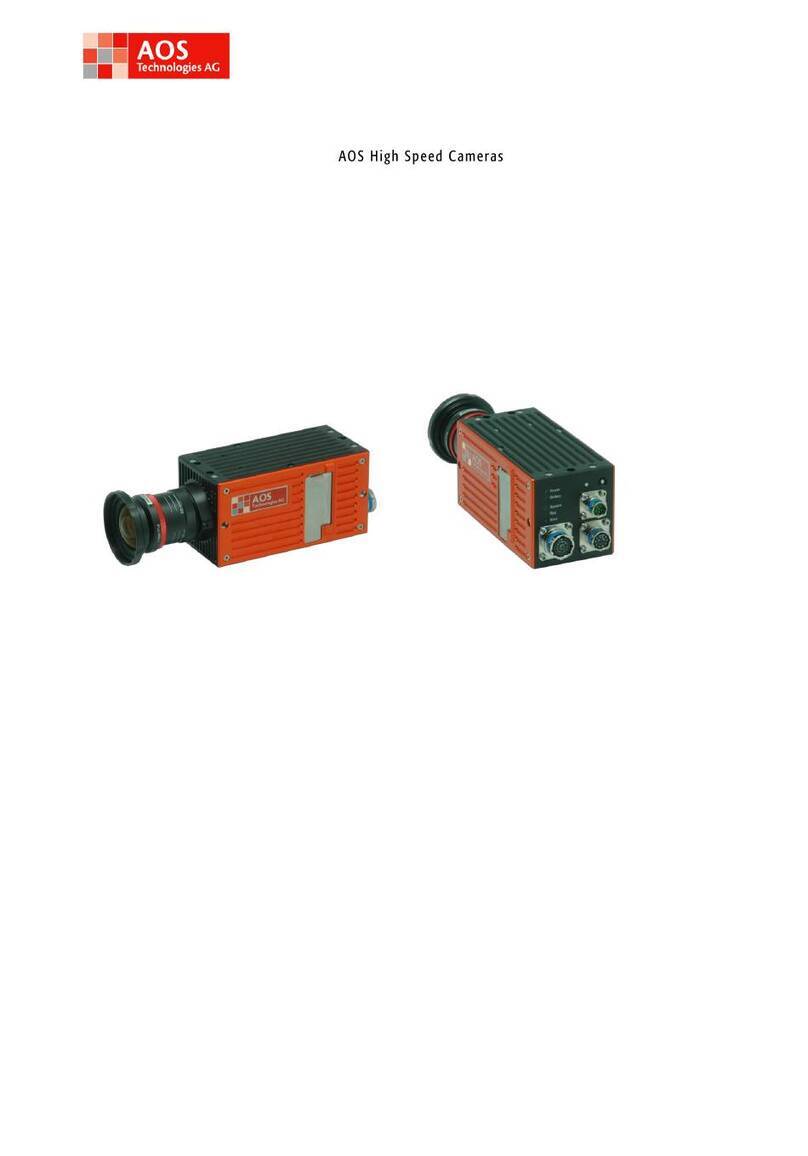
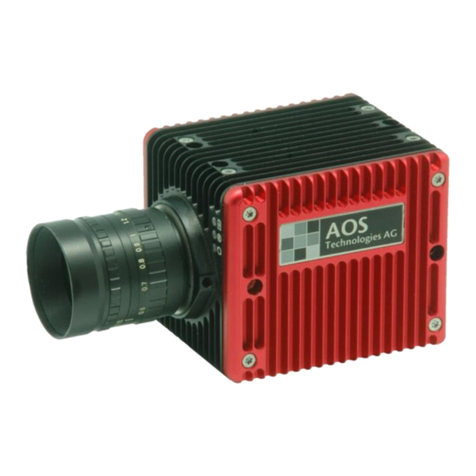
AOS High Speed Cameras Version 2.0
Copyright ©AOS Technologies AG Page 2 of 31
INTRODUCTION ........................................................................................................5
General description of AOS High Speed Camera ...................................................................5
Unpacking / Check of completeness....................................................................................5
1CONNECTING THE CAMERA TO A PC .........................................................................6
1.1.1 Visual inspection..........................................................................................6
1.1.2 Battery charging ..........................................................................................6
1.1.3 Switching-on and – off procedure......................................................................7
1.1.4 Connecting the camera to a PC .........................................................................7
2INSTALLATION OF THE CONTROL SOFTWARE AND CAMERA DRIVERS.................................9
3OPERATION OF THE HIGH SPEED CAMERA..................................................................9
3.1.1 The camera back plate ...................................................................................9
3.1.2 The camera front panel ................................................................................ 10
3.1.3 Status LED’s.............................................................................................. 11
3.1.4 Data Interface LED (part of Ethernet Connector) .................................................. 14
4OPERATION MODES............................................................................................ 15
4.1.1 Sleep mode .............................................................................................. 15
4.1.2 Ready mode.............................................................................................. 15
4.1.3 Pre-triggering mode .................................................................................... 16
4.1.4 Armed mode – Skip „SET-TO-REC“ ................................................................... 16
4.1.5 Recording mode ......................................................................................... 16
5SYSTEM SETUP.................................................................................................. 17
5.1.1 Scope of supply ......................................................................................... 17
Add-On’s
............................................................................................................ 17
5.1.2 CF+ interface ............................................................................................ 18
5.1.3 I/O Channels............................................................................................. 19
6MULTI CAMERA SETUPS....................................................................................... 19
6.1.1 Multi camera systems without frame synchronization ............................................ 19
6.1.2 Frame synchronisation ................................................................................. 20
6.1.3 Multi camera systems with frame synchronization (version 1).................................. 21
6.1.4 Multi camera systems with frame synchronization (version 2).................................. 22
6.1.5 Multi camera systems with frame synchronization (version 3).................................. 23
7MAINTENANCE.................................................................................................. 25
7.1.1 Lenses .................................................................................................... 25
7.1.2 Battery.................................................................................................... 25
7.1.3 Cleaning the AOS High Speed Camera Infrared filter.................................. 25
8TROUBLESHOOTING ........................................................................................... 26
9APPENDICES..................................................................................................... 27