manuals.online logo
Brands
  1. Home
  2. •
  3. Brands
  4. •
  5. Applied Motion Products
  6. •
  7. Servo Drive
  8. •
  9. Applied Motion Products SV7-IP User manual

Applied Motion Products SV7-IP User manual

Other Applied Motion Products Servo Drive manuals

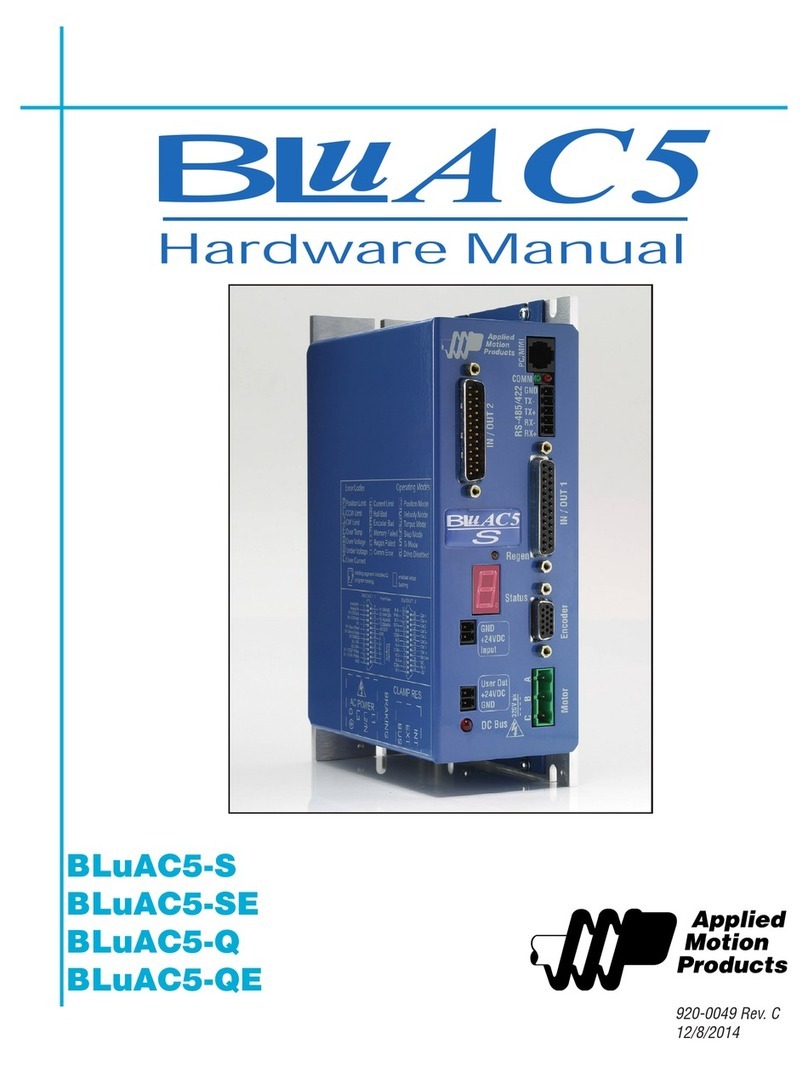
Applied Motion Products BLuAC5-S User manual

Applied Motion Products

Applied Motion Products BLuAC5-S User manual

Applied Motion Products ST5-IP User manual

Applied Motion Products

Applied Motion Products ST5-IP User manual

Applied Motion Products MDX Series User manual

Applied Motion Products

Applied Motion Products MDX Series User manual

Applied Motion Products TSM17 Series User manual

Applied Motion Products

Applied Motion Products TSM17 Series User manual

Applied Motion Products SSM23Q User manual

Applied Motion Products

Applied Motion Products SSM23Q User manual

Applied Motion Products SV200 DC User manual

Applied Motion Products

Applied Motion Products SV200 DC User manual

Popular Servo Drive manuals by other brands

Mitsubishi Electric MELSERVO-J5 MR-J5-G Series user manual

Mitsubishi Electric

Mitsubishi Electric MELSERVO-J5 MR-J5-G Series user manual

Robotis XH430-W350-T manual

Robotis

Robotis XH430-W350-T manual

NTI AG LinMot C1250 Series installation guide

NTI AG

NTI AG LinMot C1250 Series installation guide

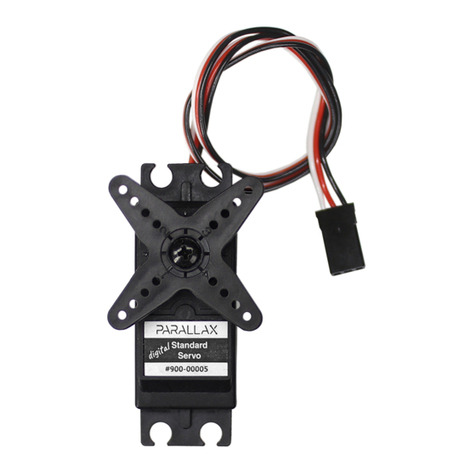
Parallax 900-00005 manual

Parallax

Parallax 900-00005 manual

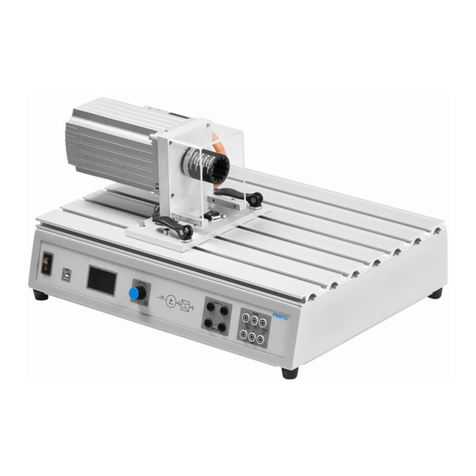
Festo TP 1410 manual

Festo

Festo TP 1410 manual

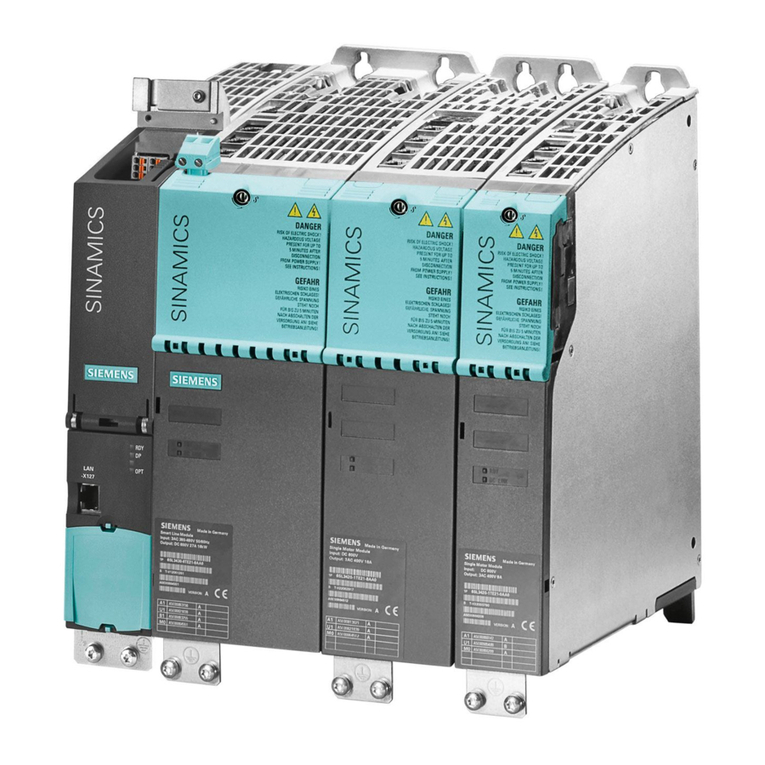
Siemens SINAMICS S120 Getting started

Siemens

Siemens SINAMICS S120 Getting started

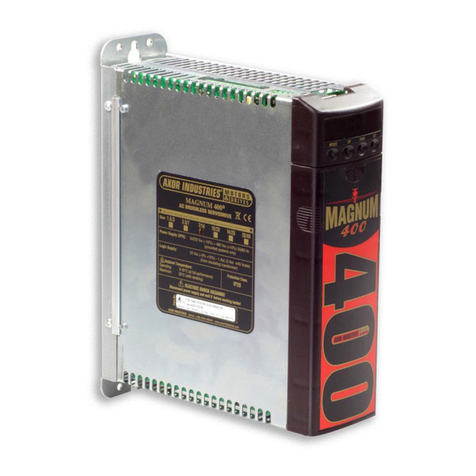
Axor MAGNUM 400 Service manual

Axor

Axor MAGNUM 400 Service manual

Danfoss 176F6494 installation instructions

Danfoss

Danfoss 176F6494 installation instructions

THORLABS TDC001 user guide

THORLABS

THORLABS TDC001 user guide

TECO JSDAP Series manual

TECO

TECO JSDAP Series manual

Rockwell Automation Allen-Bradley Kinetix 6000 user manual

Rockwell Automation

Rockwell Automation Allen-Bradley Kinetix 6000 user manual

Lenze m850 Mounting and switch-on instructions

Lenze

Lenze m850 Mounting and switch-on instructions

Baumuller b maXX 5000 Instruction handbook

Baumuller

Baumuller b maXX 5000 Instruction handbook

Baumuller b maXX 3000 Instruction handbook

Baumuller

Baumuller b maXX 3000 Instruction handbook

Baumuller b maXX 5500 Instruction handbook

Baumuller

Baumuller b maXX 5500 Instruction handbook

Danfoss VLT HVAC Drive FC 102 operating instructions

Danfoss

Danfoss VLT HVAC Drive FC 102 operating instructions

Omron CK5M-CPU 1 Series Startup guide

Omron

Omron CK5M-CPU 1 Series Startup guide

ABB ACS350 Series user manual

ABB

ABB ACS350 Series user manual

manuals.online logo
manuals.online logoBrands
  • About & Mission
  • Contact us
  • Privacy Policy
  • Terms and Conditions

Copyright 2025 Manuals.Online. All Rights Reserved.

SV
SV7-IP Quick Setup Guide
Requirements
▪A compatible servo motor.
▪A small at blade screwdriver for tightening the connectors (included).
▪A personal computer running Microsoft Windows 98, NT, Me, 2000, XP, Vista, or 7.
▪Quick Tuner™ software (version 2.2.17 or later) available at www.applied-motion.com/products/software.
▪A CAT5 network cable (not included).
▪For more detailed information, please download and read the SV7 Hardware Manual, available at www.applied-motion.com/support/manuals.
To begin, make sure you have the following equipment:
Step 1
a) Download and install the QuickTuner™ software.
b) Launch the software by clicking:
Start / Programs / Applied Motion Products / Quick Tuner
c) Connect the drive to your network or PC using a standard CAT5 cable.
d) Select an appropriate IP address using the rotary switch on the SV7-IP. For more information
about network congurations and IP addressing, please consult the SV7 Hardware Manual.
Step 2
Wire the drive to the DC power source.
(Do not apply power until all connections to
the drive have been made)
Note, the SV7 drives accept DC power from
24-80 VDC.
For a non-Applied Motion Products motor, please
refer to your motor specs for wiring information.
Be sure to connect the motor case ground to the
grounding screw as indicated, leaving the last
pin on the motor/power connector unconnected.
4
3
2
1
0
F
E
D
C
B
A
9
8
7
6
5
V+
V-
Motor A (or U) phase
Motor B (or V) phase
Motor C (or W) phase
Motor
Grounding
Screw
a) Connect the I/O
b) Connect the Encoder
▪Applied Motion motor cables
are available with connectors
that mate directly to the
encoder connector on the drive.
Step 4
encoder Z+ (5)
Hall 1-(10)
encoder B- (4)
Hall 1+ (9)
encoder B+ (3)
Hall 3+ (13)
Hall 3- (14)
GND (15)
(12) Hall 2-
(11) Hall 2+
(6) encoder Z-
(1) encoder A+
(7) +5VDC 200mA
(2) encoder A-
(8) GND
Front View
ENCODER
Front View
X COMMON
not used
X3 / Enable
X5 / CWJOG
X4 / Alarm Reset
Analog IN2
Analog IN1
X2 / DIR-
X2 / DIR+
X1 / STEP +
X1 / STEP -
GND
GND
+5V OUT
Y COMMON
Y3 / FAULT
Y2 / MOTION
Y1 / BRAKE
18
17
16
15
14
13
12
11
10
9
8
7
6
5
4
2
3
1
19
20
21
22
23
24
25
X6 / CCWJOG
IN/OUT
X8/CCWLIMIT+
X8/CCWLIMIT-
X7/CWLIMIT-
X7/CWLIMIT+
Y4-
Y4+
920-0053 rev A

a) Select the “Motor - Encoder” tab and conrm settings for motor
maximum current and pole count, as well as the encoder resolution
are correct. If you are using a non-AMP motor, these data must be
obtained from your motor’s datasheet.
b) Execute the Timing Wizard, following the on-screen prompts. This will
ensure that the drive can properly commutate the motor.
Step 6
a) Select the “Tuning - Sampling” tab. If using an Applied Motion motor, click the “Open” button, navigate
to the SV7 folder, and select a tuning le. Select the le that most closely matches your inertia load.
The le names indicate the inertia ratio for which they were optimized. For example, the le V0200
48V 2.5X.svt was optimized for the V0200 motor at 48V and a 2.5:1 inertia ratio.
b) If using a third-party motor, the system must be tuned manually. Consult the Quick Tuner™ Software
Manual for step-by-step tuning instructions.
The Quick Tuner™ manual should be considered required reading for anyone tuning a servo system.
Step 7
Select the “Inputs - Outputs” tab, and congure any dedicated-function I/O your application
may require.
Step 8
Download your settings to the drive. Your drive is now congured for use.
Step 9
If you have any questions or comments, please call
Applied Motion Products Customer Support:
(800) 525-1609, or visit us online:
www.applied-motion.com.
404 Westridge Dr.
Watsonville, CA 95076
Tel: 800-525-1609
Fax: 831-761 -6544
www.applied-motion.com
920-0053 rev A
a) Apply power to the drive.
b) Enter the proper IP address (refer to step 1d above), then select the “Drive”
tab and press the “Ping” button. You should receive a response similar to
that shown here.
c) Select the appropriate operating mode for your drive.
d) If using an Applied Motion servomotor, press the “Open” button and select
a factory tuning le, paying close attention to the voltage and inertia ratio.
Step 5