wiring and connector
Setting u your gyro for the first time.
Follow the steps below in the specified order to set up your gyro successfully.
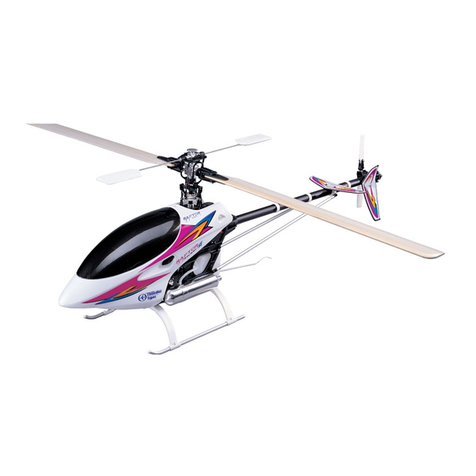
Fix the gyro to your model: please attach the gyro to a stable part of the helicopter with the double sided
adhesive tape provided. If used in a high vibration environment please use the steel plate to help to reduce
the influence of vibrations.
Connect the gyro to the receiver but don’t connect the tail servo to the gyro at this time.
Ensure that the transmitter trims and sub-trims are set to zero and that collective pitch to tail pitch mixing is
disabled.
Power on your Rx and gyro.
Select the correct servo type as described in the Servo Type Selection section of this guide.
Power off your gyro.
Connect the servo to the gyro and then power the gyro on.
Follow the manual to set the gyro direction high servo endpoint and low servo endpoint.
Quit the set up and switch to operational mode.
Adjust the gyro gain via your transmitter
Confirm everything is working correctly and you are ready to fly.
Servo Ty e Selection
The GA-250 was designed to work with all modern digital tail servos. DO NOT use analogue tail servos!! There are
different types of digital servos and incorrect settings may damage your servo and possibly loss of tail control during
flight. So please make sure that this step is done FIRST!
To access the servo configuration mode do the following: power on your gyro and when the status light flashes blue
toggle the gain switch on your transmitter three times or more in quick succession (ending in AVCS). You are now in
Servo Type Setting mode. By pulling the rudder stick left or right you alter the servo type. The number of red flashes
indicates the currently selected servo type.