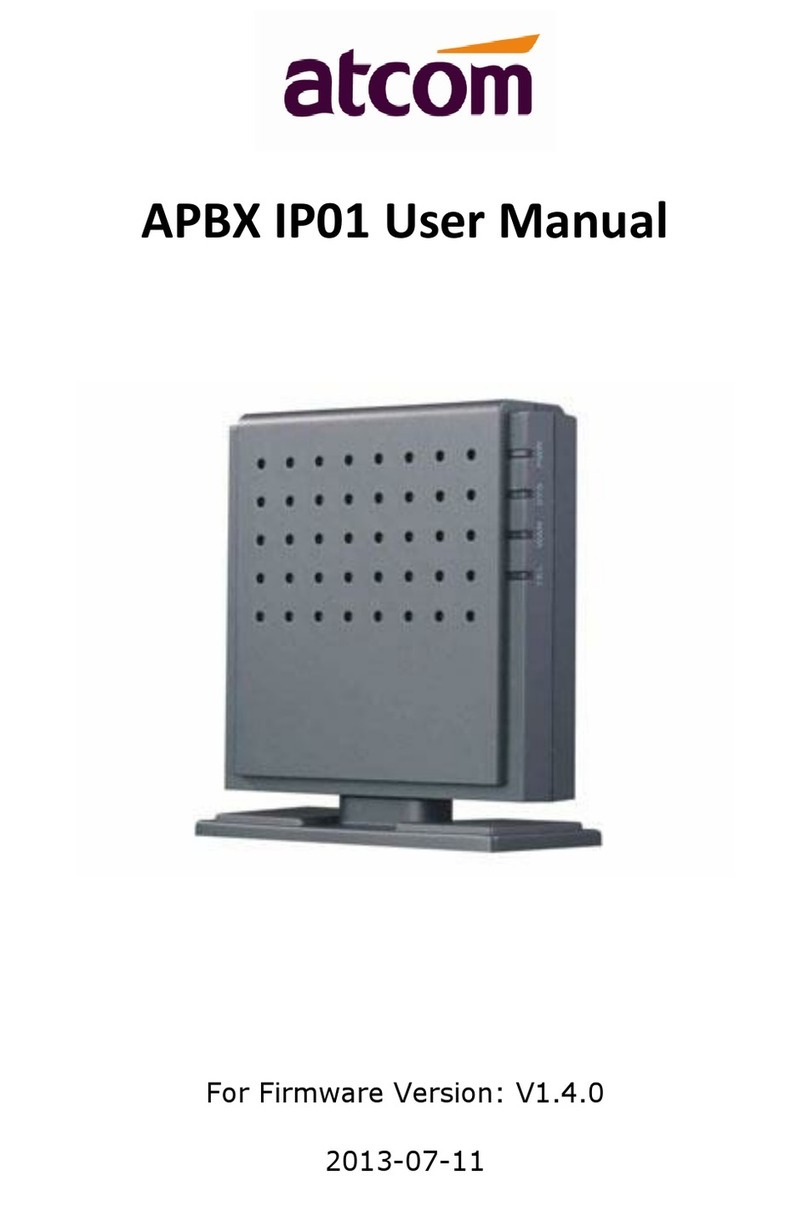
APBX IP02 User Manual
1 ATCOM TECHNOLOGY CO., LIMITED
Contents
Contents ...........................................................................................................................................................................1
1. Introduction............................................................................................................................................................... 3
2. Connection and Change IP Address of APBX.............................................................................................................4
2.1 Connection.....................................................................................................................................................4
2.2 WAN Settings .................................................................................................................................................5
2.3 LAN Settings...................................................................................................................................................6
2.4 DHCP Server...................................................................................................................................................7
2.5 System Status.................................................................................................................................................8
3. Create local extensions and make interior calls........................................................................................................9
3.1 FXS extensions ............................................................................................................................................... 9
3.2 SIP extensions ..............................................................................................................................................12
3.3 Register onto APBX with your IP phone.......................................................................................................16
3.4 Extensions Status .........................................................................................................................................16
3.5 Feature Codes ..............................................................................................................................................17
3.6 SMTP Settings ..............................................................................................................................................19
3.7 Conference...................................................................................................................................................21
3.8 Paging / Intercom.........................................................................................................................................21
3.9 Options.........................................................................................................................................................21
4. Create SIP trunk and make outbound/inbound calls to/from VoIP provider .........................................................22
4.1 Create SIP trunks..........................................................................................................................................22
4.2 Check SIP Trunk Status.................................................................................................................................24
4.3 Make outbound calls....................................................................................................................................24
4.4 Make inbound calls......................................................................................................................................25
5. Make outbound/inbound calls to/from PSTN network ..........................................................................................27
5.1 Make sure FXO modules are installed .........................................................................................................27
5.2 Make outbound calls....................................................................................................................................27
5.3 Make inbound calls......................................................................................................................................28
6. Inbound Call Control................................................................................................................................................30
6.1 Time Interval................................................................................................................................................30
6.2 Hunt / Ring Group........................................................................................................................................30
6.3 Queue...........................................................................................................................................................31
6.4 Auto Attendant / Voice Menu / IVR.............................................................................................................34
6.5 DISA..............................................................................................................................................................35
6.6 Blacklist ........................................................................................................................................................36
6.7 SIP Settings...................................................................................................................................................36
7. Audios......................................................................................................................................................................38