Chapter 1 Overview
Description
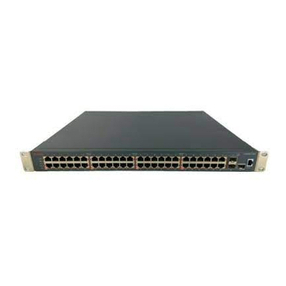
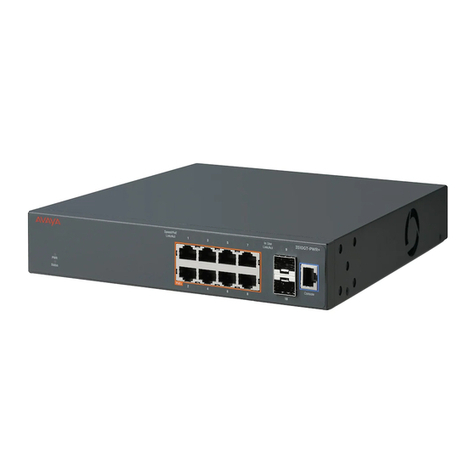
The P118SX and P118LX are part of the P110 family of switches. The P110 family is
composed of high-performance stackable switches which may be used singly or
stacked in any combination.
The P118 has eight Ethernet/Fast Ethernet (10/100BASE-T) ports and two Gigabit
Ethernet (1000BASE-X) ports. The 10/100 Mbps ports are typically used for
workgroup connectivity, while the two 1000 Mbps ports can be used as full duplex
uplinks to an Avaya or any other Gigabit Ethernet switch.
The Giga Ethernet ports comply with the IEEE 802.3x Flow Control and IEEE
802.1Q for Tagging Mode standards. All 10/100 Mbps ports can run at full or half
duplex Ethernet. A redundant power supply may be used for enhanced fault
tolerance.
The P118 can operate standalone or as part of a stack. A stack can be made up of
any combination of two, three or four P110 switches, and up 32,000 MAC
addresses per stack are supported. A stack requires a P110 NMA to link the
switches. The units are physically linked using the Exoplane.
You need to install a P110 NMA in the P118SX and P118LX switches in order
to operate them in stand-alone mode.
The P118 can use an advanced flow control mechanism to eliminate packet loss.
An automatic fairness mechanism ensures that all ports gain fair access to the
Exoplane even at very high network utilization. Congestion management works
both on full and half duplex ports, and ensures no packet loss should the buffers
become saturated during peak load conditions.
A redundant power supply (P110 BUPS) may be used for additional fault
tolerance.
The P118 switch is manageable under MSNM (or CajunView) Avaya’s family of
SNMP network management systems, or any other SNMP-based management
system, and may be monitored using Avaya’s SMON Manager Switch Monitoring
Application.
The P118SX and P118LX switches are identical except that the P118LX module
has single-mode fiber ports. Therefore this Installation Guide will only refer to
the P118 unless there are differences in the operation of the switches.
2P118 Installation Guide