
axing MIE 16-00 User manual

MIE-1600 | MIE-3200
MIE-1600/48 | MIE-3200/48
IPQAM/COFDM

Table of content
Safety in truction :
•The installation of the device and repair work on the device must be carried out only by a professional in accordance
with the applicable VDE directives. In case of incorrect installation, no liability is assumed.
•Never open the device. There are no parts to be maintained by the user inside the device, however, lethal voltages
are present. This also applies to cleaning the device or working on the connections.
•se only the mains cable enclosed to the device. Never replace any parts or make any modifications to the mains
cable. Otherwise, there is a risk of death.
•If you intend not to use the device for a longer period of time, we recommend you to completely disconnect the
device from the mains for safety reasons and for saving energy by pulling out the mains plug.
•Let the device adjust to the room temperature before commissioning, in particular if condensation is present on the
device, or if it was exposed to large temperature fluctuations.
•The device must be operated only in moderate climate.
•The device must be operated only in dry rooms. In damp rooms or outdoors, there is a risk of short-circuits
(attention: risk of fire) or electrical shocks (attention: risk of death).
•The device shall not be exposed to dripping or splashing. Do not place objects filled with liquids such as vases on
the device.
•Plan the mounting or installation location such that you can easily reach the mains plug and interrupt the electric
circuit in dangerous situations. Select the mounting or installation location such that children cannot play near the
device and its connections without supervision. The mounting or installation location must allow a safe
installation of all connected cables. Power supply cables and supply cables must not be damaged or squeezed
by any objects.
•Operate the device only on a flat, firm surface and protect it against unintentional movements.
•Never expose the device to direct solar irradiation and avoid direct vicinity of heat sources (e.g. heaters, other
electrical appliances, fireplace, etc.). It must be always ensured that devices with cooling elements or ventilation
slots are not covered or obstructed.
•Ensure generous air circulation around the device. This will prevent possible damage to device and risk of fire due
to overheating. It must be always ensured that cables are not located near heat sources (e.g. heaters, other
electrical appliances, fireplace, etc.). The unit must be wall mounted with at least 5 cm clearance along the 4
sides. For 19-inch rack mounting, there must be at least 5 cm clearance in front of and behind the unit.
•In particular, the warranty and liability shall be excluded for the consequences of incorrect use, in case of incorrect
modifications or repair work carried out by the customer. se the device only as described in the operating
instructions and in particular according to the state-of-the-art.
•The DVB-C/T distribution network must be installed and connected to the equipotential bonding according to EN
60728-11.
Herewith AXING AG declares that the marked products comply with the valid
guidelines. You can call up the complete E declaration of conformity for download
by entering the article in the search field at www.axing.com.
WEEE Nr. DE26869279 | Electrical and electronic components must not be
disposed of as residual waste, it must be disposed of separately.

• Product de cription
•General
MIE-1600 Includes 1 module, supports SPTS and MPTS (also mixed), transmodulates max. 512 input streams in 16
DVB-C or 12 DVB-T output channels.
Power supply 100…240 VAC
MIE-3200 Includes 2 modules, supports SPTS and MPTS (also mixed), transmodulates max. 2 × 512 input streams in
2 × 16 DVB-C or 2 × 12 DVB-T output channels.
Power supply 100…240 VAC
MIE-1600/RED Includes 1 module, supports SPTS and MPTS (also mixed), transmodulates max. 512 input streams in
16 DVB-C or 12 DVB-T output channels.
Power supply redundand 100...240 VDC
MIE-3200/RED Includes 2 modules, supports SPTS and MPTS (also mixed), transmodulates max. 2 × 512 input
streams in 2 × 16 DVB-C or 2 × 12 DVB-T output channels.
Power supply redundand 100...240 VDC
MIE-1600/48 Includes 1 module, supports SPTS and MPTS (also mixed), transmodulates max. 512 input streams in 16
DVB-C or 12 DVB-T output channels.
Power supply 36…60 VDC
MIE-3200/48 Includes 2 modules, supports SPTS and MPTS (also mixed), transmodulates max. 2 × 512 input streams in
2 × 16 DVB-C or 2 × 12 DVB-T output channels.
Power supply 36…60 VDC
Common Feature :
•IPTV input (900 Mbps)
•Converts SPTS / MPTS to DVB-C (J.83 Annex A/C) or DVB-T
•Remux | Crossmultiplex
•PID Filtering
•Web-based configuration
•Suitable for AXING SMARTPortal
•Supports SNMP
•19 "housing, 1R
•Available Acce orie
MIM-1600 Extension module for MIE-1600 as well as MIE-1600/48, for extension to 2 × 512 input streams and 2 × 16
DVB-C or 2 × 12 DVB-T output channels.
•Scope of delivery
1 × IPQAM
1 × AC power cord (MIE 4-02 and MIE 8-02 only)
1 × Quick start guide

•Application example

•Di play element and connector
The MIE-3200 comes with two separate modules A and B. Each module have one IPTV input one RF output and one
configuration interface.
The MIE-1600 come with one module A.
The LEDs show the state of the output modulators:
•When a modulator is filled with content and the modulator is not overloaded, the corresponding LED lights up green.
•If a modulator is on but not filled (without content), the corresponding LED flashs.
•If a modulator is overloaded (too much content), the LED lights up red.
•In case a modulator is turned off, the corresponding LED is off.
Connector MIE-1600RED | MIE- 3200RED
Connector MIE-1600/48 | MIE-3200/48

• Mounting and In tallation
•Installation must be performed by authorized and skilled electricians only.
•Before mounting and installation, pull the mains plug!
•The DVB-C/T distribution network must be installed and connected to the equipotential bonding according to EN 60728-
11.
•Install the device in compliance with the safety regulations defined by the EN 60728-11 standard.
•Mounting in a 19“ rack
Note: For 19-inch rack mounting, there must be at least 5 cm clearance in front of and behind the unit.
•Slide the device into the 19 "rack.
•Screw the device with four screws (2).
•Install the device in compliance with the safety regulations defined by the EN 60728-11 standard.
•Equipotential bonding
•The device must be connected to the equipotential bonding according to EN 60728-11. se the equipotential bonding
connection at the device.
•To connect the outer conductor of the coaxial cable to the equipotential bonding, use e.g. QEW earthing angles or CFA
earth connection blocks at the inputs and output.

•Power upply
The devices are equipped with two redundant power supplies to provide this e.g. to connect to different power supplies
(such as a standard power outlet and a PS) If a power failure occurs, the unit will sound with an alarm sound.
MIE-1600 | MIE-3200
•Connect both power supplies with the enclosed cables to 230 VAC. Open the stirrup, plug the appliance plugs into the
power supply and secure it with the stirrup.
MIE-1600/48 | MIE-3200/48
The power supply input connectors are 2 × M4 screws.
•Connect the DC connectors to 36…60 VDC. se sufficient conductor cross sections.
•IPTV input
The MIE is modular. Each module has its own IPTV interface.
The MIE-1600 and MIE-1600/48 contains one module A:
Default IPTV address of module A: 192.168.0.146
Subnet mask: 255.255.255.0
The MIE-3200 or MIE-3200/48 contains two modules A and B. Each module has its own IPTV address:
Default IPTV address of module A: 192.168.0.146
Default IPTV address of module B: 192.168.0.149
Subnet mask: 255.255.255.0
The expansion module MIM 16-00 also has its own IPTV address:
Default IPTV address of the expansion module: 192.168.0.149
Subnet mask: 255.255.255.0
•Connect the IPTV input to an Ethernet switch connected to the IPTV source. se Class 5/6 Ethernet cables with RJ-45
connectors.
•RF output
Each module of the MIE has its own RF output.
•The DVB-C/T distribution network must be installed and connected to the equipotential bonding according to EN 60728-
11.
•Connect the output (RF O T) of the device to the established distribution network. se a high-shielded coaxial cable
with an F connector.
•If you are using a MIE with more then one module or several MIE, then the outputs must be connected to suitable
combiners.
•There has to be used galvanic isolator between the output connector and antenna network in Sweden and Norway state
area.

•Upgrading MIE 16-00
Hardware exten ion
The MIE-1600 can each be extended by a further hardware module MIM-1600.
•Disconnect the device from the mains.
•Disassemble the cover plate on the back.
•Insert the module carefully.
•The module noticeably snaps into the contacts.
•Screw the module with the screws of the cover plate.
•Then reconnect the device.

• Configuration
The device is configured via the graphical user interface of the integrated web interface.
To access the user interface, you need a standard PC/laptop with a network interface and the actual version of the
installed web browser. To connect the network interface of the device to the computer, you need a commercially available
network cable.
The HTTP protocol is used for communication allowing a worldwide remote maintenance of the systems at various
locations via the Internet. Access protection is implemented by means of the password prompt.
The MIE is modular. Each module has its own configuration interface.
The MIE-1600 or MIE-1600/48 contains one module A:
Default IP address of module A: 192.168.0.145
Subnet mask: 255.255.255.0
The MIE-3200 or MIE-3200/48 contains two modules A and B. Each module has its own IPTV address:
Default IP address of module A: 192.168.0.145
Default IP address of module B: 192.168.0.148
Subnet mask: 255.255.255.0
The expansion module MIM-1600 also has its own IPTV address:
Default IP address of the expansion module: 192.168.0.148
Subnet mask: 255.255.255.0
The computer and the device must be in the same subnetwork. The network part of the IP address of the computer must
be set to 192.168.0.x and the subnet mask must be set to 255.255.255.0.
The host part of the network address is required for the identification of the devices and can be assigned in the
subnetwork only once. You can allocate to the computer any not allocated host address between 0 and 255.
Hint:
Change the IP address and the subnet mask of your computer accordingly.
(e.g.: IP address:192.168.0.11 and subnet mask: 255.255.255.0)
Control panel > Network connections > LAN connection >Properties > Internet protocol version 4 TCP/IPv4 > Properties >
Use the following IP address:
•Click OK to save.

•Connect the PC to the RJ-45 Ethernet connector Control.
•Start your web browser and enter the IP address of the connected module: e.g.: 192.168.0.145.
•Login and logout
The web-based user interface is protected against unauthorized access. When accessing the user interface, the first thing
is the password request.
•Enter the default password: amsen8262
•Click ENTER PASSWORD.
•If you are not automatically forwarded to the start
page, click OPEN PAGE.
The standard language of the user interface is English. In the header, the the language of the user interface can be
changed. The chosen language applies until the end of the session.
•To log out, click LOG O T.
Note :
•If the browser is closed while you are still logged in, an automatic logout occurs 2.5 minutes later.
•If the browser window stays open, there is no automatic logout. It allows monitoring the installation via the web browser.
Changing the pa word:
•Please change the password immediately after the first commissioning and choose a sufficiently safe password. Keep
this password at a safe place.
•Menu item: MAINTENANCE > SET NEW PASSWORD (see 3.7.4 on page 29).
Changing the IP addre :
If needed, the devices can be integrated in a network. For this application, some changes must be applied to the network
configuration.
•Menu item MAINTENANCE > SYSTEM.
This manual suits for next models
3
Table of contents
Other axing Network Hardware manuals
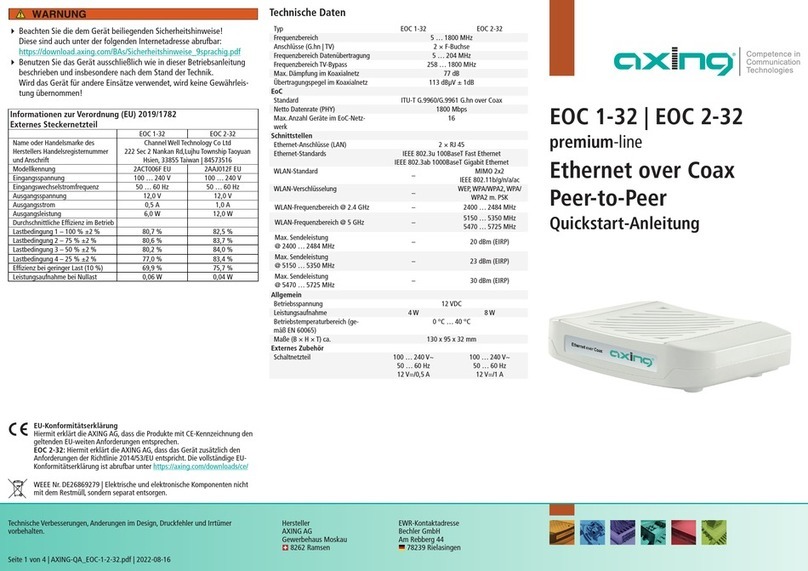
axing
axing EOC 1-32 User manual
axing
axing MIE 8-00N User manual
axing
axing RF MK 400 User manual
axing
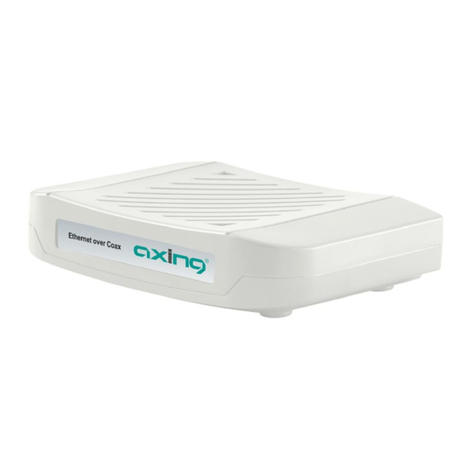
axing EoC 20-01 User manual
axing
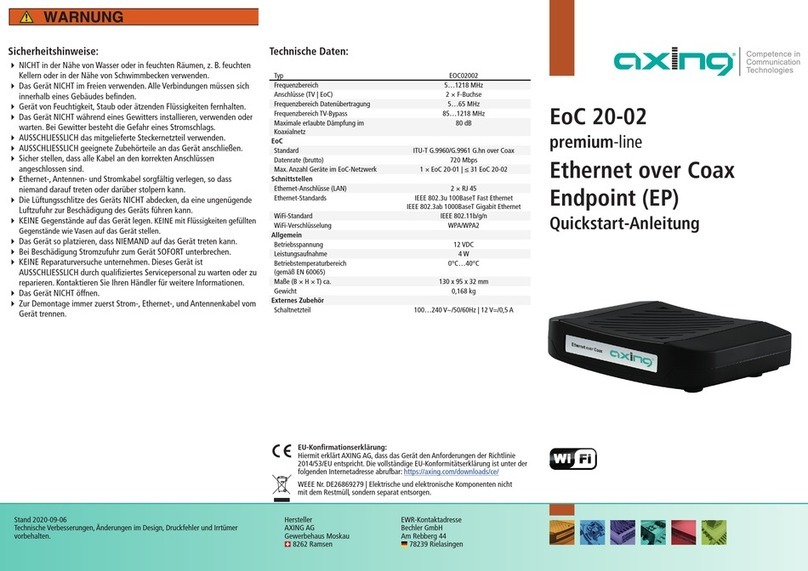
axing EOC 20-02 User manual
axing
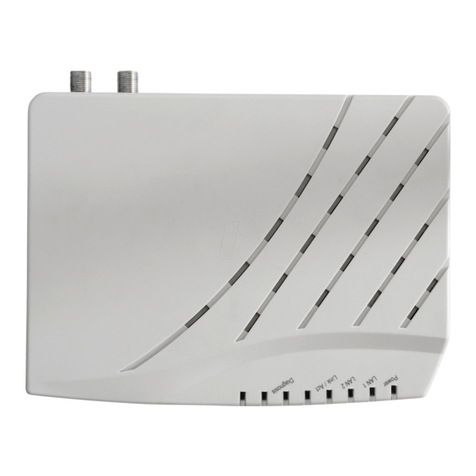
axing EOC 30-01 User manual
axing
axing SMARTPortal User manual
axing
axing EOC 1-31 User manual
axing
axing premium-line CZU 3-00 User manual

axing
axing MIE 8-00 User manual
Popular Network Hardware manuals by other brands

Matrix Switch Corporation
Matrix Switch Corporation MSC-HD161DEL product manual

B&B Electronics
B&B Electronics ZXT9-IO-222R2 product manual

Yudor
Yudor YDS-16 user manual

D-Link
D-Link ShareCenter DNS-320L datasheet

Samsung
Samsung ES1642dc Hardware user manual

Honeywell Home
Honeywell Home LTEM-PV Installation and setup guide











