Axis Camera Station User manual

1
AXIS Camera Station
Quick Installation Guide
© Copyright Axis Communications AB April 2005 | Rev. 3.5 | Part Number 23997

2
Table of Contents
Regulatory Information . . . . . . . . . . . . . . . . . . . . . . . . . . . . . . . . . . 3
AXIS Camera Station - Minimum System Requirements . . . . . . . 4
Overview . . . . . . . . . . . . . . . . . . . . . . . . . . . . . . . . . . . . . . . . . . . . . . 5
Network Configuration . . . . . . . . . . . . . . . . . . . . . . . . . . . . . . . . . . 6
Local Area Network . . . . . . . . . . . . . . . . . . . . . . . . . . . . . . . 6
Over the Internet . . . . . . . . . . . . . . . . . . . . . . . . . . . . . . . . . 6
Install AXIS Camera Station Software . . . . . . . . . . . . . . . . . . . . . . 8
Activate the software with your License Key . . . . . . . . . . . 9
Configure AXIS Camera Station . . . . . . . . . . . . . . . . . . . . . . . . . . 13
AXIS Camera Station User Interface . . . . . . . . . . . . . . . . . . . . . . 16
AXIS Camera Station Control Buttons . . . . . . . . . . . . . . . 18
Pan/Tilt/Zoom and Audio controls . . . . . . . . . . . . . . . . . . . 20
AXIS Camera Station Client software . . . . . . . . . . . . . . . . . . . . . 21
Install AXIS Camera Station client software . . . . . . . . . . 21
AXIS Camera Station Web application . . . . . . . . . . . . . . . . . . . . 23

3
Regulatory Information
About This Document -
This manual is intended for administrators and operators of AXIS Camera
Station and is applicable for software version 1.20.
Later versions of the document will be posted to the Axis Web site, as required. Previous experience of
networking will be of use to the reader when installing and using this product.
Legal Considerations -
Camera surveillance may be prohibited by laws that vary from country to
country. Check the laws in your local region before using AXIS Camera Station for surveillance purposes.
Liability -
Every care has been taken in the preparation of this manual. Please inform your local Axis
office of any inaccuracies or omissions. Axis Communications AB cannot be held responsible for any
technical or typographical errors and reserves the right to make changes to the product and manuals
without prior notice. Axis Communications AB makes no warranty of any kind with regard to the material
contained within this document, including, but not limited to, the implied warranties of merchantability
and fitness for a particular purpose. Axis Communications AB shall not be liable nor responsible for
incidental or consequential damages in connection with the furnishing, performance or use of this material.
Trademark Acknowledgments -
Internet Explorer, Microsoft, Windows, .NET are registered
trademarks.
Axis Support Services -
Should you require any technical assistance, please contact your Axis
reseller. If your questions cannot be answered immediately, your reseller will forward your queries through
the appropriate channels to ensure a rapid response.
If you are connected to the Internet, you can:
• Download user documentation and firmware updates.
• Find answers to common problems in the FAQ database. Search by product, category, or phrases.
• Report problems to Axis support staff by logging in to your private support area.
Visit the Axis Support Web: www.axis.com/techsup

4
AXIS Camera Station - Minimum System Requirements
• Install AXIS Camera Station on a stand-alone computer dedicated to
mainly run this application
•Useastatic IP address on the dedicated computer
• Intel Pentium 4 with 1 GHz processor (2 GHz or higher recommended)
• 512 MB RAM
• Hard disk: 1 GB for installation and 2 GB or higher per camera as image
database (the storage capacity can be calculated using the bandwidth
calculator available at www.axis.com/techsup/cam_servers/bandwidth/)
• NTFS file system
•CD-drive
• XGA (1024 x 768) or higher resolution monitor
• Graphic card with 32 MB or more memory
• Microsoft mouse or compatible pointing device
• 100 Mbit Ethernet
• Microsoft Windows XP Professional SP2, Windows Server 2003 or Windows
2000 with SP4
• Microsoft Internet Explorer Version 6.0 or later
• Internet Information Server (IIS) installed on the C-drive of your server if
you intend to use the web interface

5
Overview
This document will help you install AXIS Camera Station and
configure it for your Axis Network Cameras and Axis Video
Servers. A brief introduction to the functionality of the software is
covered here, see the online Help or the AXIS Camera Station
User’s Manual for a detailed description. The User’s Manual is
available on the CD and on www.axis.com
AXIS Camera Station is a complete monitoring and recording
system for use with Axis Network Cameras and Video Servers.
The application's main window provides quick and easy access to
all connected and configured cameras, to all recordings and to
inputs and outputs used in the system. AXIS Camera Station runs
as a background service in Windows.
Administration
The Administration section of the application allows complete
control and configuration of all aspects of the system. The
Administration section is opened from the File menu in AXIS
Camera Station.
Remote clients
For remote clients you can use “AXIS Camera Station Client
software” described on page 21 or “AXIS Camera Station Web
application” described on page 23.

6
Network Configuration
The AXIS Camera Station can record and playback video feed from
cameras that are connected over a local area network or over the
Internet.
Local Area Network
The cameras can be connected directly to the server running AXIS
Camera Station using an Ethernet network.
Over the Internet
To access AXIS Camera Station from the Internet and get live
images from the cameras you must open a set of IP addresses and
port numbers in your firewall configuration.
There must be a port open for each Axis camera/video server and
one port for AXIS Camera Station.

7
See the User’s Manual for details, available on the CD and on
www.axis.com

8
Install AXIS Camera Station Software
1. Insert the CD in the CD drive. If the installation CD does not
auto-start, click autorun.exe in the CD’s root folder.
2. From the CD’s interface, click Software and then AXIS
Camera Station
3. Click Open to launch the installation.
Note:
4. Next, you will be asked where you wish to install the program.
If nothing is specified the program is normally installed in
C:\Program Files\Axis Communications\AXIS Camera
Station.
Install AXIS Camera Station on the dedicated stand-alone PC from which you
wish to run the main administration of your cameras and video servers.
You may be prompted to install .NET Framework 1.1.Simply follow the
installation Wizard’s instructions and click your way through.
You may be prompted and then automatically redirected to
http://windowsupdate.microsoft.com to locate and install these missing
Windows components:
•Windows 2000 Service Pack 4, located here:
http://www.microsoft.com/windows2000/downloads/servicepacks/
•Windows Internet Explorer 6, located here:
http://www.microsoft.com/windows/ie
Install the missing components, see your Windows documentation for
instructions. When this is done, reboot your computer and then restart the AXIS
Camera Station installation by clicking AXISCameraStationSetup.exe on the
CD.

9
5. Click your way through the Installation Wizard.
6. When you are finished, open AXIS Camera Station from Start
| Program Files or click the program icon on your desktop:
Note:
Activate the software with your License Key
Important!
Registering with a direct Internet connection
1. The first time you start the program you will be asked to
register your license. Click Register.
If running Windows XP, you will need to permit the firewall to accept incoming
requests from AXIS Camera Station Client when prompted.
Before starting AXIS Camera Station, the hard disks where you save images
must be NTFS formatted, which is the default in Windows 2000/XP. See the
User’s Manual for details. The AXIS Camera Station User’s Manual is available
on the CD and on www.axis.com
• The License Key can only be used to install the software on a single com-
puter.
• The License Key is your proof of purchase, keep it in a safe place for future
reference.
When entering licensing information, e.g. the License key and Access code,
remember that they are both case sensitive.

10
2. Fill in the requested information, you will find your License
Key on the inside of the AXIS Camera Station CD casing, to
the left. Click Activate.
3. Your license information will be sent to Axis Communications
and your software will be activated automatically.
4. You can now start using AXIS Camera Station.
Registering without a direct Internet connection
If you do not have Internet access from the computer running
AXIS Camera Station, you can choose the 5-day grace period,
where you will have a complete functional program for 5 days.
During this time, you can use another computer with Internet
access to register the program, see below.
1. Click Grace period.
Enter License Key
(found inside CD casing)
The entered characters
are case-sensitive!
Other manuals for Camera Station
7
Table of contents
Other Axis Software manuals
Axis
Axis Camera Station User manual
Axis
Axis RightFax 8.5 User manual

Axis
Axis ZYIMAGE User manual

Axis
Axis Axis 211 User manual
Axis
Axis CAMERA RECORDER 1.1 User manual
Axis
Axis CAMERA STATION 1.2 User manual
Axis
Axis CAMERA RECORDER 1.1 User manual
Axis
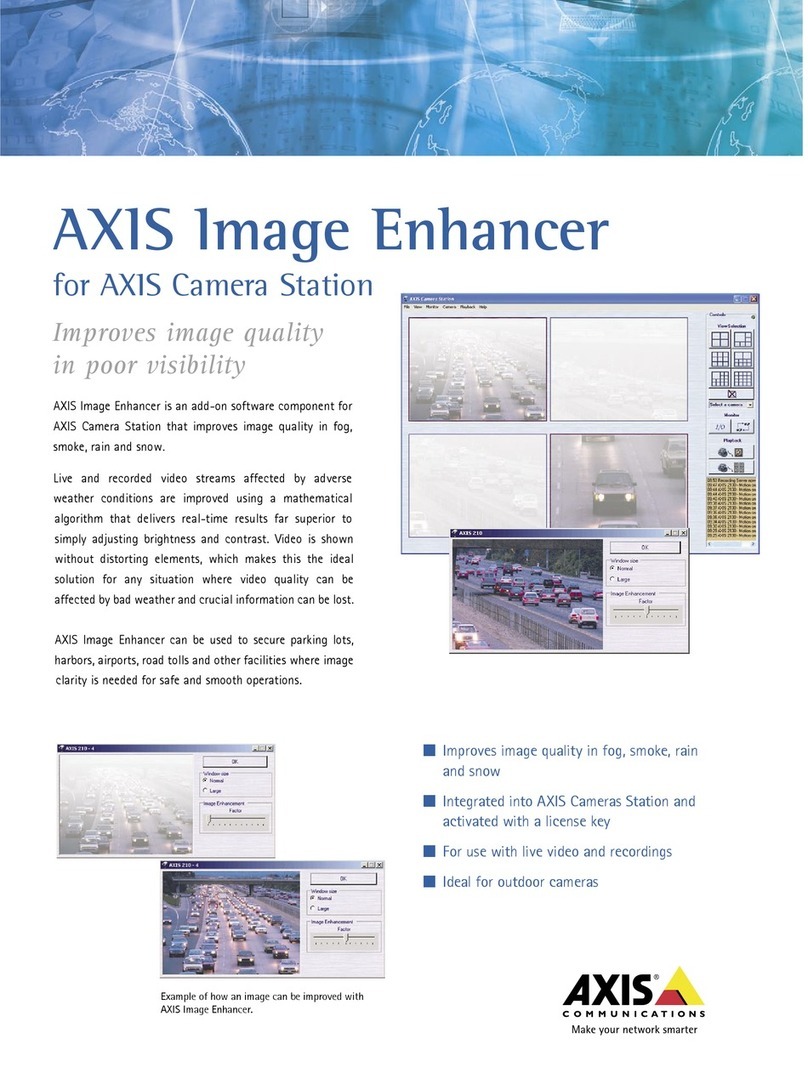
Axis Image Enhancer User manual
Axis
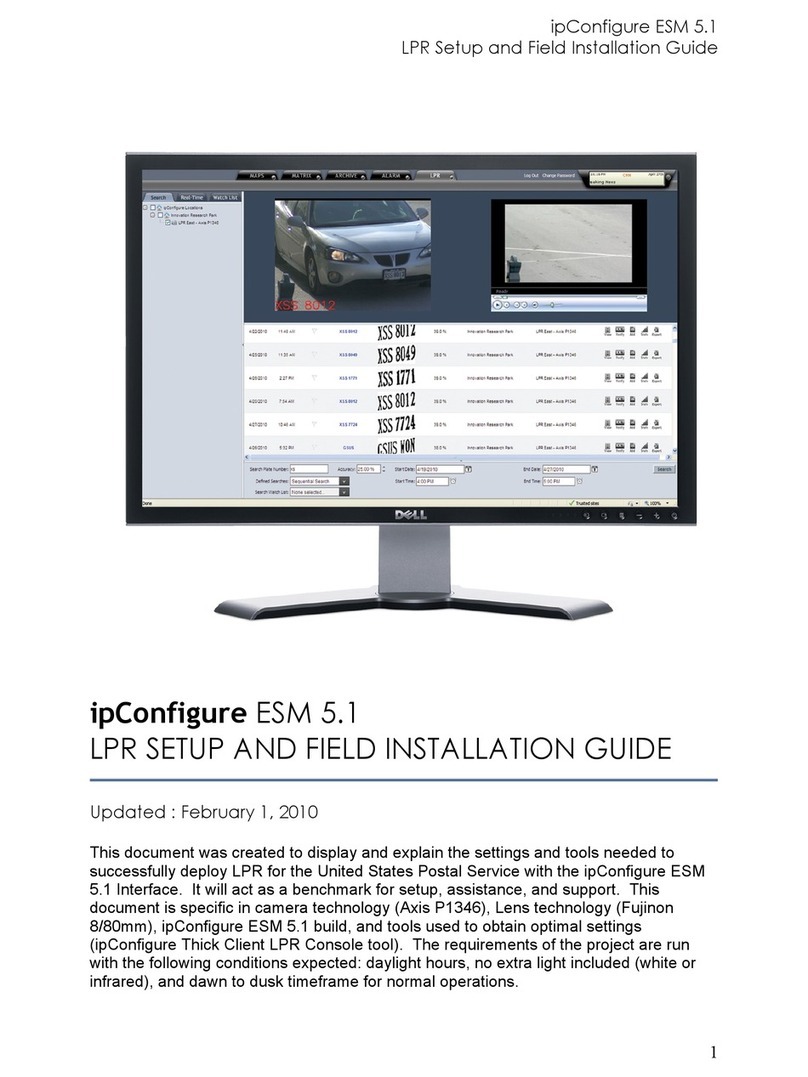
Axis P1346 User manual
Axis
Axis Camera Station User manual