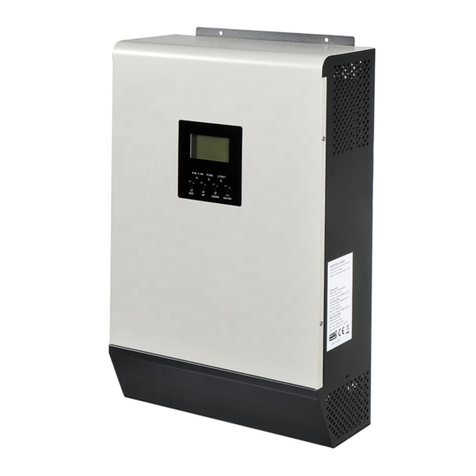
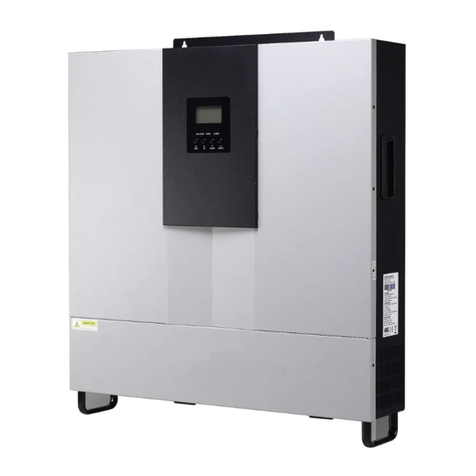
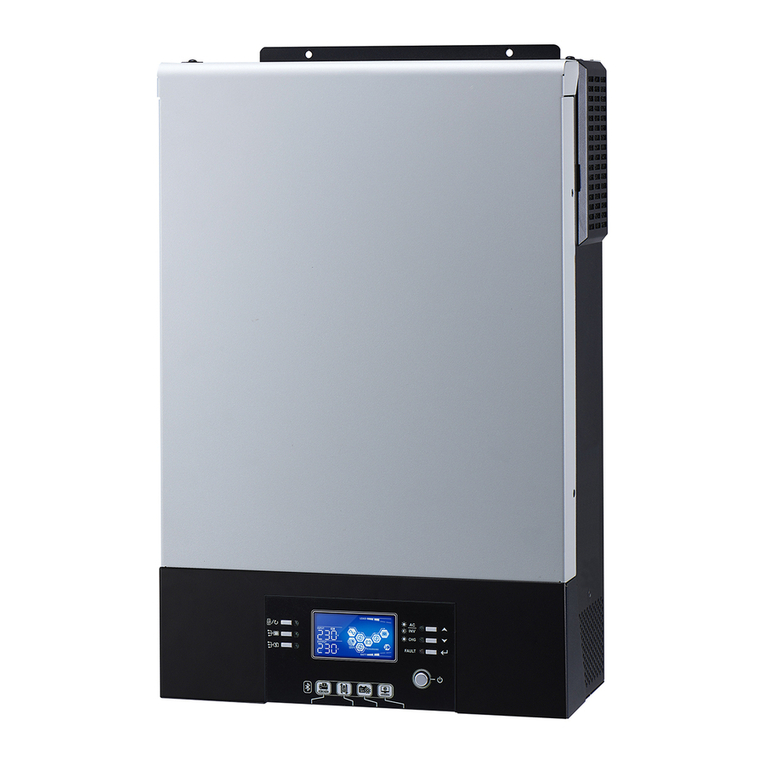
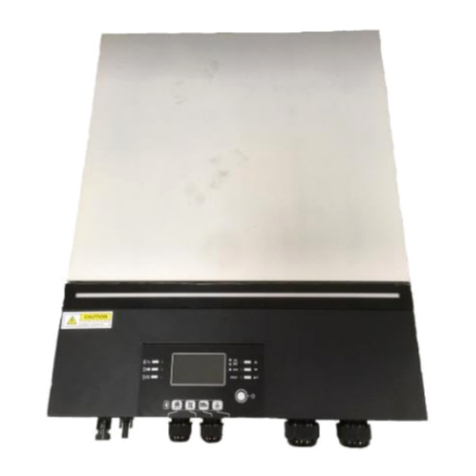
维修手册
专案名称:
Axpert Max 7200-48
专案编号:
P1911061 修订版次:
00 PAGE
V-RDP-004-73 A
check” of part 2.2 to check the inverter, then feedback the checking result to the service
center. It will be very helpful for solving the problem as soon as possible.
2.2 Fault condition
Note:
When open the top cover, please have a look first, are there any obviously damaged
parts?
When take the main board out, please have a look around, are there any obviously
damaged parts?
2.2.1. Not working at all/ No display
Description The inverter couldn’t startup completely.
Possible reason 1. SPS module damaged.
How to check 1. Firstly, please measure the resistor between BAT+ and BAT-. If it is
not shorted, only connect the inverter with battery, and press “ON”
button, could the inverter startup? If not, please check the fan.
2. If the LCD couldn’t light up and fan doesn’t work, please disconnect
all the wires and open the top cover, and then take the main board
outside by following part 4.
3. Check the main board by following “3.5 and 3.6”
How to solve Repair the main or replace it directly.
2.2.2. 09 fault
Description Bus soft start fails.
Possible reason DC-DC module was damaged or BUS soft start module was damaged.
How to check 1. Check the main board by following“3.6; 3.7”;
2. Check the main board by following“3.1; 3.2; 3.3; 3.4”.
How to solve Repair the main board or replace it directly.
2.2.3. Warning
Description Battery couldn’t be detected.
Possible reason Wire connection or fuse was burnt.
How to check 1. Check the wire connection, the priority of the battery cable;
2. Check the main board by following “3.1”.
How to solve Repair the main board or replace it directly.