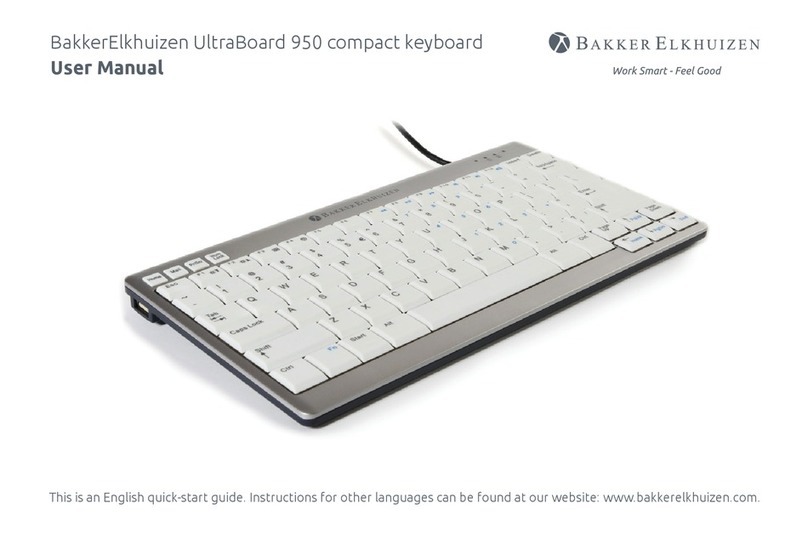
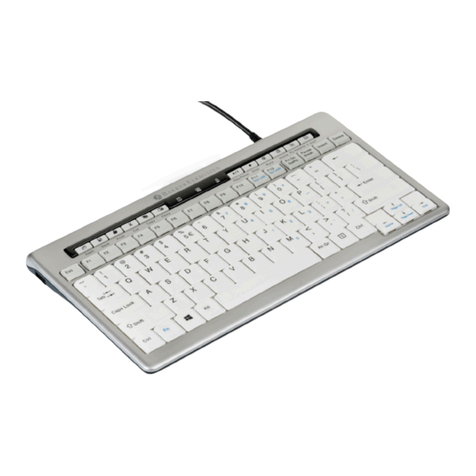
UltraBoard 940 Compact Keyboard
FAQ
1. The Ultraboard Keyboard displays erratic behavior such as a
sudden loss of connection, sleep mode after a short time (i.e. only
a few seconds), no connection possible when trying to pair, etc.
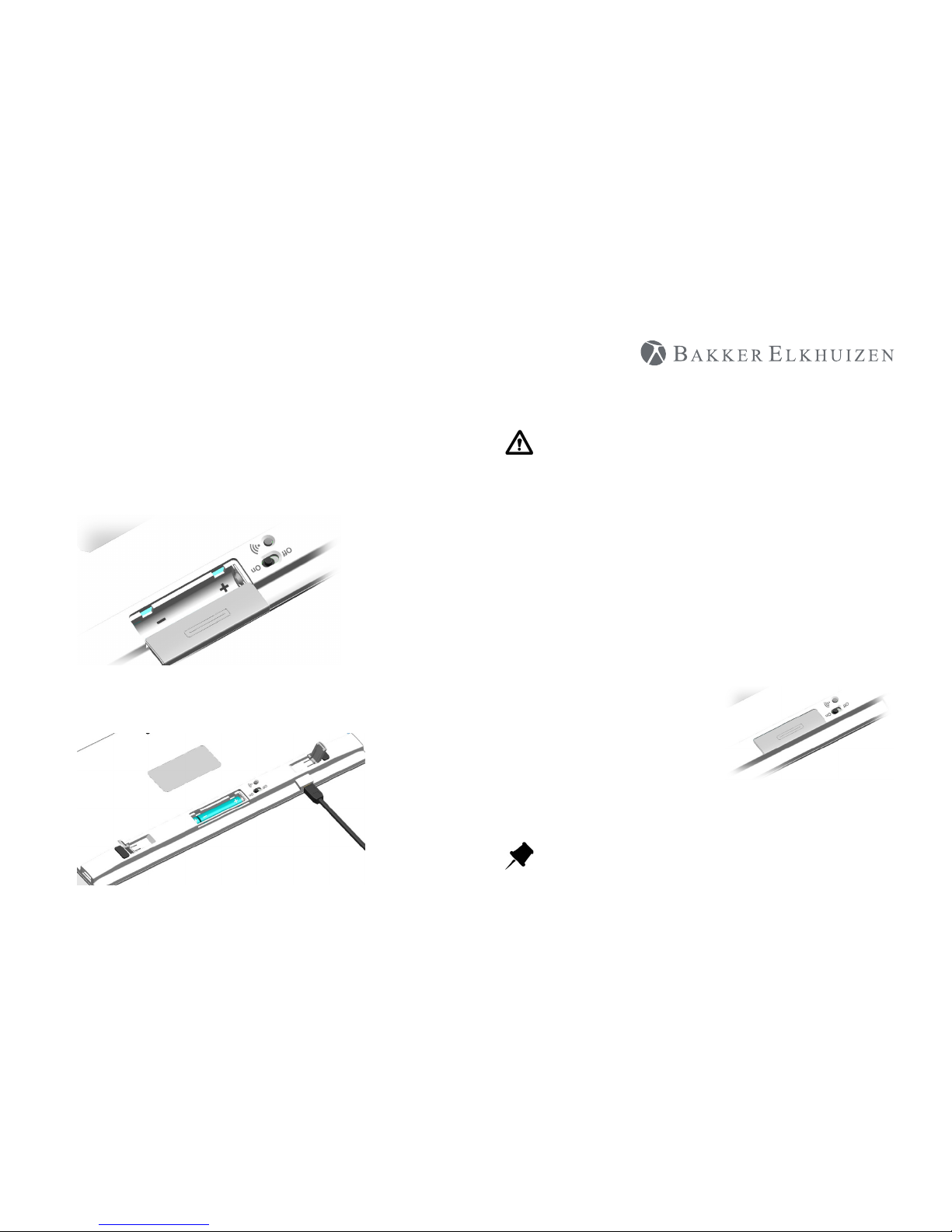
Erratic behavior of the Ultraboard Keyboard can be a result of low
battery power. You should change the batteries.
2. Connection Problem – will no longer connect to the Mac
OS updates (even small updates) can cause damage to the Bluetooth
thread OS that the connection from the Mac to the Ultraboard
Keyboard is no longer possible. Carry out the following steps:
1. Remove all entries in the device list of the Bluetooth Assistant.
2. Turn o the Mac and the Ultraboard Keyboard
3. Restart the Mac and then shut it down again (the Mac should
start up at least once without being connected to the Ultraboard
Keyboard
4. Reconnect the Ultraboard Keyboard.
3. The function of F1 ~F12 keys under Windows™ or Mac has dierent
and sometimes strange functions.
Thanks to cross OS platform support, function keys of Ultraboard
Keyboard in Mac OS can be switched to Windows™ by holding the
Fn key down and pressing “W” Key. In Mac, by holding the Fn key and
pressing the “A” key.
4. Can the Ultraboard Keyboard be connected back and forth from
to various Computer, i.e. Macintosh™ computers, MacBook, PC
(Windows OS)?
Yes, the Ultraboard Keyboard can be connected to 5 Bluetooth
enabled hosts for example, with PC, Macintosh™ computer, iPod,
iPhone, etc. Please refer to the pairing procedure. When switching to
another Macintosh™, hold the Fn key and press pre-registered host
number (1 ~ 5 keys).
5. Can the battery power status be read in the Apple™ System
Preferences like the Apple™ wireless keyboard?
No, there is no reading for the current battery power status. Once
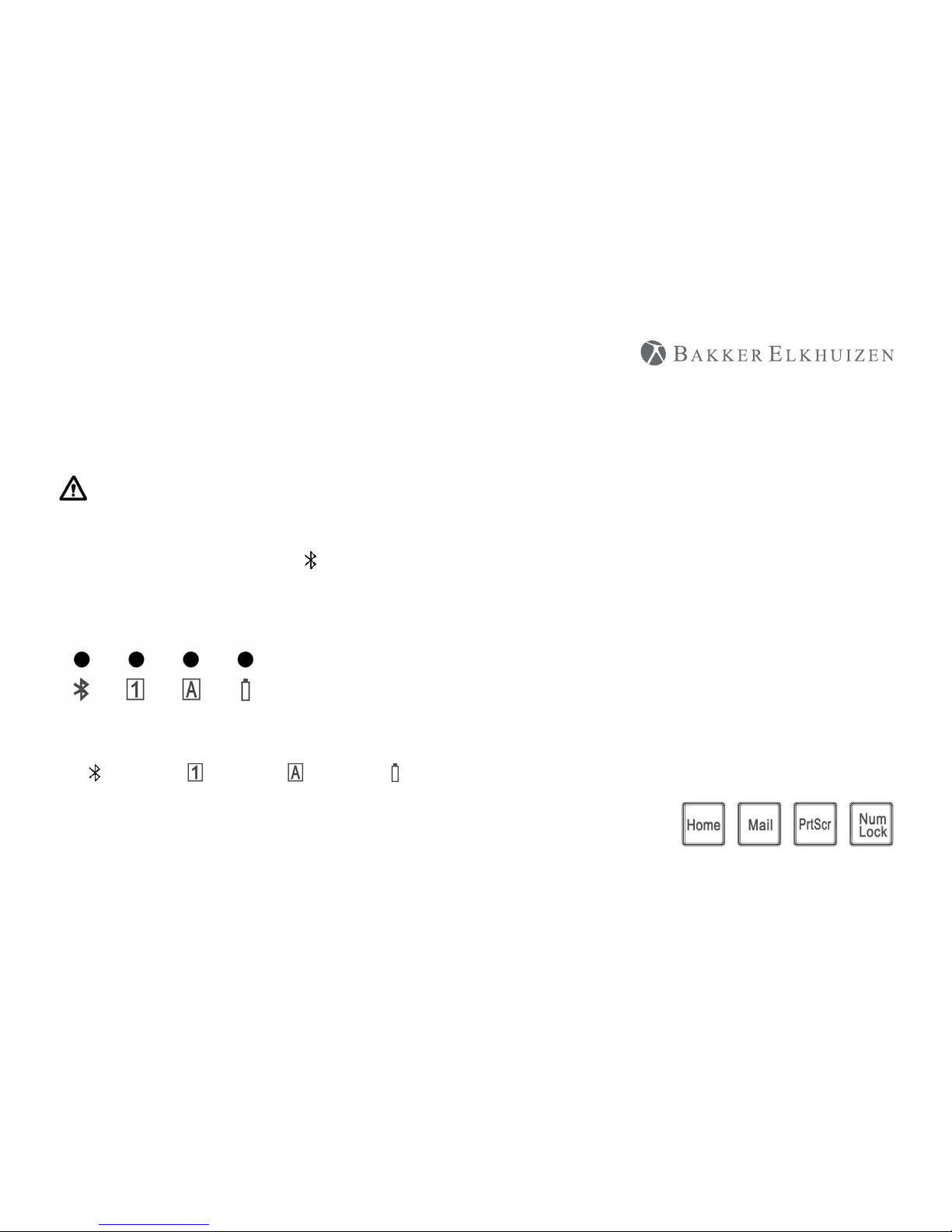
the battery power is low, the LED will ash green very slowly or the
Ultraboard Keyboard will display erratic behavior such as continually
losing its connection, or having diculty with pairing, etc.
6. During the process of pairing the Ultraboard Keyboard with
the Macintosh™, there is a window displayed called “Keyboard
identication”. Should I press the key next to the shift key?
The message can be ignored. Simply press the red button in the upper
left corner to close the window. Your Macintosh™ will recognize the
Ultraboard Keyboard.
7. How can I x the reversed symbol position for example, @ and < in
France or ^ and < in German and etc.?
Hold the Fn key and @ key or ^ key at the same time. The position of
the 2 symbols will be reversed.