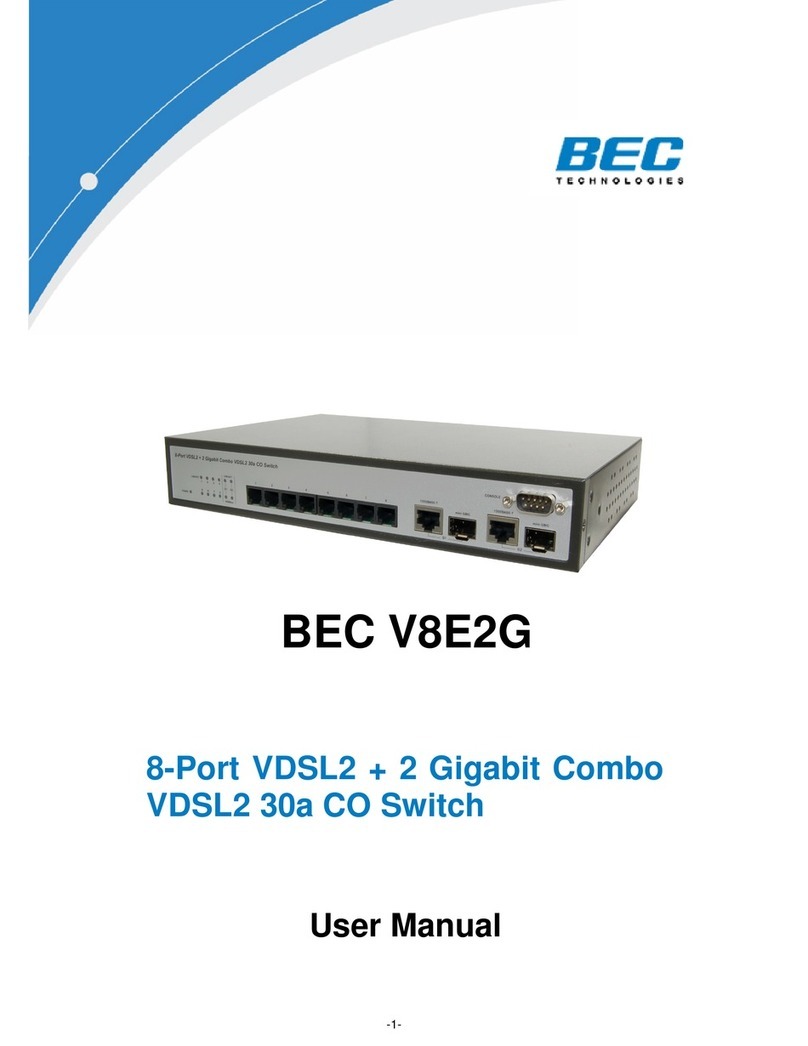
BEC ES08 User manual

- 1 -
BEC ES08
8 ports Green Ethernet Desktop Switch
User Manual

- 2 -
The device is a powerful, high-performance Fast Ethernet switch, with all ports capable of 10 or
100Mbps auto-negotiation operation (N ay), which means the switch could automatically
negotiate with the connected partners on the network speed and duplex mode. It is ideal for micro-
segmenting large networks into smaller, connected subnets for improved performance, enabling
the bandwidth demanding multimedia and imaging applications. Compared to the shared 10Mbps
or 100Mbps networks, the switch delivers a dedicated 10/100Mbps connection to every attached
client with no bandwidth congestion issue. This switch also supports auto MDI / MDI-X function.
Each port could be used to connect to another switch or hub with no crossover RJ-45 cable.
Store-and-forward switching mode promises the low latency plus eliminates all the network errors,
including runt and CRC error packets. To work under full-duplex mode, transmission and reception
of the frames can occur simultaneously without causing collisions as well as double the network
bandwidth.
The switch is plug-n-play without any software to configure and also fully compliant with all kinds of
network protocols. Moreover, the rich diagnostic LEDs on the front-panel can provide the operating
status of individual port and whole system.
Before you start to install the switch, check the following contents in this package:
One N ay switch
One external power adapter
User’s manual

- 3 -
Please refer to the following table for LED definition
LED Status Operation
Steady Green Power is onPower
Off Power is off
Steady Green The port is connected
Blinking Green The port is transmitting/receiving data.
Link/Act
Off No connection
Rear Panel

- 4 -
Connect each station to the switch by twisted-pair cable. Plug one RJ-45 connector into a RJ-45
port of the switch, and plug the other RJ-45 connector into the station’s network adapter. Power on
the switch and then system is ready.
For cable selection, refer to the following table.
In making a switch interconnection, you could use any port to connect another switch with straight
or crossover cable. As all the ports support auto MDI / MDI-X function, using a straight cable to
make a switch-to-switch connection is allowed.
For cable selection, refer to the following table:
Network Speed Cable Type Max. Length
10Mbps Cat. 3, 4, 5 UTP/STP 100 meters
100Mbps Cat. 5 UTP/STP 100 meters

- 5 -
Standard IEEE 802.3 10BASE-T
IEEE 802.3u 100BASE-TX
IEEE 802.3x full duplex operation and flow control
Interface 8* 10/100Mbps RJ-45 Fast Ethernet Ports
Uplink Auto MDI/MDI-X(Auto crossover)
Network Speed 10/100Mbps & Full/Half duplex mode auto detection
MAC Address Table 1K MAC address entries
Memory 768 K bits
Power Supply External Power adapter
5VDC 0.6A
EMI CE, FCC and VCCI class B
FCC Certi ications
This Equipment has been tested and found to comply with the limits for a Class B digital device,
pursuant to part 15 of the FCC Rules. These limits are designed to provide reasonable protection
against harmful interference when the equipment is operated in a commercial environment. This
equipment generates, uses, and can radiate radio frequency energy and, if not installed and used
in accordance with the instruction manual, may cause harmful interference to radio

- 6 -
communications.
Operation of this equipment in a residential area is likely to cause harmful interference in which
case the user will be required to correct the interference at his own expense.
This device complies with Part 15 of the FCC Rules. Operation is subject to the following two
conditions: (1) this device may not cause harmful interference, and (2) this device must accept any
interference received; including interference that may cause undesired operation.
CE Mark Warning
This equipment complies with the requirements relating to electromagnetic compatibility, EN 55022
class B for ITE, the essential protection requirement of Council Directive 89/336/EEC on the
approximation of the laws of the Member States relating to electromagnetic compatibility.
Company has an on-going policy of upgrading its products and it may be possible that information
in this document is not up-to-date. Please check with your local distributors for the latest
information. No part of this document can be copied or reproduced in any form without written
consent from the company.
Trademarks:
All trade names and trademarks are the properties of their respective companies.
Copyright © 2009, All Rights Reserved.

- 7 -
Product Support and Contact Information
If you cannot resolve the problem please contact the dealer where you
purchased this product.
Contact BEC
WORLDWIDE
http://www.bectechnologies.com
Table of contents
Other BEC Switch manuals