manuals.online logo
Brands
  1. Home
  2. •
  3. Brands
  4. •
  5. Belden
  6. •
  7. Crimping Tools
  8. •
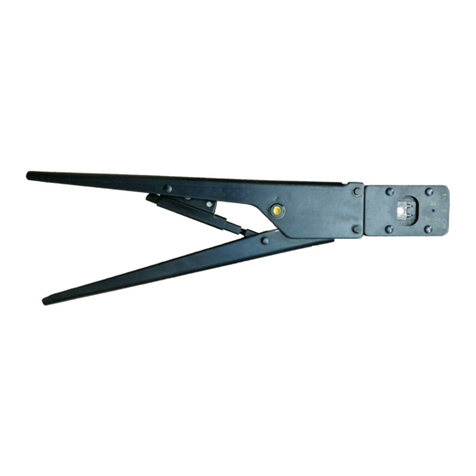
  9. Belden lumbergautomation AWG 28-26 User manual

Belden lumbergautomation AWG 28-26 User manual

This manual suits for next models

3

Popular Crimping Tools manuals by other brands

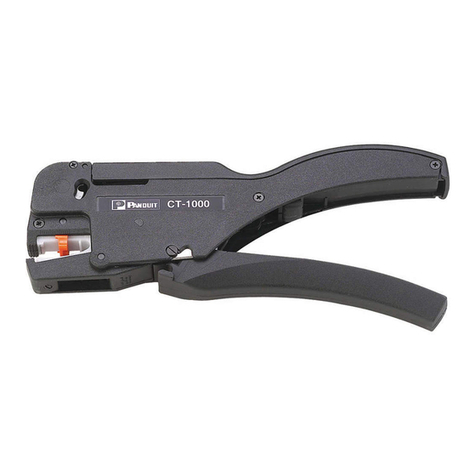
Panduit CT-1000 Operation & instruction manual

Panduit

Panduit CT-1000 Operation & instruction manual

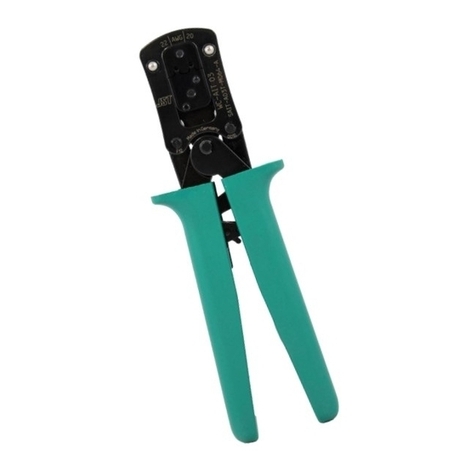
JST CS 10 instruction manual

JST

JST CS 10 instruction manual

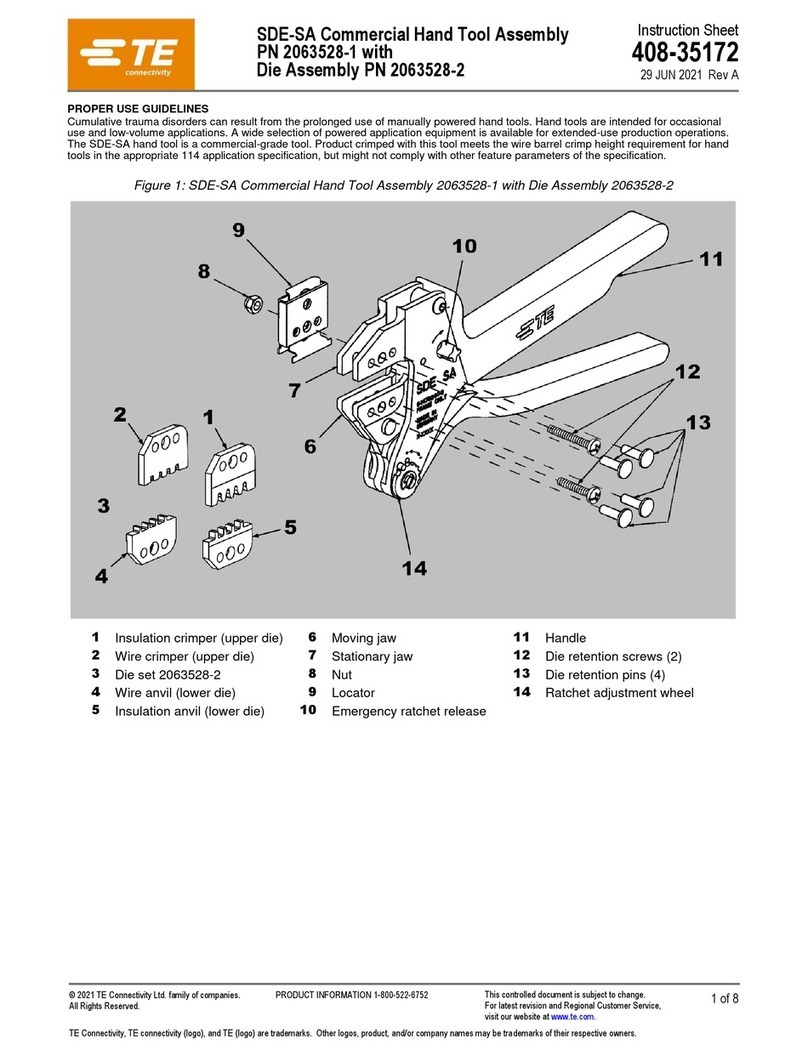
TE Connectivity 2063528-1 instruction sheet

TE Connectivity

TE Connectivity 2063528-1 instruction sheet

molex 63825-3000 Specification sheet

molex

molex 63825-3000 Specification sheet

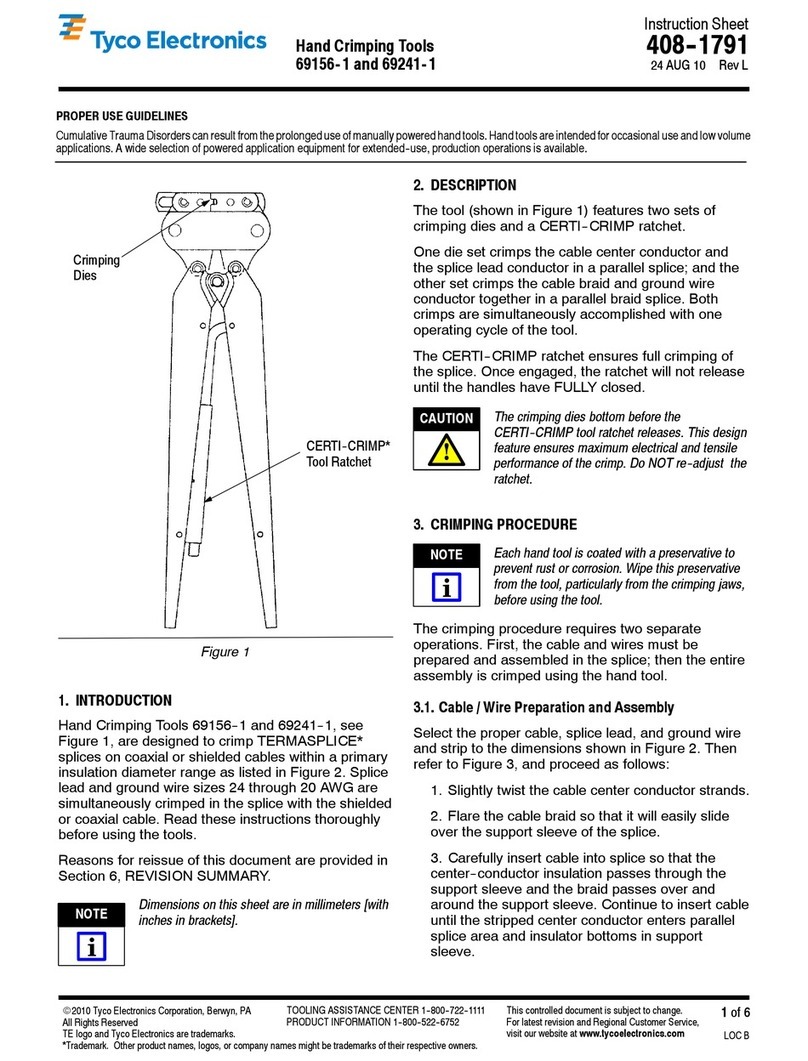
Tyco Electronics 69156-1 instruction sheet

Tyco Electronics

Tyco Electronics 69156-1 instruction sheet

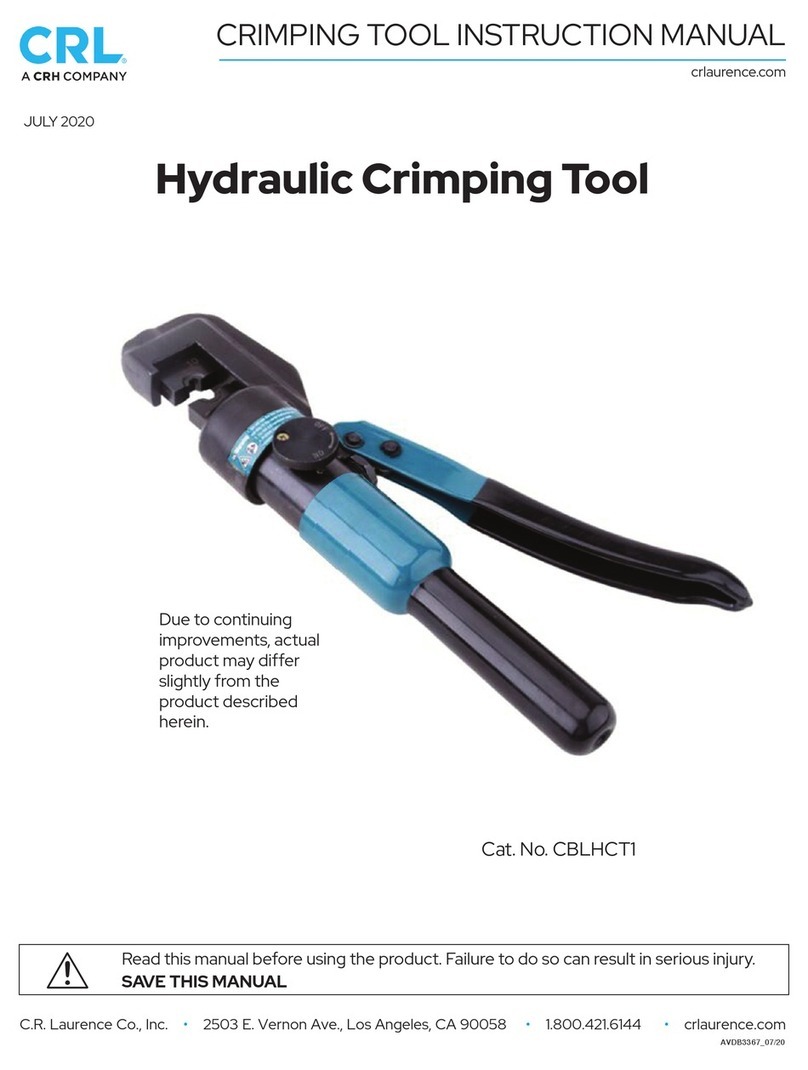
CRH CRL CBLHCT1 instruction manual

CRH

CRH CRL CBLHCT1 instruction manual

Emerson Klauke ES 105CFM manual

Emerson

Emerson Klauke ES 105CFM manual

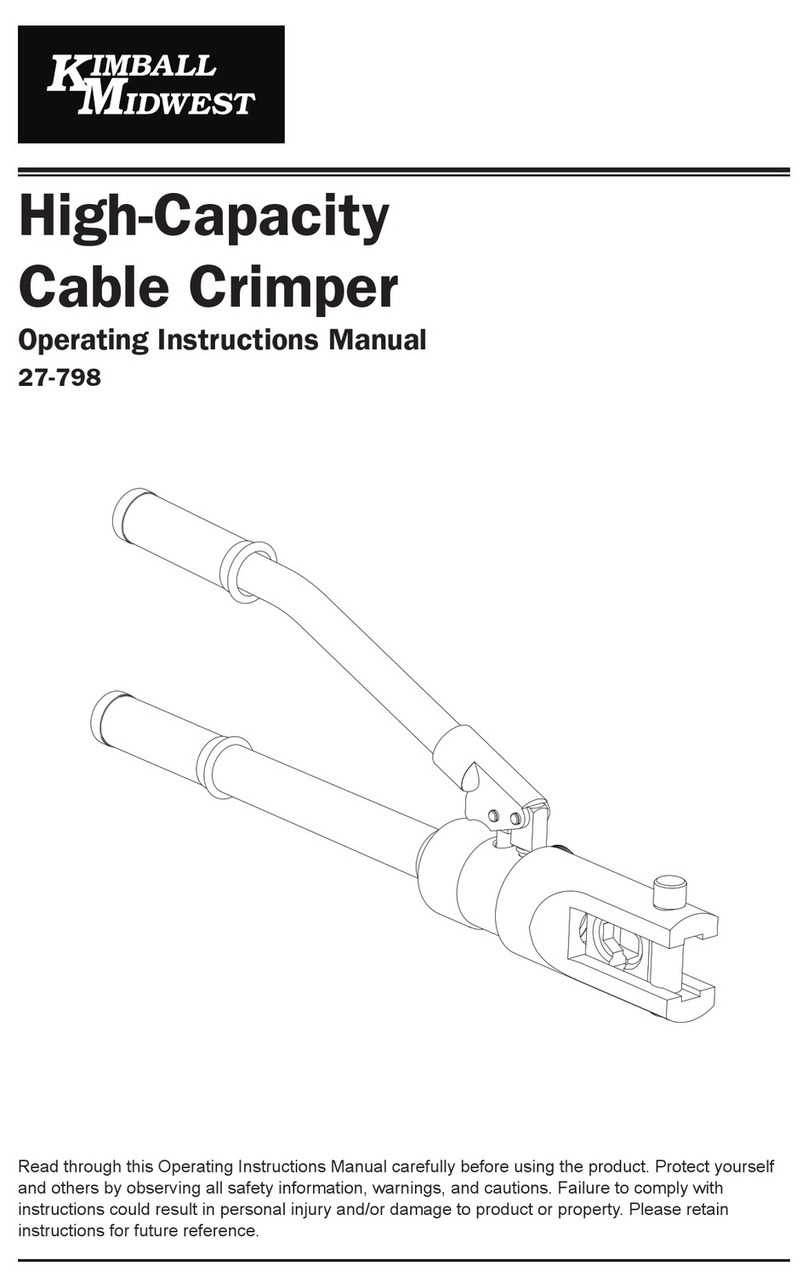
KIMBALL MIDWEST 27-798 Operating instructions manual

KIMBALL MIDWEST

KIMBALL MIDWEST 27-798 Operating instructions manual

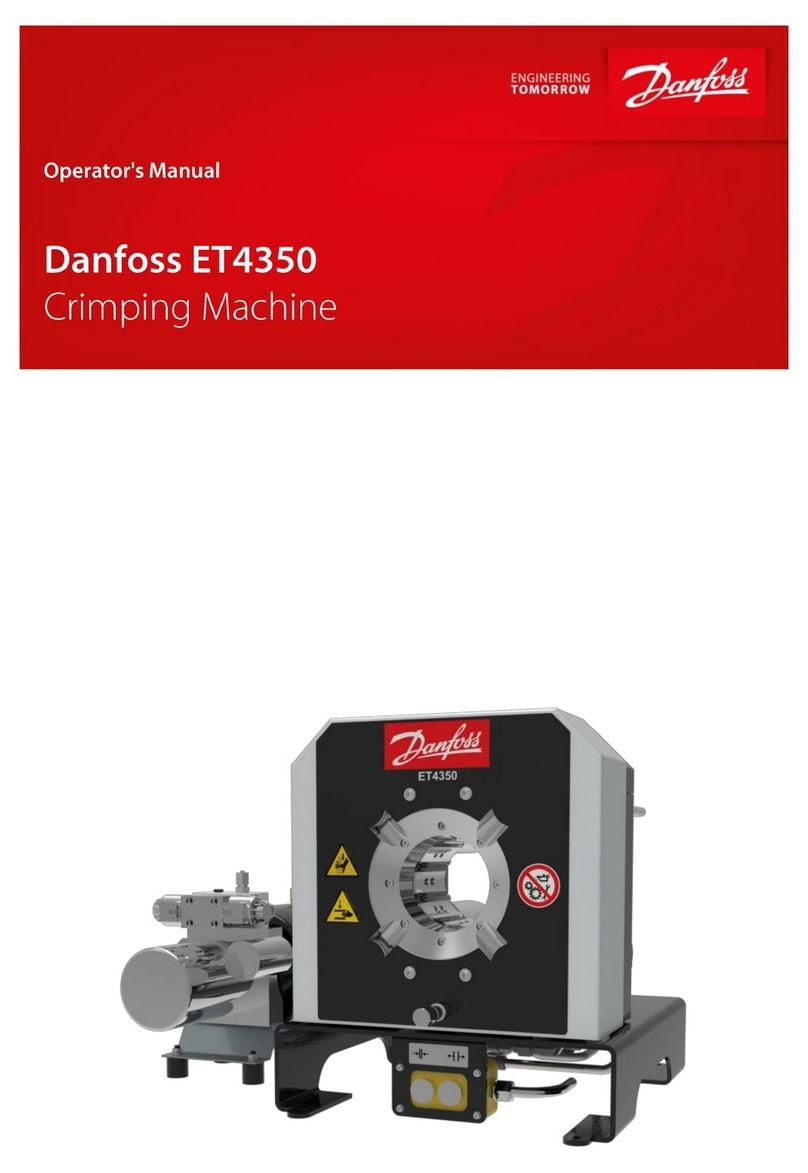
Danfoss ET4350 Operator's manual

Danfoss

Danfoss ET4350 Operator's manual

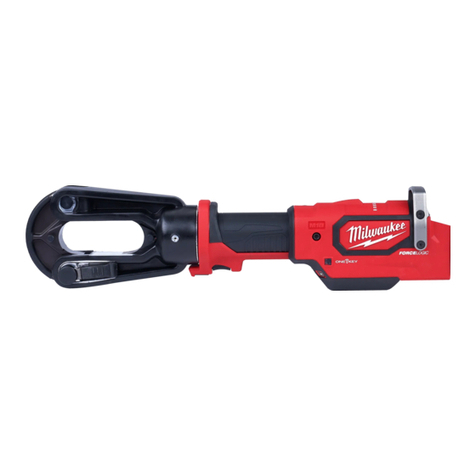
Milwaukee M18 Operator's manual

Milwaukee

Milwaukee M18 Operator's manual

HOGERT HT1P169 user manual

HOGERT

HOGERT HT1P169 user manual

Textron ESG105L instruction manual

Textron

Textron ESG105L instruction manual

Tyco Electronics 90035-3 instruction sheet

Tyco Electronics

Tyco Electronics 90035-3 instruction sheet

Emerson Klauke ES 20RMCCFB manual

Emerson

Emerson Klauke ES 20RMCCFB manual

Continental Refrigerator PC150HD quick start guide

Continental Refrigerator

Continental Refrigerator PC150HD quick start guide

TE Connectivity ERGOCRIMP 1-1579001-3 instruction sheet

TE Connectivity

TE Connectivity ERGOCRIMP 1-1579001-3 instruction sheet

Tyco Electronics CERTI-CRIMP 90418-1 instruction sheet

Tyco Electronics

Tyco Electronics CERTI-CRIMP 90418-1 instruction sheet

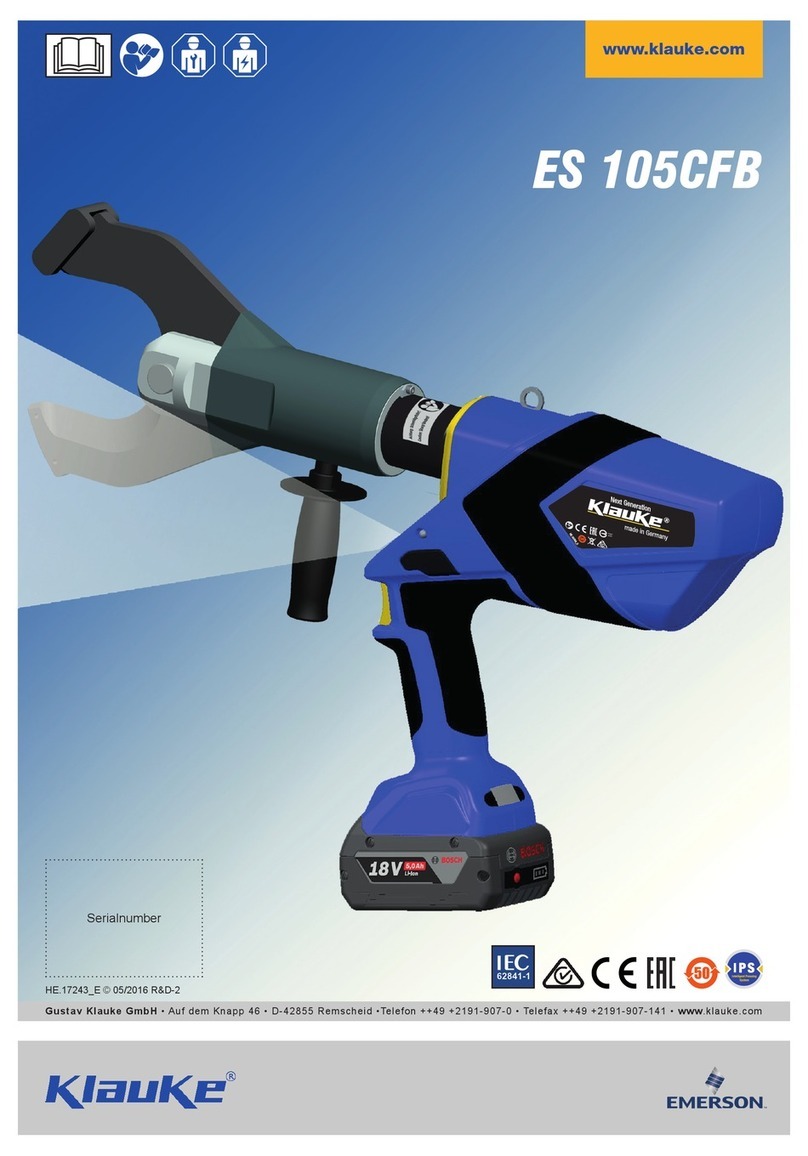
Emerson Klauke ES 105CFB manual

Emerson

Emerson Klauke ES 105CFB manual

manuals.online logo
manuals.online logoBrands
  • About & Mission
  • Contact us
  • Privacy Policy
  • Terms and Conditions

Copyright 2025 Manuals.Online. All Rights Reserved.

Belden Deutschland GmbH - V1.0 – 22-08 - Subject to errors and changes
Operation Manual
Crimp-Tool:
932507006
XZC0706
AWG 28-26
932507007
XZC0707
AWG 24-22
Crimp contacts:
935079001
RSCB 050/2 PdNi Au
AWG 28-26
935079002
RSCB 050/1 PdNi Au
AWG 24-22
Scope of Application
The crimping tools were used to process crimp contacts with the
article number 935079001 and 935079002, which are supplied on
carrier strips with approx. 500 contacts per roll (2). Roll holder (1),
feed unit (9) and two crimp profiles ensure good handling with the
best crimp result. The crimp profile crimps the conductor and the
insulation crimp area of the contact in one operation.
During the crimping process, the contact is also separated from the
strip so that it can be removed with the conductor.
1 = roll holder 2 = Contact role
3 = knurled nut 4 = Arrow
5 = guide plate 6 = Contact strips
7 = Contact feeder 8 = buckling sheet
9 = knurled nut 10 = release lever
11 = pressure lock
Feed Unit
With the help of the feed unit, the contact strip is positioned in the
tool and processed as follows:
1. Mount the contact roller (2) on the roller holder (1) with the
knurled nut (3). Contact tips point towards the reel seat!
2. Close the tool until the positive lock permits opening.
3. Insert the contact strip (6) in the direction of the arrow (4)
between the feed unit and the holding plate so that it is
completely guided between the conductor and insulation crimp
up to the end of the holding plate (5).
4. Feed with contact transport (7).
Adjusting the feed unit
1. Loosen the knurled nut (9).
2. Move the feed unit to the right or left to the stop.
3. Tighten the knurled nut (9) again!
4. Check whether the contact is centered in the respective crimp
profile.
Replace the contact strip
Unlock and hold the feed unit with the release lever (10) in the
"release" direction.
•Pull out the contact strip against the feed to the roller (2)
•Remove the contact roller
,
Unlock prematurely
The hand tool can only be operated after it has been fully closed.
Every crimping process must be completed before the tool
opens again. This ensures a consistently good crimp quality.
However, early unlocking of the tool is possible:
•Lightly press the handles of the tool together.
•Release the forced lock (11) on the back of the tool by turning
to the left.
•Tool handles can be opened.
Quality Features
Crimp-height*
Extraction force
AWG 28
0,80 mm ±0,05mm
>11 N
AWG 26
0,80 mm ±0,05mm
>15 N
AWG 24
0,92 mm ±0,05mm
>30 N
AWG 22
0,92 mm ±0,05mm
>40 N
Stripping length of the strand:3,0 mm+0,5 mm
English
T1 Hand Crimping Tool
AWG 28-26
Part
-Nr.:
932507006
Part Description:
XZC0706
AWG 24-22
Part-Nr.:
932507007
Part Description:
XZC0707
Belden Deutschland GmbH - V1.0 – 22-08 - Subject to errors and changes
Crimping
Step 1
Open crimping tool.
Step 2
Make sure that the contact is at the center of the crimp profile
after being pushed forward.
Step 3
Bring the crimping tool into the locked position (1-2 clicks).
Step 4
Push the stripped conductor into the contact.
Step 5
Close the hand tool completely until the safety ratchet enables the
tool to be opened.
Step 6
Remove crimped contact.
Care and Maintenance
Possibly, remove existing material and dirt residues, clean crimp
zone. Check the tool for correct closing of the profiles, clean
moving parts and lightly oil it (machine oil SAE 20).
Clean after 75 crimping.
Crimp check after 1,500 crimping.
Maintenance after 7,000 crimping or 3 years.
•Use only for crimping!
•Only Belden crimp contacts can be processed with the tool!
•Protect the tool from dust and moisture!
If damage is found, only have the repair carried out by authorized
specialist personnel!
* Specification for measuring the crimp dimensions:
English
T1 Hand Crimping Tool
AWG 28-26
Part
-Nr.:
932507006
Part Description
:
XZC0706
AWG 24-22
Part-Nr.:
932507007
Part Description:
XZC0707