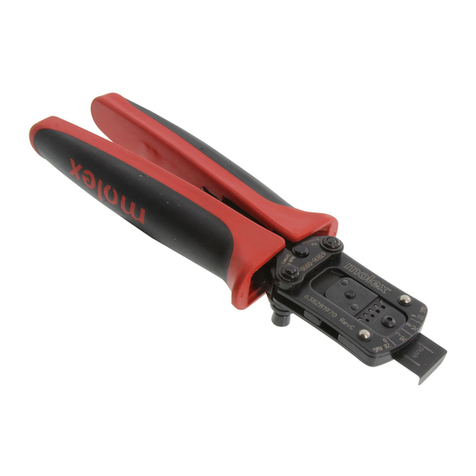
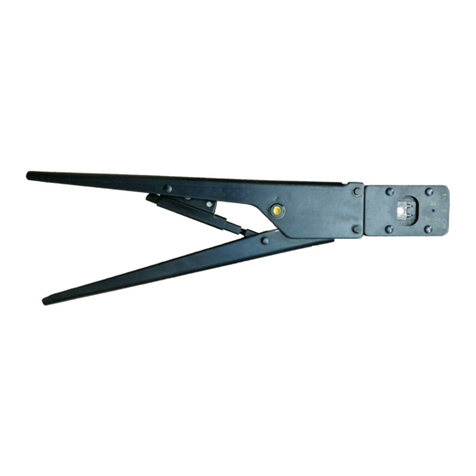
Hand Crimp Tool For IllumiMate™ Crimp Terminal
Doc No: ATS-6382 3000 Release Date: 0 -07-12 UNCONTROLLED COPY Page of 7
Revision: A Revision Date: 0 -07-12
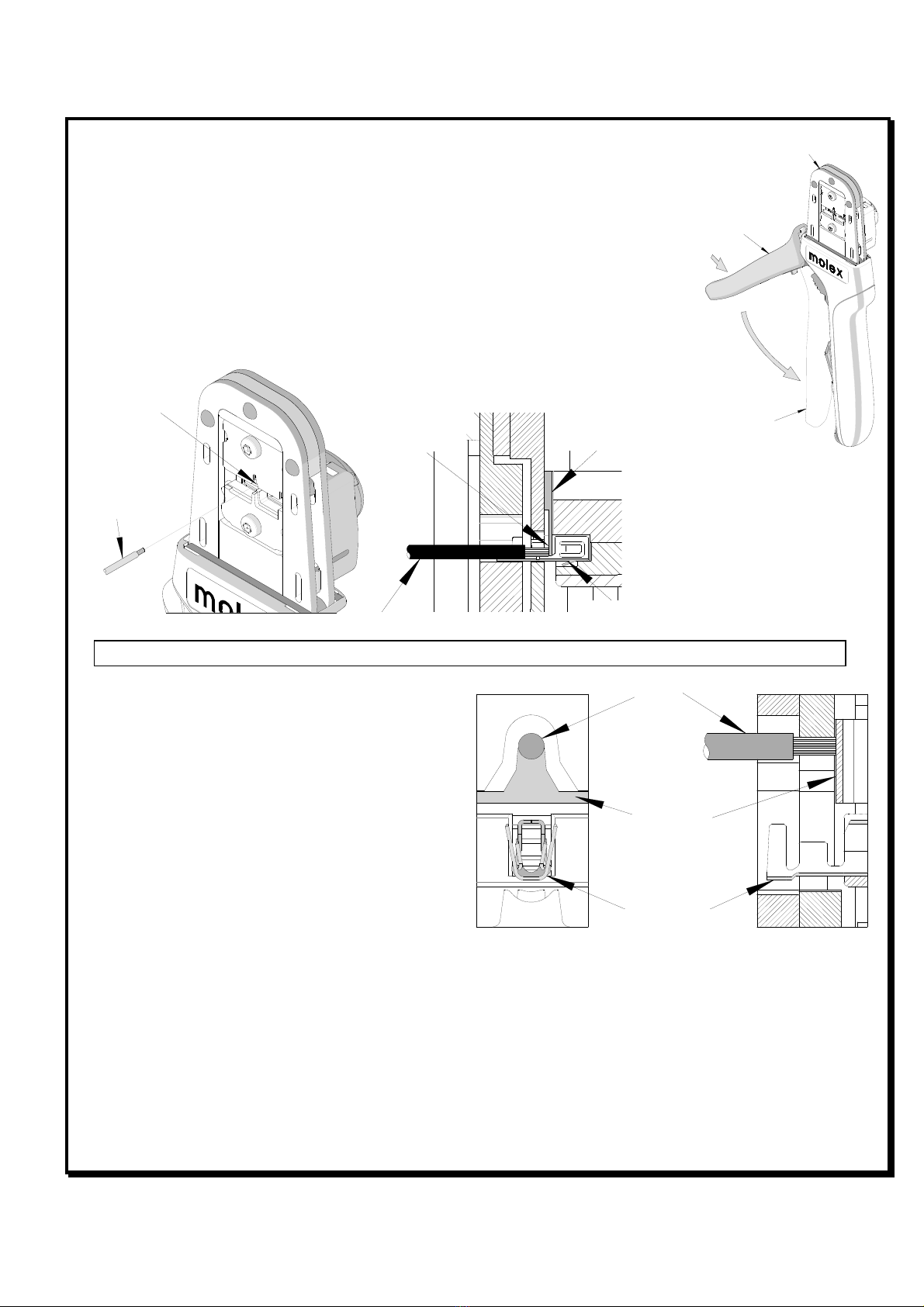
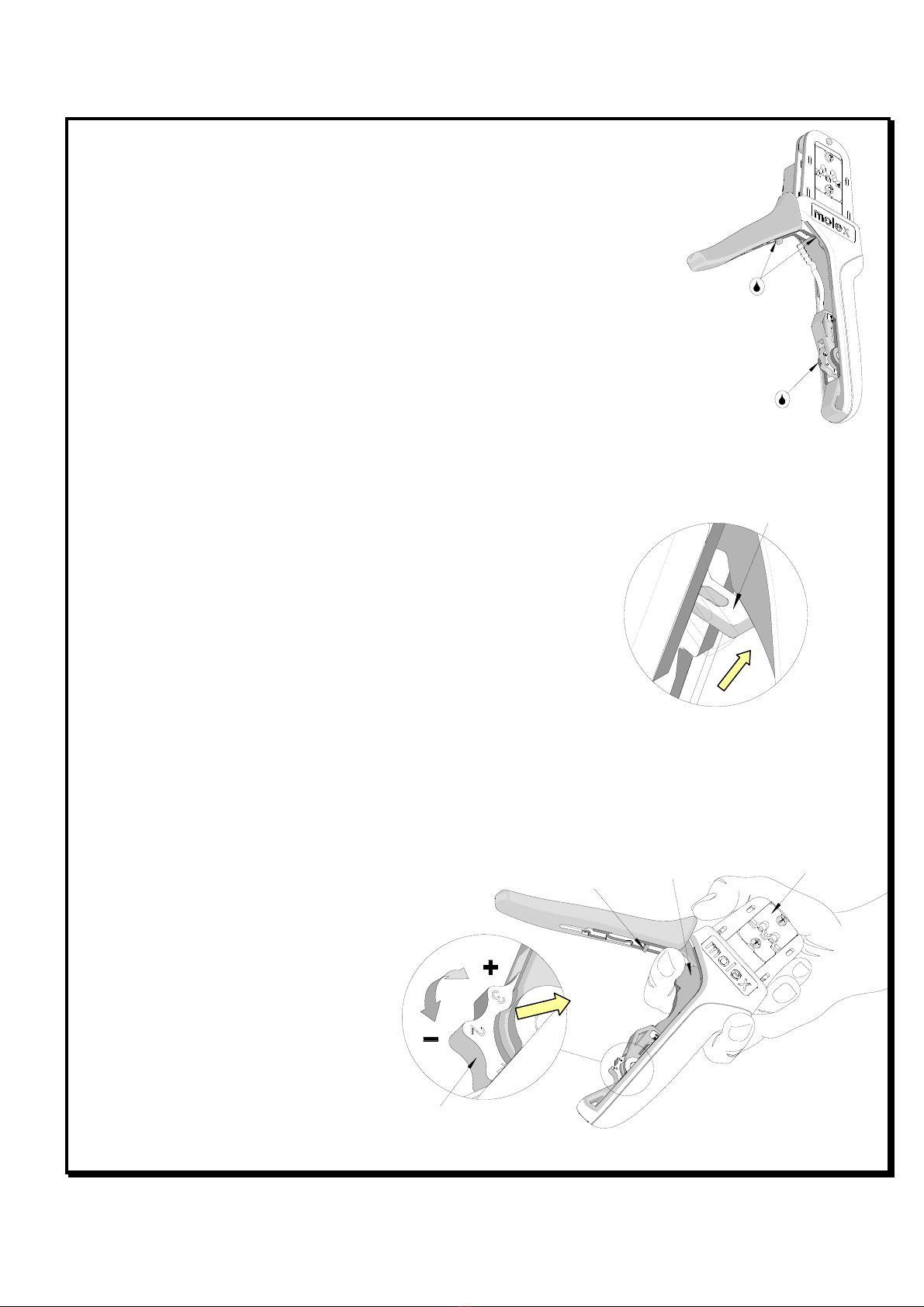
Fi ure 12
SQUEEZE
THE LINK IN
THE HANDLE
HOLD THE HAND
TOOL IN POSITION
SETTING
WHEEL
RATCHET
RELEASE LEVER
1. Remove dust, moisture, and other contaminants with a clean brush, or
soft, lint free cloth.
2. Do not use any abrasive materials that could damage the tool.
3. Make certain all pins; pivot points and bearing surfaces are protected
with a thin coat of high quality machine oil. Do not oil excessively. The
tool was engineered for durability but like any other equipment it needs
cleaning and lubrication for a maximum service life of trouble free
crimping. Light oil (such as 30 weight automotive oil) used at the oil
points, every ,000 crimps or 3 months, will significantly enhance the tool
life.
4. Wipe excess oil from hand tool, particularly from crimping area. Oil
transferred from the crimping area onto certain terminations may affect
the electrical characteristics of an application.
. When tool is not in use, keep the handles closed to prevent objects from
becoming lodged in the crimping dies, and store the tool in a clean, dry area.
Miscrimps or Jams
Should this tool ever become stuck or jammed in a partially closed position,
Do Not force the handles open or closed. The tool will open easily by
pressing up on the ratchet release lever in the movable handle. See Figure
11.
How to Adjust Tool Preload (See Fi ure 12)
This hand tool is factory preset to 2 -4 LBS. preload. It may be necessary
over the life of the tool to adjust tool handle preload force. Listed below are
the steps required to adjust the crimping force of the hand tool to obtain
proper crimp conditions:
1. Hold the hand tool in the palm of your hand as shown in Figure 10. Using the index finger squeeze the link
towards the top of the hand tool frame. This will release the preload adjustment wheel.
2. Rotate the setting wheel counter-
clockwise (CCW) to increase handle
force. The numbers will display
higher. To decrease handle force
rotate the setting wheel clockwise
(CW).
3. Release the link to lock the setting
wheel in place.
4. Check the crimp specifications or
conduct a pull test after tool handle
preload force is adjusted.
LUBRICATION POINTS
(BOTH SIDES) LIGHT OIL
(EVERY 3 MONTHS OR
5,000 CRIMPS)
Fi ure 10
RATCHET RELEASE
LEVER
Fi ure 11