Table of contents
10
Binatone Helpline: 0845 345 9677 (UK), 1300 768 112 (Australia), +91 7503011385 (India), +491805938802 (Europe)
1 WELCOME........................................................................................ 3
2 IMPORTANT ..................................................................................... 3
3 WHAT'S IN THE BOX?..................................................................... 4
4 OVERVIEW OF THE PRODUCT ...................................................... 5
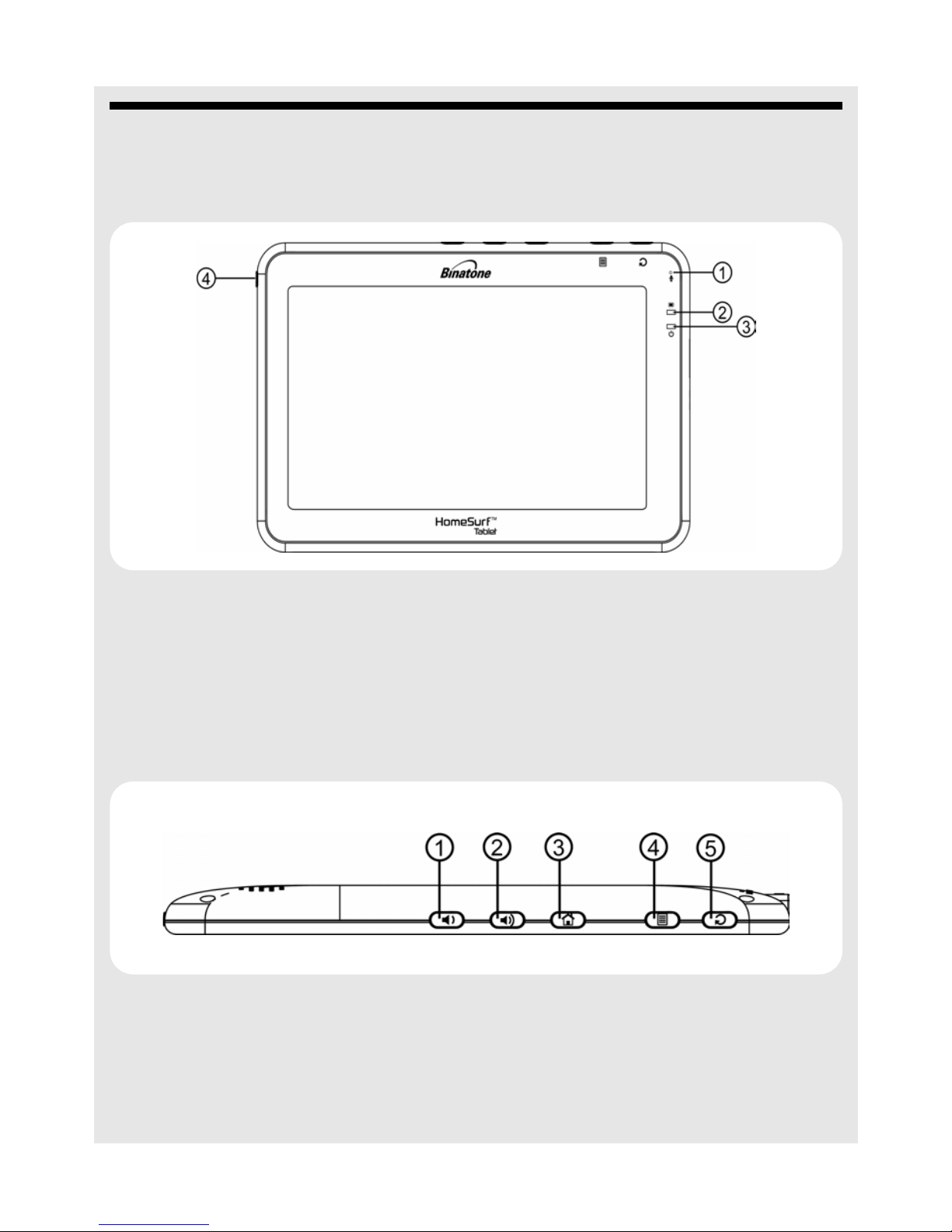
4.1 Front ..................................................................................................5
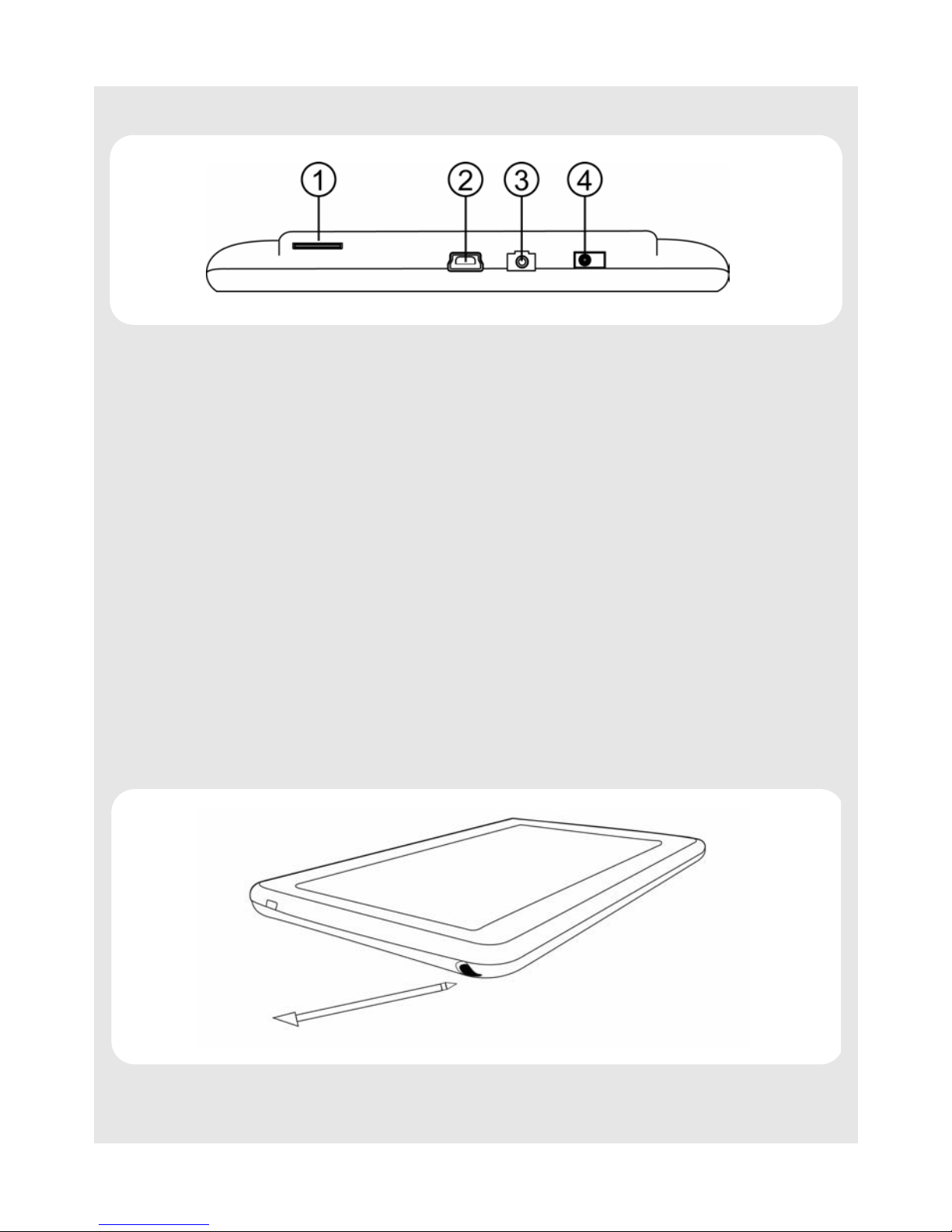
4.2 Top ....................................................................................................5
4.3 Back ..................................................................................................6
4.4 Side ...................................................................................................7
4.5 Basic operations of your Homesurf Tablet ........................................7
5 GETTING STARTED ...................................................................... 14
5.1 Charging your HomeSurf Tablet......................................................14
5.2 Inserting a memory card..................................................................15
5.3 Removing a memory card ...............................................................16
5.4 Switching on your HomeSurf Tablet................................................16
5.5 Switching off your HomeSurf Tablet................................................16
5.6 Home Screen ..................................................................................17
5.7 Extended Home Screen ..................................................................17
5.8 Program Launcher...........................................................................18
5.9 Set Time Zone.................................................................................18
5.10 Screen Rotation...............................................................................21
6 Applications on your HomeSurf Tablet....................................... 23
7 USB Connection ............................................................................ 24
7.1 Connecting Homesurf Tablet to a PC..............................................24
7.2 Disconnecting Homesurf Tablet from a PC .....................................25
8 Personalizing your HomeSurf Tablet .......................................... 26
8.1 Display.............................................................................................26
8.2 Sound ..............................................................................................30
9 Using the onscreen keyboard ...................................................... 31
9.1 Enter text and numbers ...................................................................31
9.2 Switch between input modes...........................................................31
9.3 Accept or Reject Dictionary Suggestions ........................................31
9.4 Edit text ...........................................................................................32
9.5 Calibrate the touch screen ..............................................................32
10 Making a Wireless Connection .................................................... 33
10.1 Register your HomeSurf Tablet to a Wi-Fi Network ........................33