EnglishDeutsch
 logo
Brands
  1. Home
  2. •
  3. Brands
  4. •
  5. Carrier
  6. •
  7. Air Conditioner
  8. •
  9. Carrier R-410A Technical manual

Carrier R-410A Technical manual

Other manuals for R-410A

1

Other Carrier Air Conditioner manuals

Carrier 38TOVG010-703 User manual

Carrier

Carrier 38TOVG010-703 User manual

Carrier 48N Series Guide

Carrier

Carrier 48N Series Guide

Carrier 51HK User manual

Carrier

Carrier 51HK User manual

Carrier 48KH Manual

Carrier

Carrier 48KH Manual

Carrier 50TCA04-A07 Installation and user guide

Carrier

Carrier 50TCA04-A07 Installation and user guide

Carrier COMFORTLINK 50HG014 User manual

Carrier

Carrier COMFORTLINK 50HG014 User manual

Carrier Air V User manual

Carrier

Carrier Air V User manual

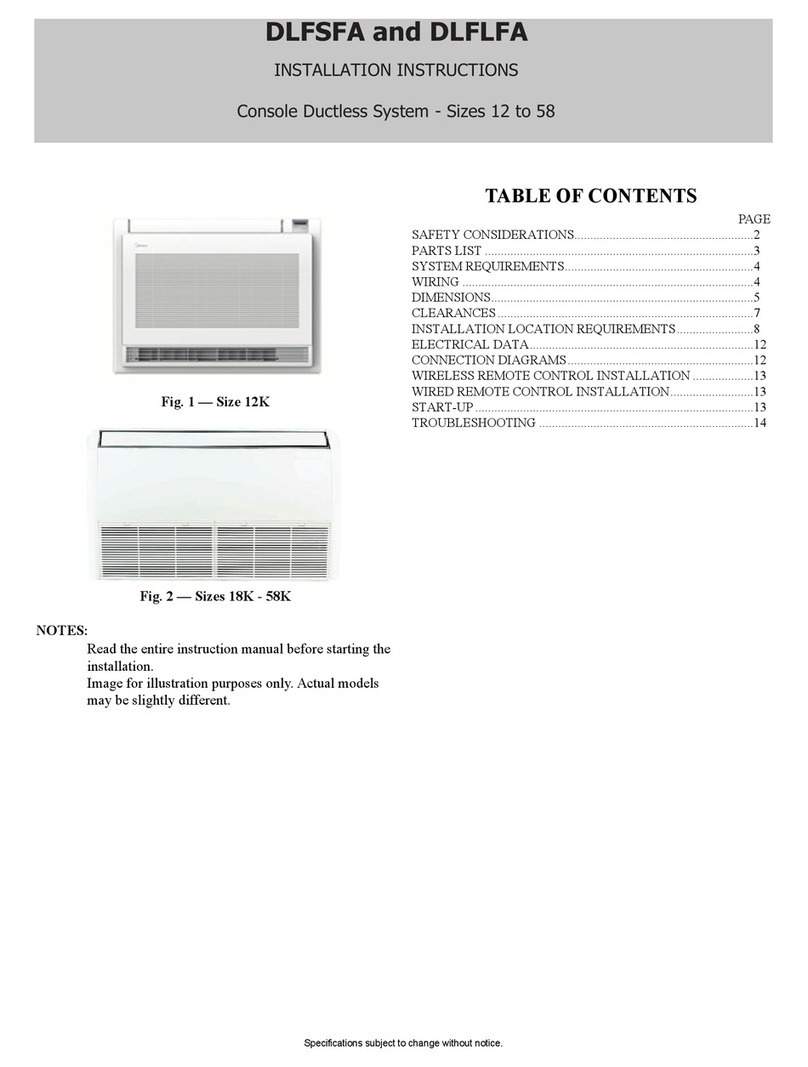
Carrier DLFSFA User manual

Carrier

Carrier DLFSFA User manual

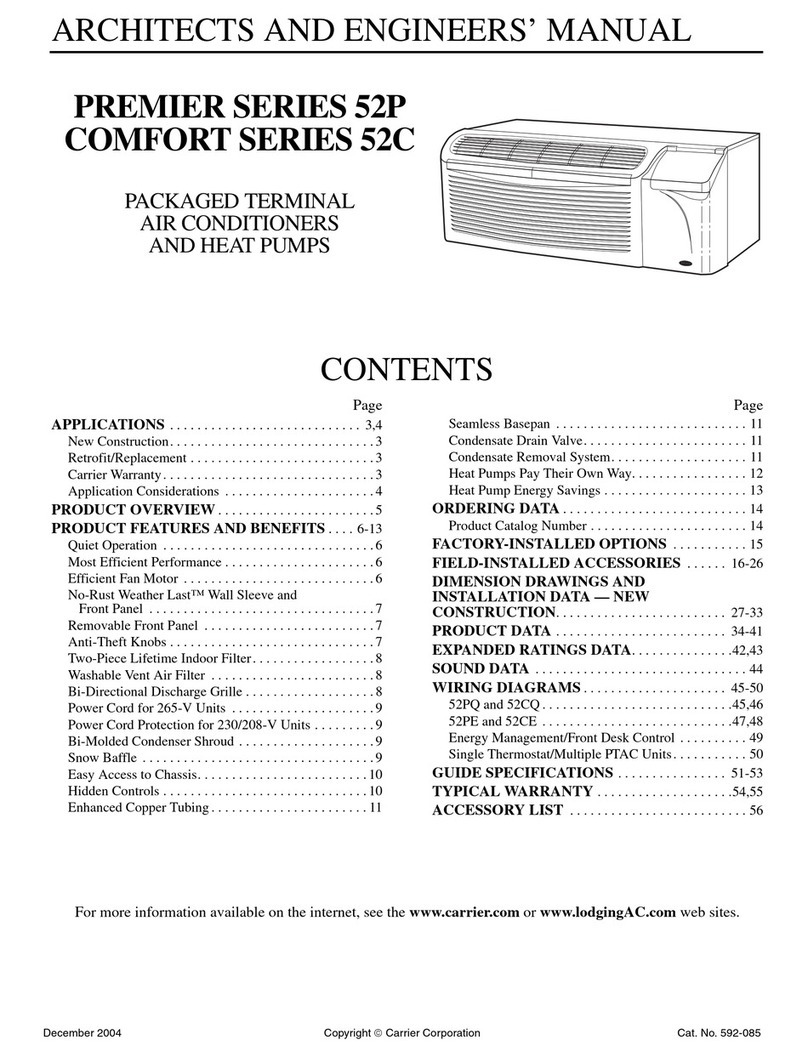
Carrier PREMIER 52P SERIES Quick start guide

Carrier

Carrier PREMIER 52P SERIES Quick start guide

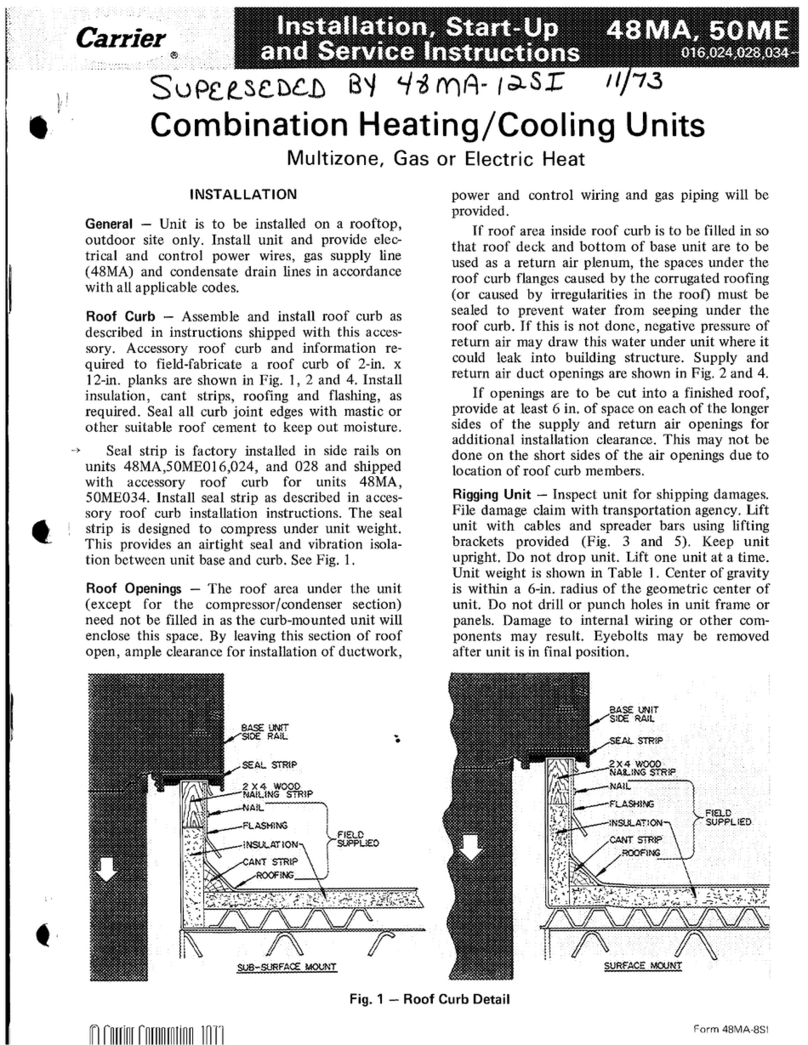
Carrier 48MA Dimensions and installation guide

Carrier

Carrier 48MA Dimensions and installation guide

Carrier 50TC Series Operation manual

Carrier

Carrier 50TC Series Operation manual

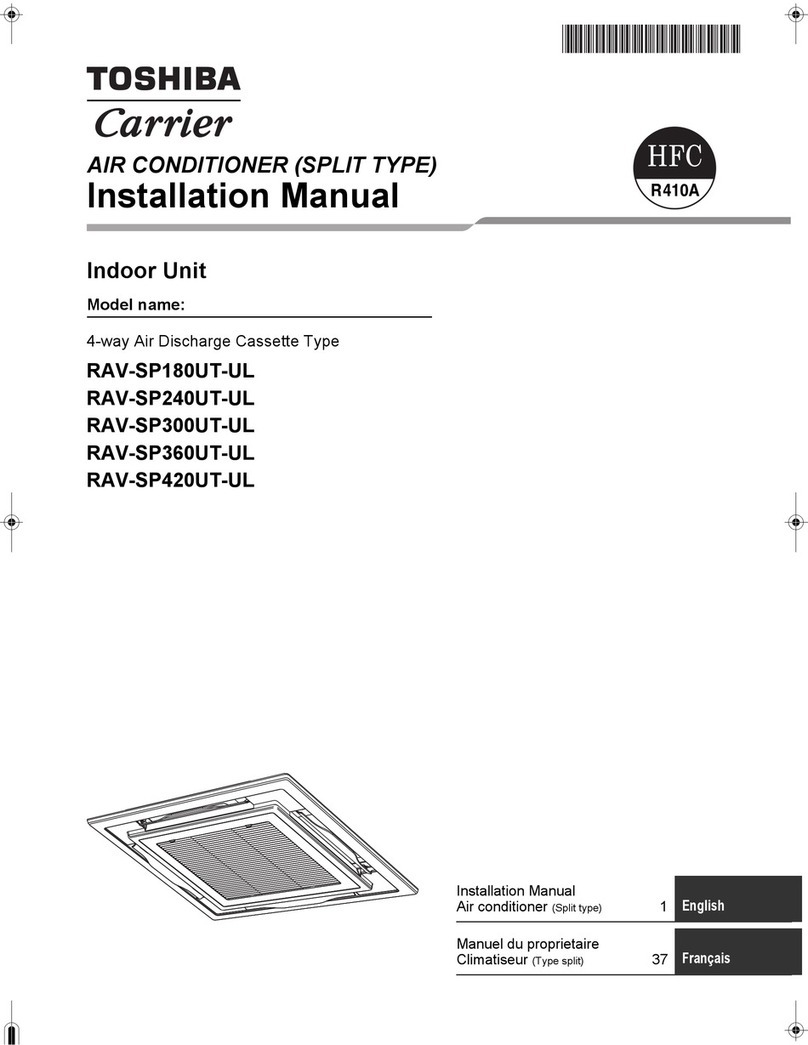
Carrier RAV-SP180UT-UL User manual

Carrier

Carrier RAV-SP180UT-UL User manual

Carrier 38AB054 Dimensions and installation guide

Carrier

Carrier 38AB054 Dimensions and installation guide

Carrier 48HDT Dimensions and installation guide

Carrier

Carrier 48HDT Dimensions and installation guide

Carrier 48HG024 Guide

Carrier

Carrier 48HG024 Guide

Carrier QHC Series User manual

Carrier

Carrier QHC Series User manual

Carrier 48LC Series User guide

Carrier

Carrier 48LC Series User guide

Carrier 42QTD009DS Series User manual

Carrier

Carrier 42QTD009DS Series User manual

Carrier 48FC Series User guide

Carrier

Carrier 48FC Series User guide

Carrier 50SD Operating instructions

Carrier

Carrier 50SD Operating instructions

Carrier 38QUS009DS User manual

Carrier

Carrier 38QUS009DS User manual

Carrier WeatherMaster 50GC 14 Series User manual

Carrier

Carrier WeatherMaster 50GC 14 Series User manual

Carrier WEATHERMASTER 50HJQ004 Dimensions and installation guide

Carrier

Carrier WEATHERMASTER 50HJQ004 Dimensions and installation guide

Carrier 42D Series Dimensions and installation guide

Carrier

Carrier 42D Series Dimensions and installation guide

Popular Air Conditioner manuals by other brands

Panasonic CS-E12HKEW operating instructions

Panasonic

Panasonic CS-E12HKEW operating instructions

Mitsubishi Electric MSZ-GE60VA null

Mitsubishi Electric

Mitsubishi Electric MSZ-GE60VA null

Samsung AVMFC052EA0(4) null

Samsung

Samsung AVMFC052EA0(4) null

Haier HSU-09H03/R null

Haier

Haier HSU-09H03/R null

Haier HSU-24C03 null

Haier

Haier HSU-24C03 null

Mitsubishi Electric MSZ-GE22VA null

Mitsubishi Electric

Mitsubishi Electric MSZ-GE22VA null

Samsung AVMCH052CA1 null

Samsung

Samsung AVMCH052CA1 null

nedis ACMB1WT7 quick start guide

nedis

nedis ACMB1WT7 quick start guide

Daikin FCFV50A Operation manual

Daikin

Daikin FCFV50A Operation manual

Fujitsu Inverter ASBA30JFC operating manual

Fujitsu

Fujitsu Inverter ASBA30JFC operating manual

Toshiba RAS-M10SMUV-E installation manual

Toshiba

Toshiba RAS-M10SMUV-E installation manual

Daikin FXLQ20MAVE Operation manual

Daikin

Daikin FXLQ20MAVE Operation manual

CIAT Magister 2 Series Installation, Operation, Commissioning, Maintenance

CIAT

CIAT Magister 2 Series Installation, Operation, Commissioning, Maintenance

Bestron AAC6000 instruction manual

Bestron

Bestron AAC6000 instruction manual

Frigidaire FFRE0533S1E0 Use & care guide

Frigidaire

Frigidaire FFRE0533S1E0 Use & care guide

Samsung AS09HM3N user manual

Samsung

Samsung AS09HM3N user manual

Frigidaire CRA073PU11 use & care

Frigidaire

Frigidaire CRA073PU11 use & care

Soleus Air GB-PAC-08E4 operating instructions

Soleus Air

Soleus Air GB-PAC-08E4 operating instructions

https://manuals.online logo
https://manuals.online logoBrands
  • About & Mission
  • Contact us
  • Privacy Policy
  • Terms and Conditions

Copyright 2026 Manuals.Online. All Rights Reserved.

SAFETY CONSIDERATIONS
Improper installation, adjustment, alteration, service,
maintenance, or use can cause explosion, fire, electrical
shock, or other conditions which may cause death,
personal injury, or property damage. Consult a qualified
installer, service agency, or your distributor or branch for
information or assistance. The qualified installer or
agency must use factory-authorized kits or accessories
when modifying this product. Refer to the individual
instructions packaged with the kits or accessories when
installing.
Follow all safety codes. Wear safety glasses, protective
clothing, and work gloves. Use quenching cloth for
brazing operations. Have fire extinguisher available. Read
these instructions thoroughly and follow all warnings or
cautions included in literature and attached to the unit.
Consult local building codes and National Electrical Code
(NEC) for special requirements.
Recognize safety information. This is the safety-alert
symbol/_ When you see this symbol on the unit and in
instructions or manuals, be alert to the potential for
personal injury. Understand these signal words:
DANGER, WARNING, and CAUTION. These words are
used with the safety-alert symbol. DANGER identifies
the most serious hazards which will result in severe
personal injury or death. WARNING signifies hazards
which could result in personal injury or death. CAUTION
is used to identify unsafe practices which may result in
minor personal injury or product and property damage.
NOTE is used to highlight suggestions which will result in
enhanced installation, reliability, or operation.
ELECTRICAL SHOCK HAZARD
Failure to follow this warning could result in personal
injury or death.
Before installing, modifying, or servicing system,
main electrical disconnect switch must be in the OFF
position. There may be more than 1 disconnect switch.
Lock out and tag switch with a suitable warning label.
THERMOSTAT
Your air conditioner is controlled by the thermostat mounted
on your wall. The thermostat is a highly sensitive low volt-
age device and is available in several different configura-
tions from different manufacturers. The details listed below
are typical for most installations. Ask your dealer for more
specific information regarding the model of thermostat
installed.
Cooling Mode
Set the system selector switch to COOL. The air conditioner
will run until the actual room temperature is lowered to the
point you have selected.
Temperature Control
Set the temperature selector to your desired room tempera-
ture. The air conditioner will run any time the actual room
temperature rises above the point you have selected.
Fan Control
The fan selector switch allows you to run the fan continuous-
ly or cycle it automatically with the cooling system. Set the
selector switch to ON for continuous operation or to AUTO
for automatic cycling. For maximum comfort satisfaction,
continuous fan operation throughout the year is recom-
mended (selector switch set to ON).
WHAT TO DO IF YOUR SYSTEM DOES
NOT WORK
Before Requesting a Service Call:
1. Check thermostat settings. Make sure to select a temper-
ature below the actual room temperature. Make sure the
system selector switch is in the COOL position.
2. Inspect your return air filter. Replace a dirty filter or
clean a reusable type filter.
3. Check circuit breakers and/or fuses. Reset breakers or re-
place fuses as necessary.
.Inspect the coils and fins on the outdoor unit. Clean away
any obstructions (grass clippings, leaves, dirt, dust, or
lint). Check that branches, twigs, or other debris are not
obstructing the fan blade.
If your system still does not operate,
contact your servicing dealer.
Have the Model and Serial Numbers of the indoor and out-
door units available and be sure to describe the problem.

REGULAR MAINTENANCE
REQUIREMENTS
Your system should be regularly inspected by a qualified ser-
vice technician. Between visits, there are some routine
maintenance procedures you can do to help keep your sys-
tem operating at peak performance.
ELECTRICAL SHOCK HAZARD
Failure to follow this warning could result in
personal injury or death.
Turn OFF all electrical power to both the indoor and
outdoor units before performing any maintenance or
removing any panels or doors. There may be more
than one electrical disconnect switch
Air Filter
Inspect air filters at least monthly and replace or clean as re-
quired. Disposable type filters should be replaced. Reusable
type filters may be cleaned by soaking in mild detergent and
rinsing with cold water. Install filters with the arrows on the
side pointing in the direction of air flow.
Dirty air filters are the most common cause of inadequate
cooling performance, and of compressor failures.
Condensate Drain
The indoor coil condenses water from the air, and this water
must be disposed through an appropriate drain system. Dur-
ing the cooling season check at least monthly for free flow
of drainage and clean if necessary.

Outdoor Unit Coils
Grass clippings, leaves, dirt, dust, lint from clothes dryers,
and fall-off from trees can be drawn into coils by movement
of the air. Clogged outdoor coils will lower the efficiency of
your unit and could cause damage to the compressor. Clean
debris away from the outdoor coils.
Use a soft bristle brush with light pressure only. Do not dam-
age or bend coil fins. Damaged or bent fins may affect unit
operation.
Painted Surfaces
In geographical areas where the water has ahigh concentra-
tion of minerals (calcium, iron, sulfur, etc.) it is recom-
mended that lawn sprinklers not be allowed to spray on the
unit. Spraying this type of water on the unit may result in pre-
mature deterioration of the paint finish and metal compo-
nents.
Never use a weather cover over the outdoor unit unless it is
a ventilated type or made of breathable fabric that will allow
moisture to evaporate rapidly. A cover that holds moisture
in the unit will cause more rust build-up and damage than
normal exposure to weather.
REGULAR DEALER MAINTENANCE
In addition to the routine maintenance that you perform,
your home comfort system should be inspected regularly by
a properly trained service technician. The inspection (pre-
ferably twice each year, but at least once every year) should
include the following:
• Routine inspection of air filter(s). Replacement or
cleaning as required.
• Inspection and cleaning of the blower wheel, housing,
and motor as required.
• Inspection and, if required, cleaning of indoor and
outdoor coils.
• Inspection of the indoor coil drain pan, plus the
primary and secondary drain lines. If supplied, the
auxiliary drain pan and line should be inspected at this
time. Service should include cleaning if required.
• A check of all electrical wiring and connections.
• A check for secure physical connections of individual
components within units.
• Operational check of the air conditioner system to
determine actual working condition. Necessary repair
and/or adjustment should be performed at this time.
Your servicing dealer may offer an economical service con-
tract that covers seasonal inspections. Ask for further details.
FOR THE RECORD
Record the model, product, and serial numbers of your new
equipment. This information, along with the other ready ref-
erence facts requested, will be necessary should you ever re-
quire information or service.
Copyright 2011 CAC/BDR •7310 W. Morris St. •Indianapolis, IN 46231 Printed in Mexico edition date: 12/11
Manufacturer reserves the right to change, at any time, specification8 and design8 without notice and without obligations,
Catalog No: OG-ACR41OGEN-01
Replaces: New