manuals.online logo
Brands
  1. Home
  2. •
  3. Brands
  4. •
  5. Celabs
  6. •
  7. Amplifier
  8. •
  9. Celabs HA4-4K User manual

Celabs HA4-4K User manual

Other Celabs Amplifier manuals

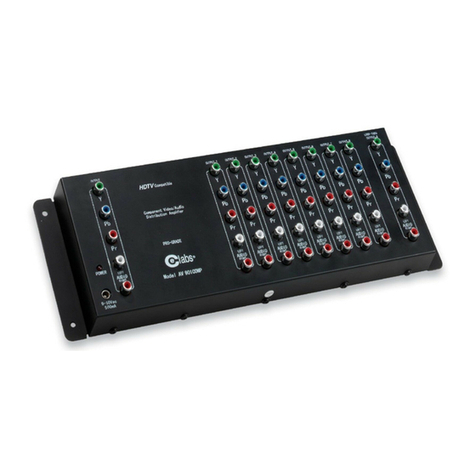
Celabs AV901COMP User manual

Celabs

Celabs AV901COMP User manual

Celabs AV901HD User manual

Celabs

Celabs AV901HD User manual

Celabs HA8 User manual

Celabs

Celabs HA8 User manual

Celabs 6001 User manual

Celabs

Celabs 6001 User manual

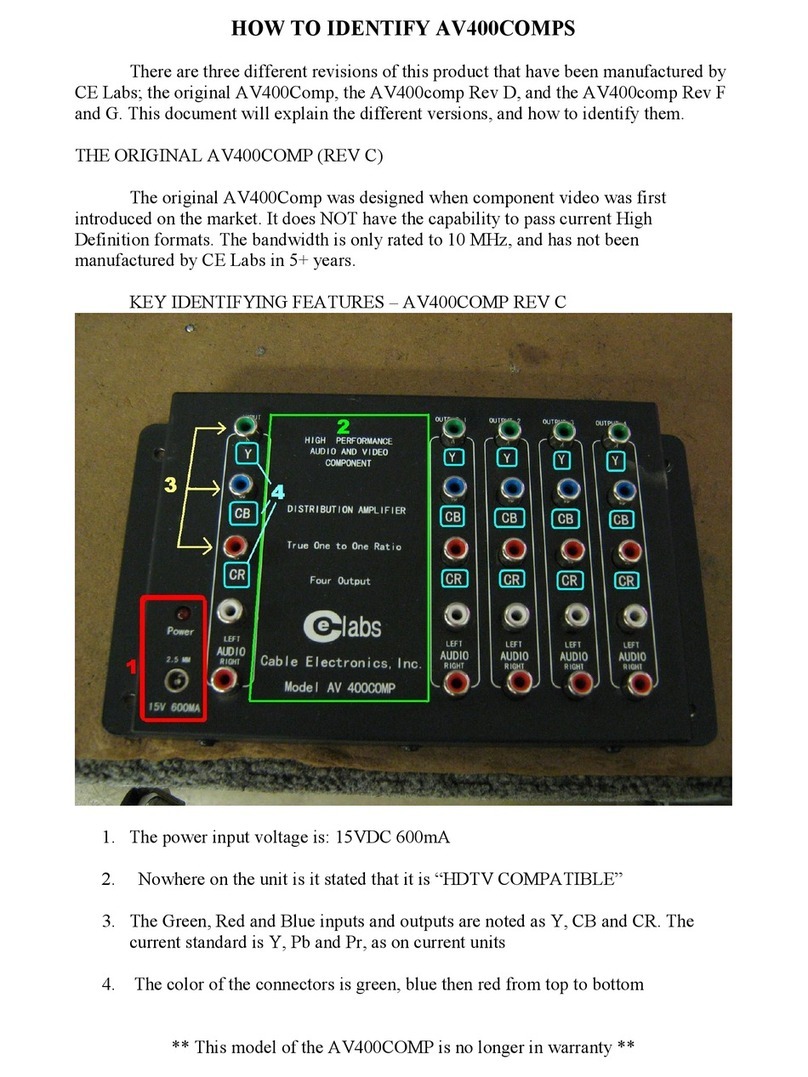
Celabs AV400COMP User manual

Celabs

Celabs AV400COMP User manual

Celabs HA8-3 User manual

Celabs

Celabs HA8-3 User manual

Celabs AV400COMP Owner's manual

Celabs

Celabs AV400COMP Owner's manual

Celabs AV400 User manual

Celabs

Celabs AV400 User manual

Celabs HA82-3 User manual

Celabs

Celabs HA82-3 User manual

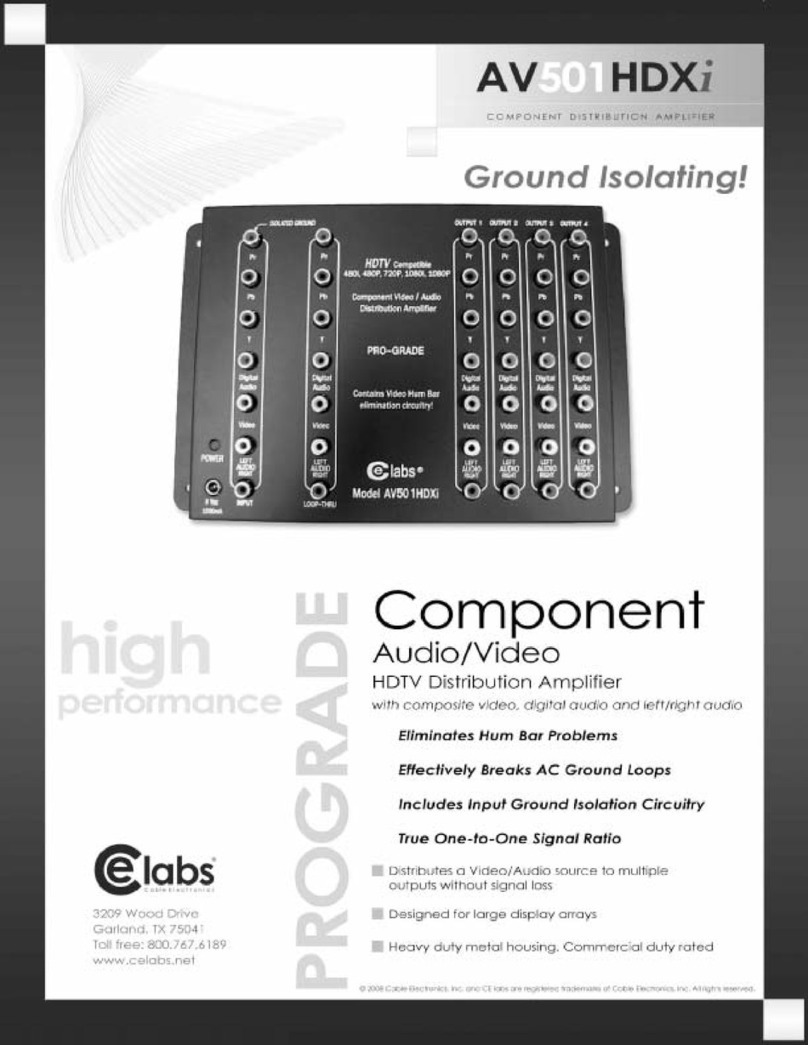
Celabs AV501HDXi User manual

Celabs

Celabs AV501HDXi User manual

Celabs HA4-4K User manual

Celabs

Celabs HA4-4K User manual

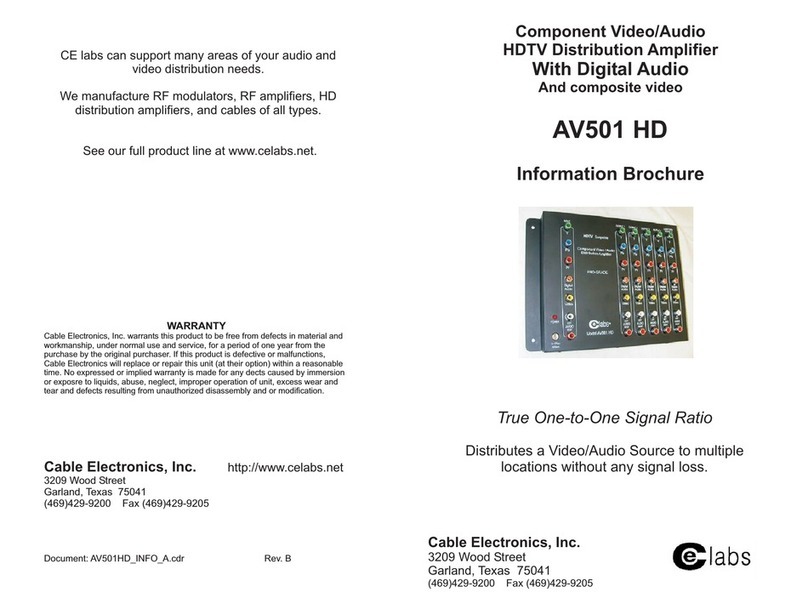
Celabs AV501 HD User manual

Celabs

Celabs AV501 HD User manual

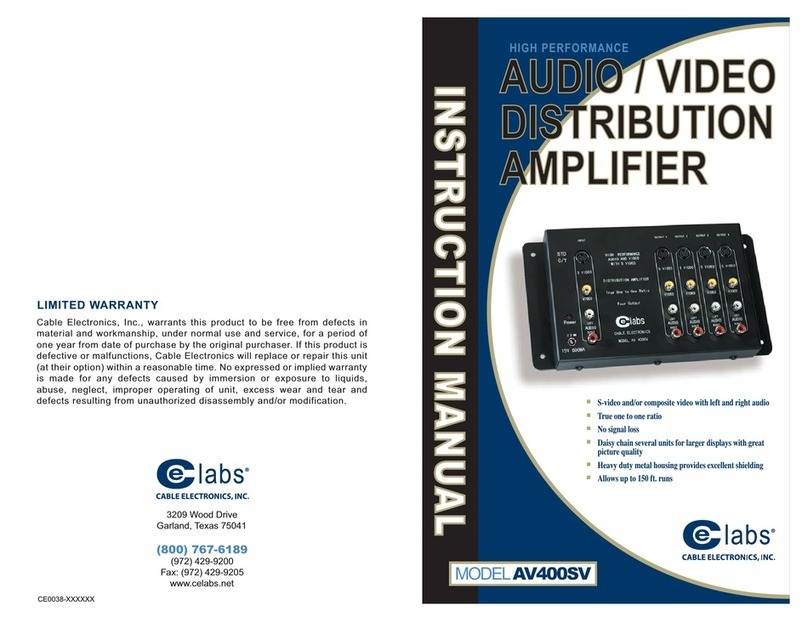
Celabs AV400SV User manual

Celabs

Celabs AV400SV User manual

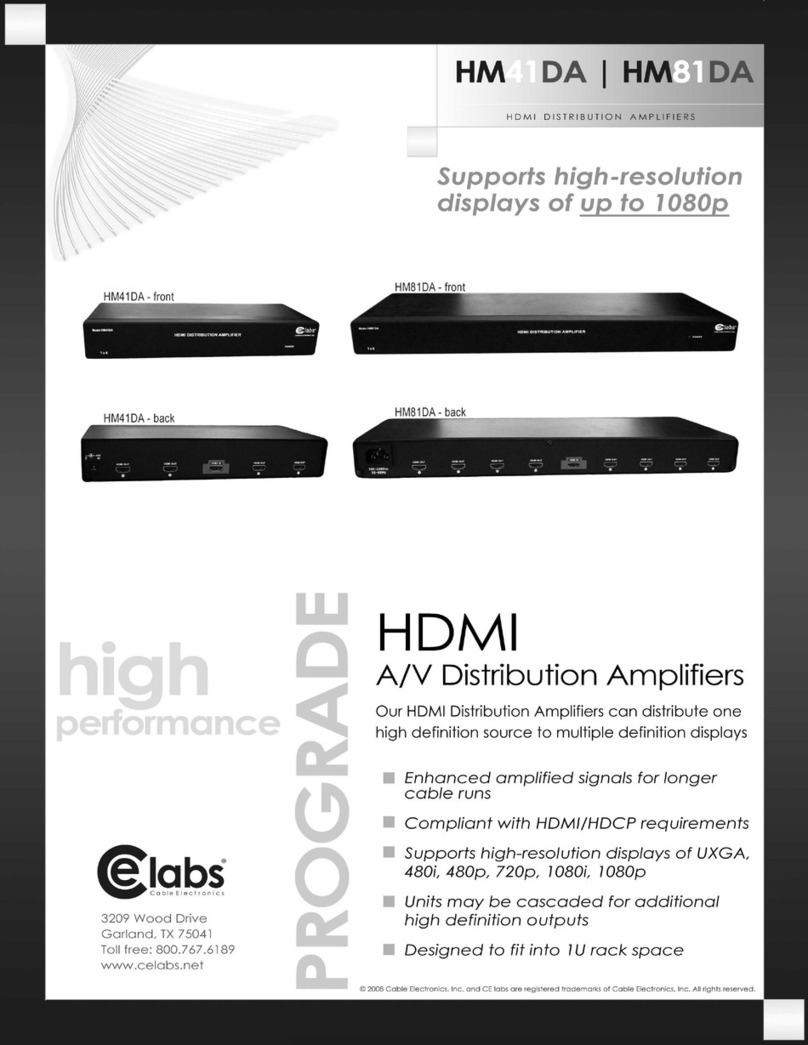
Celabs HM41DA User manual

Celabs

Celabs HM41DA User manual

Celabs AV901COMP User manual

Celabs

Celabs AV901COMP User manual

Popular Amplifier manuals by other brands

Magnat Audio EDITION FOUR Owner's manual/warranty document

Magnat Audio

Magnat Audio EDITION FOUR Owner's manual/warranty document

Inter-m PA-2000A Operation manual

Inter-m

Inter-m PA-2000A Operation manual

Yamaha TX6n owner's manual

Yamaha

Yamaha TX6n owner's manual

Peavey TNT 150 user guide

Peavey

Peavey TNT 150 user guide

Bosch LBB 1903/10 Installation and user instructions

Bosch

Bosch LBB 1903/10 Installation and user instructions

Avocent Emerge DA1200D Installer/user guide

Avocent

Avocent Emerge DA1200D Installer/user guide

Redgum RGi35 operating instructions

Redgum

Redgum RGi35 operating instructions

Cambridge Audio AXA25 user manual

Cambridge Audio

Cambridge Audio AXA25 user manual

Alpine MRP-M200 owner's manual

Alpine

Alpine MRP-M200 owner's manual

Technical Pro H1502UrBT user manual

Technical Pro

Technical Pro H1502UrBT user manual

FMS EMGZ307 operating manual

FMS

FMS EMGZ307 operating manual

Racal Instruments 5601 user manual

Racal Instruments

Racal Instruments 5601 user manual

Valcom V-1094A Technical specifications

Valcom

Valcom V-1094A Technical specifications

Cambridge Audio 851D user manual

Cambridge Audio

Cambridge Audio 851D user manual

QSC 3800 Specifications

QSC

QSC 3800 Specifications

NAD C300 owner's manual

NAD

NAD C300 owner's manual

Rotel RMB-1077 owner's manual

Rotel

Rotel RMB-1077 owner's manual

Peavey Monitor 300 Series operating guide

Peavey

Peavey Monitor 300 Series operating guide

manuals.online logo
manuals.online logoBrands
  • About & Mission
  • Contact us
  • Privacy Policy
  • Terms and Conditions

Copyright 2025 Manuals.Online. All Rights Reserved.

WARRANTY
Cable Electronics, Inc. warrants this product to be free from defects in material and
workmanship, under normal use and service, for a period of one year from the
purchase by the original purchaser. If this product is defective or malfunctions,
Cable Electronics will replace or repair this unit (at their option) withinareasonable
time. No expressed or implied warranty is made for any defects caused by
immersion or exposure to liquids, abuse, neglect, improper operation of unit, excess
wear and tear and defects resulting from unauthorized disassembly and or modification.
3209 Wood Drive
Garland, TX 75041
Phone: (469) 429-9200
Toll free: (800) 767-6189
Fax: (469) 429-9205
www.celabs.net
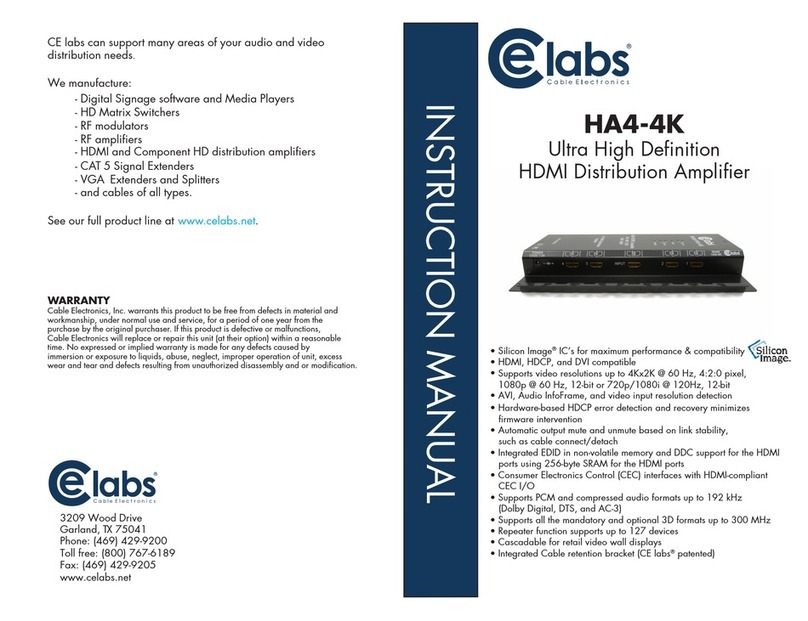
CE labs can support many areas of your audio and video
distribution needs.
We manufacture:
- Digital Signage software and Media Players
- HD Matrix Switchers
- RF modulators
- RF amplifiers
- HDMI and Component HD distribution amplifiers
- CAT 5 Signal Extenders
- VGA Extenders and Splitters
- and cables of all types.
See our full product line at .www.celabs.net
INSTRUCTION MANUAL
Ultra High Definition
HDMI Distribution Amplifier
HA4-4K
.
• Silicon Image®IC’s for maximum performance & compatibility
• HDMI, HDCP, and DVI compatible
• Supports video resolutions up to 4K x 2K @ 30 Hz, 8-bit,
1080p @ 60 Hz, 12-bit or 720p/1080i @ 120Hz, 12-bit
• AVI, Audio InfoFrame, and video input resolution detection for all
input ports, accessible port-by-port
• Hardware-based HDCP error detection and recovery minimizes
firmware intervention
• Automatic output mute and unmute based on link stability,
such as cable connect/detach
• Integrated EDID in non-volatile memory and DDC support for the HDMI
ports using 256-byte SRAM for the HDMI ports
• Consumer Electronics Control (CEC) interfaces with HDMI-compliant
CEC I/O
• Supports PCM and compressed audio formats up to 192 kHz
(Dolby Digital, DTS, and AC-3)
• Supports all the mandatory and optional 3D formats up to 300 MHz
• Repeater function supports up to 127 devices
• Cascadable for retail video wall displays
• Integrated Cable retention bracket (CE labs®patented)

Pin # Signal Pin # Signal
1 TMDS Data 2+ 11 TMDS Clock Shield
2 TMDS Data2Shield 12 TMDS Clock -
3 TMDS Data 2- 13 CEC
4 TMDS Data 1+ 14 Reserved (N.C.)
5 TMDS Data1Shield 15 SCL
6 TMDS Data 1- 16 SDA
7 TMDS Data 0+ 17 DDC/CEC Ground
8 TMDS Data0Shield 18 +5 Power
9 TMDS Data 0- 19 Hot Plug Detect
10 TMDS Clock+
INSTALLATION / OPERATION INSTRUCTIONS
1. Turn off the devices to be connected together.
2. Connect the HDMI cable between the source (DVD, Satellite Receiver, etc.)
and the “HDMI In” port of the Distribution Amplifier.
3. Connect the HDMI cables from the outputs of the distribution amplifier to the
inputs of the monitors.
4. Power up the Distribution Amplifier and the Monitor connected to HDMI output
number one on the amplifier. Leave the other monitors off for now.
5.Turn on power to the source device. The monitor connected to output number one
should have picture and sound within about 5 seconds.
6. Turn on power to the remaining monitors.
7. Install cable ties through the two holes on either side of the cable if desired to
prevent accidental unplugging of the HDMI cables. See picture above.
NOTES: 1. All monitors connected to the distribution amplifier should be capable of the same resolution.
2. Always connect the first monitor to output number one on the Distribution Amplifier first.
This is necessary for the Electronic ID to be read properly by the source.
3. For optimum performance, try to use HDMI cables no longer than 5 meters in length.
1
2
34 Input
DC IN
HDMI SOURCE OUT 1
HDMI Distribution Amplifiers Cascade Configuration
SPECIFICATIONS
4-4KAHModel
HDMI Connector (A-Type Female)
4K x 2K @ 30Hz, 8-bit.Max Resolution
Cable Distance
Signal Type HDMI V1.4 Compliant
DC 12V 1.5APower Adapter (Min.)
MetalHousing
(2.2 lbs.) 1.0 KgWeight
Dimensions (LxWxH) 10.5” x 6.3“ x 1.25”
1
4
6m (Max.)
1
2
34 Input
DC IN
1
2
34 Input
DC IN
HA4-4K Units may be cascaded 6 layers deep.
HD MONITOR
#1
HA4-4K
HD MONITOR
#3
HD MONITOR
#4
HD MONITOR
#6
HD MONITOR
#7
HD MONITOR
#10
HA4-4K
HA4-4K
Use these tabs to secure
the HDMI cables with a cable tie.