Adding a Wireless computers to the WiFi-Repeater
1.Log on to the computer.
2.Open Connecttoa Network by rightclicking the network icon 1 "1g or ffi )
in the notification area.
3.Choose the wireless network from the list that appears, and then click
Connect.
4.Type the network security key or passphrase if you are asked to do so,
and then click OK. You'll see a confirmation message when you are
connected to the network.
5.To confirm that you added the computer, do the following:
Open Network by clicking the Start buttonfJ, and then clicking Gontrol
Panel. ln the search box, type network, and then, under Network and
Sharing Center, click View network computers and devices. You should
see icons for the computer you added and for the other computers and
devices that are part of the network.
Note : lf you don't see icons in the Network folder, then network discovery
and file sharing might be turned off.
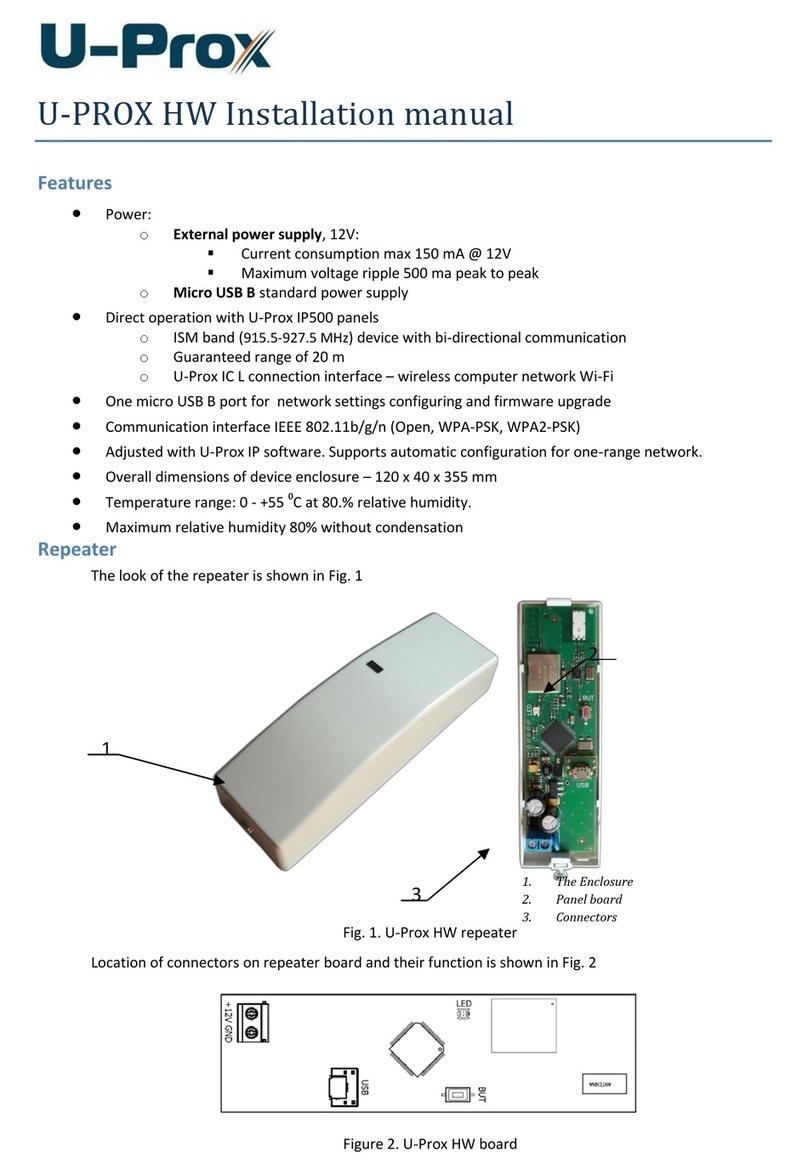
Addinq a wired (Ethernet) computer to the WiFi-Repeater
1.Plug the computer into WiFi-Repeater and then turn it on.
2.To confirm that you added the computer, do the following:
Open Network by clicking the Start buttonS, and then clicking Control
Panel. In the search box, type network, and then, under Network and
Sharing Center, click View network computers and devices. You should
see icons for the computer you added and for the other computers and
devices that are part of the network.
For more information:
http://windows.microsoft.com/en-US/windowsT/Add-a-device-or-computer-to-a network
http://wi ndows. m i crosoft. co m/e n-u S/wi n dowsT/Setti ng-u p-a-wi re less-netwo rk
http://wi ndows. m i crosoft. co m/e n-U S/wi n dows-vista/Setting-u p-a-wi reless-network
Please click "Wireless -> Basic Settings" located at the web management
interface, the following message will be displayed on your web browser:
You could configure the minimum number of Wireless settings for
communication, such as Network Name (SSID) and Channel. The Access
Point can be set simply with only the minimum settjng items.
Wireless Basi. Setfinq6
Disable Wireless
Mode
SSID of AP or
SSID of Connect to
SSID of Extended
Band
: Wireless On/Off
Supports AP / Repeater modes.
: Main Service Set ldentifier. lt's the
"name" of your wireless network.
Universal Repeater Mode (Acting
as AP and client simultaneouly)
Supports 11 B/'l1G/11 N mixed modes.