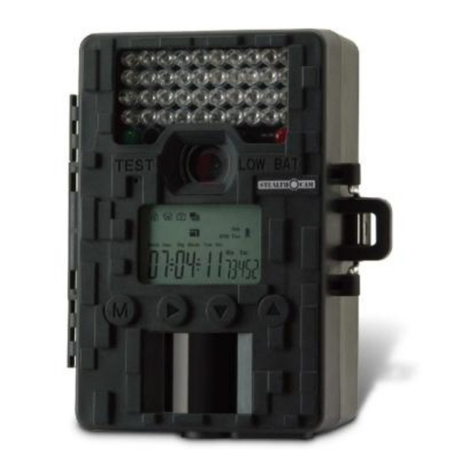
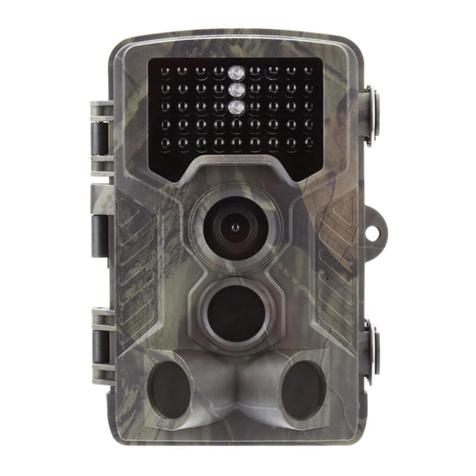
3. Press Up/Down button to scan all menu. Then
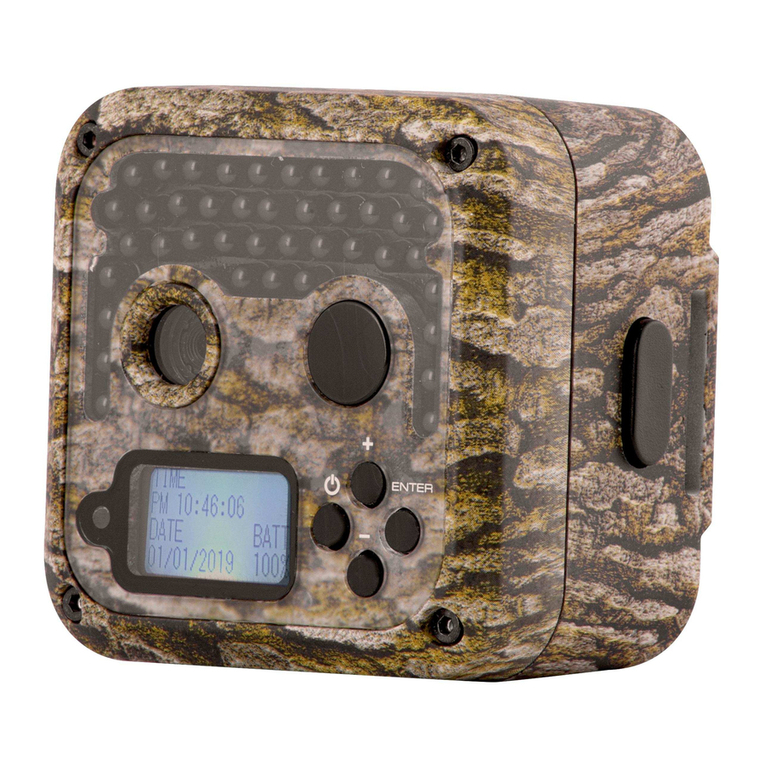
press OK button to enter the options interface.
4. Press Up/Down button to scan all options. And
press OK button to confirm options.
5. Press Menu button again to turn back to last
menu or exit the setup menu.
Setup menu and function as below:
Set the working mode. In capture mode,the
camera just take pictures. In Video mode,the
camera just record video. In capture&video
mode,the camera will take a photo first,then start
Options:【Photo】/【Video】/【Photo&Video】.