8
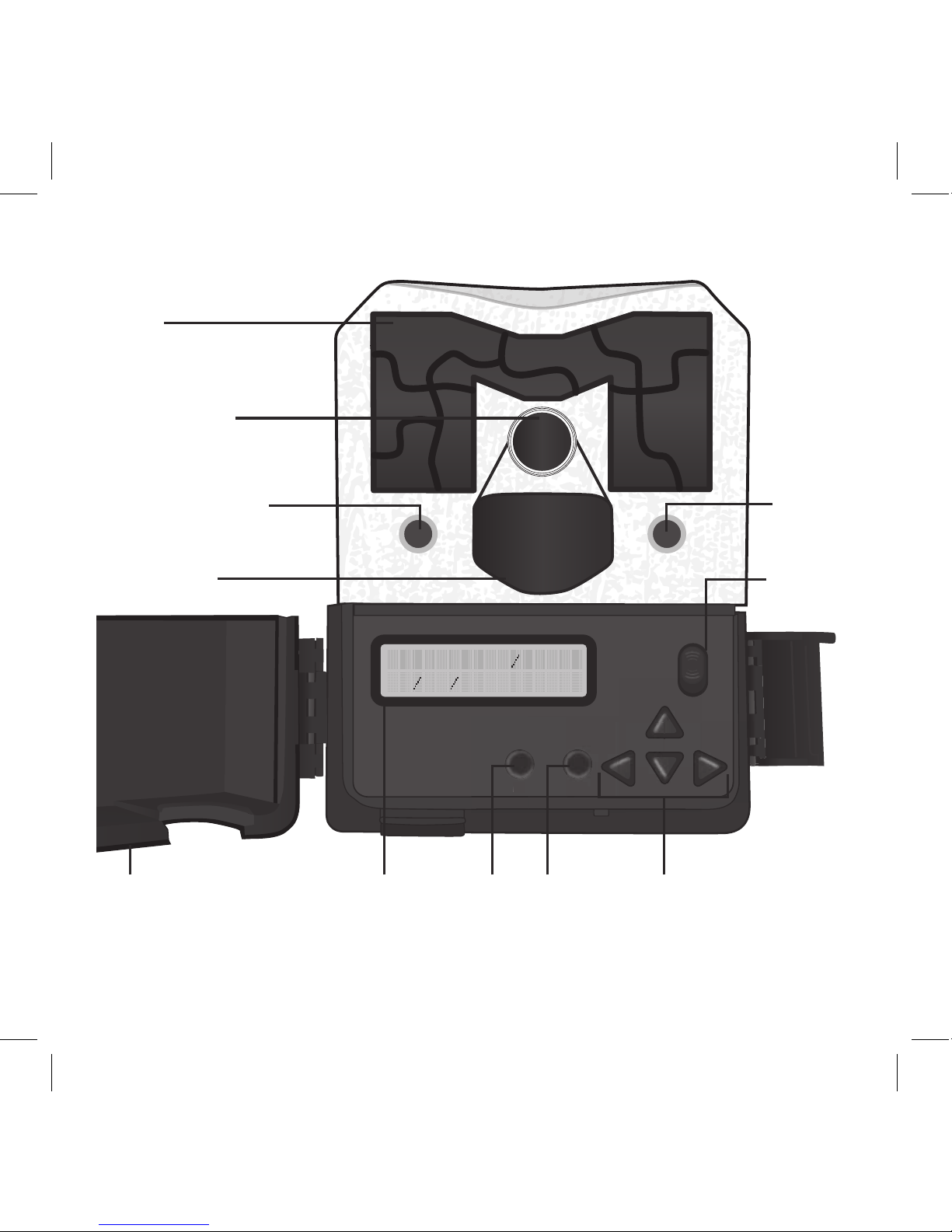
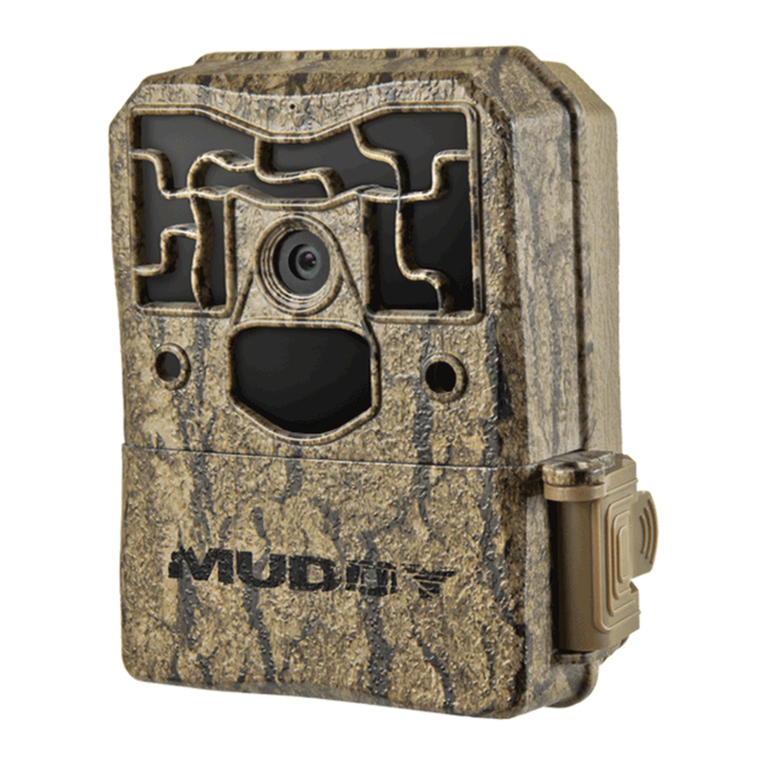
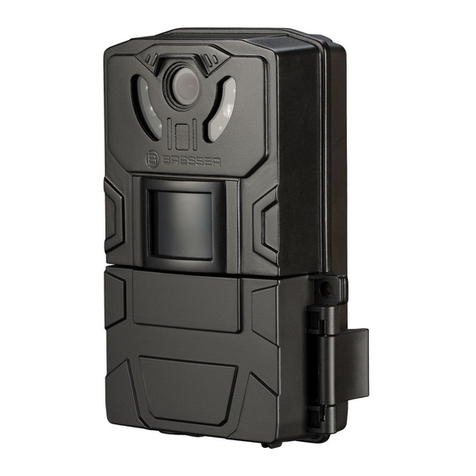
1. To access the user interface and insert a SDHC
Card, lift up on the side locking latch located
toward the bottom of the side of the camera.
After the latch is disengaged, move latch to
allow the interface door to open (Fig. 1).
2. Insert the SDHC card with the contacts facing
away. The SDHC card should slide in freely
with little resistance. Continue pressing the
card inward until you hear a click. This means
the SDHC card is locked in place and ready for
use. (Fig. 2).
3. To remove SDHC card, press the card inwards
to release.
NOTE: We do NOT recommend using cards
that came out of a camera from a dierent
manufacturer, or one that has previously been
used in a point and shoot camera. Doing so,
your Pro-Cam might not be able to accept or
read the SDHC Card properly. Use the Format
SDHC Card function on the camera for a full
format before each use (after you have either
copied or reviewed all your photos, see page 17
for reviewing photos), or if any problems occur.
Another option is a full format on a PC. Formatting
a SDHC card clears le system corruption and
erases everything on the SDHC card.
MEMORY CARD INSTALL:
CARD